Category
Troubleshooting
Fix common issues with timers, sync, and app performance.
Popular
Featured in this category
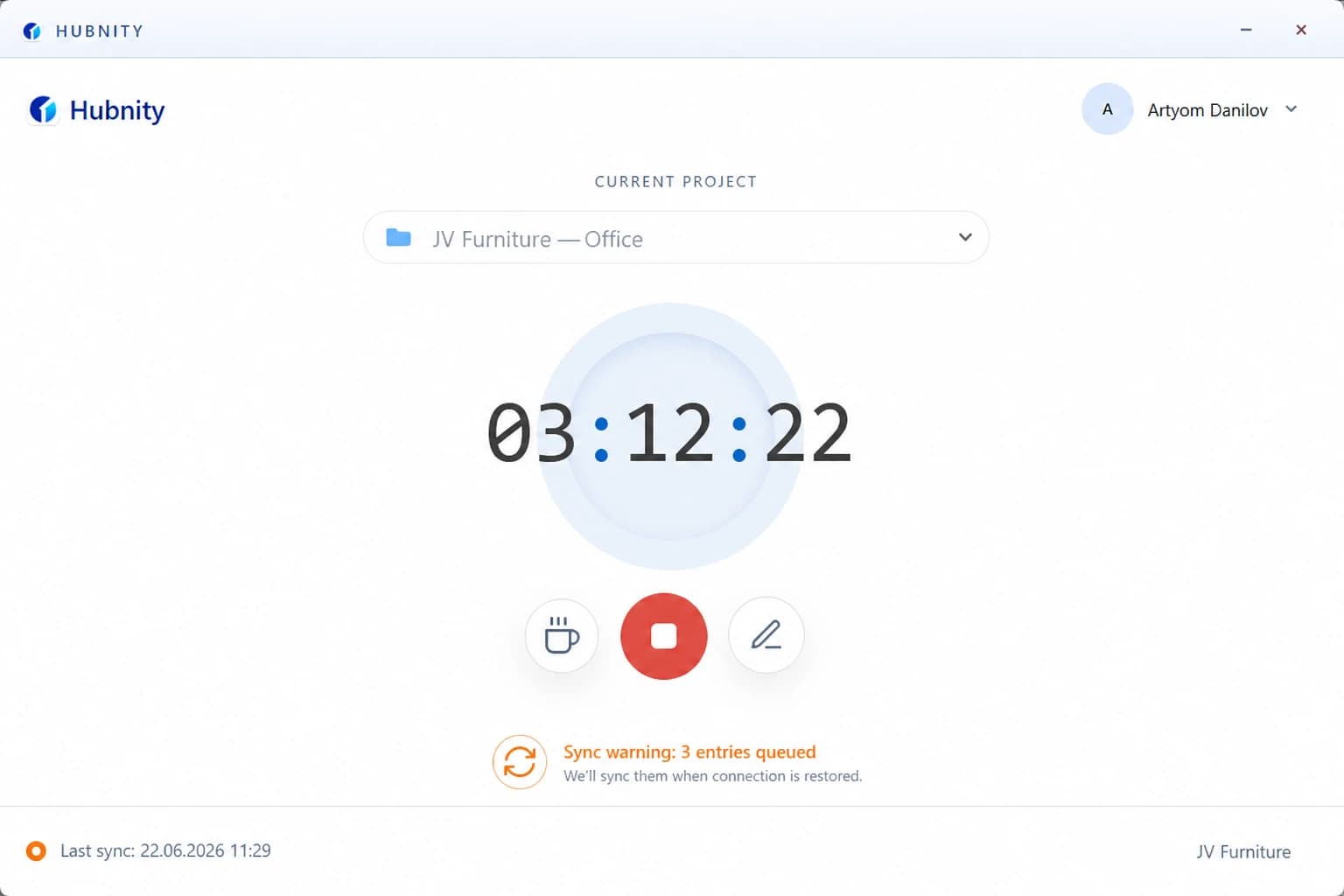
Fixing Timer Sync Issues
Fix timer sync issues when tracked time does not appear in the dashboard or uploads are delayed.
8 min readRead article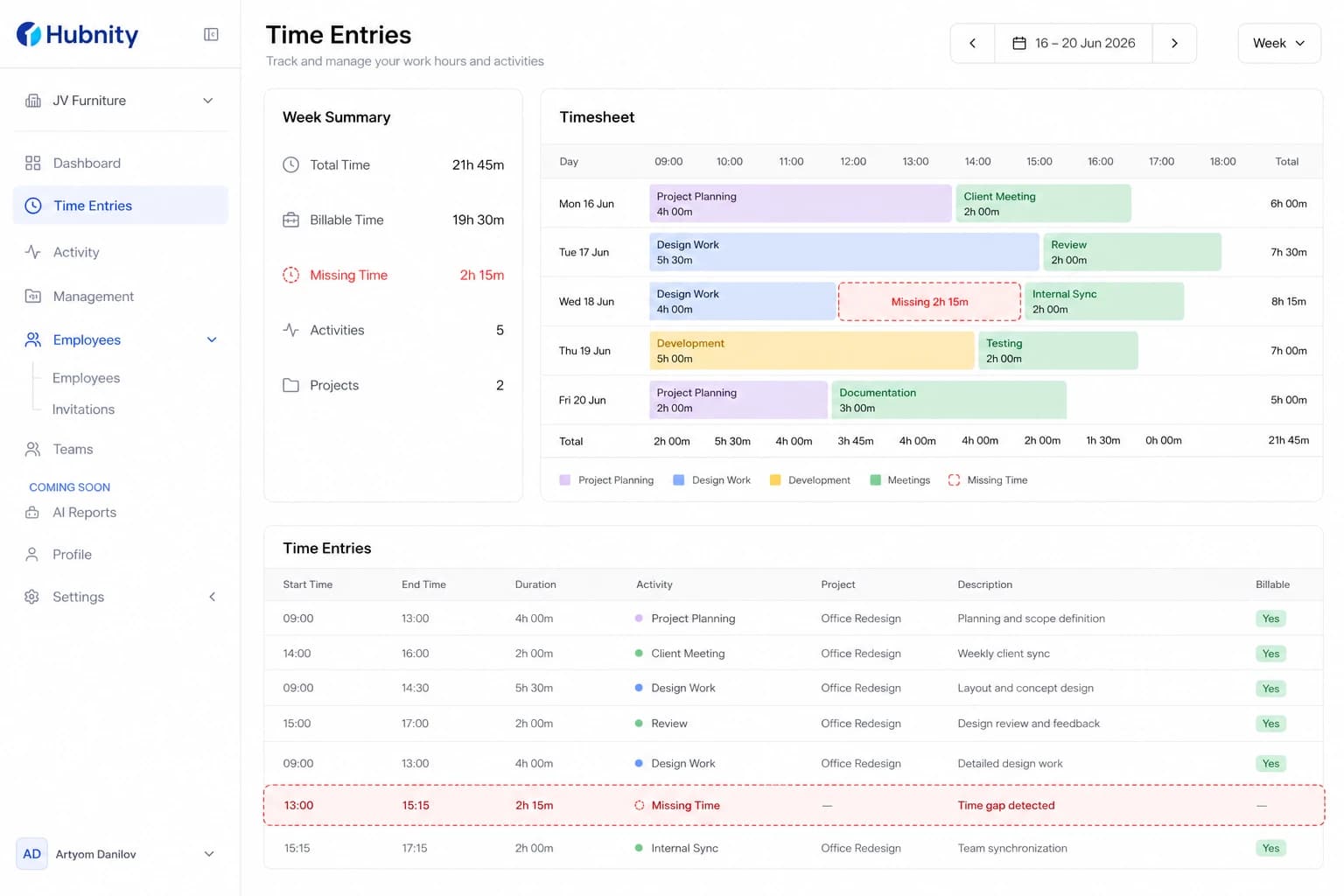
Recovering Missing Time Entries
Recover missing time entries caused by sync failures, idle trimming, or accidental deletion.
8 min readRead article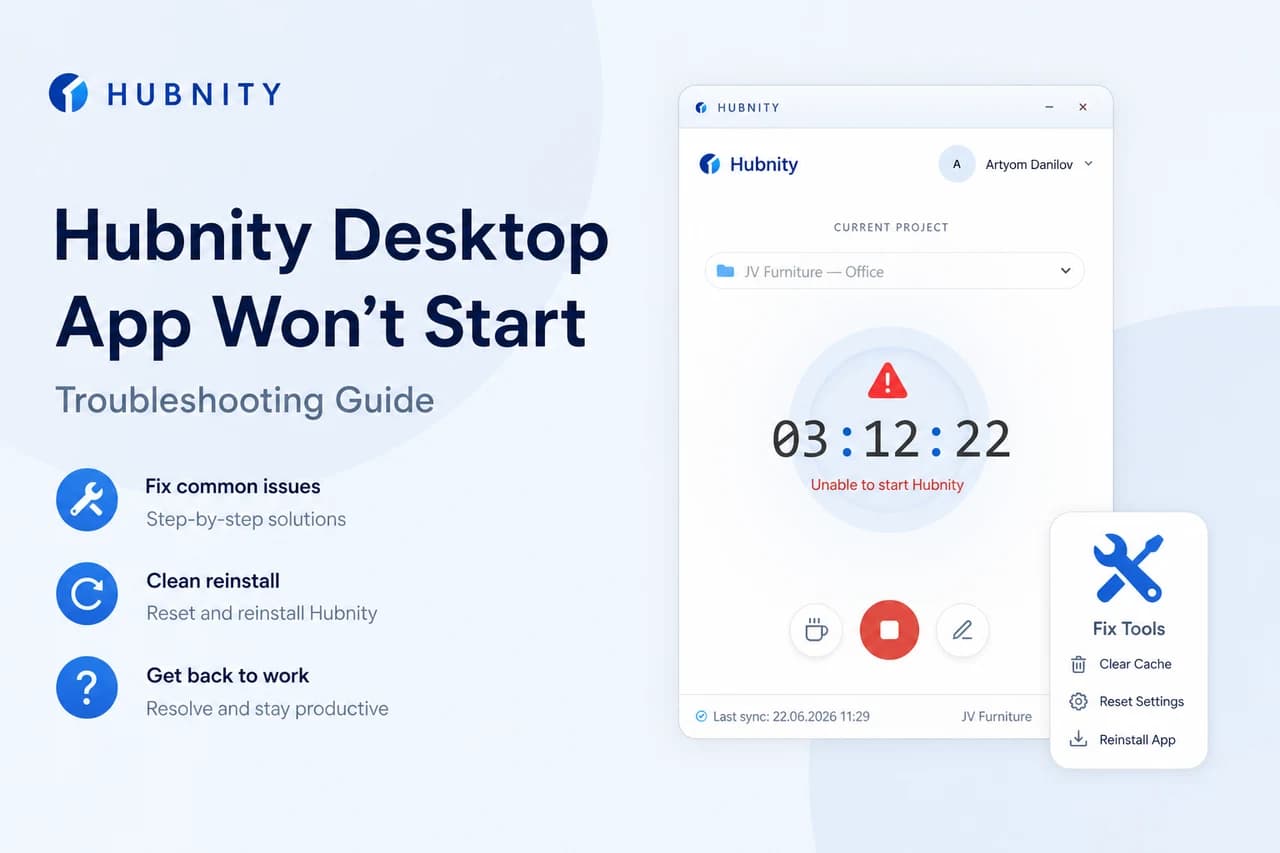
Desktop App Won't Start or Crashes
Troubleshoot Hubnity desktop app startup failures, crashes, and permission errors.
8 min readRead article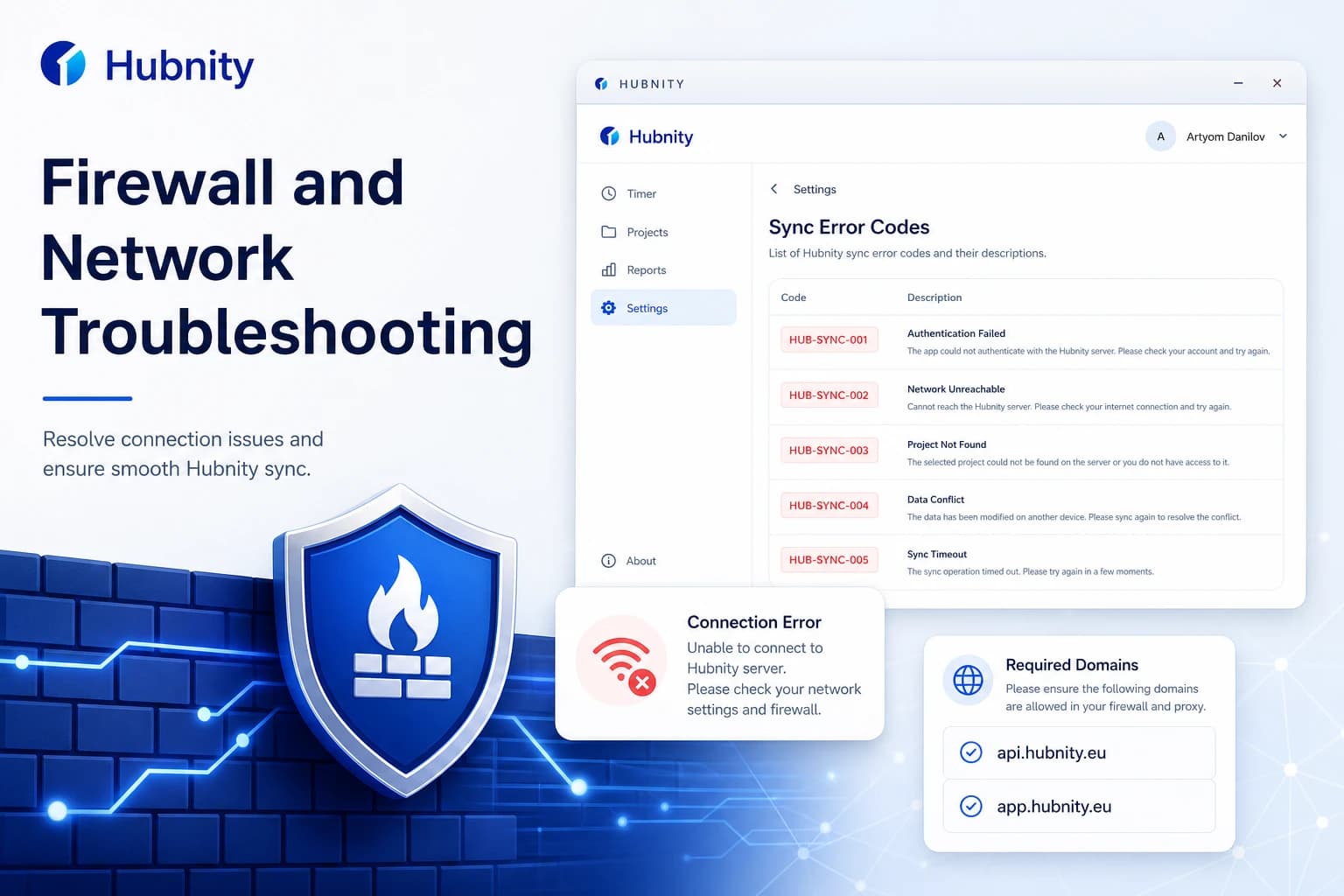
Firewall and Network Troubleshooting
Resolve network and firewall issues that block Hubnity desktop, mobile, and API connectivity.
9 min readRead article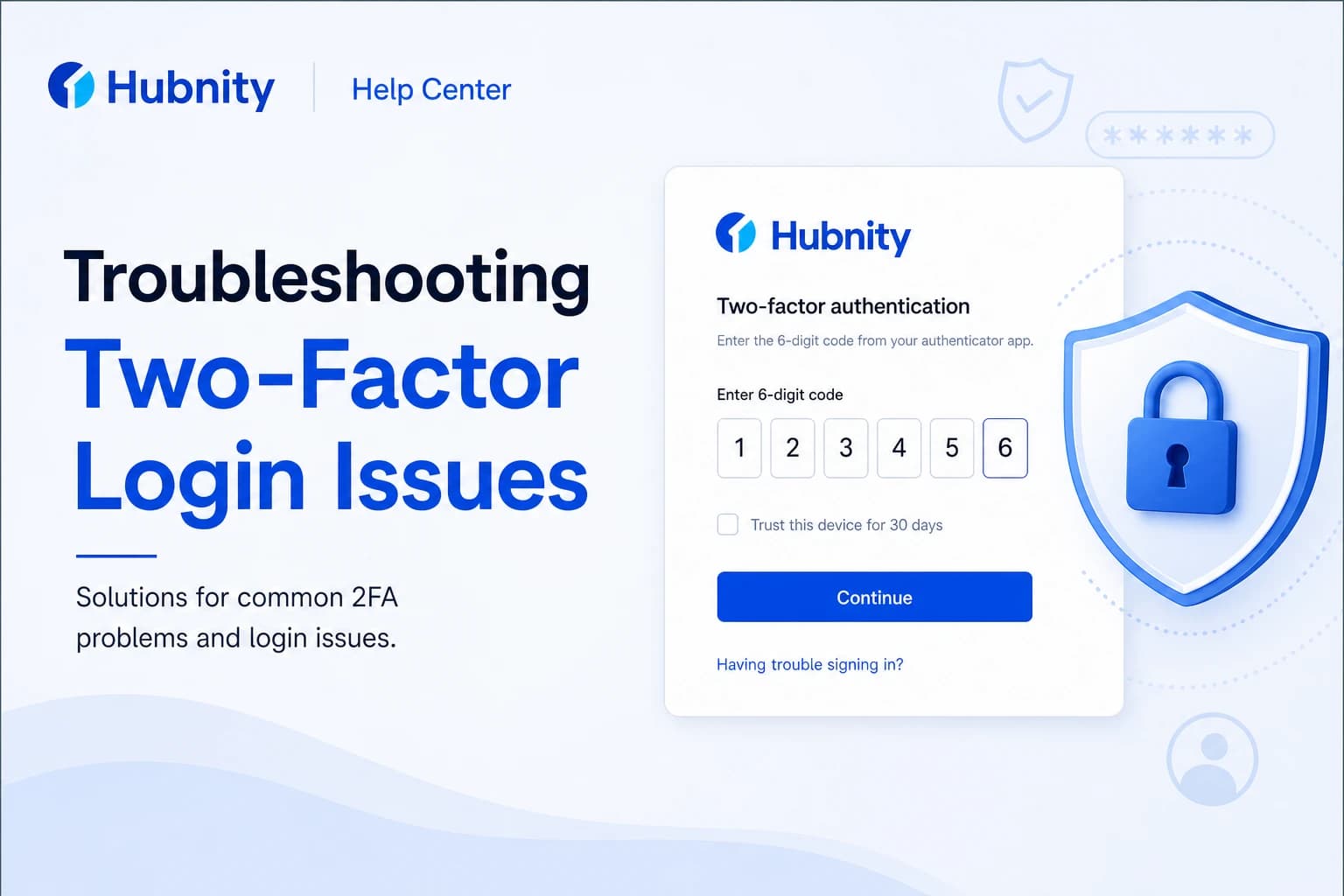
Troubleshooting Two-Factor Login Issues
Fix common two-factor authentication login failures, expired codes, and lost device recovery.
8 min readRead article
All articles
Browse by topic
Sync & data
4 articles- Fixing Timer Sync Issues
Fix timer sync issues when tracked time does not appear in the dashboard or uploads are delayed.
8 min read - Recovering Missing Time Entries
Recover missing time entries caused by sync failures, idle trimming, or accidental deletion.
8 min read - Resetting Local Sync Data
Reset corrupted local sync cache on desktop or mobile when persistent sync errors occur.
6 min read - Firewall and Network Troubleshooting
Resolve network and firewall issues that block Hubnity desktop, mobile, and API connectivity.
9 min read

App issues
4 articles- Desktop App Won't Start or Crashes
Troubleshoot Hubnity desktop app startup failures, crashes, and permission errors.
8 min read - Troubleshooting Two-Factor Login Issues
Fix common two-factor authentication login failures, expired codes, and lost device recovery.
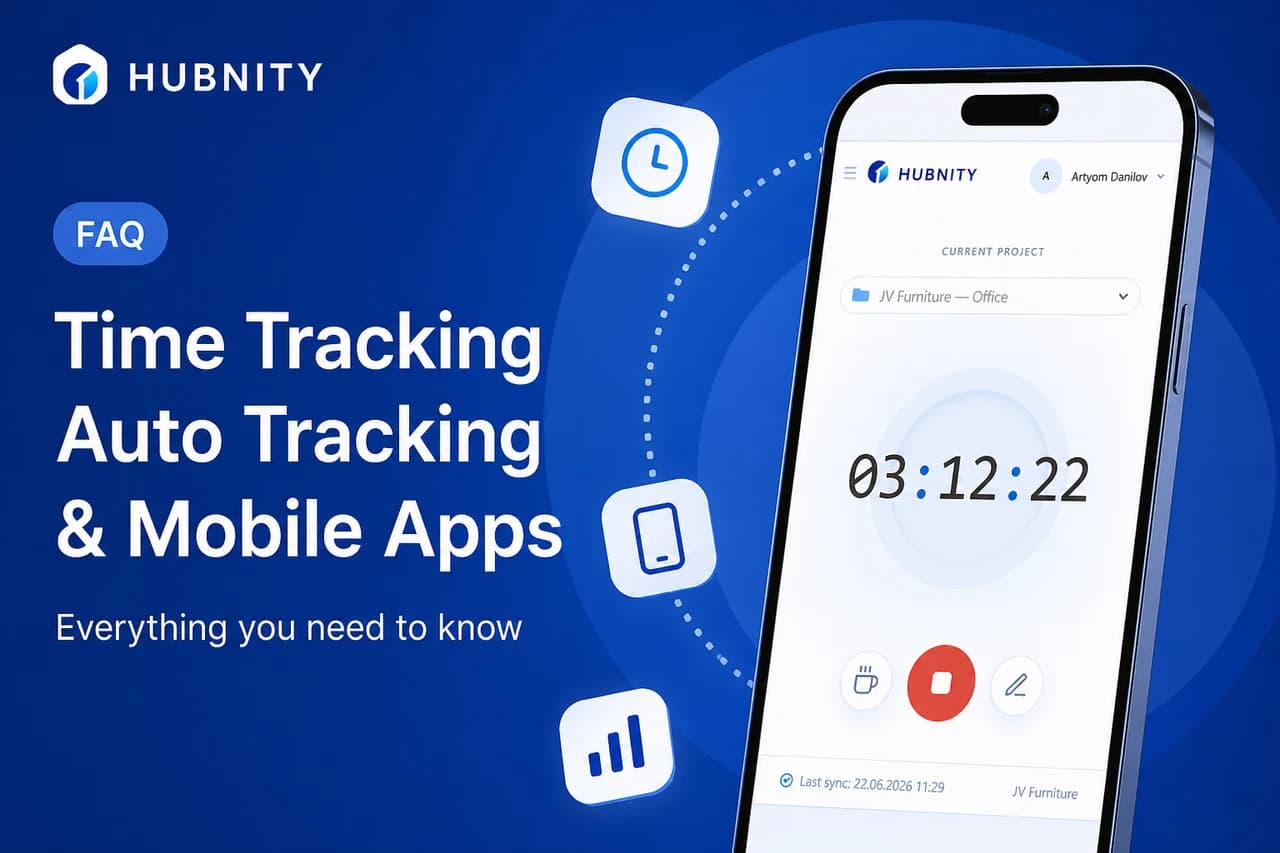
8 min read - Time Tracking FAQ
Quick answers about timers, auto tracking, mobile apps, and missed entries—aligned with hubnity.eu.
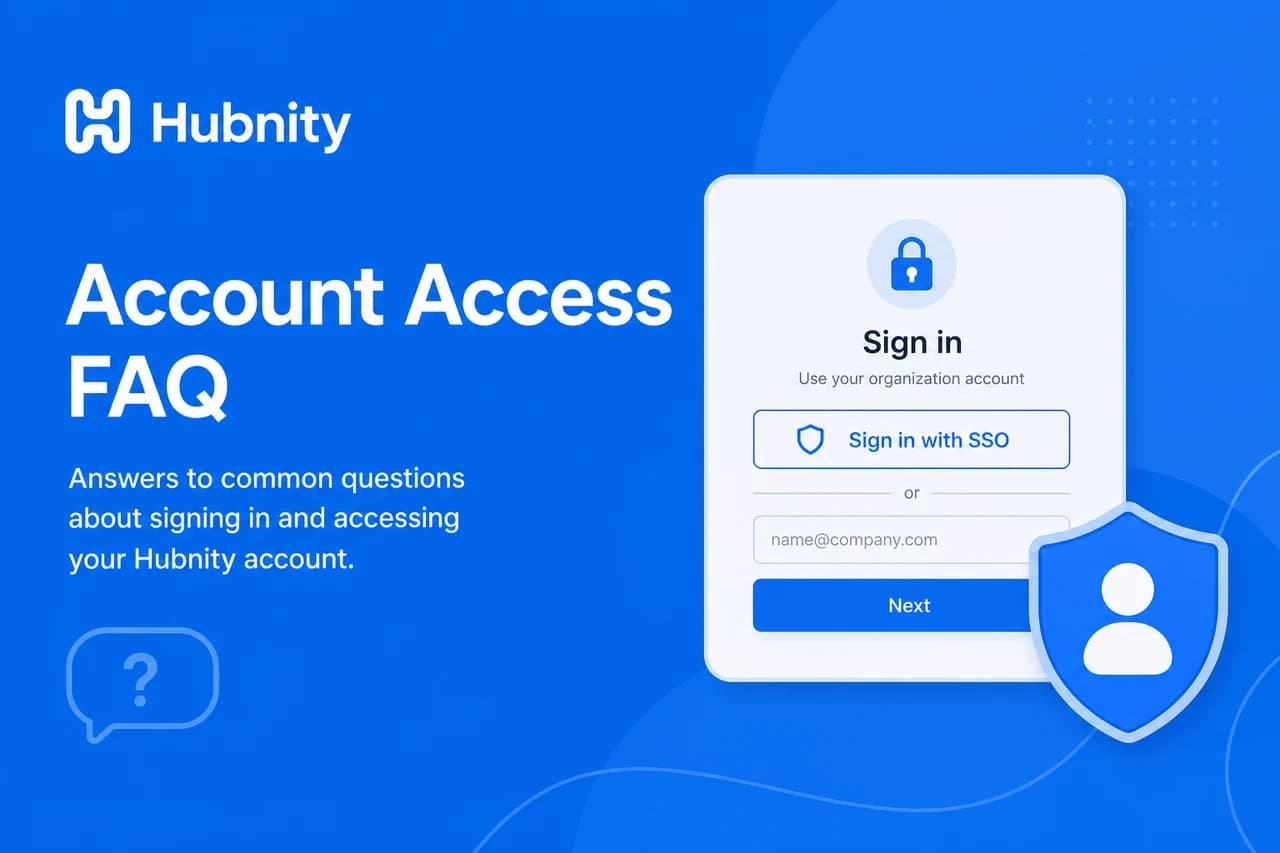
10 min read - Account Access FAQ
Common questions about signing in, SSO, locked accounts, password reset, and multiple organizations.
9 min read
Need more help?
Still have questions? We can help.
Our support team typically responds within 2 hours. You can also chat with Hubnity support on WhatsApp from the main site.