Install the Hubnity desktop app for Mac, Windows, or Linux—featured on hubnity.eu automated timesheets.
Desktop app on hubnity.eu
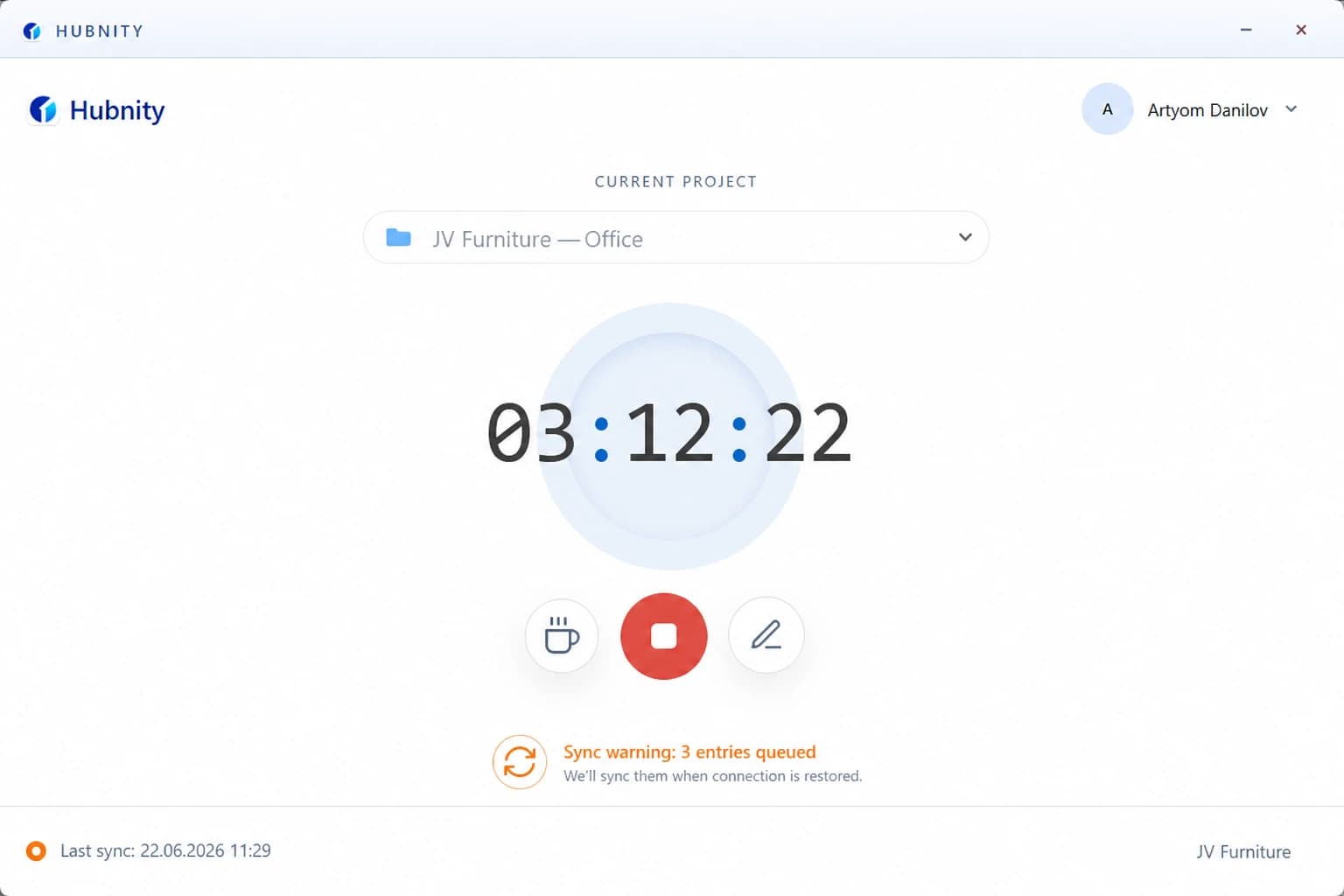
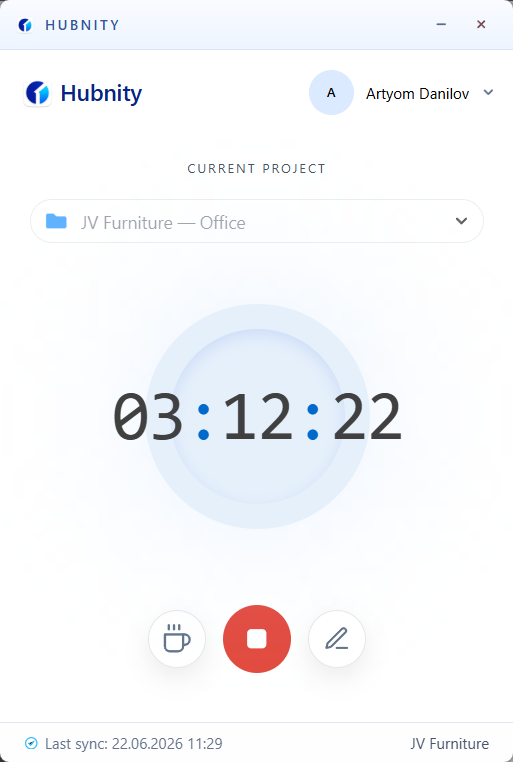
Install the desktop app for Mac, Windows, or Linux (setup under a minute, no admin rights required).
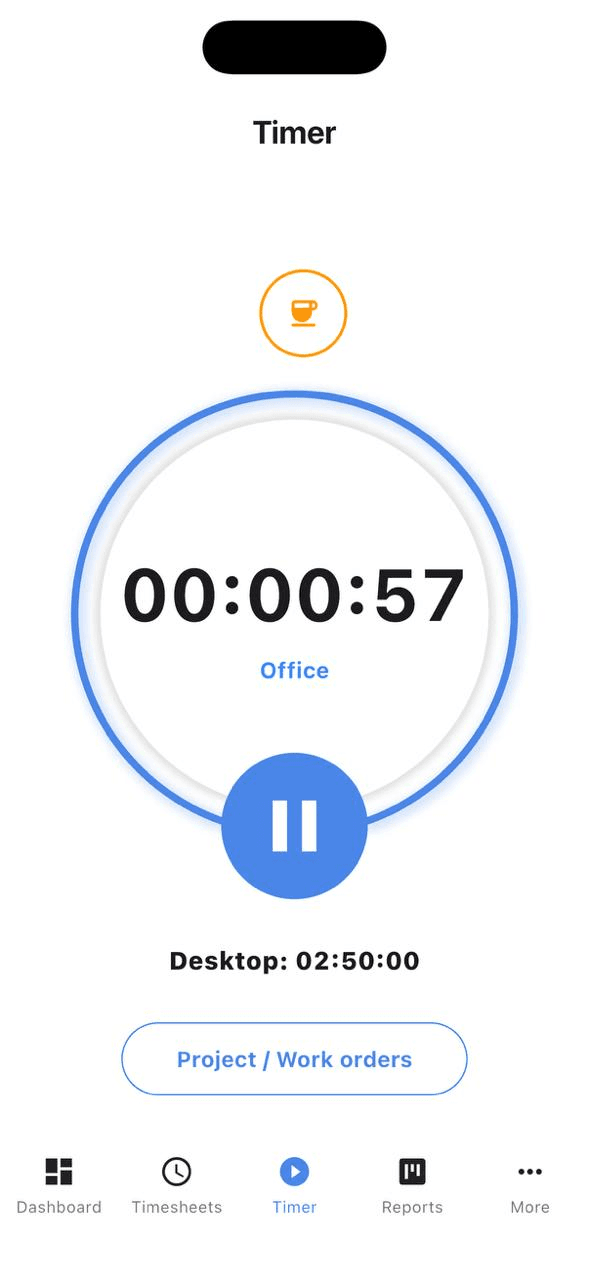
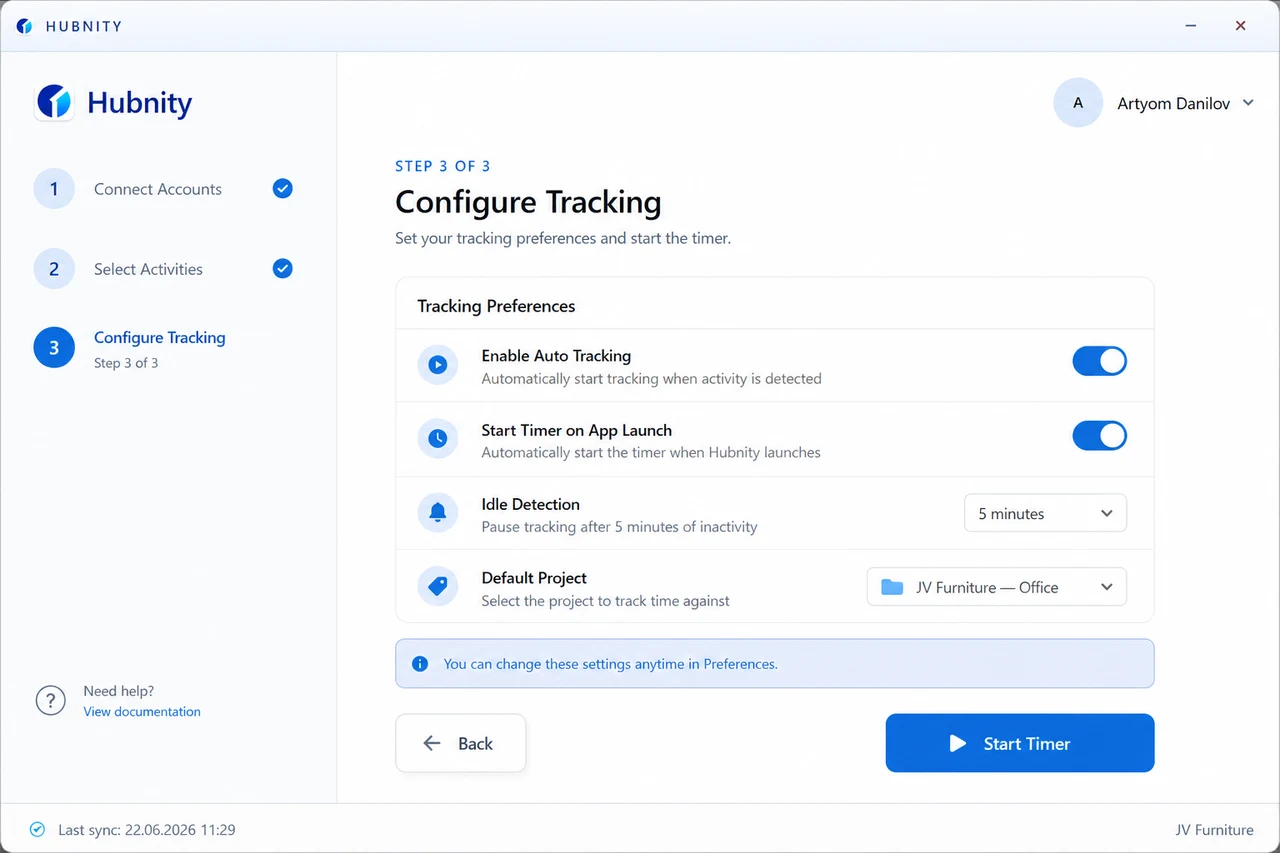
Log working hours and switch between projects with a single click—or let auto tracking run in the background.
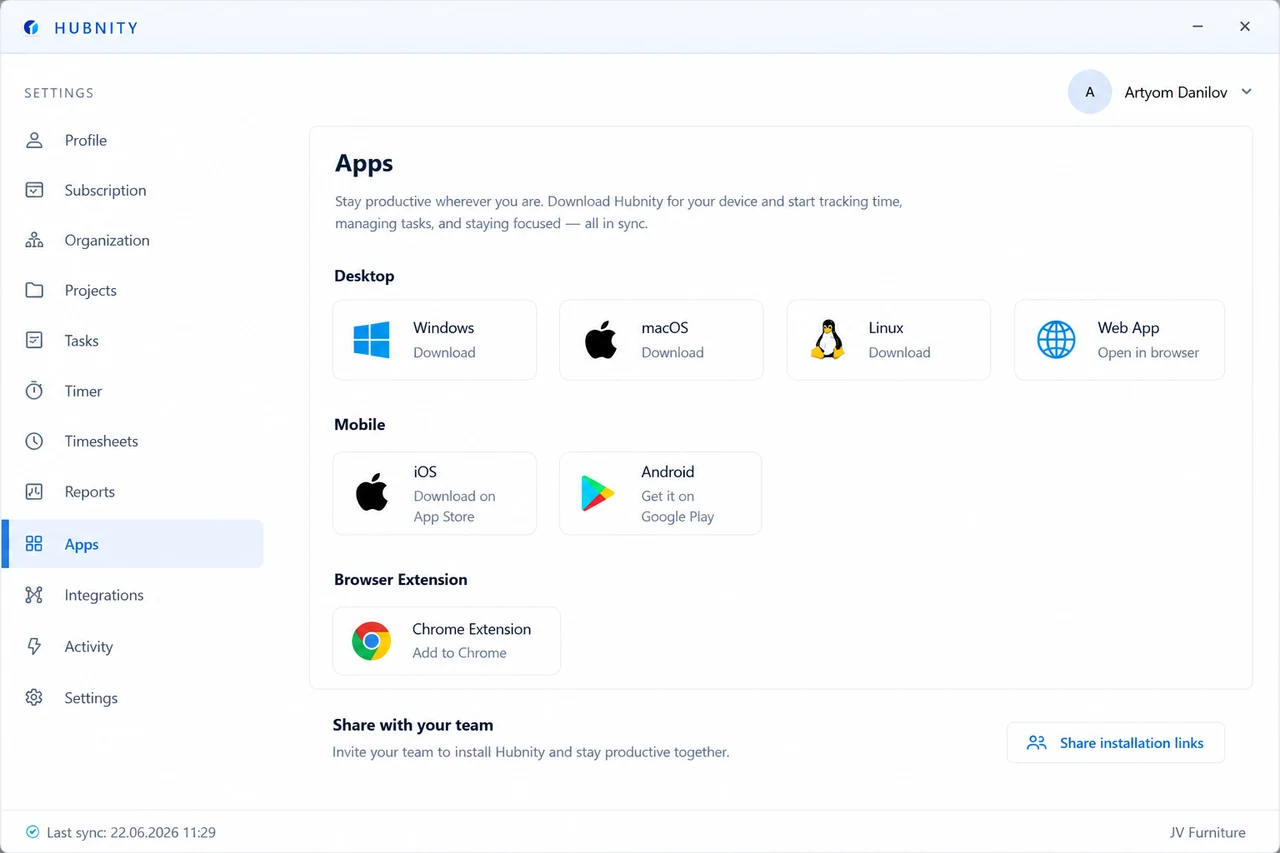
Silent background tracking
The Hubnity desktop tracker runs silently in the background—logging hours, apps, and productivity without interrupting workflow.
Auto tracking logs apps and websites so timesheets build with minimal manual input.
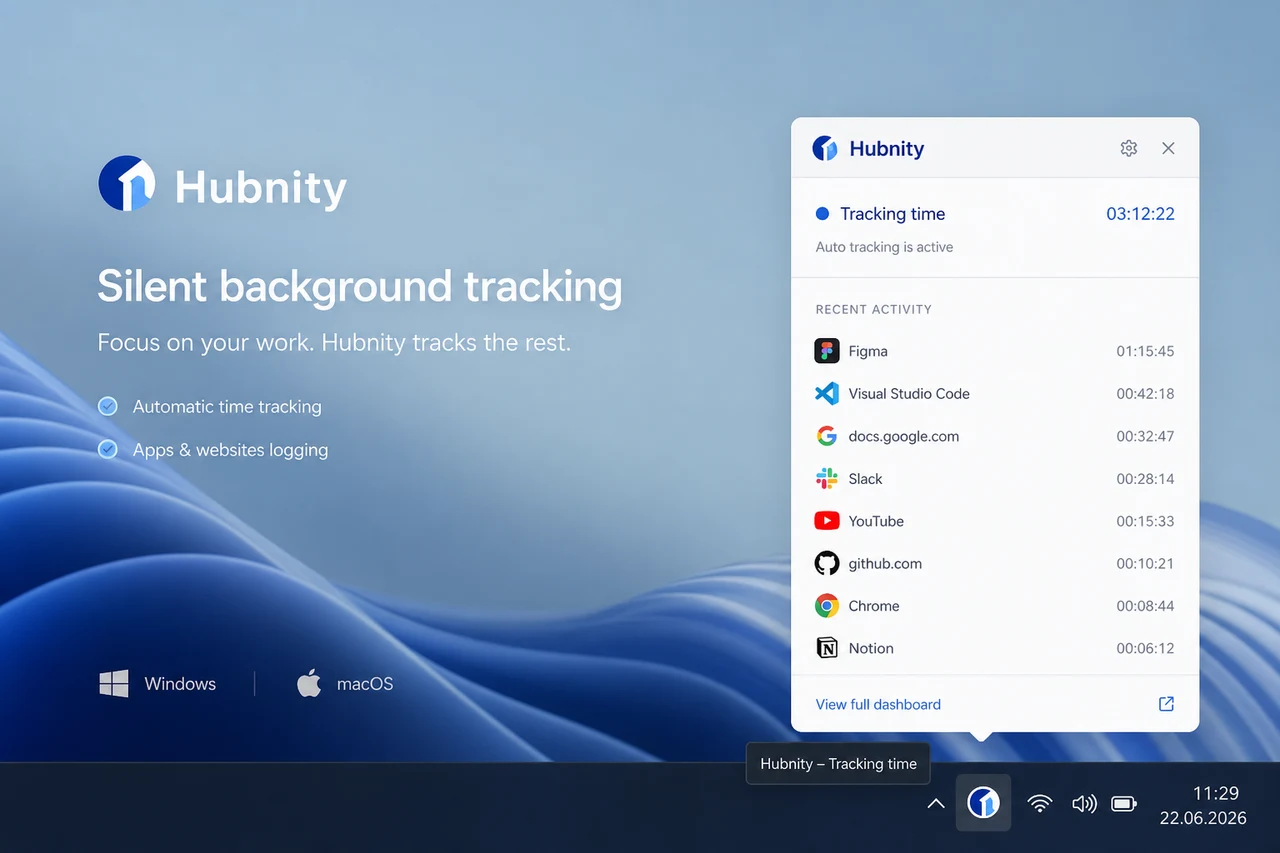
Install and sign in
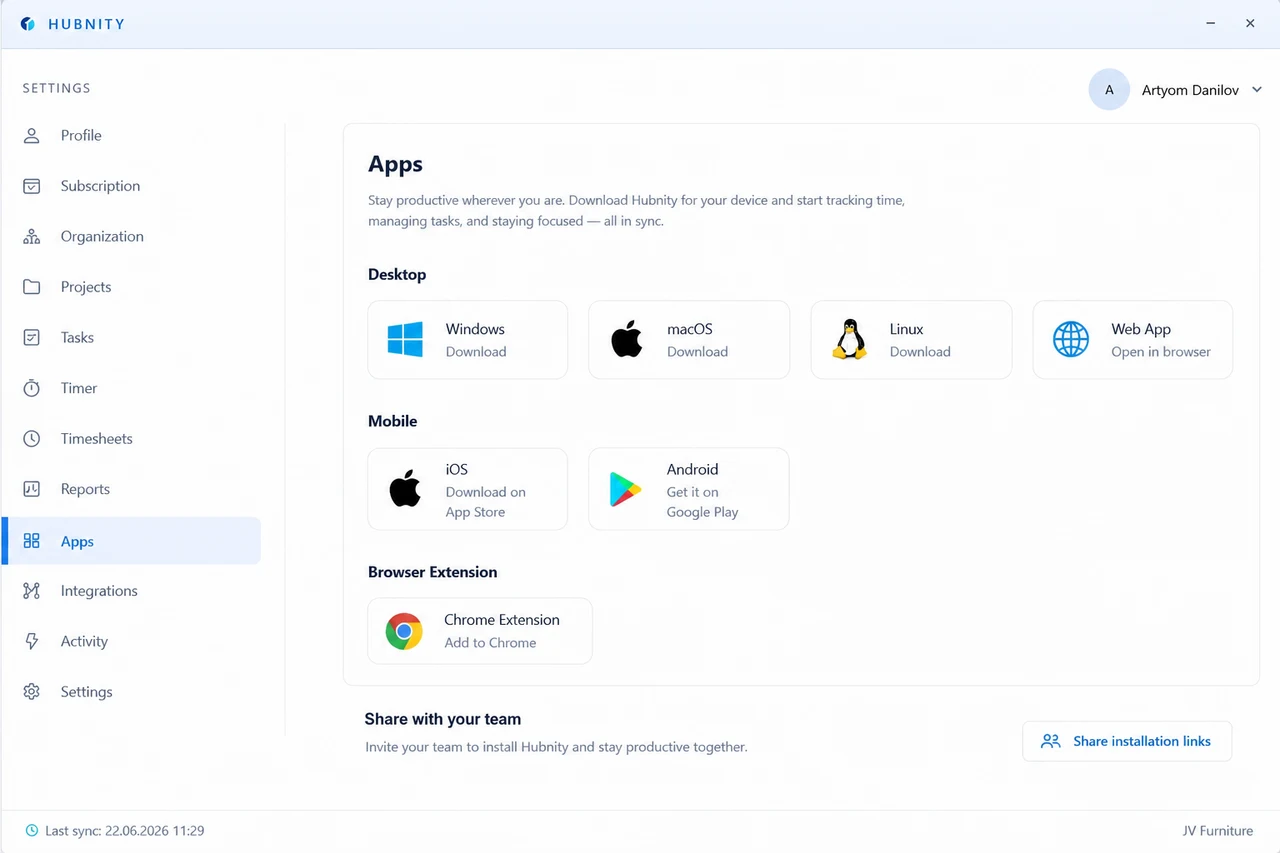
- 1
Download Hubnity for Mac, Windows, or Linux from your workspace or hubnity.eu
- 2
Sign in with your organization account
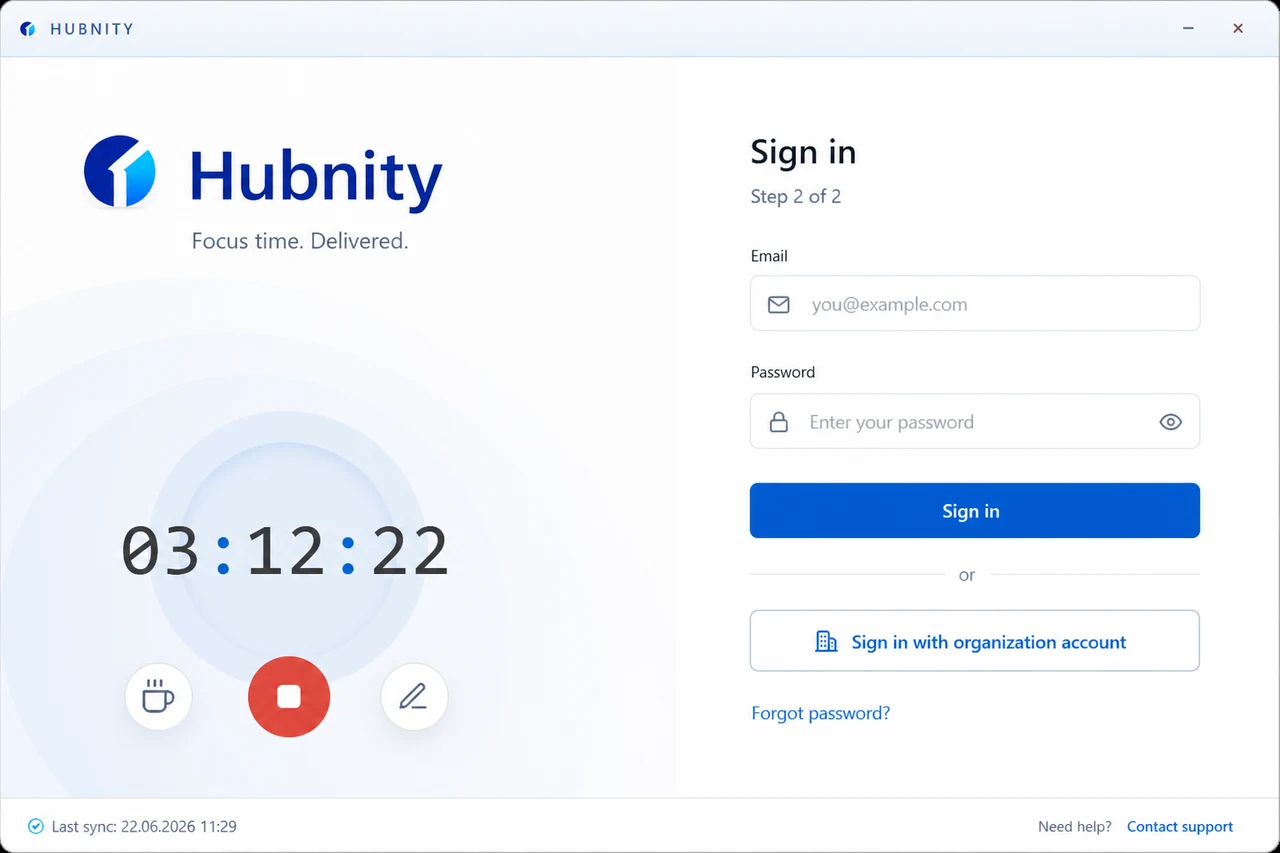
- 3
Configure tracking preferences and start the timer or enable auto tracking
Review timesheets
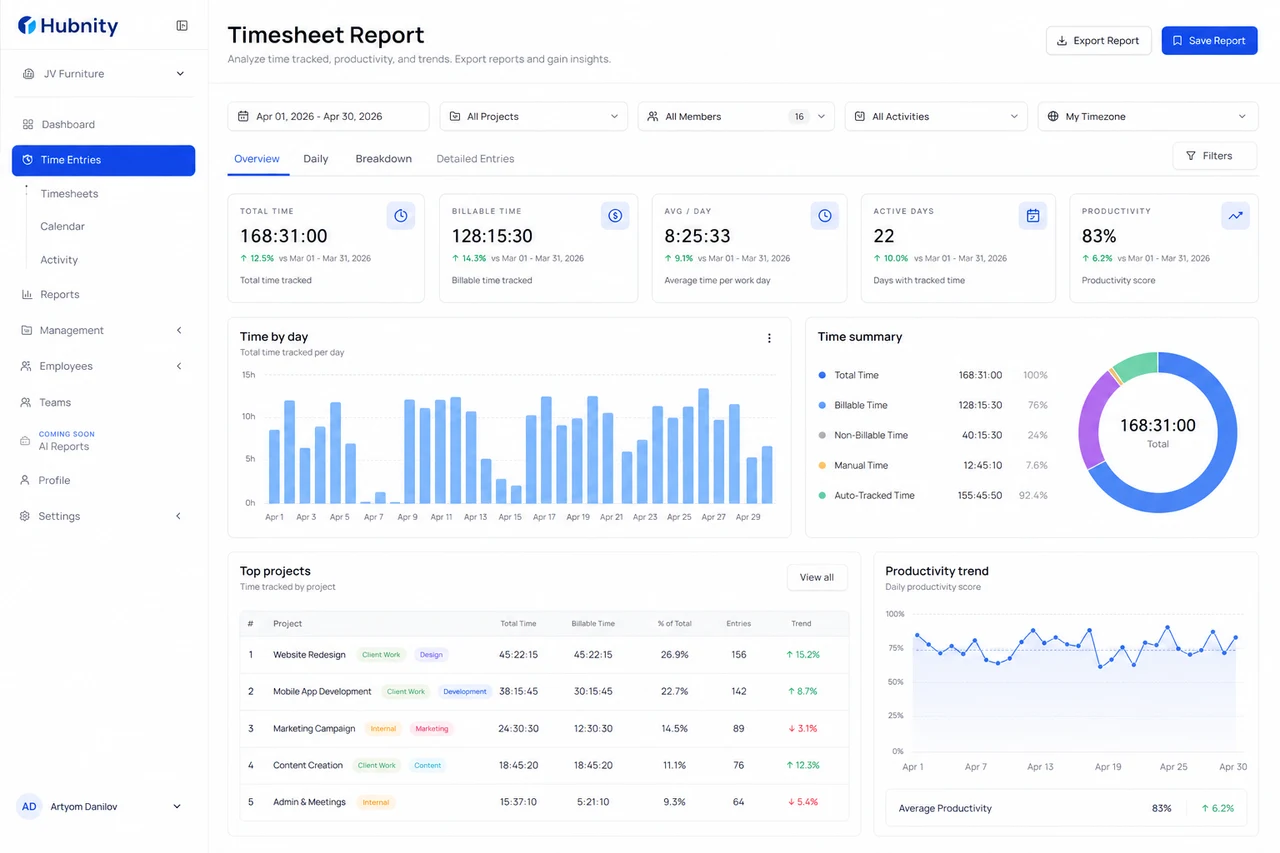
Review auto-generated timesheets, export reports, and analyze trends with real data.