Updated Jun 20266 min read
AppsMobile
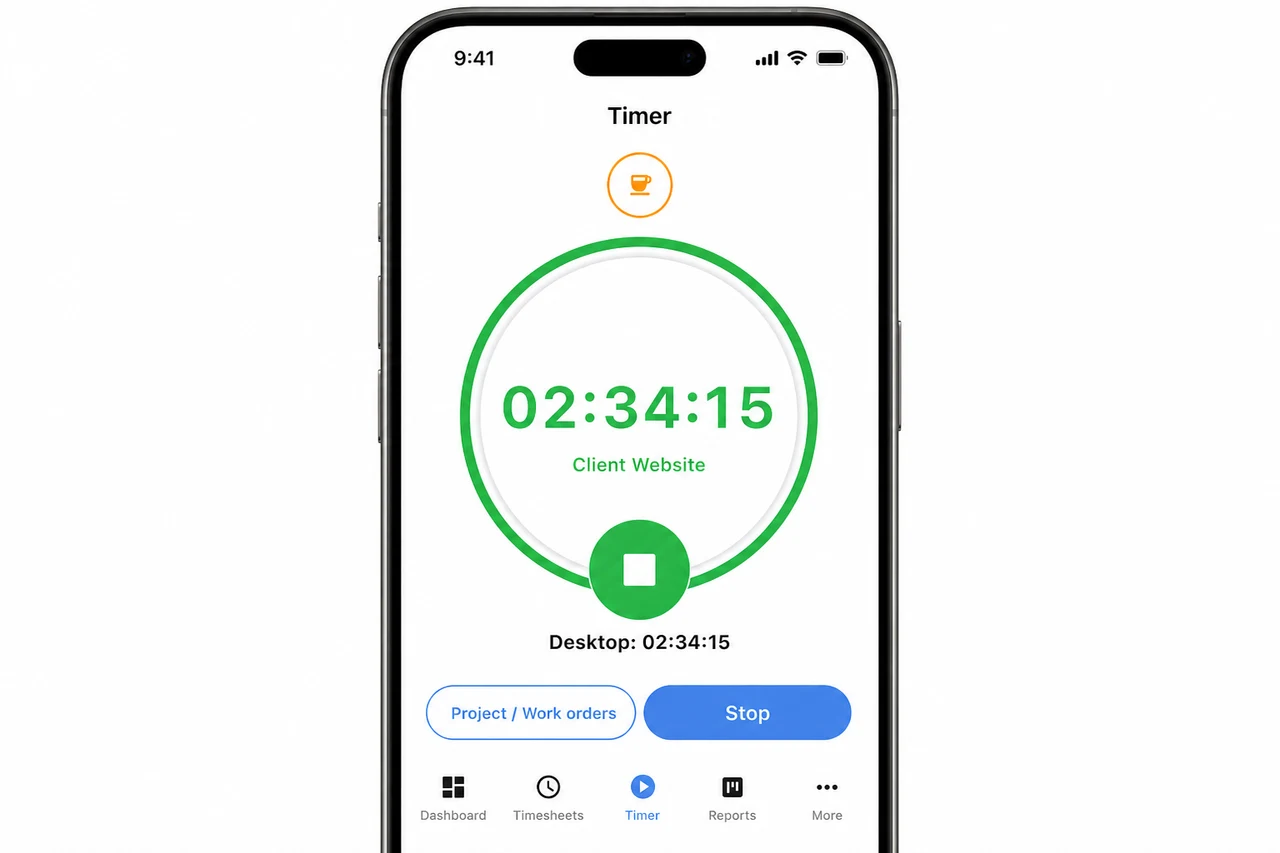
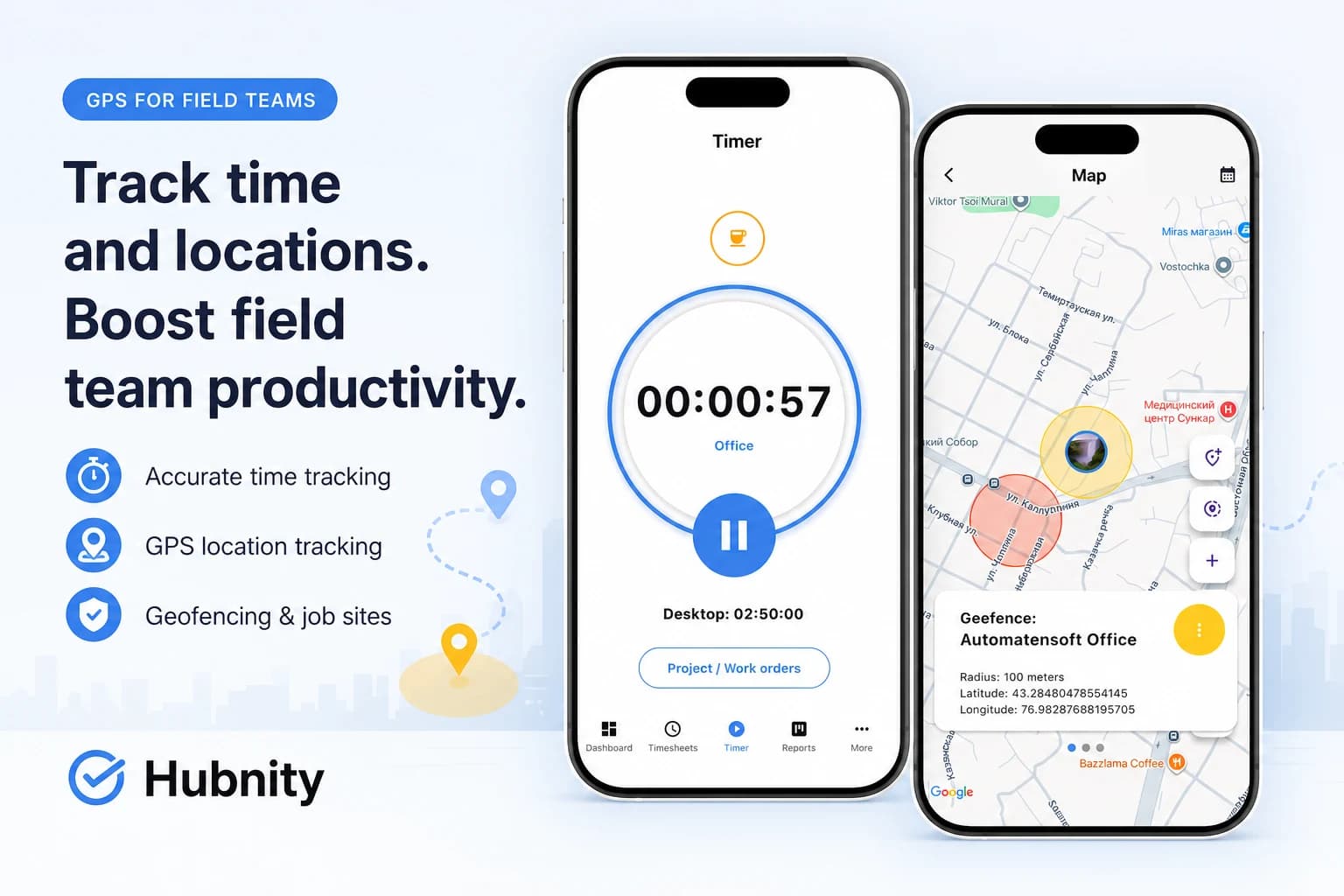
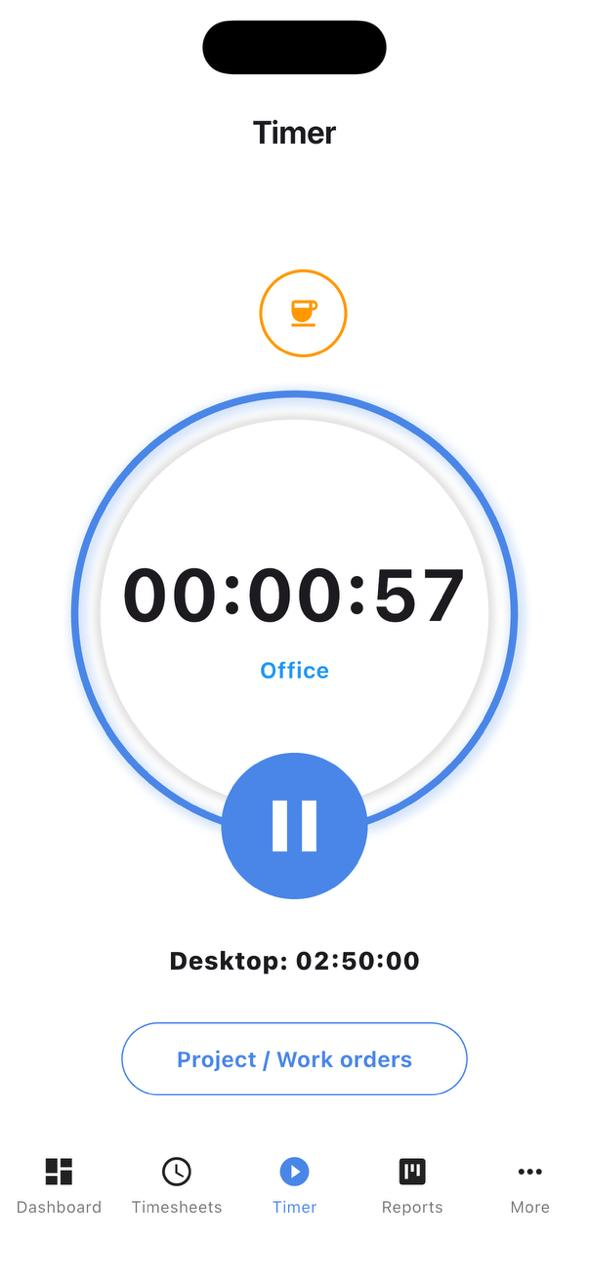
Yes, we have dedicated mobile apps for both iOS and Android. You can start and stop timers, view your daily stats, and manage tasks while on
Mobile apps on hubnity.eu
Yes, we have dedicated mobile apps for both iOS and Android. You can start and stop timers, view your daily stats, and manage tasks while on the go.
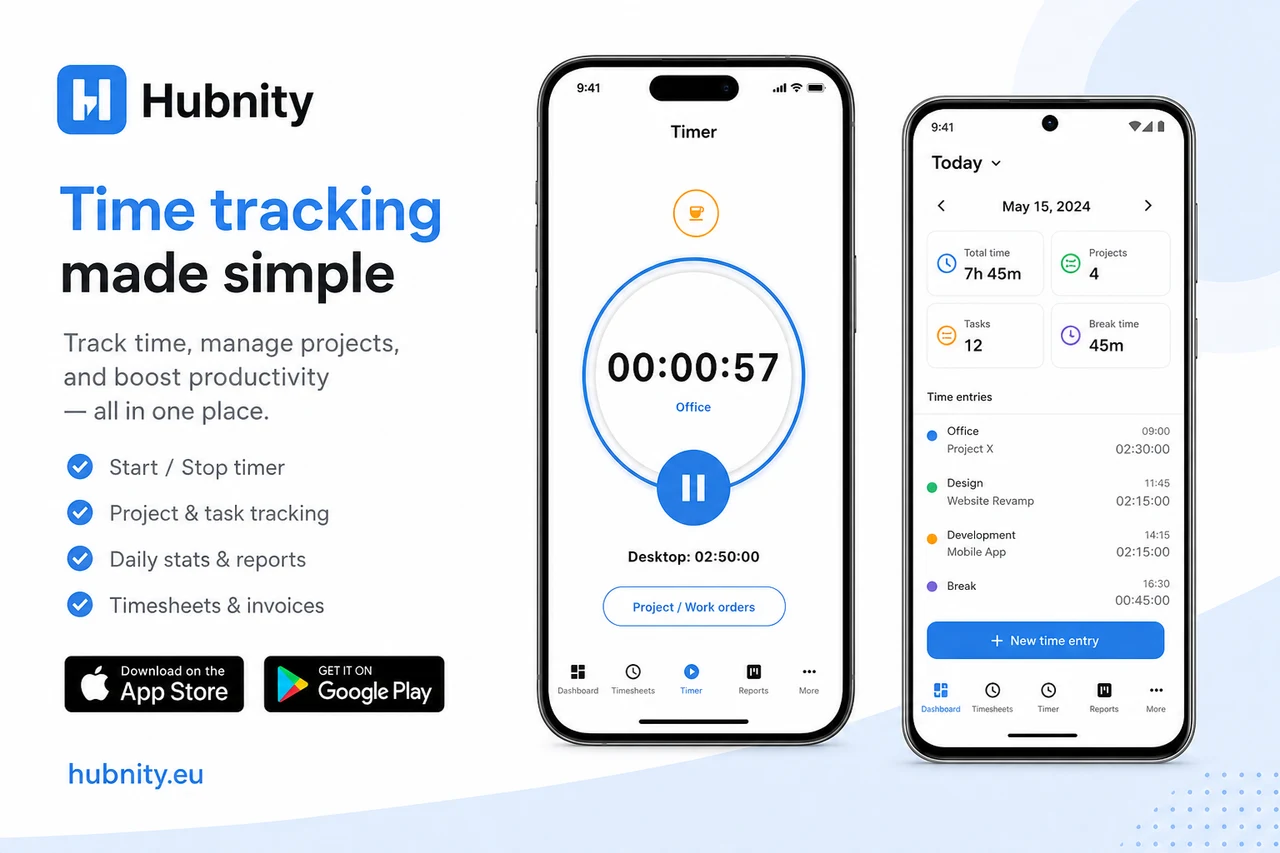
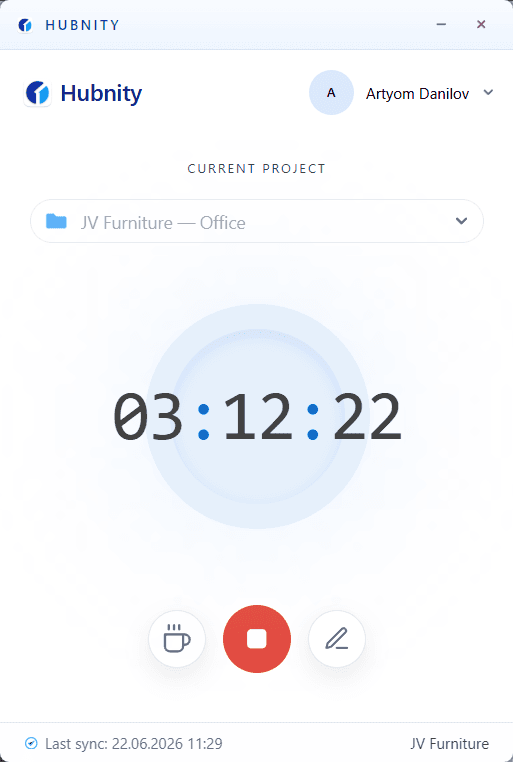
Multi-platform tracking
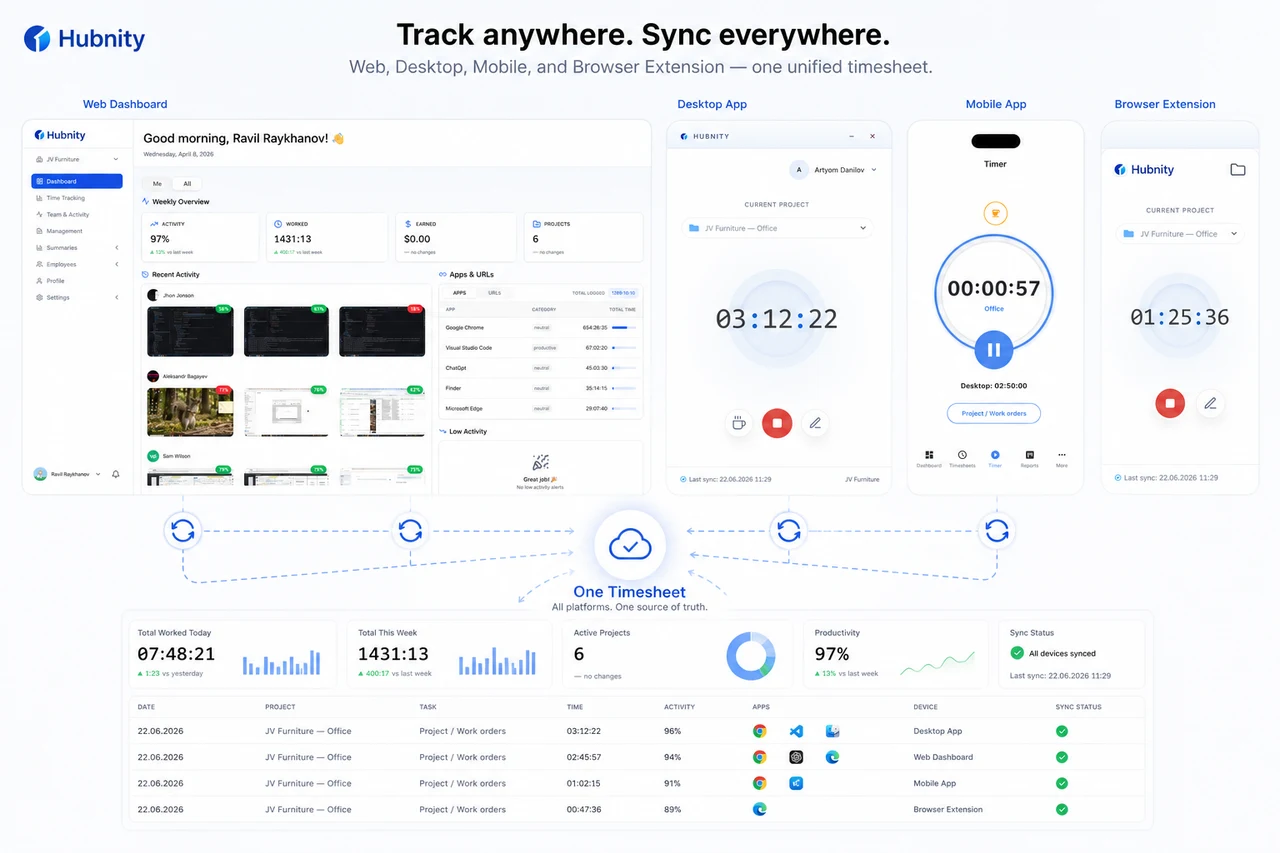
Track time from web, desktop, mobile, and browser extensions with one synchronized timesheet.
Mobile entries sync with desktop and web timesheets automatically.
Get started on mobile
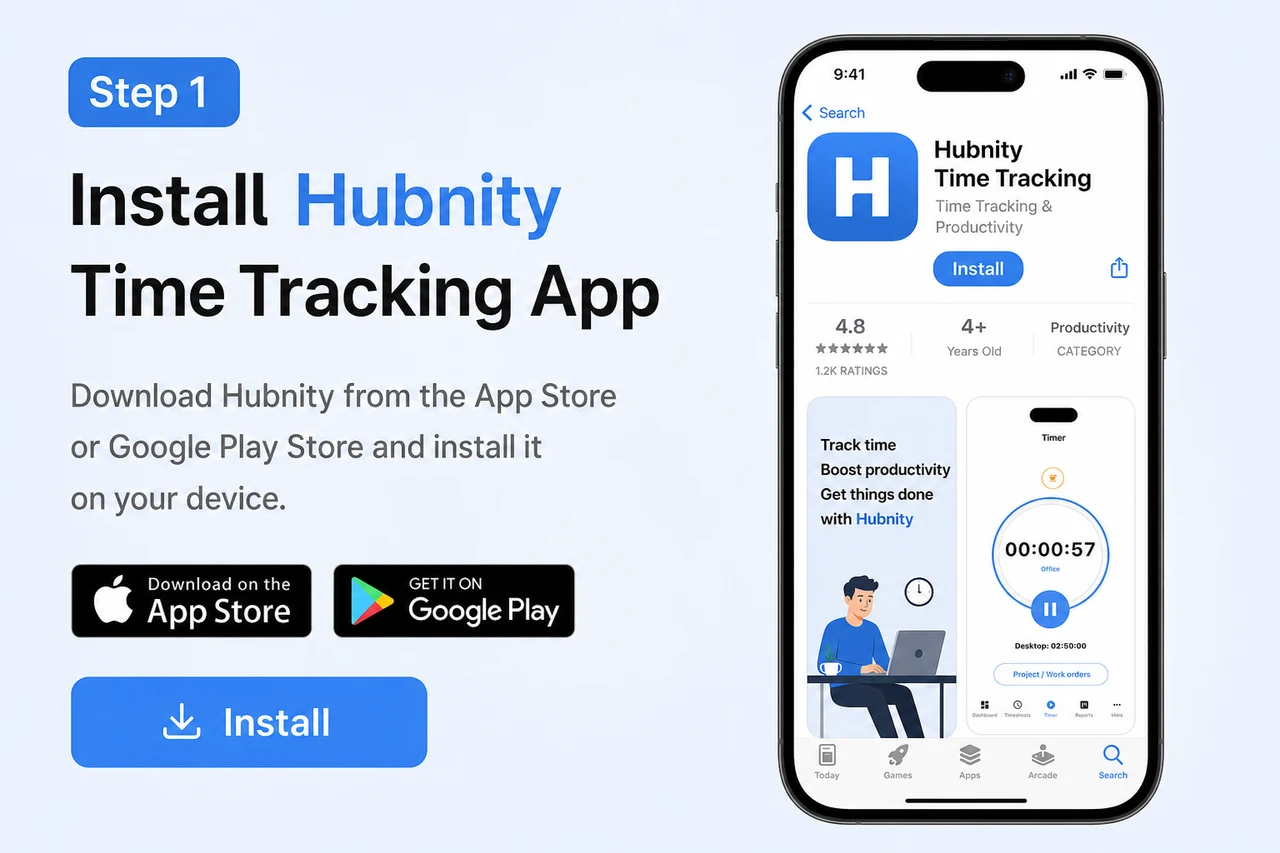
- 1
Install the Hubnity mobile app from the App Store or Google Play
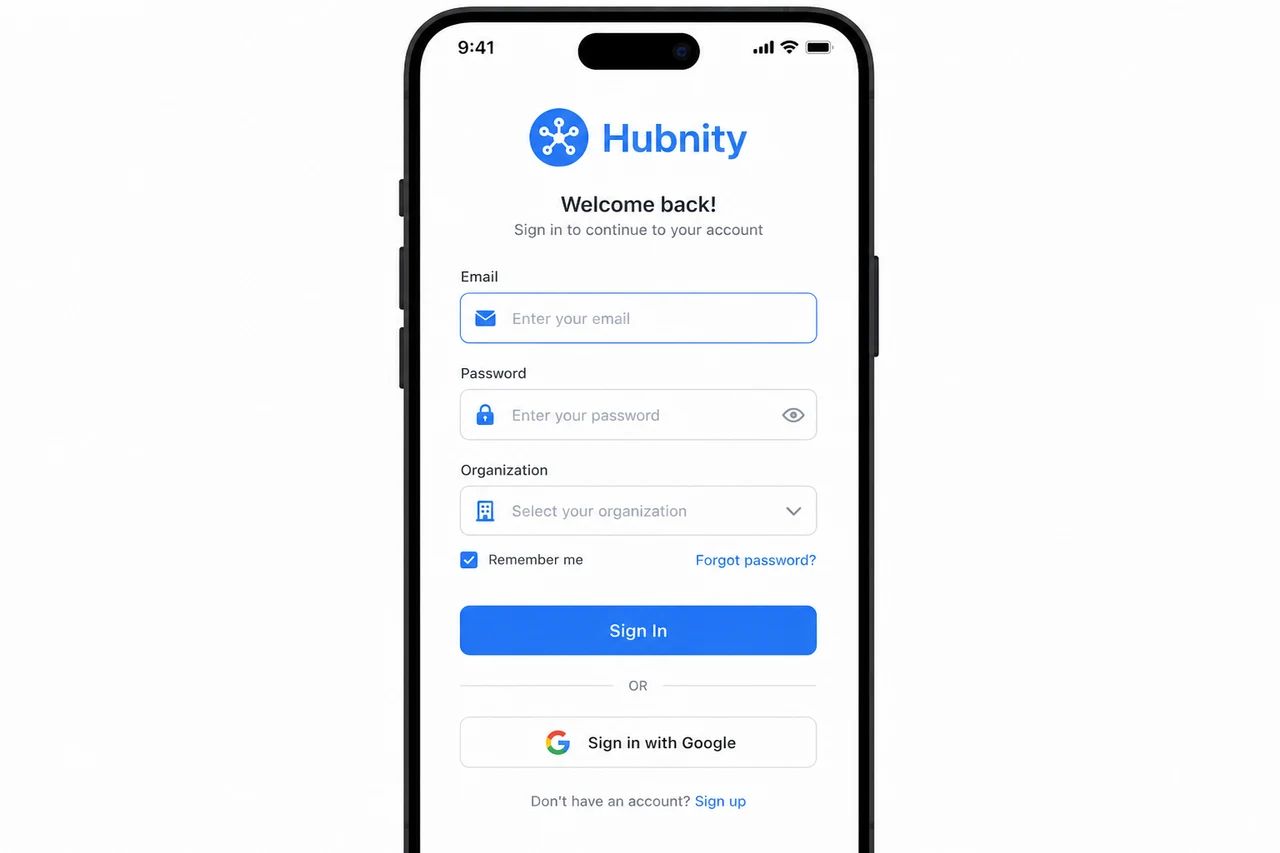
- 2
Sign in and select your organization
- 3
Start the timer on the correct project or task