Category
Timer apps
Desktop, mobile, and browser timer apps for multi-platform time tracking.
Popular
Featured in this category
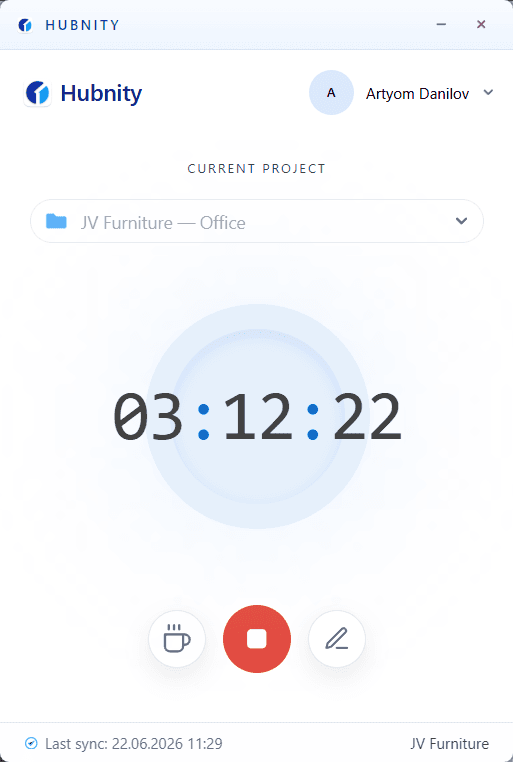
Installing the Desktop Timer App
Install the Hubnity desktop app for Mac, Windows, or Linux—featured on hubnity.eu automated timesheets.
7 min readRead article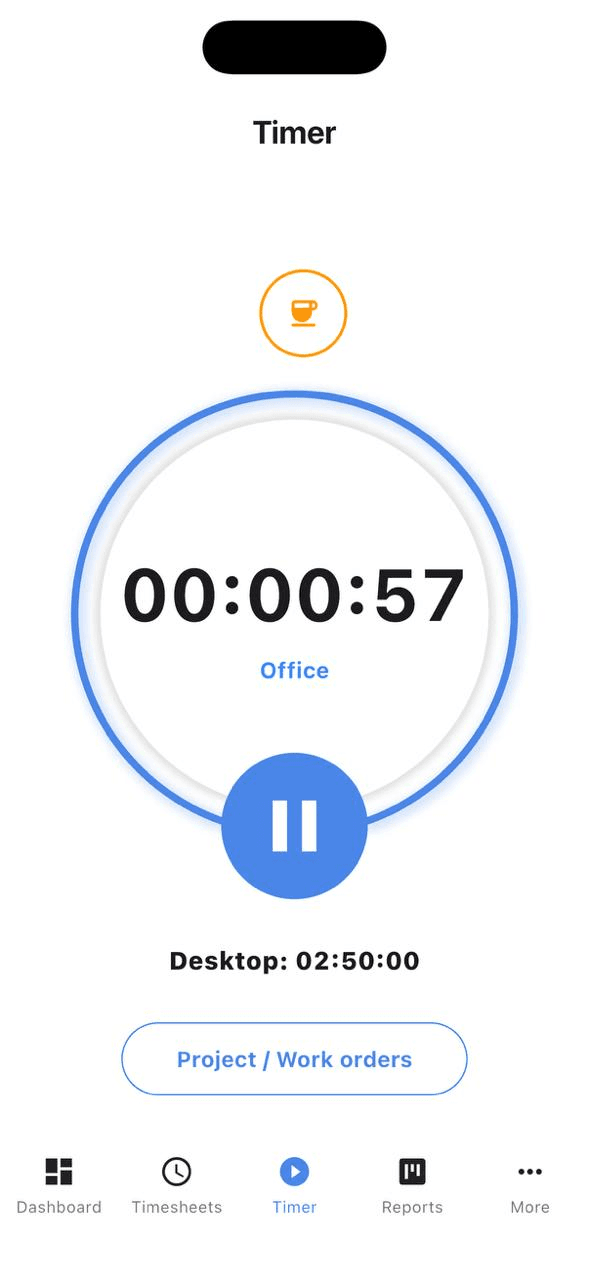
Using the Mobile Timer App
Yes, we have dedicated mobile apps for both iOS and Android. You can start and stop timers, view your daily stats, and manage tasks while on
6 min readRead article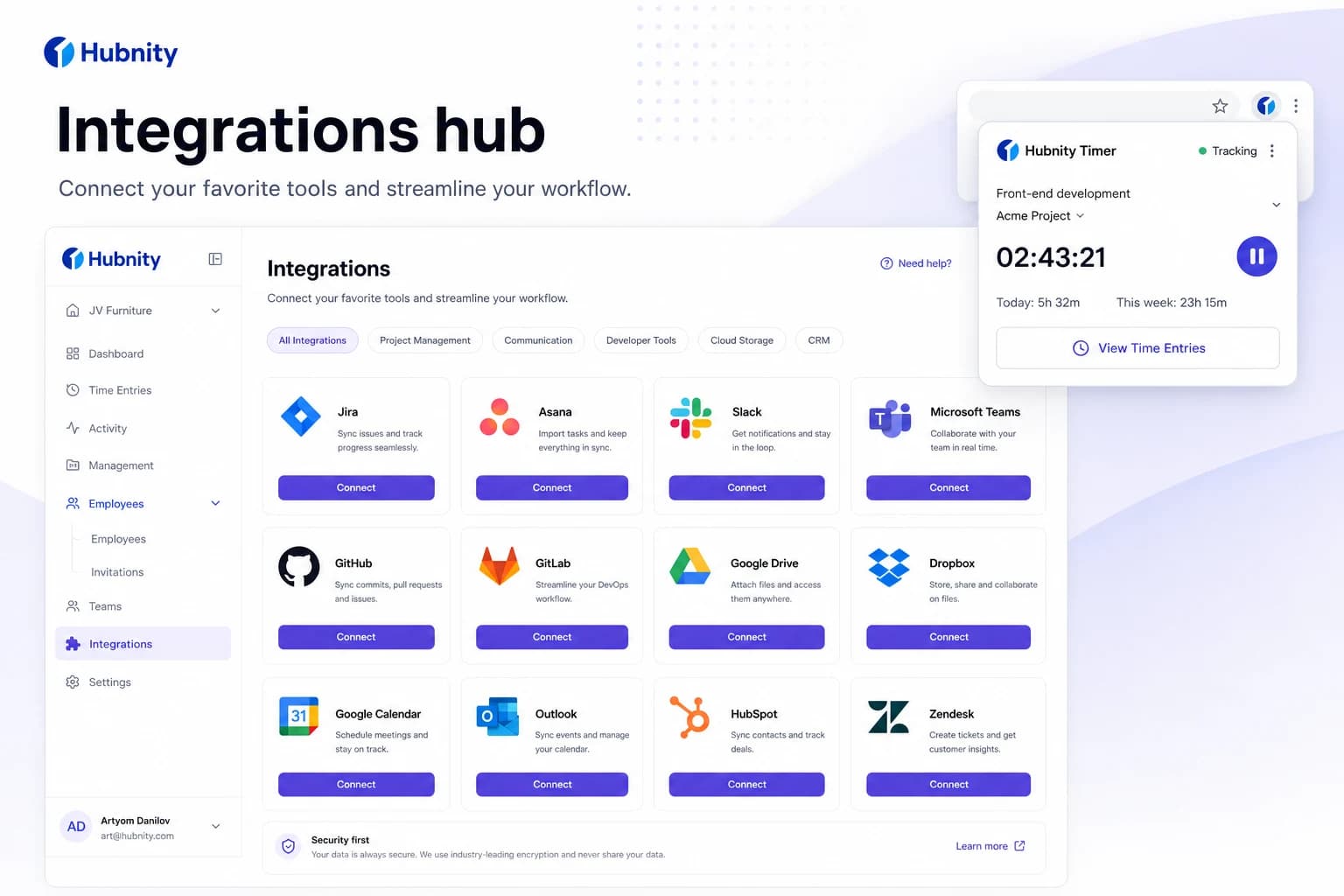
Setting Up the Browser Extension
Install the Hubnity browser extension—part of 100+ tool connections promoted on hubnity.eu.
6 min readRead article
All articles
Browse by topic
Install apps
3 articles- Installing the Desktop Timer App
Install the Hubnity desktop app for Mac, Windows, or Linux—featured on hubnity.eu automated timesheets.
7 min read - Using the Mobile Timer App
Yes, we have dedicated mobile apps for both iOS and Android. You can start and stop timers, view your daily stats, and manage tasks while on
6 min read - Setting Up the Browser Extension
Install the Hubnity browser extension—part of 100+ tool connections promoted on hubnity.eu.
6 min read
Troubleshooting
3 articles- Fixing Timer Sync Issues
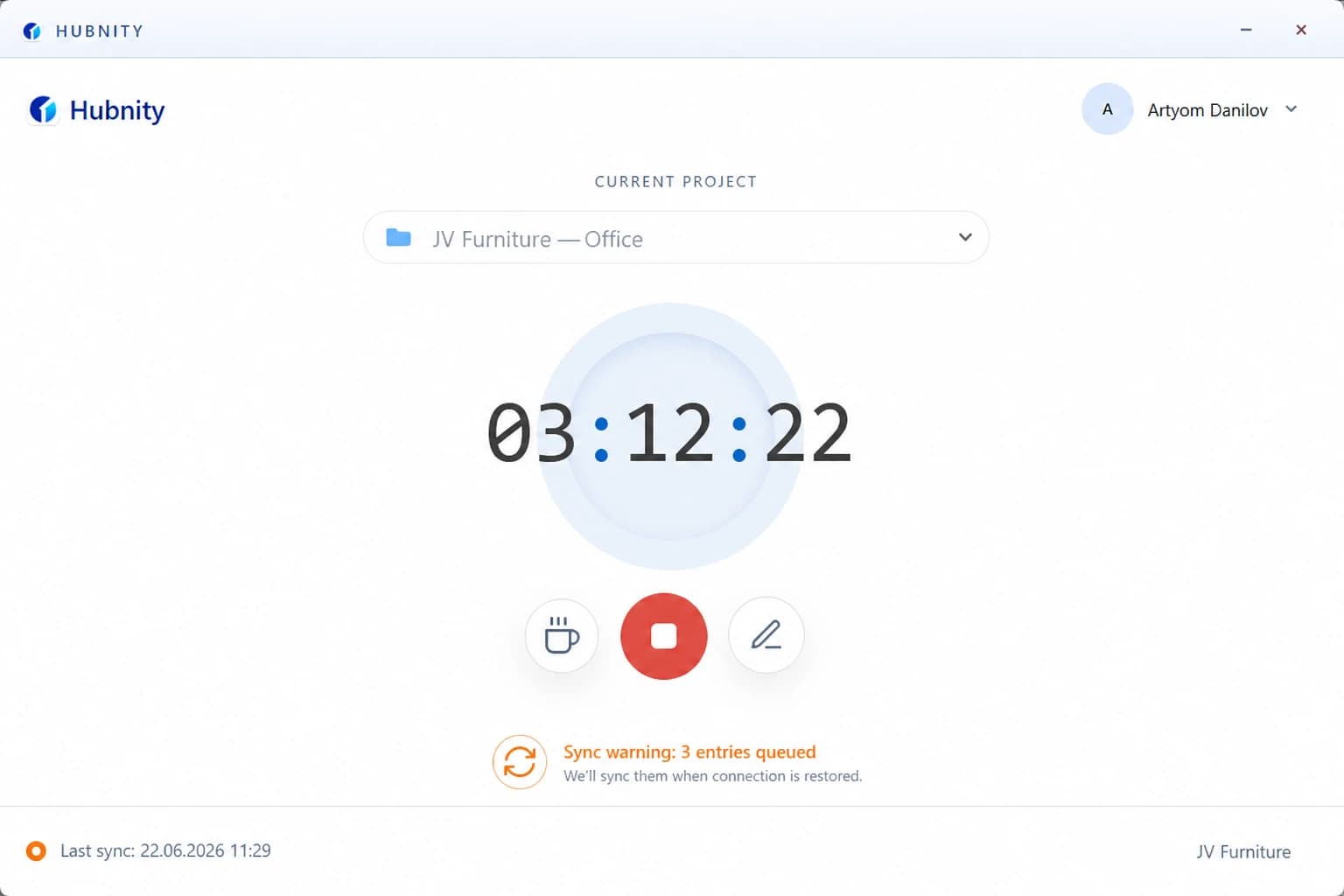
Fix timer sync issues when tracked time does not appear in the dashboard or uploads are delayed.
8 min read - Desktop App Won't Start or Crashes
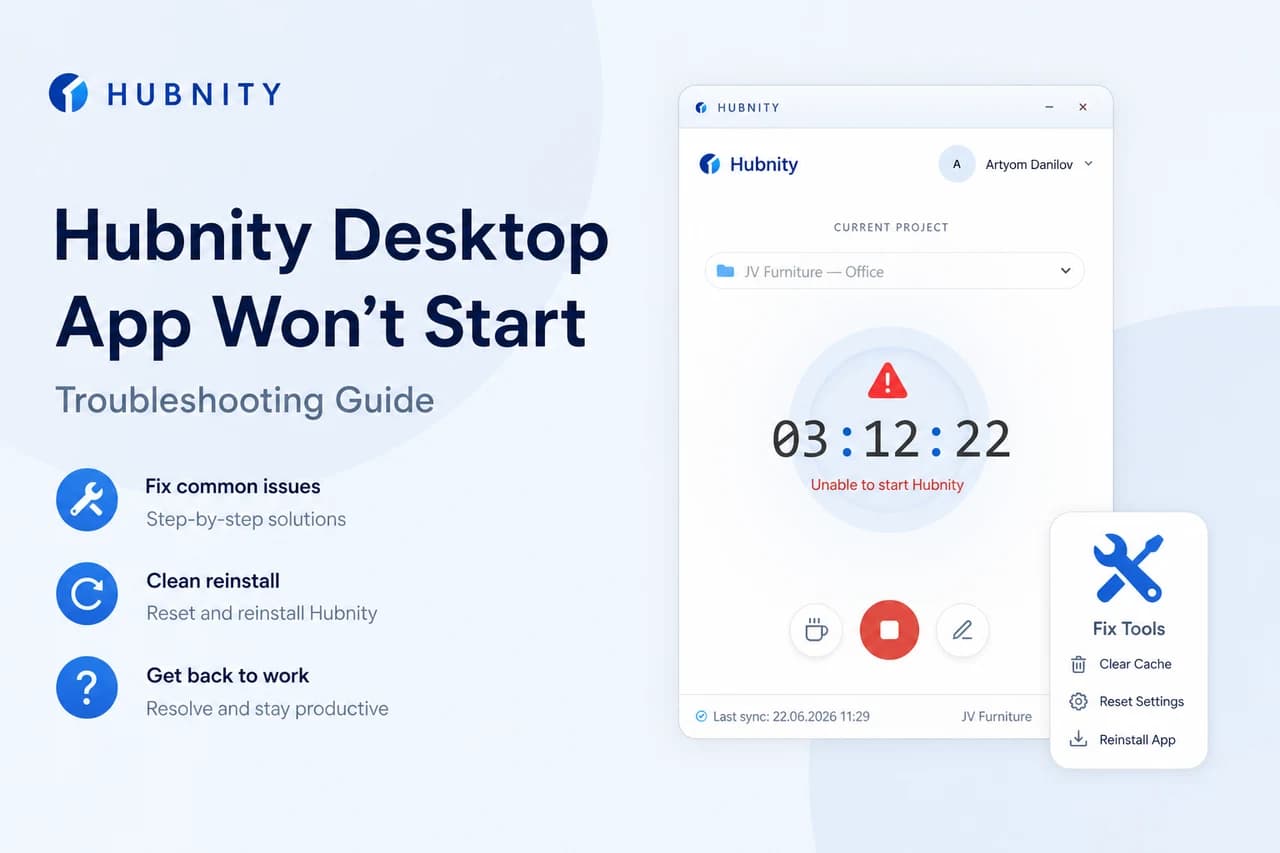
Troubleshoot Hubnity desktop app startup failures, crashes, and permission errors.
8 min read - Resetting Local Sync Data
Reset corrupted local sync cache on desktop or mobile when persistent sync errors occur.
6 min read

Need more help?
Still have questions? We can help.
Our support team typically responds within 2 hours. You can also chat with Hubnity support on WhatsApp from the main site.