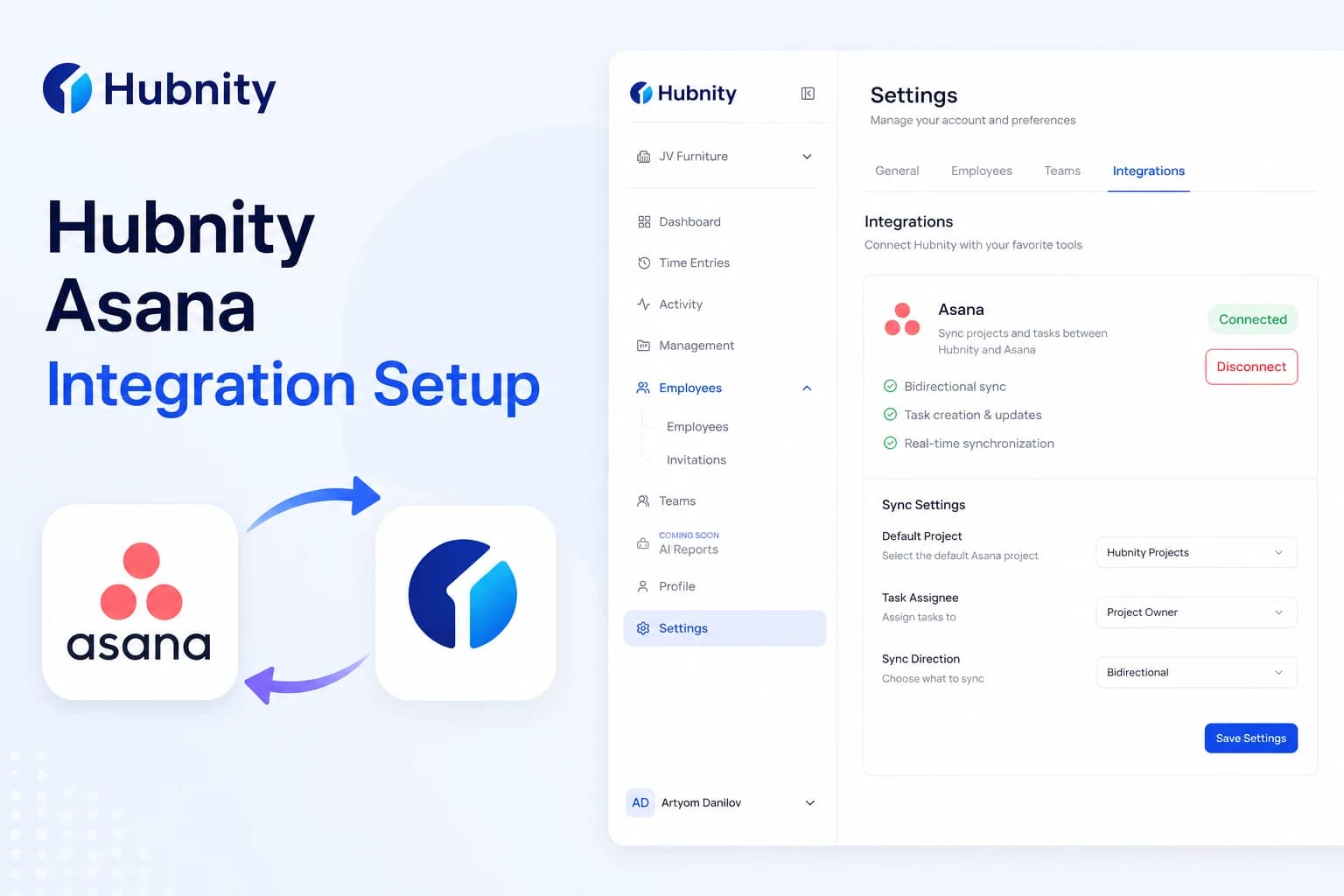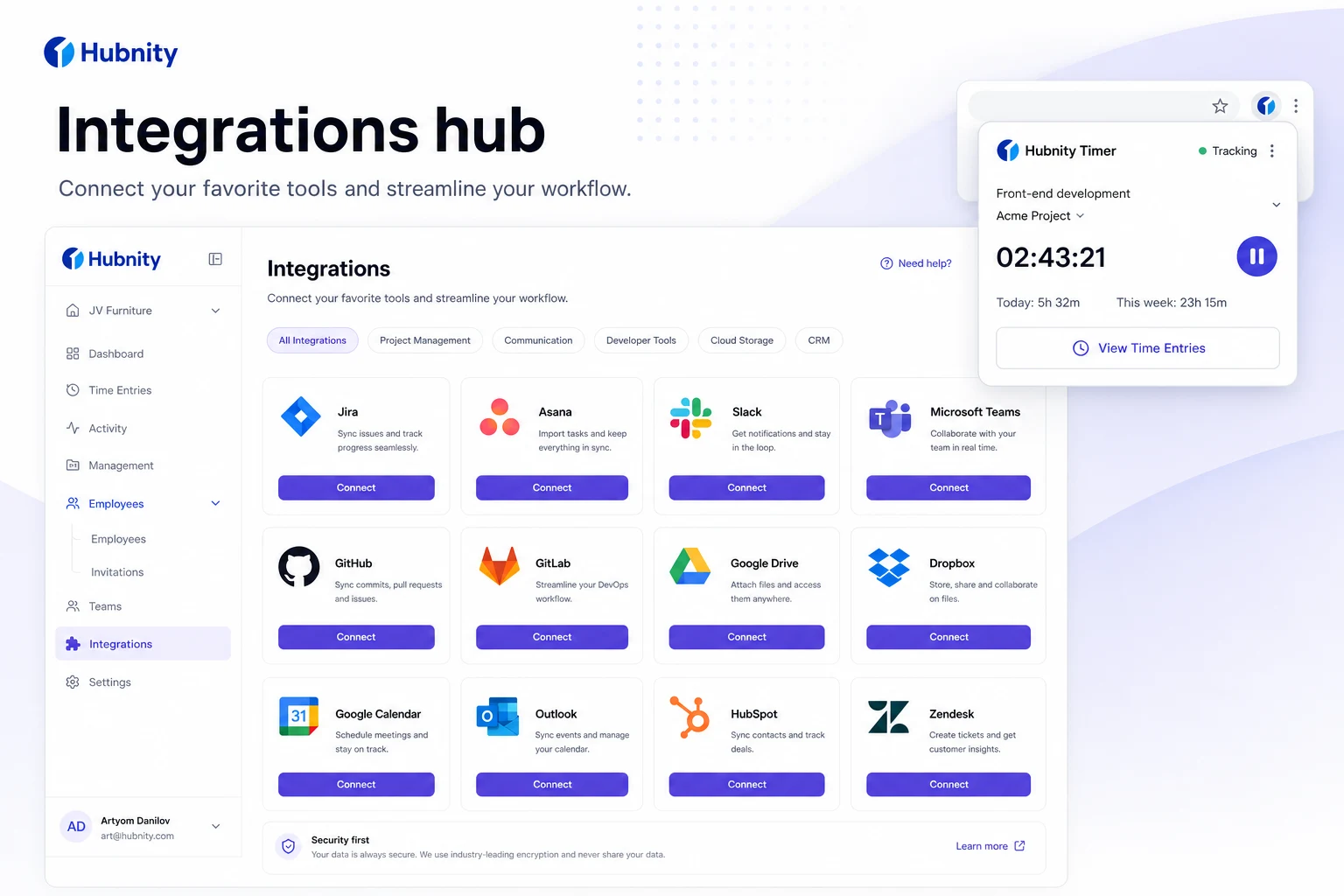
Yes, Hubnity seamlessly integrates with over 50 popular project management and communication tools, including Jira, Trello, Asana, Slack, an
Integrations on hubnity.eu
Yes, Hubnity seamlessly integrates with over 50 popular project management and communication tools, including Jira, Trello, Asana, Slack, and Notion.
Connect 100+ tools via browser extensions and native integrations—including Jira, Trello, Asana, Slack, and Notion—to keep work data in sync.
Tools mentioned on hubnity.eu
Native integrations highlighted in Hubnity FAQ: Jira, Trello, Asana, Slack, and Notion.
Browser extensions bridge additional web apps so you can capture context without duplicate entry.
Enterprise plans add API access and custom integrations for bespoke workflows.
Browser extensions
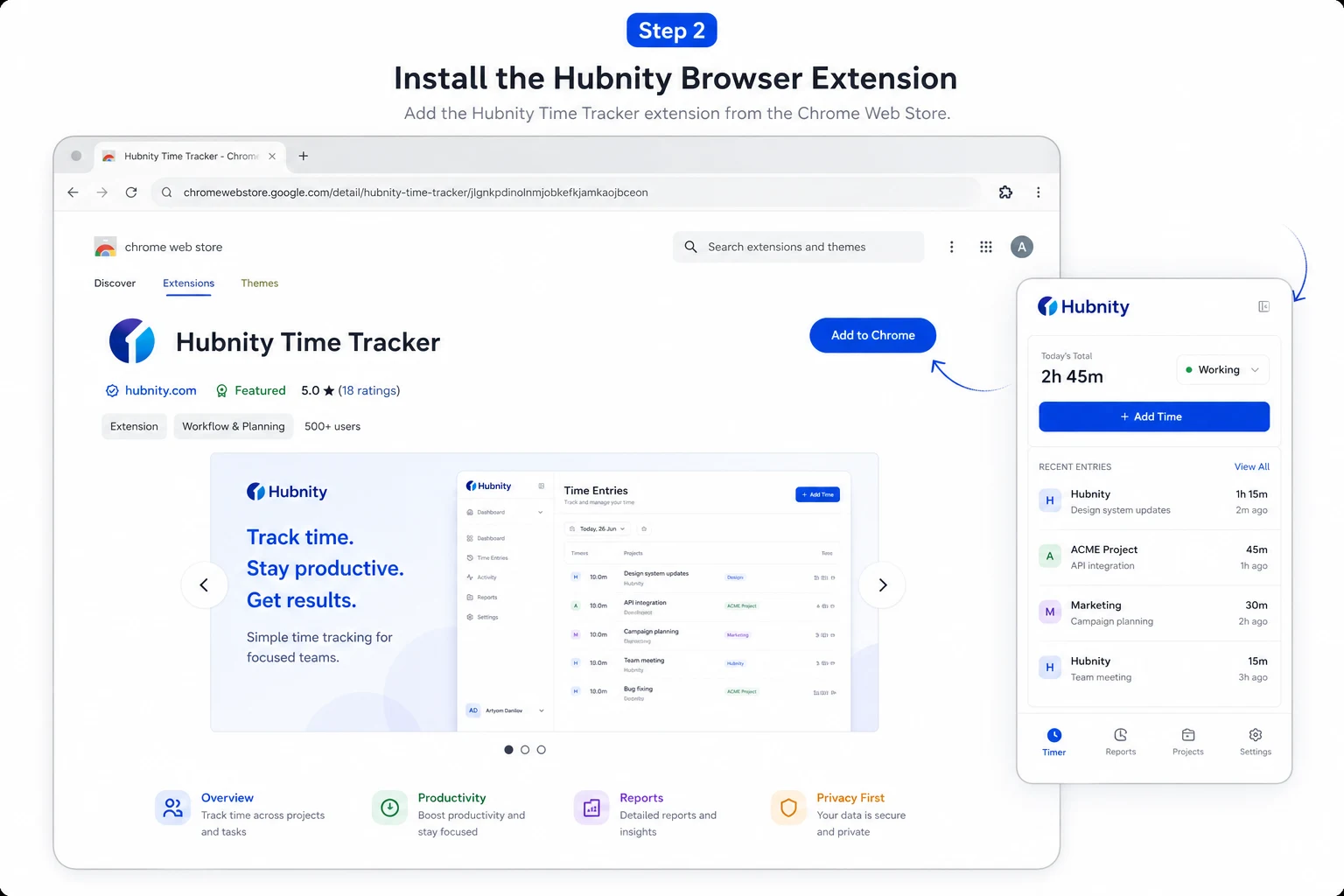
Install the Hubnity browser extension to start timers and sync activity from web apps.
Extensions help when a direct API connector is not yet configured for your stack.
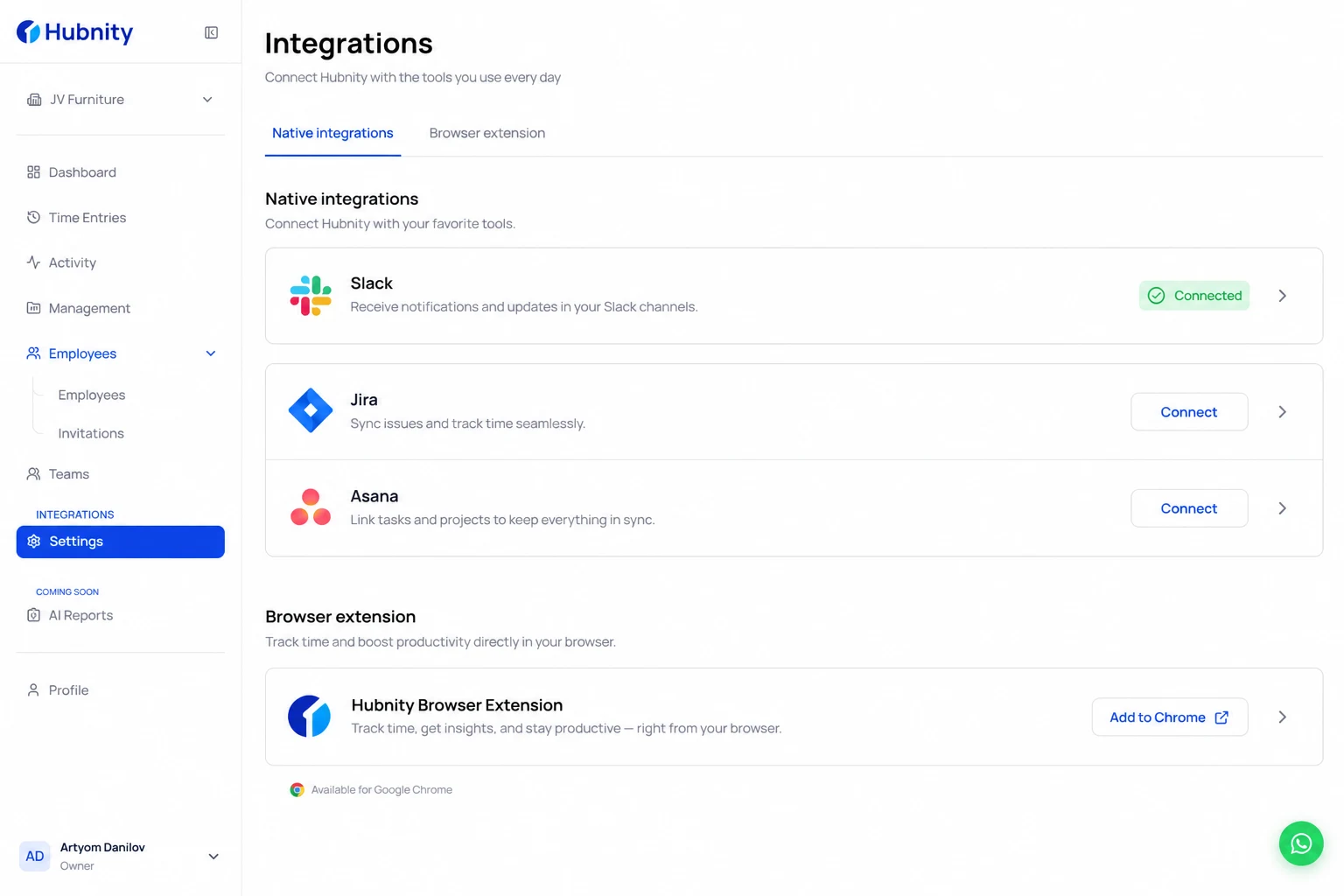
- 1
Open Integrations in your Hubnity workspace
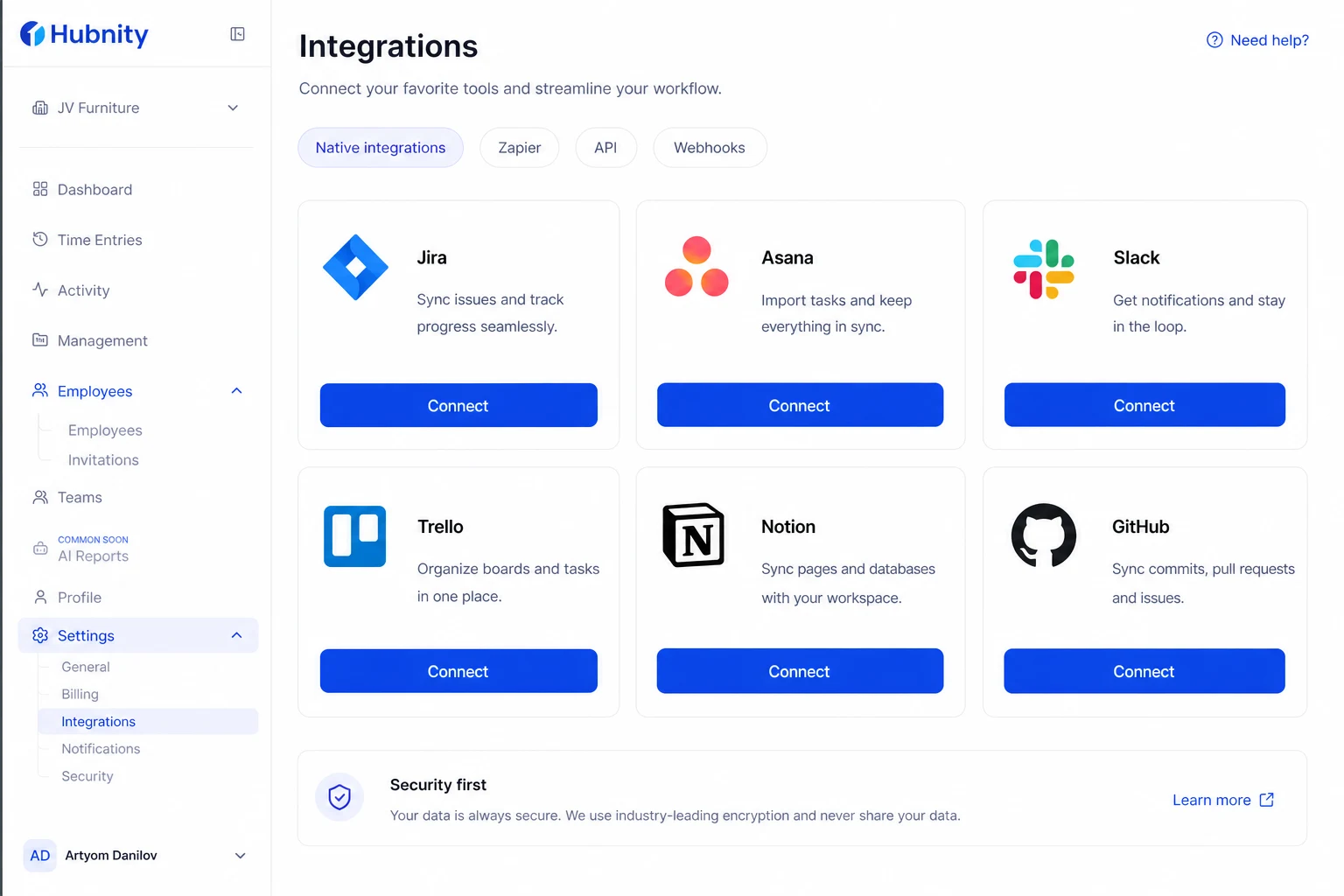
- 2
Install the browser extension for Chrome, Edge, Firefox, or Brave
- 3
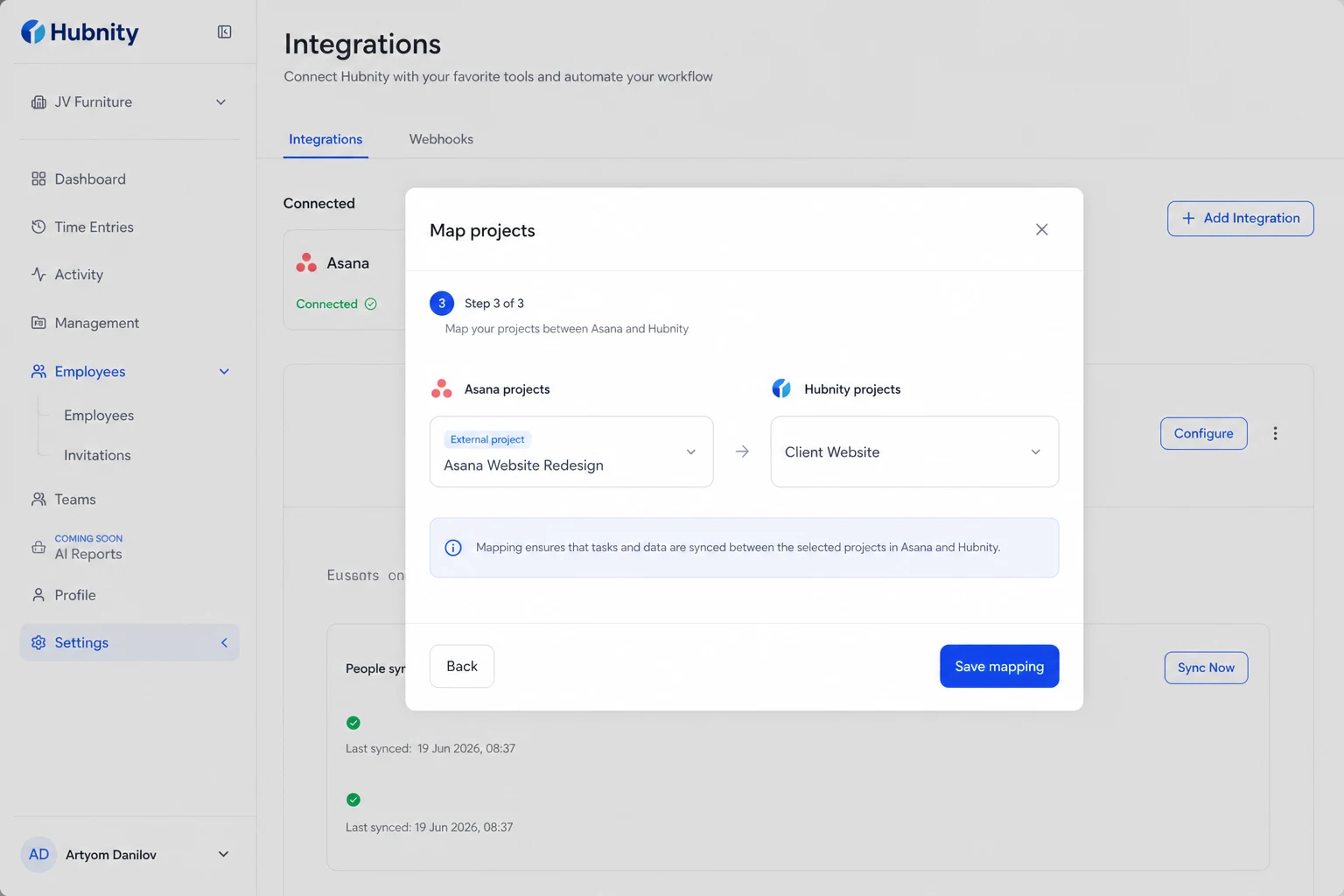
Map external projects to Hubnity projects during setup
Reduce duplicate work
Start work in Jira, Asana, Slack, or your browser—synced time flows back to Hubnity timesheets.
See category-specific setup guides for Asana, Jira, GitHub, Trello, Monday, Notion, and Linear.