Authenticate with the Hubnity REST API using API keys and OAuth tokens on Enterprise plans.
API access requirements
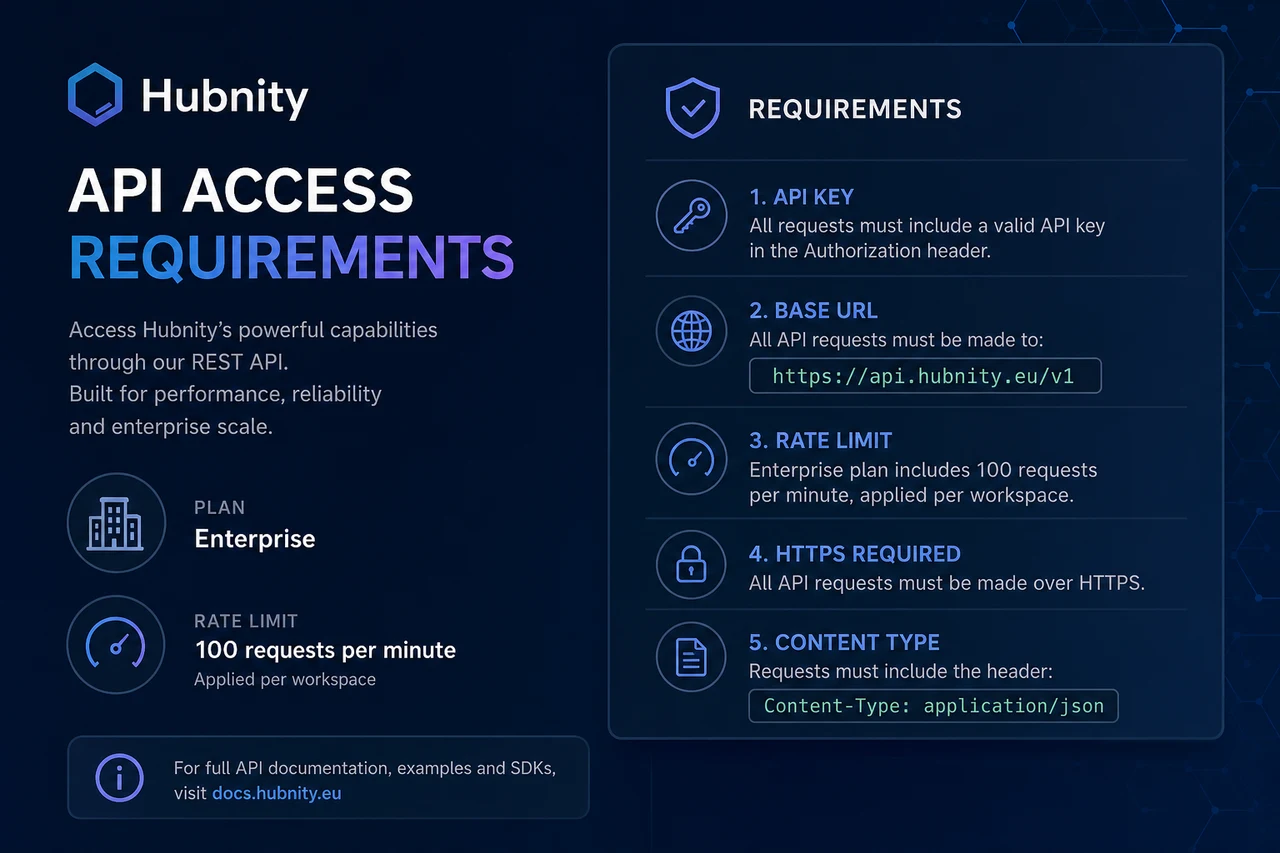
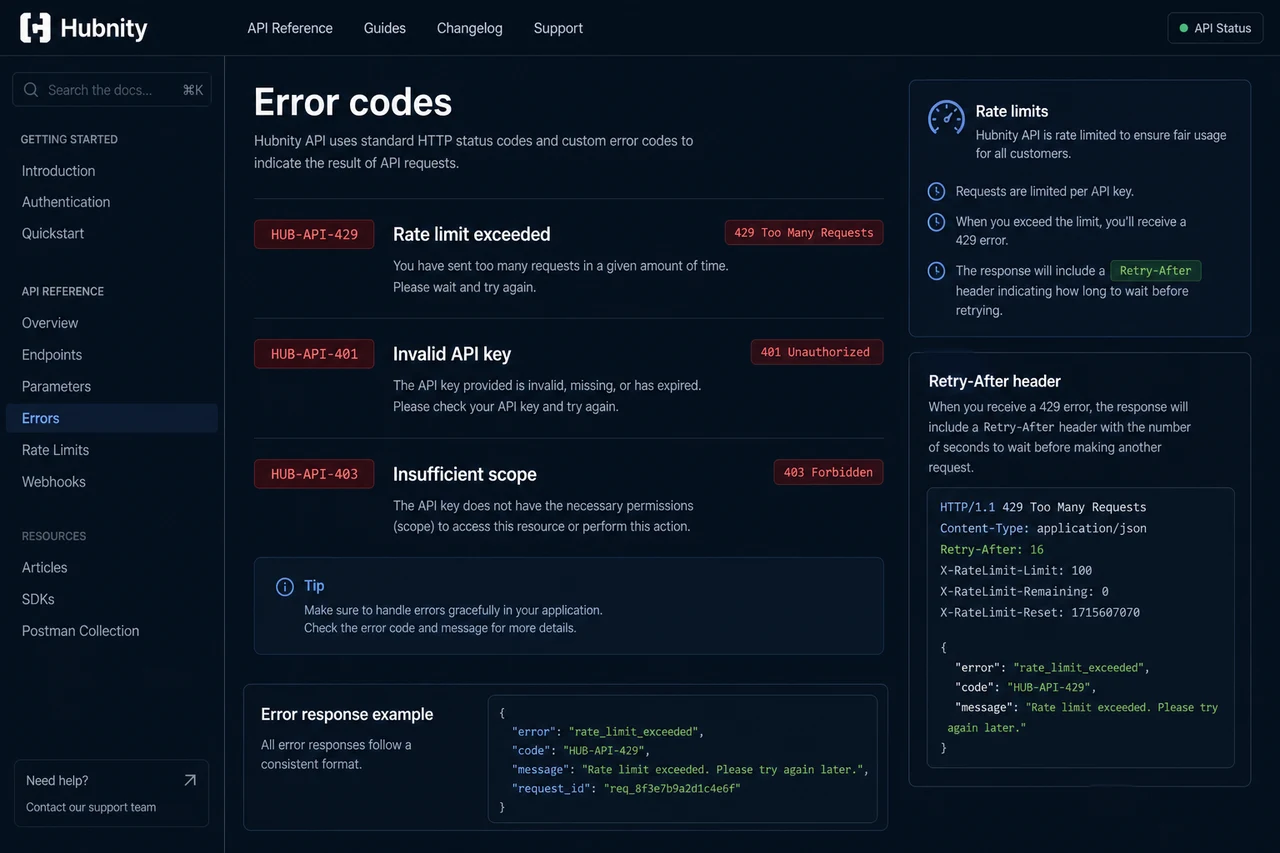
REST API access is available on Enterprise plans. Rate limit: 100 requests/minute per API key.
Base URL: https://api.hubnity.eu/v1/
Generate an API key
API keys are tied to the organization. Store securely — they are shown only once.
- 1
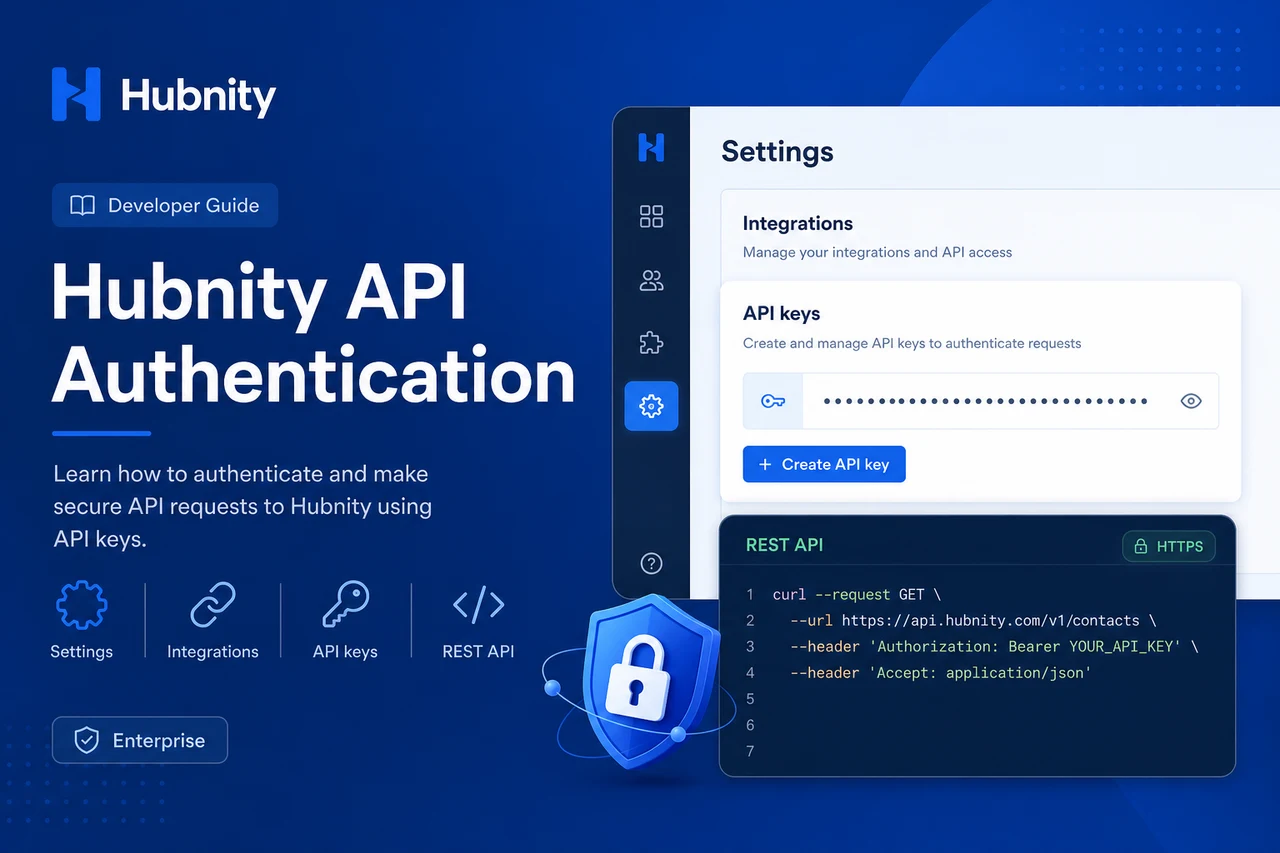
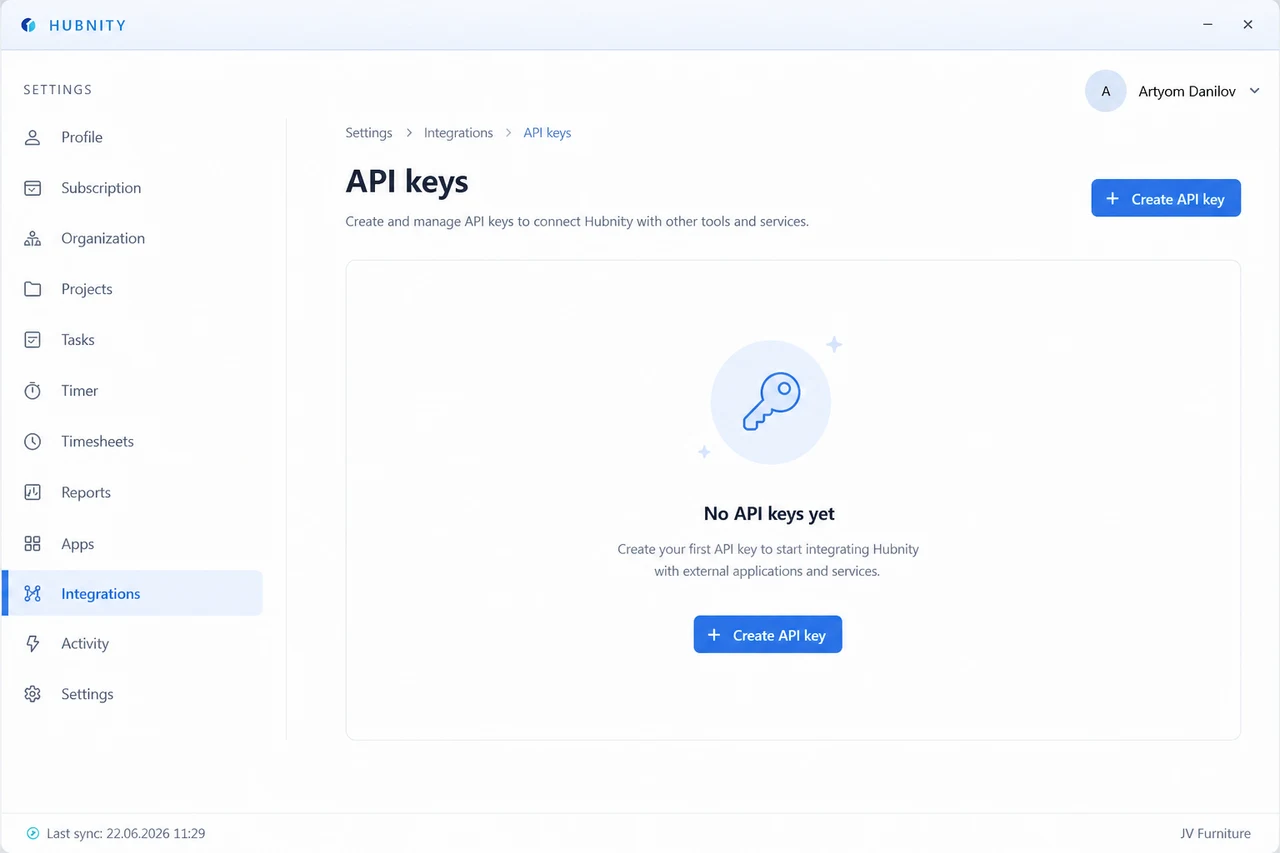
Go to Settings → Integrations → API → API keys
- 2
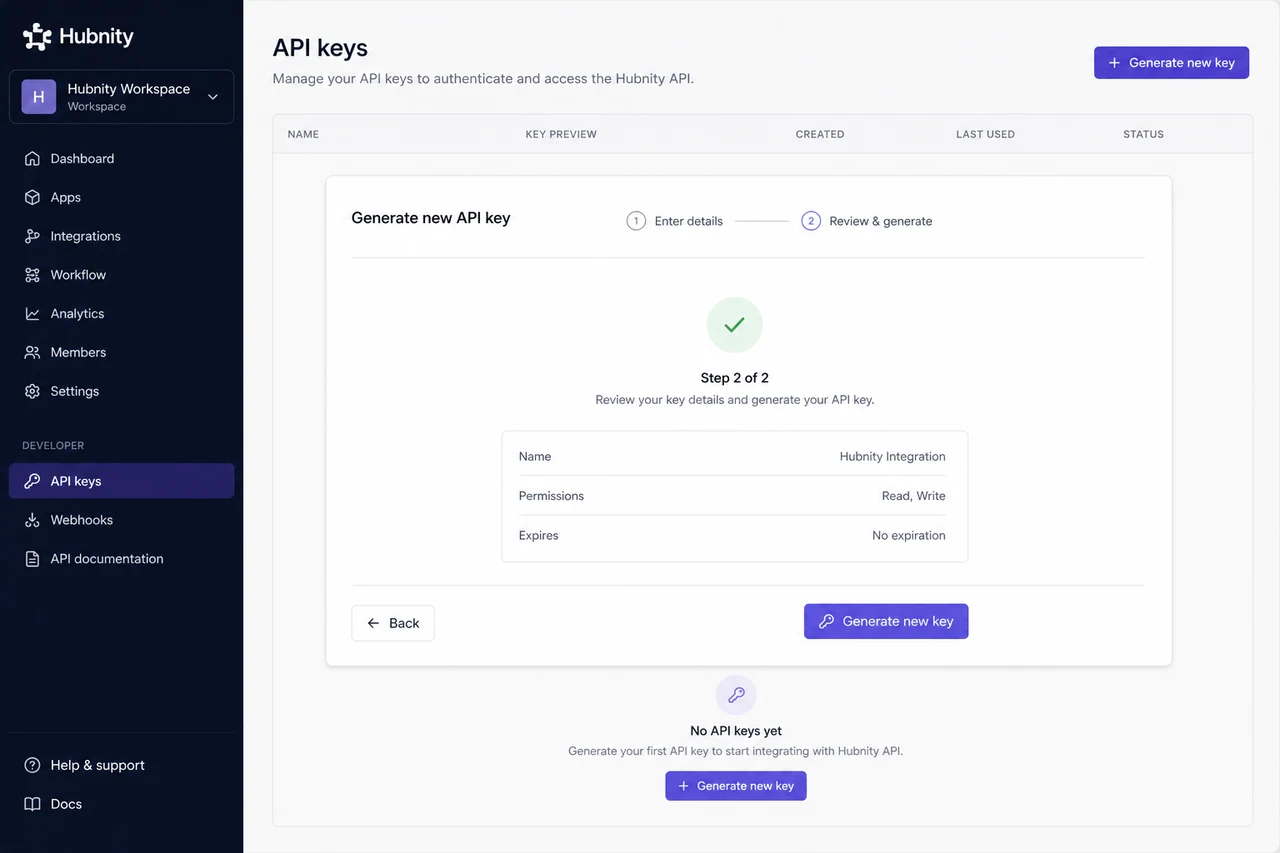
Click Generate new key
- 3
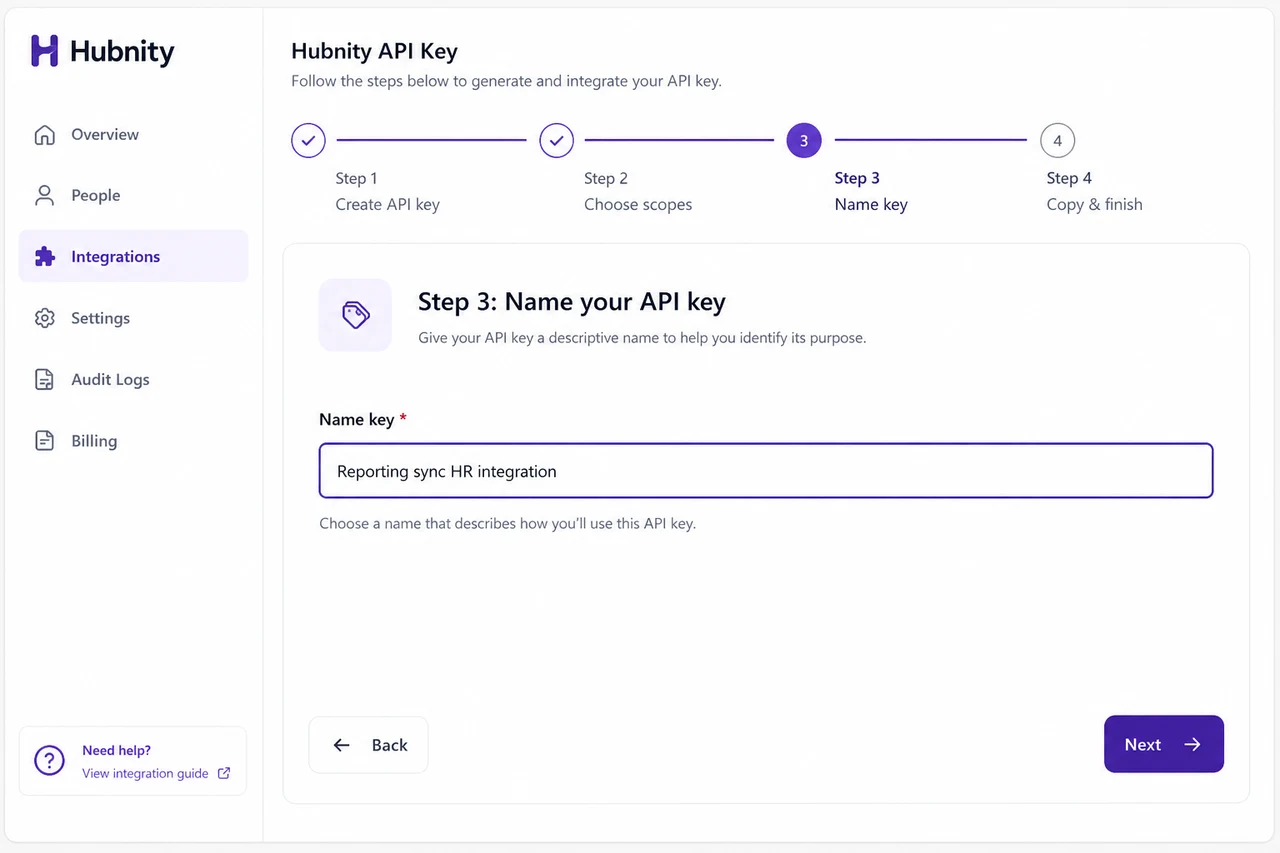
Name the key (e.g., Reporting sync, HR integration)
- 4
Select scopes (read:timesheets, write:projects, read:members, etc.)
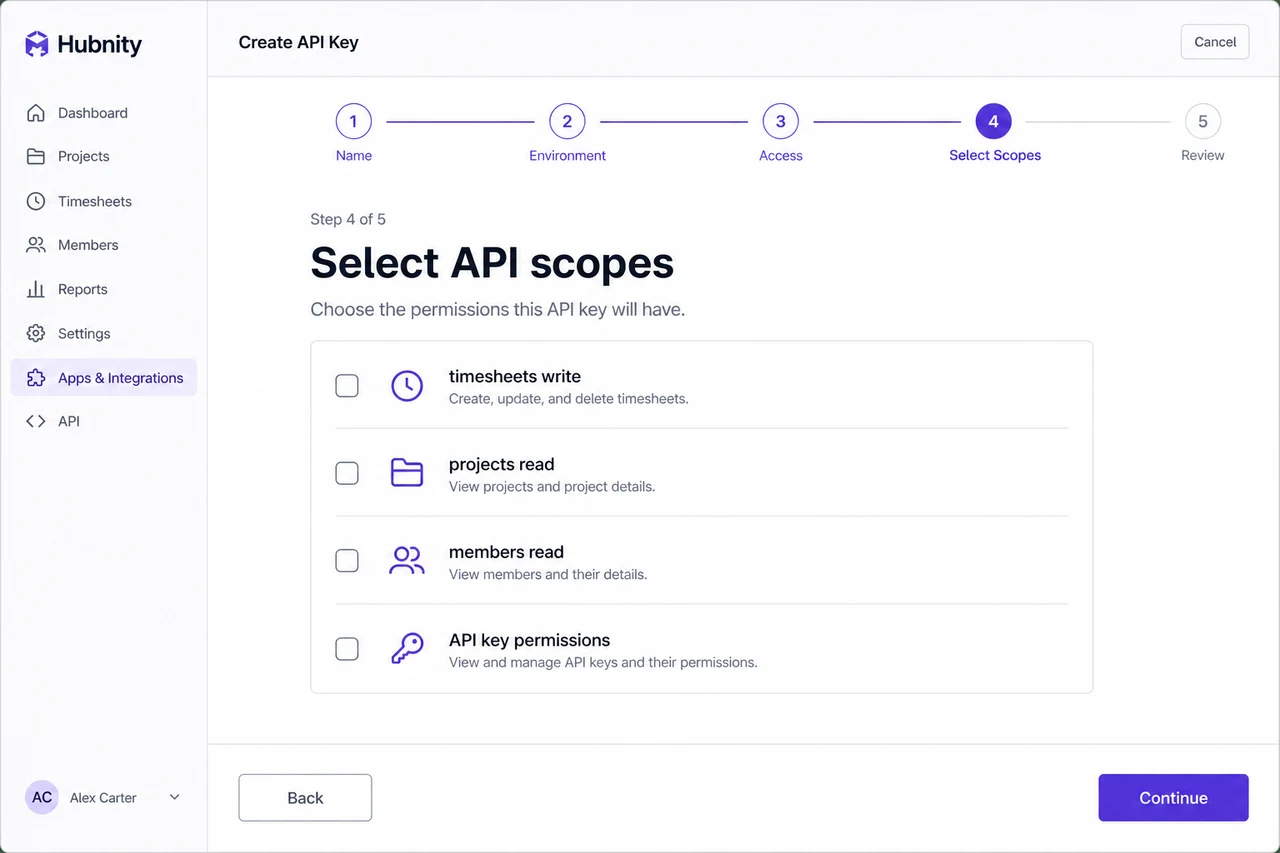
- 5
Copy and store the key securely
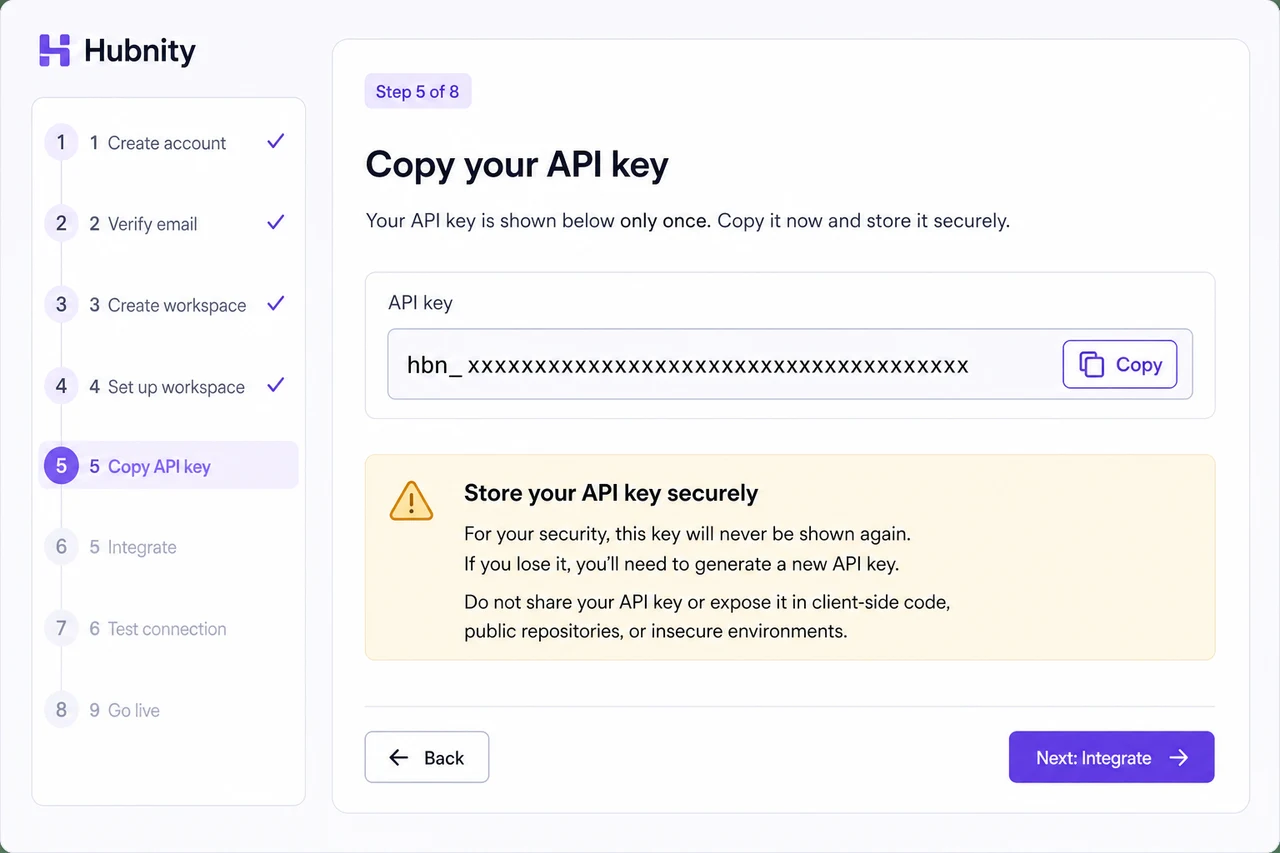
- 6
Click Done
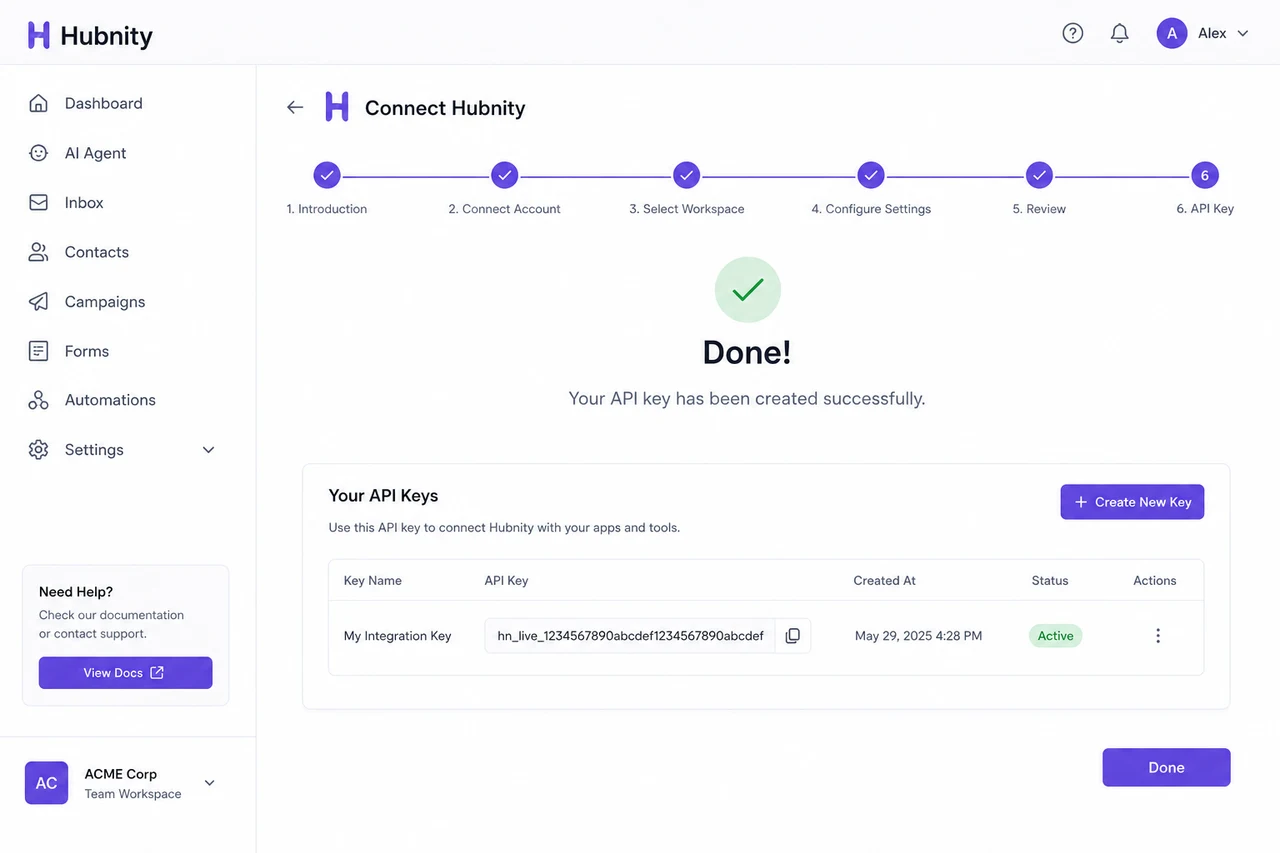
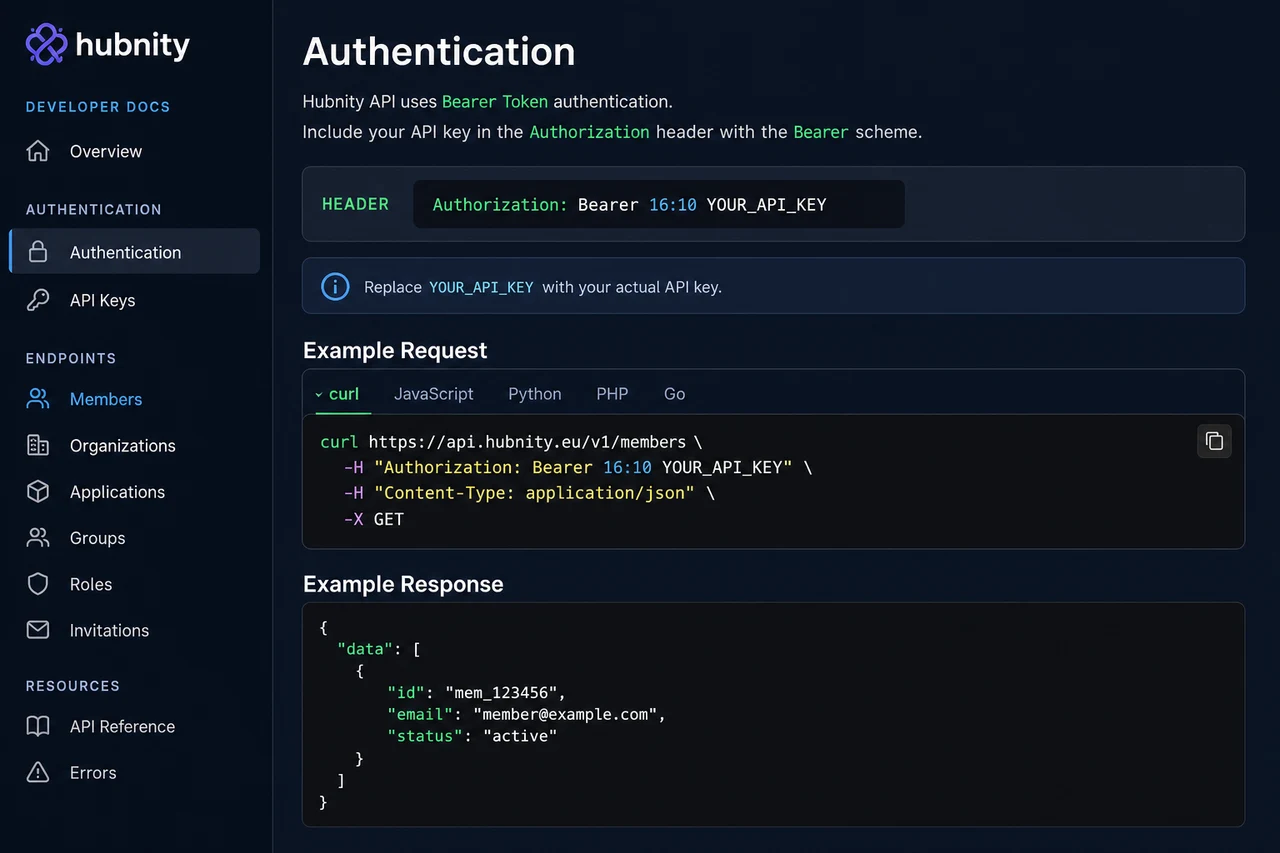
Authentication header
Include the API key in every request: Authorization: Bearer YOUR_API_KEY
Example: curl -H 'Authorization: Bearer hbn_xxx' https://api.hubnity.eu/v1/members
OAuth 2.0 (Enterprise)
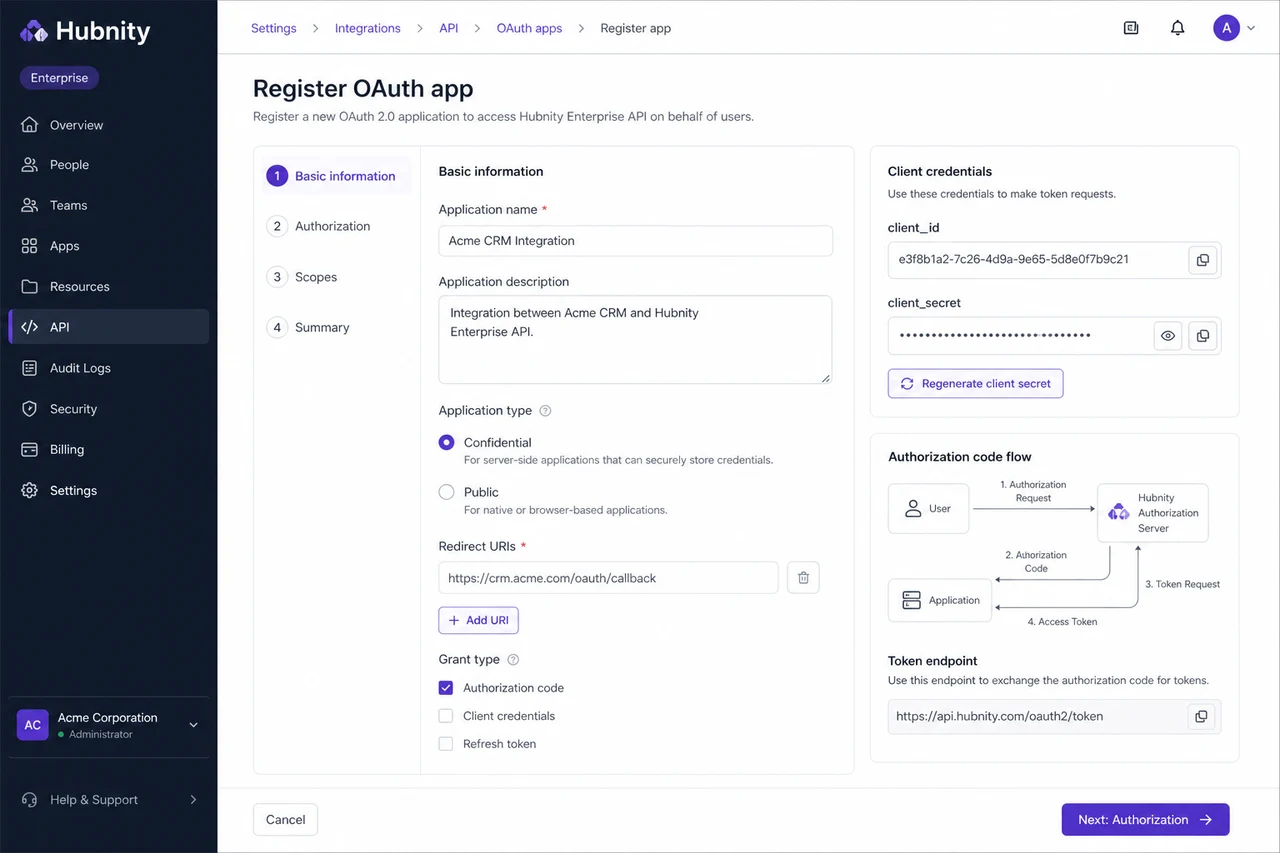
For third-party apps acting on behalf of users, use OAuth 2.0 authorization code flow.
Register your app from Settings → Integrations → API → OAuth apps. Receive client_id and client_secret.
Token endpoint: POST https://api.hubnity.eu/v1/oauth/token
Rate limits and errors
HUB-API-429: Rate limit exceeded. Retry after Retry-After header value (seconds).
HUB-API-401: Invalid or revoked API key.
HUB-API-403: Insufficient scope for the requested endpoint.
Key rotation
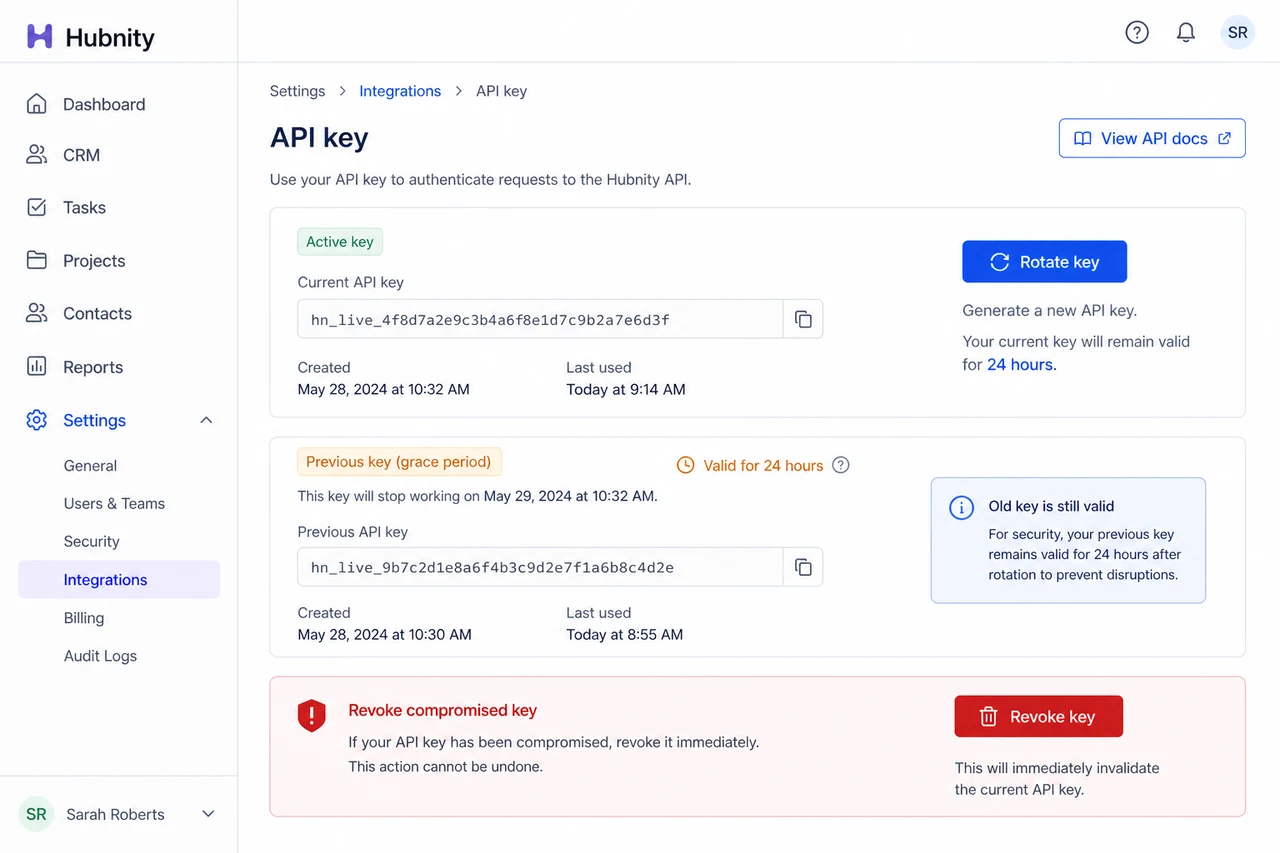
Rotate keys from Settings → Integrations → API → [Key] → Rotate. Old key remains valid for 24 hours.
Revoke compromised keys immediately from the same page.