Configure Hubnity webhooks to receive real-time notifications for time entries, members, and projects.
Create a webhook endpoint
Your endpoint must accept HTTPS POST requests and respond with 200 within 5 seconds.
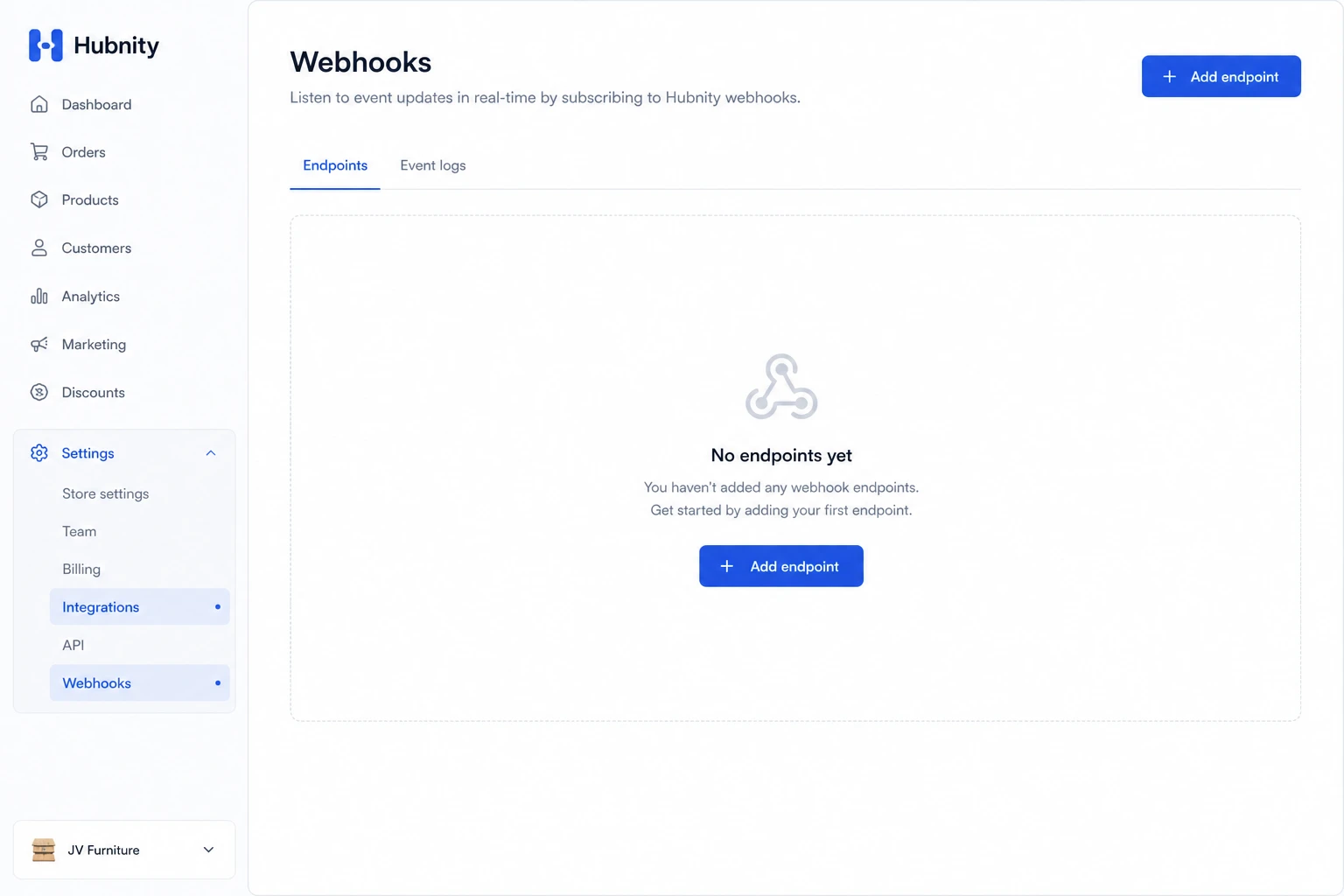
- 1
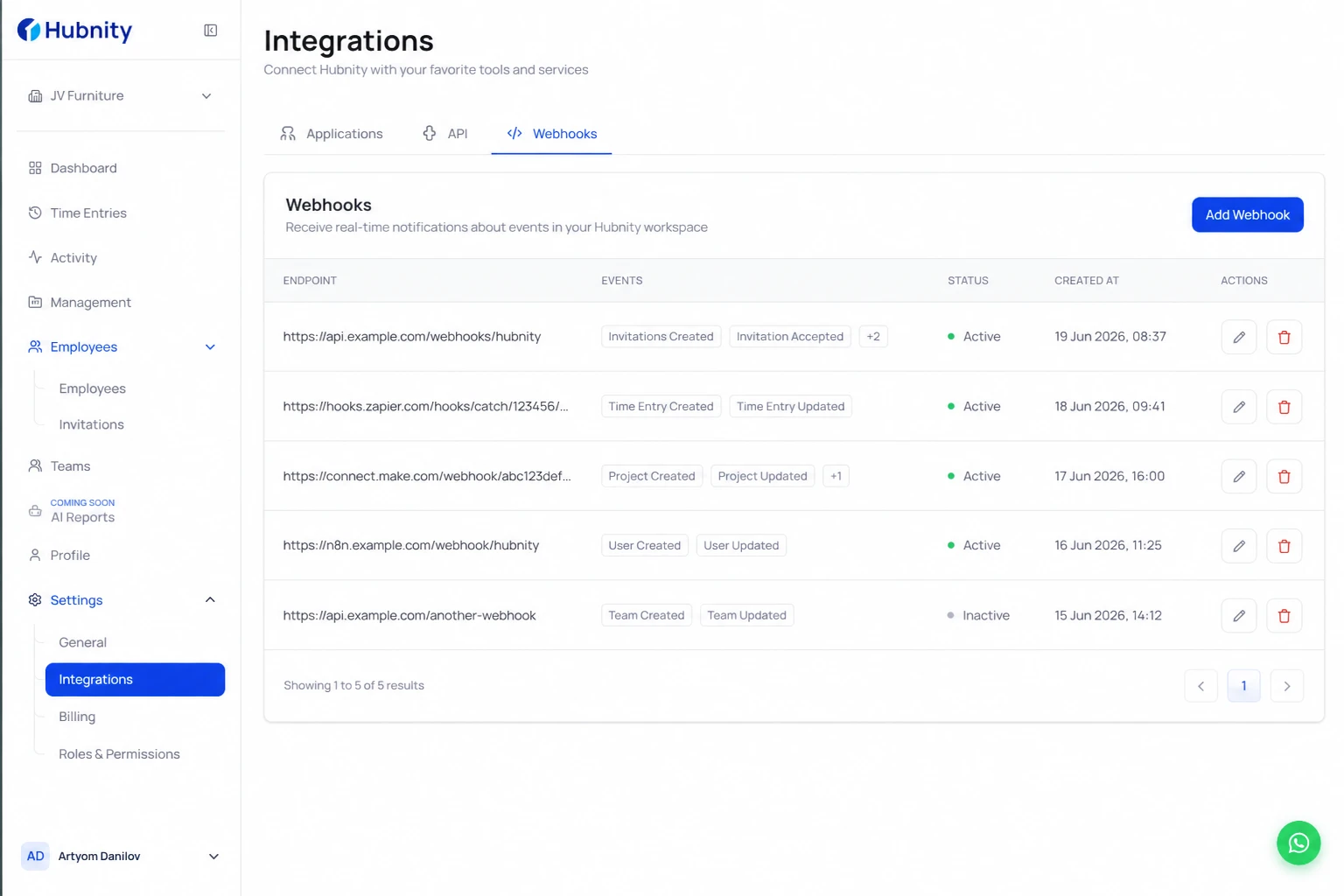
Go to Settings → Integrations → API → Webhooks
- 2
Click Add endpoint
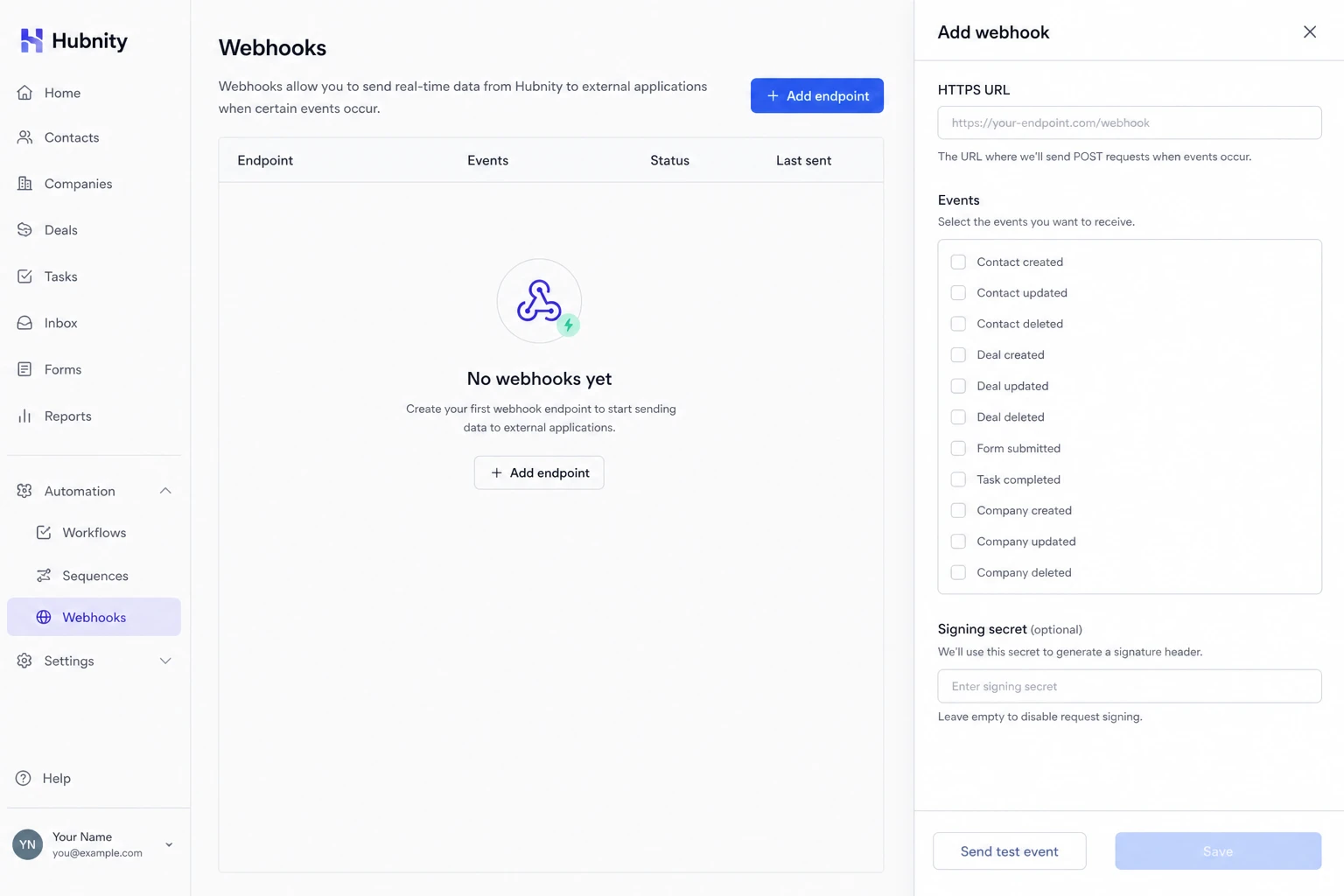
- 3
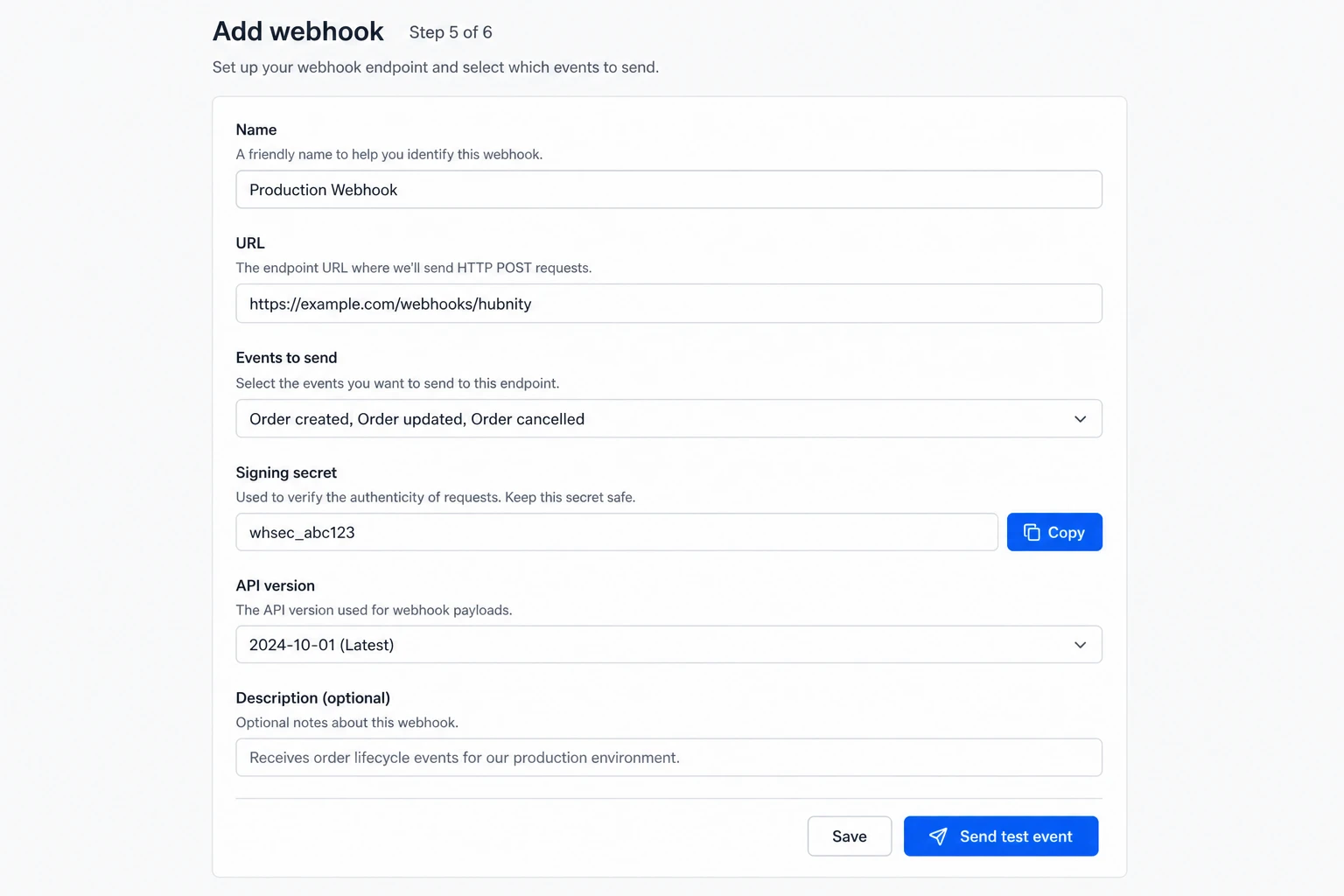
Enter your HTTPS URL
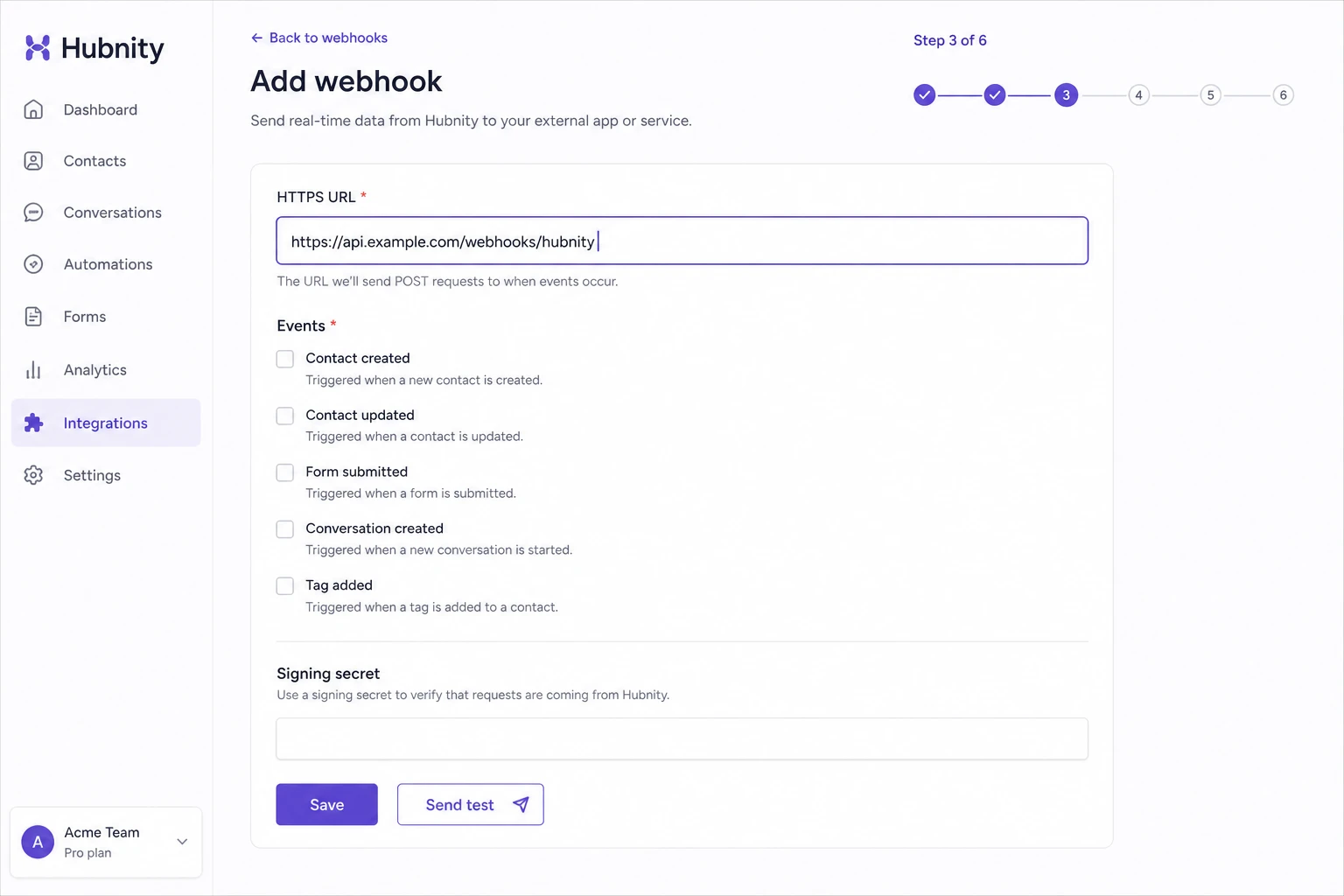
- 4
Select events to subscribe to
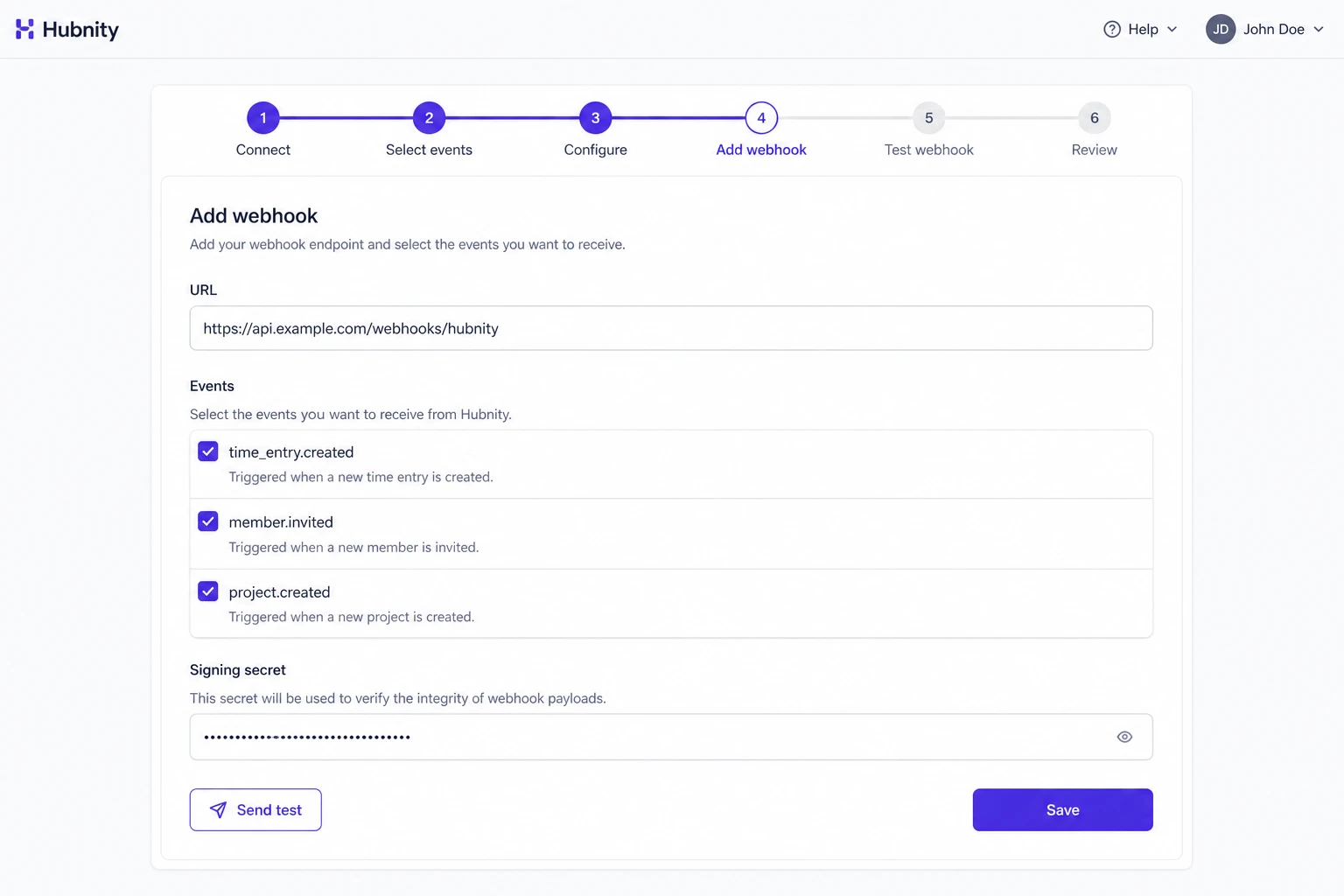
- 5
Copy the signing secret for payload verification
- 6
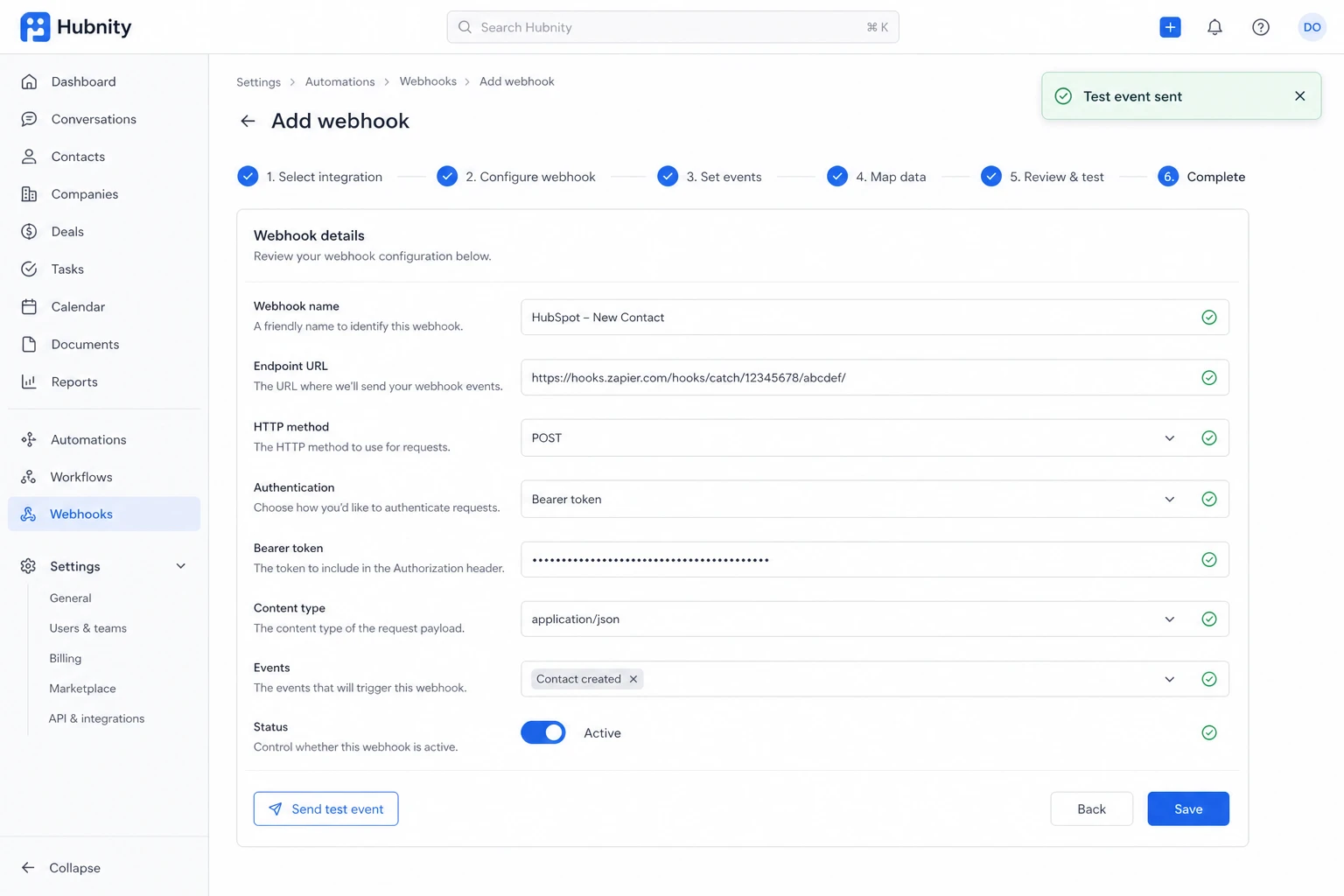
Save and click Send test event
Available events
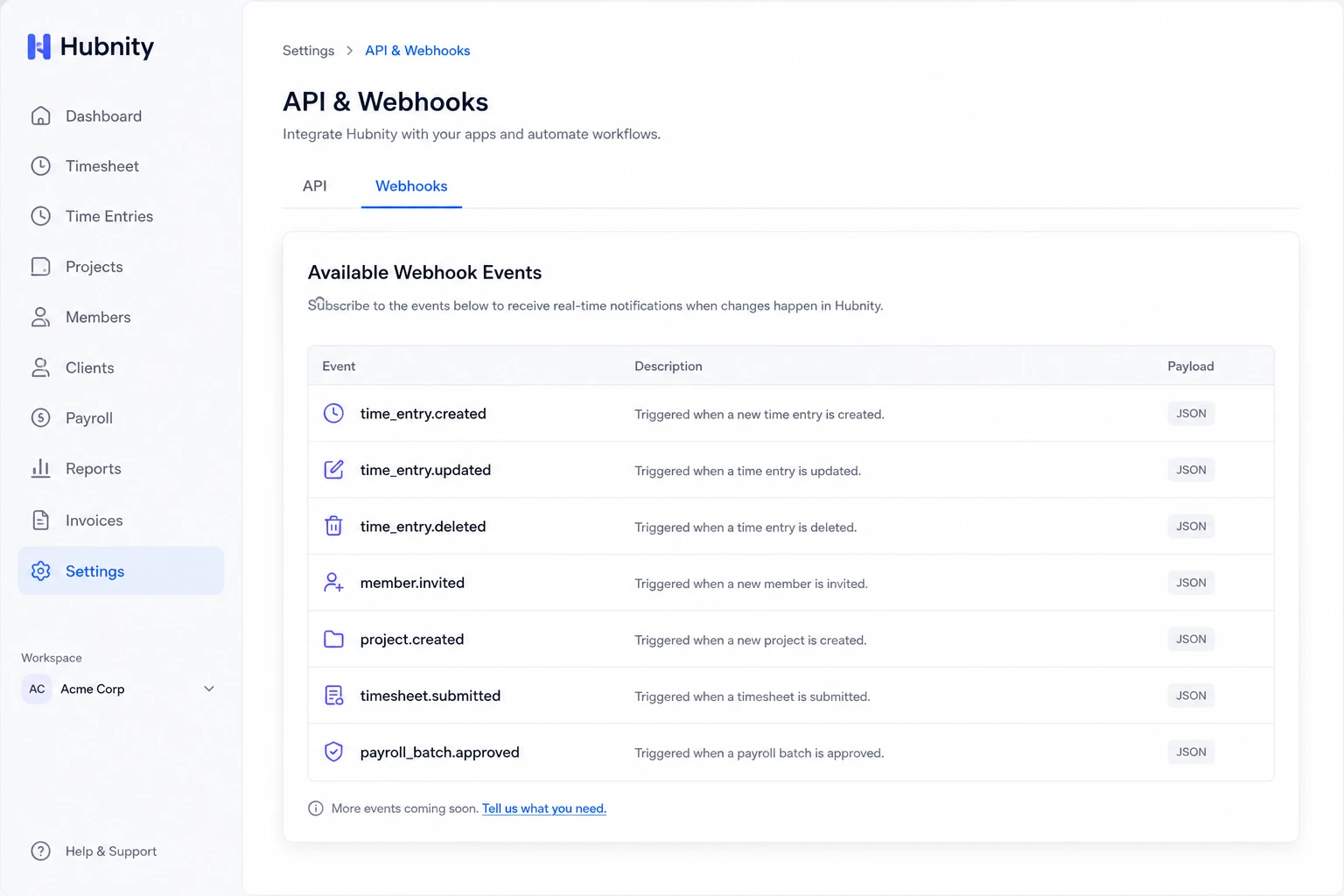
time_entry.created, time_entry.updated, time_entry.deleted
member.invited, member.joined, member.deactivated
project.created, project.updated
timesheet.submitted, timesheet.approved, timesheet.rejected
payroll_batch.approved, payroll_batch.paid
Payload format
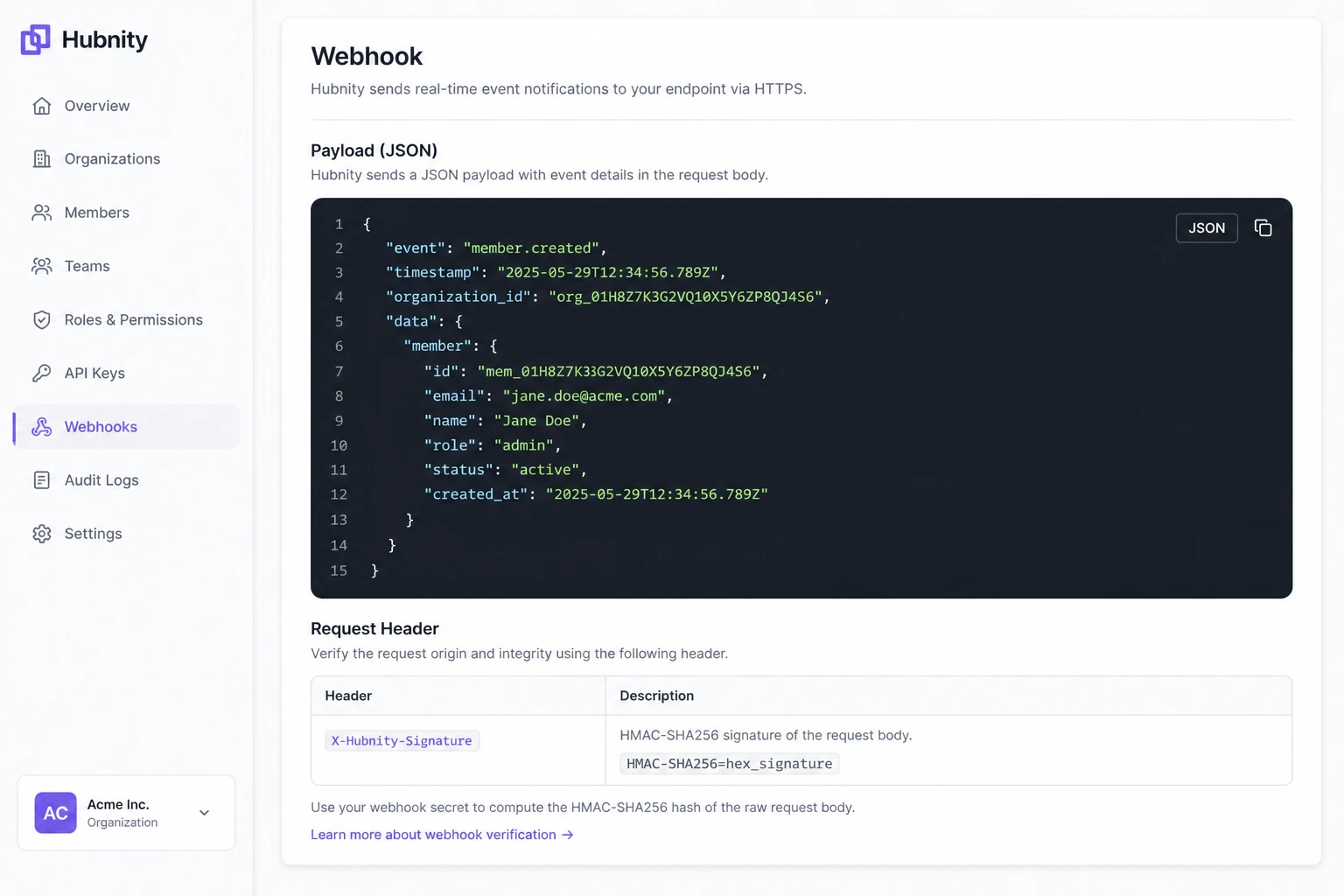
JSON body with fields: event, timestamp, organization_id, data (event-specific object).
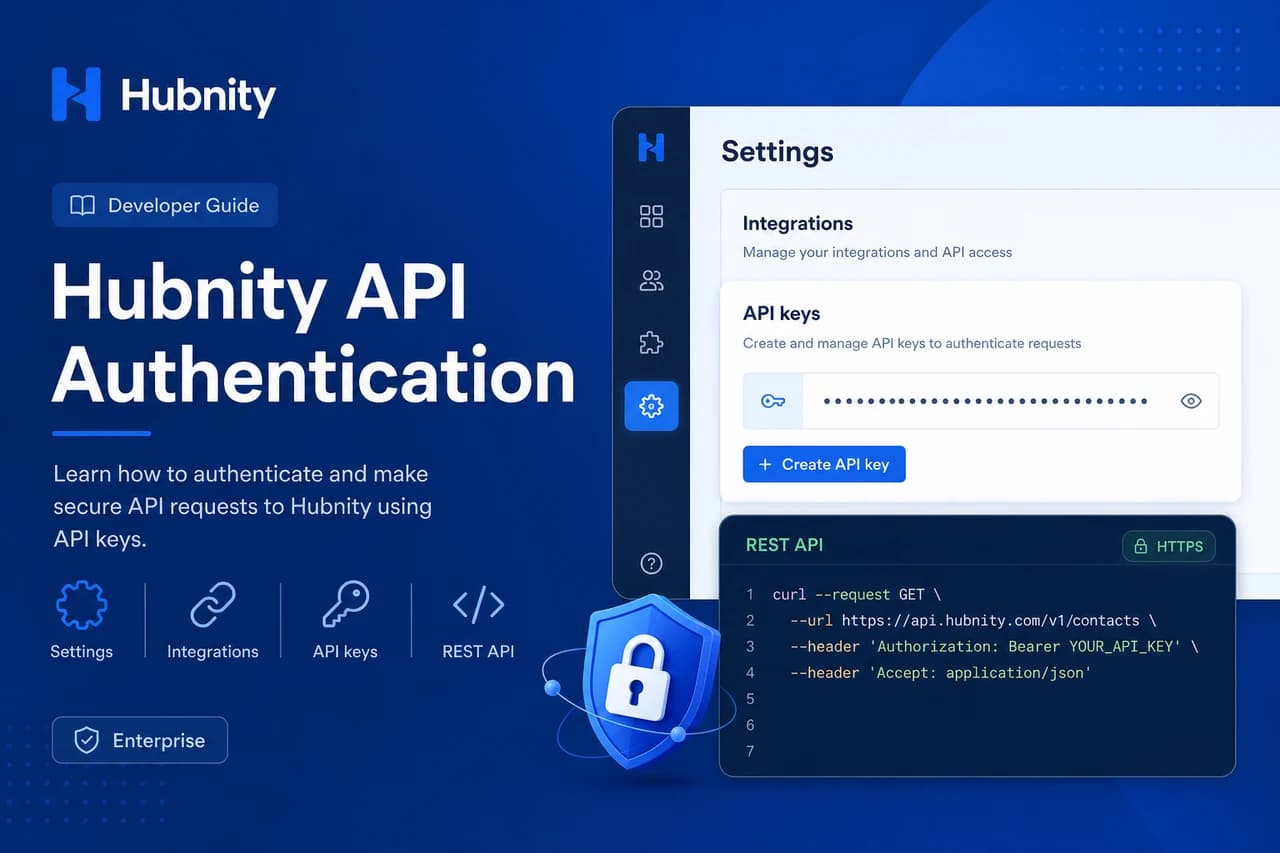
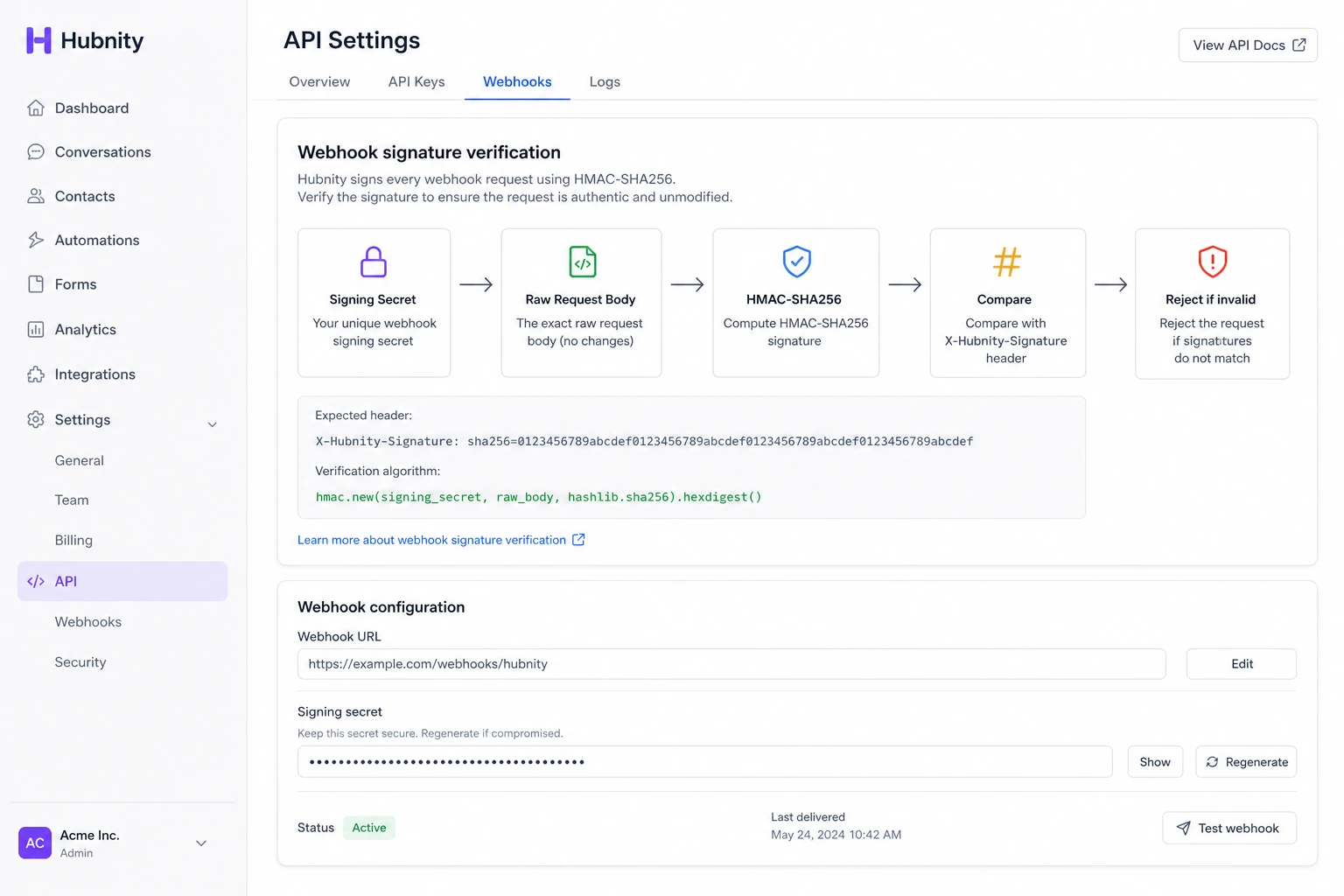
Content-Type: application/json. Signed with HMAC-SHA256 in the X-Hubnity-Signature header.
Verifying signatures
Compute HMAC-SHA256 of the raw request body using your signing secret. Compare with X-Hubnity-Signature.
Reject requests with invalid signatures to prevent spoofing.
Retry policy
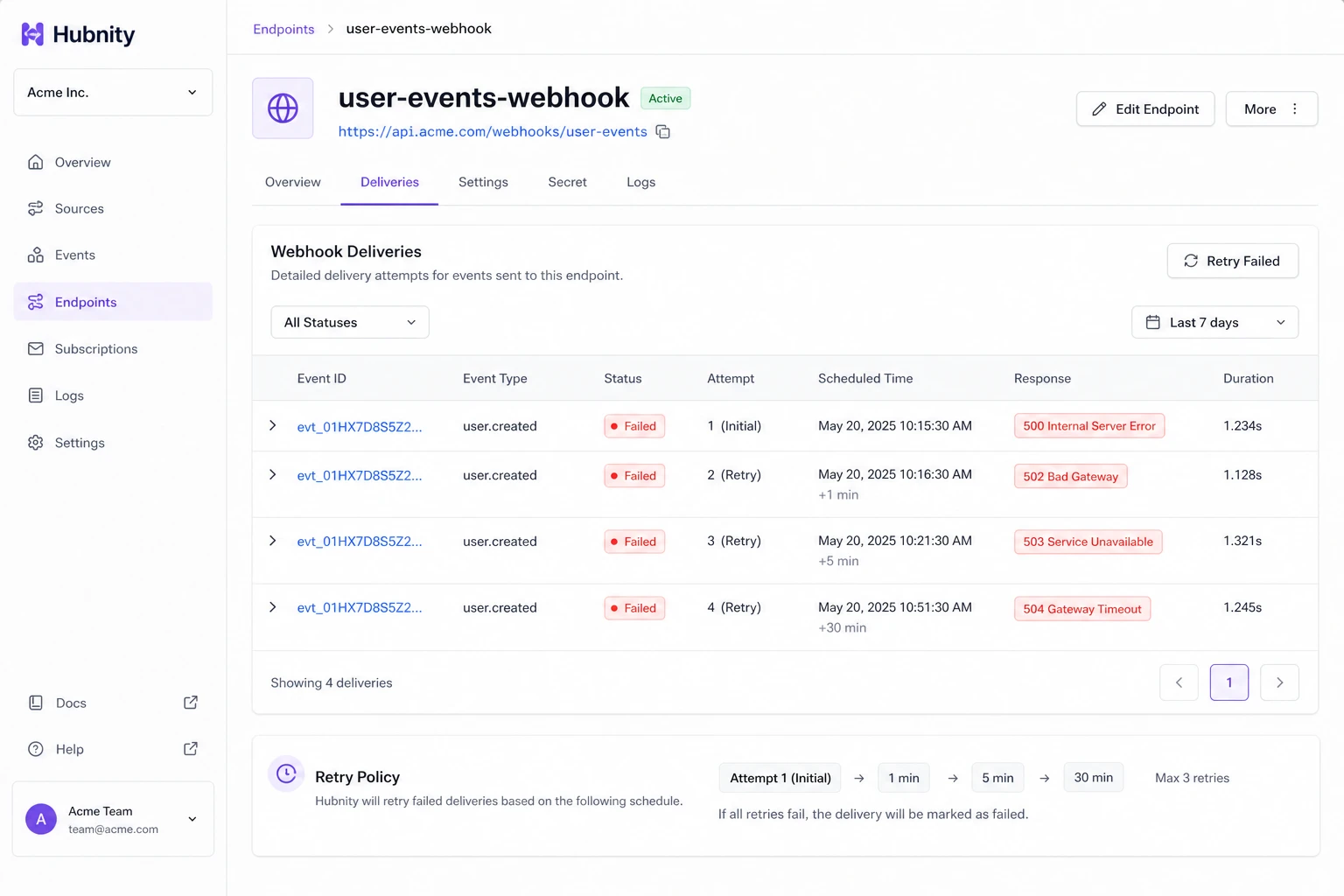
Failed deliveries (non-200 response or timeout) retry 3 times: 1 min, 5 min, 30 min.
View delivery log from Settings → Integrations → API → Webhooks → [Endpoint] → Deliveries.
Common errors
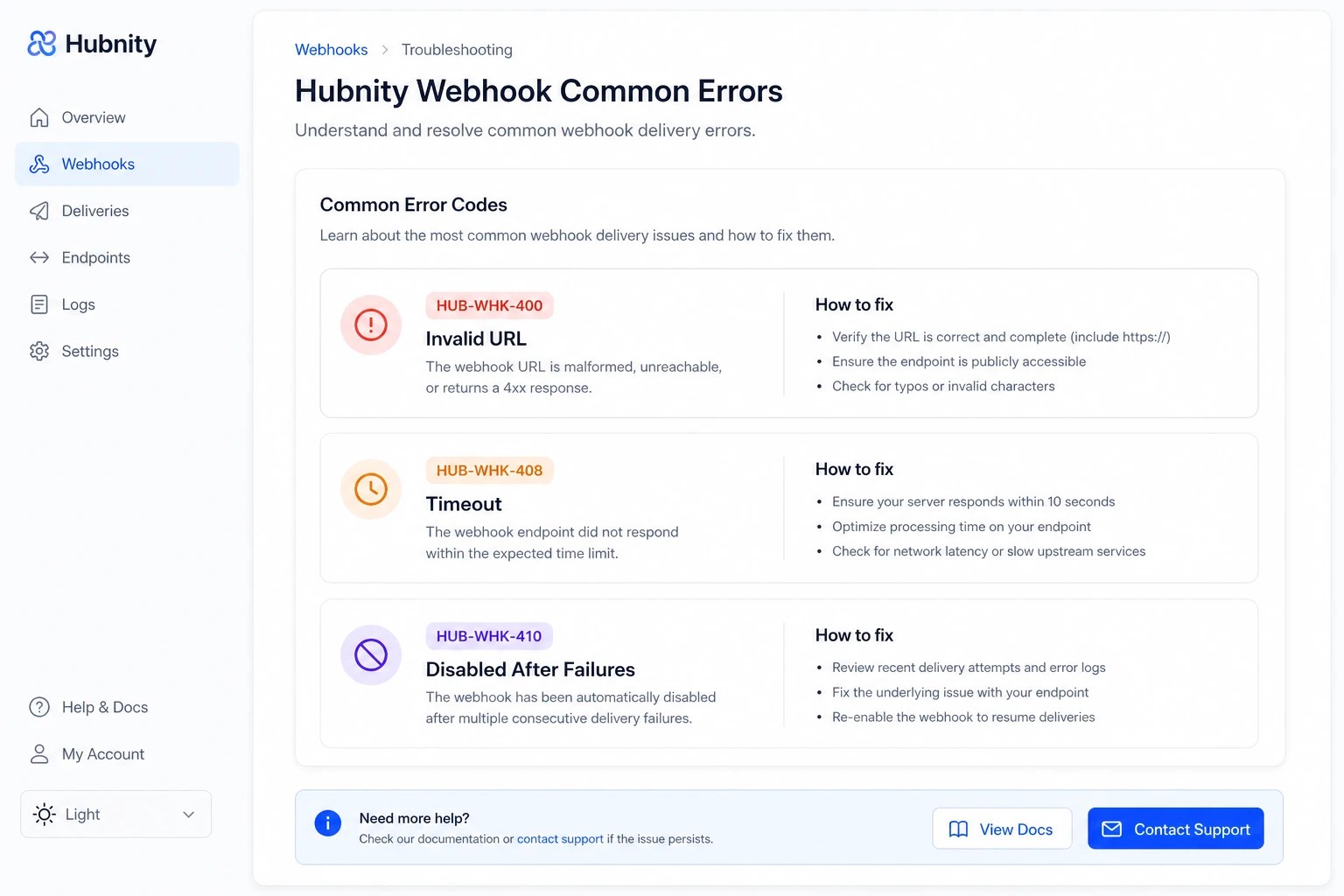
HUB-WHK-400: Invalid URL or unreachable endpoint.
HUB-WHK-408: Endpoint timeout (>5 seconds). Optimize handler or respond 200 and process async.
HUB-WHK-410: Endpoint disabled after 100 consecutive failures. Re-enable manually.