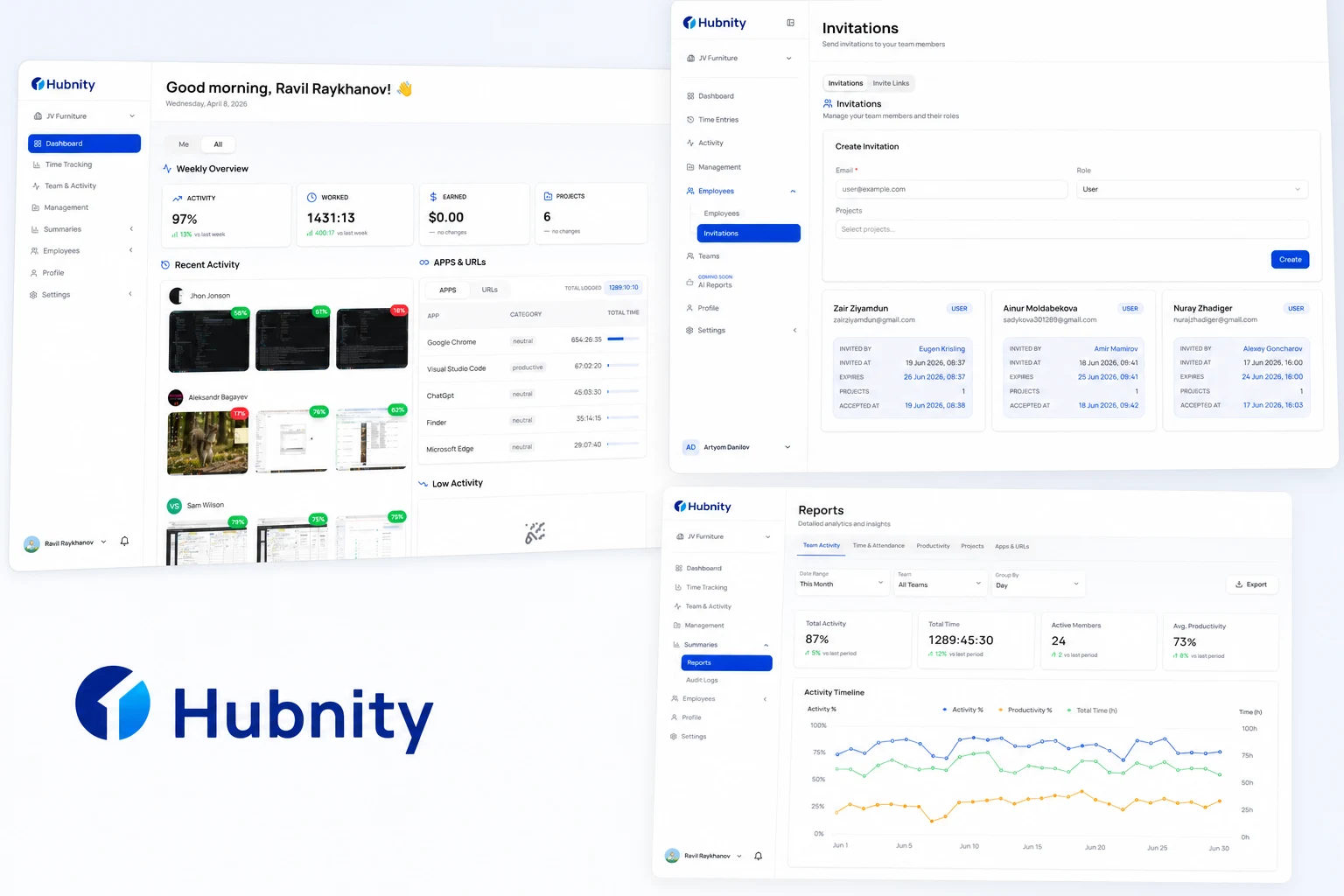
Hubnity is a comprehensive time tracking and productivity platform designed for freelancers, agencies, and distributed teams to monitor work hours, track billable time, and generate seamless reports.
What Hubnity is
Hubnity is a comprehensive time tracking and productivity platform designed for freelancers, agencies, and distributed teams to monitor work hours, track billable time, and generate seamless reports.
Learn more and start a trial at https://hubnity.eu/
Core capabilities on hubnity.eu
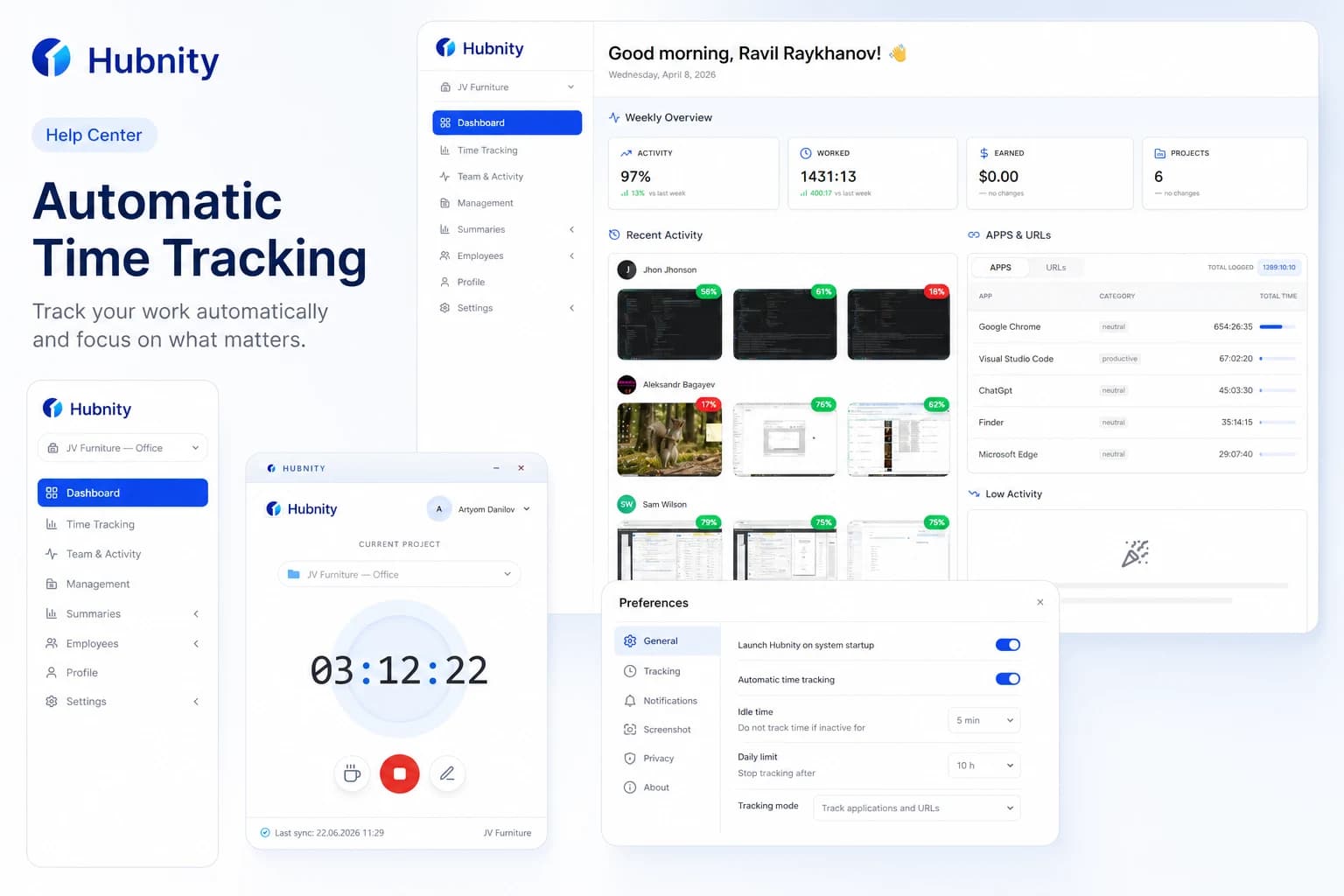
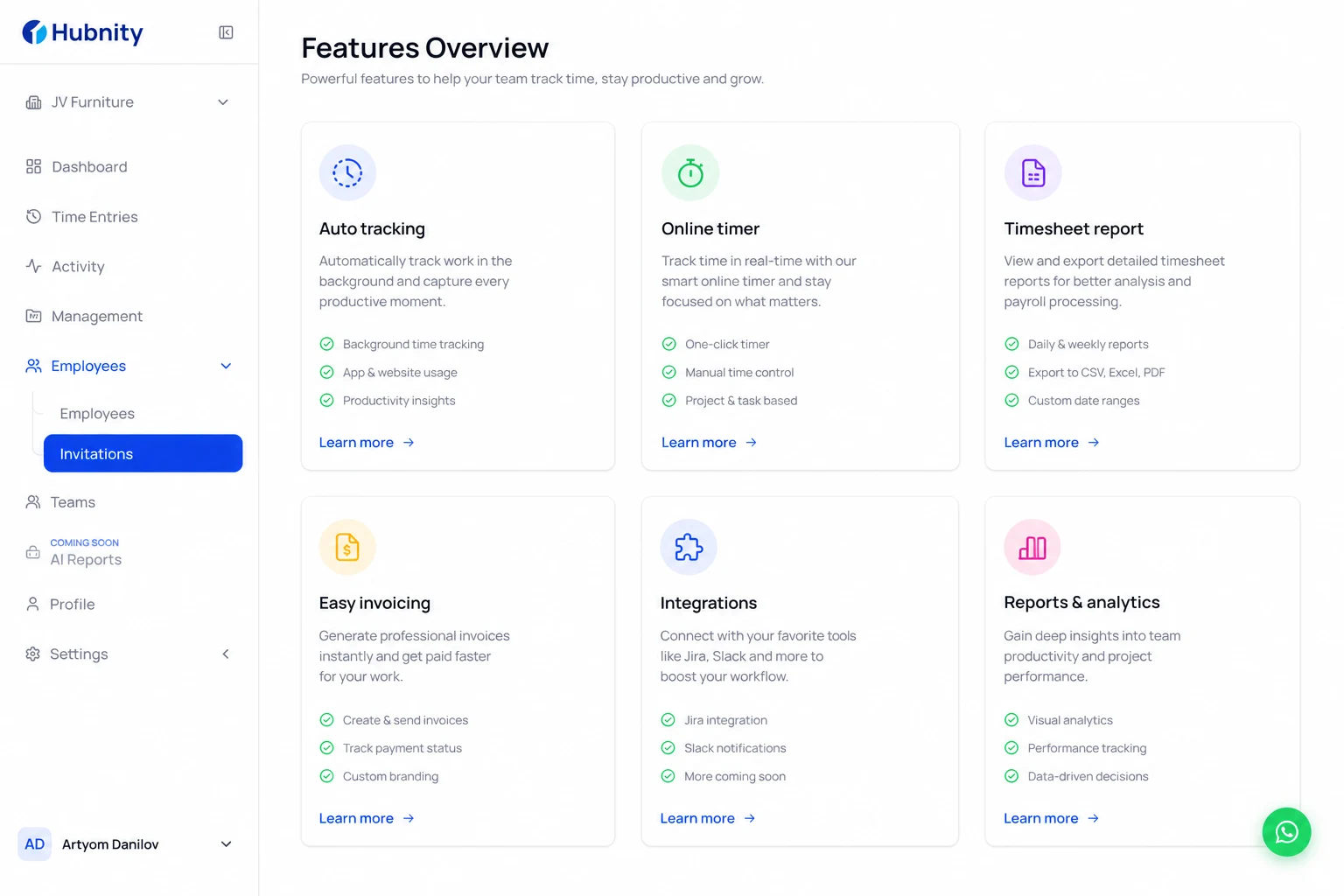
Auto tracking: Record a calendar timeline of work activities throughout the day. The desktop app or browser extension logs apps and websites in the background so you can assign time blocks to tasks later.
Online work timer: Capture every minute your team spends and track productivity with precision. Switch between projects with a single click.
Timesheet report: Use tracked time to generate timesheets for every team member. Filter by user, project, or date range and export to CSV or PDF.
Easy invoicing: Track billable time across multiple projects, assign hourly rates, and generate polished client invoices from tracked hours.
Integration tools: Connect 100+ tools via browser extensions and native integrations—including Jira, Trello, Asana, Slack, and Notion—to keep work data in sync.
Report and analysis: Visual dashboards and analytics show how your team spends time so managers can make faster decisions.
Platform strengths
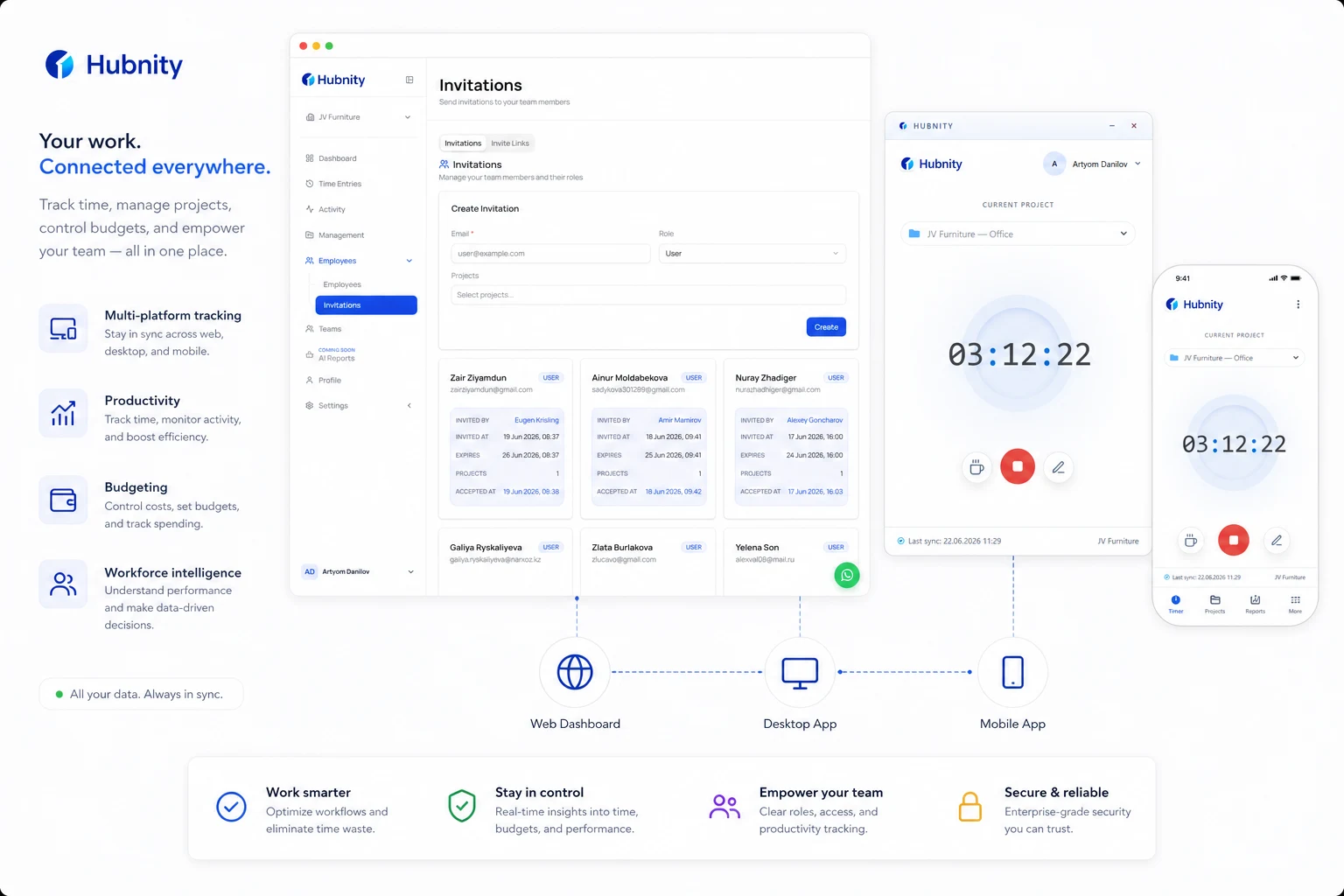
Seamless multi-platform time tracking: Track time from web, desktop, mobile, and browser extensions with one synchronized timesheet.
Adaptive productivity and monitoring: Optional activity insights help teams understand focus time and workload without micromanagement.
Project budgeting and profitability: See how hours map to projects and clients so you can protect margins and bill accurately.
Comprehensive workforce intelligence: Managers get visibility into team workloads, attendance patterns, and progress across time zones.
Integrated global payroll: Turn approved timesheets into payroll-ready data for finance and operations teams.
Why teams choose Hubnity
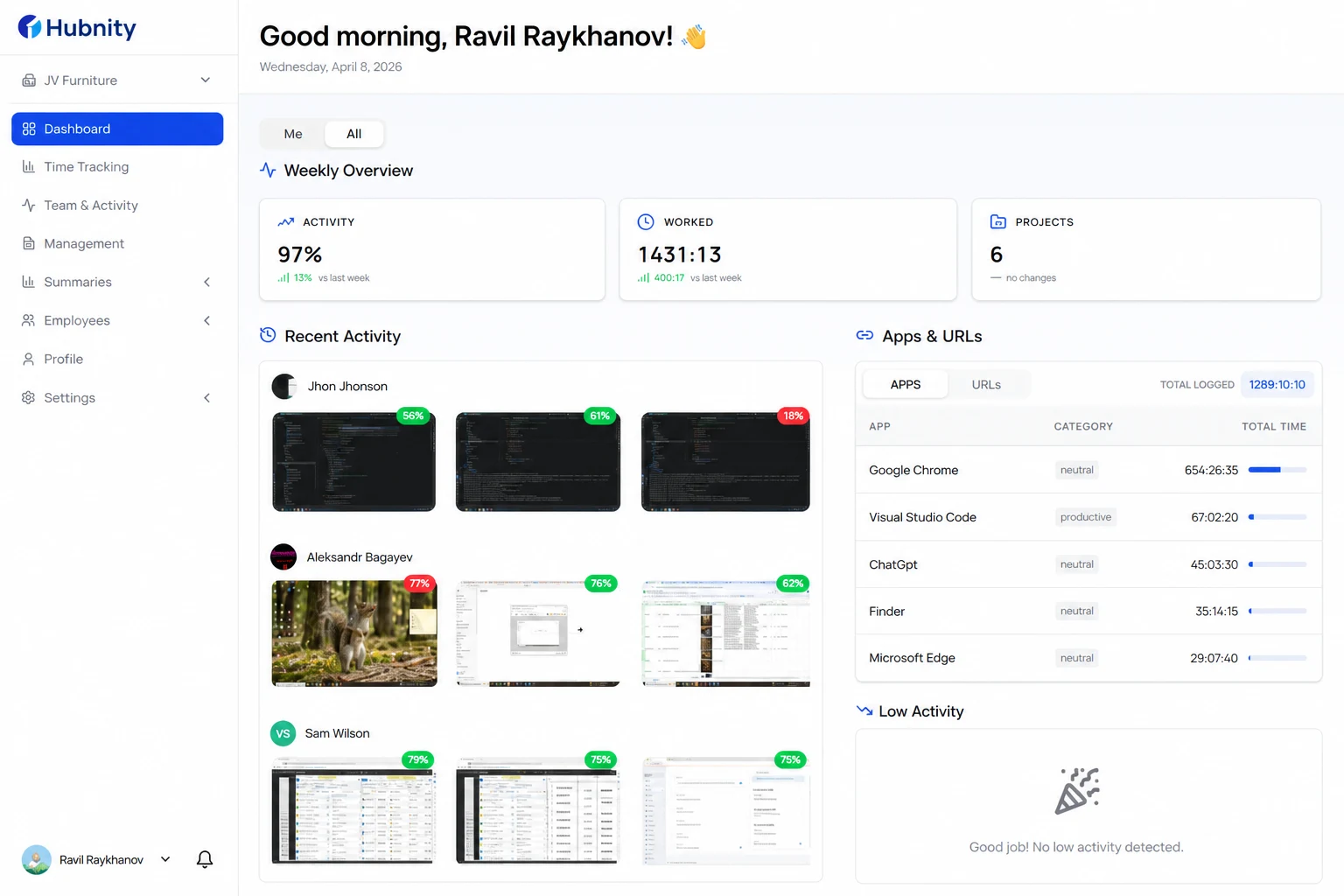
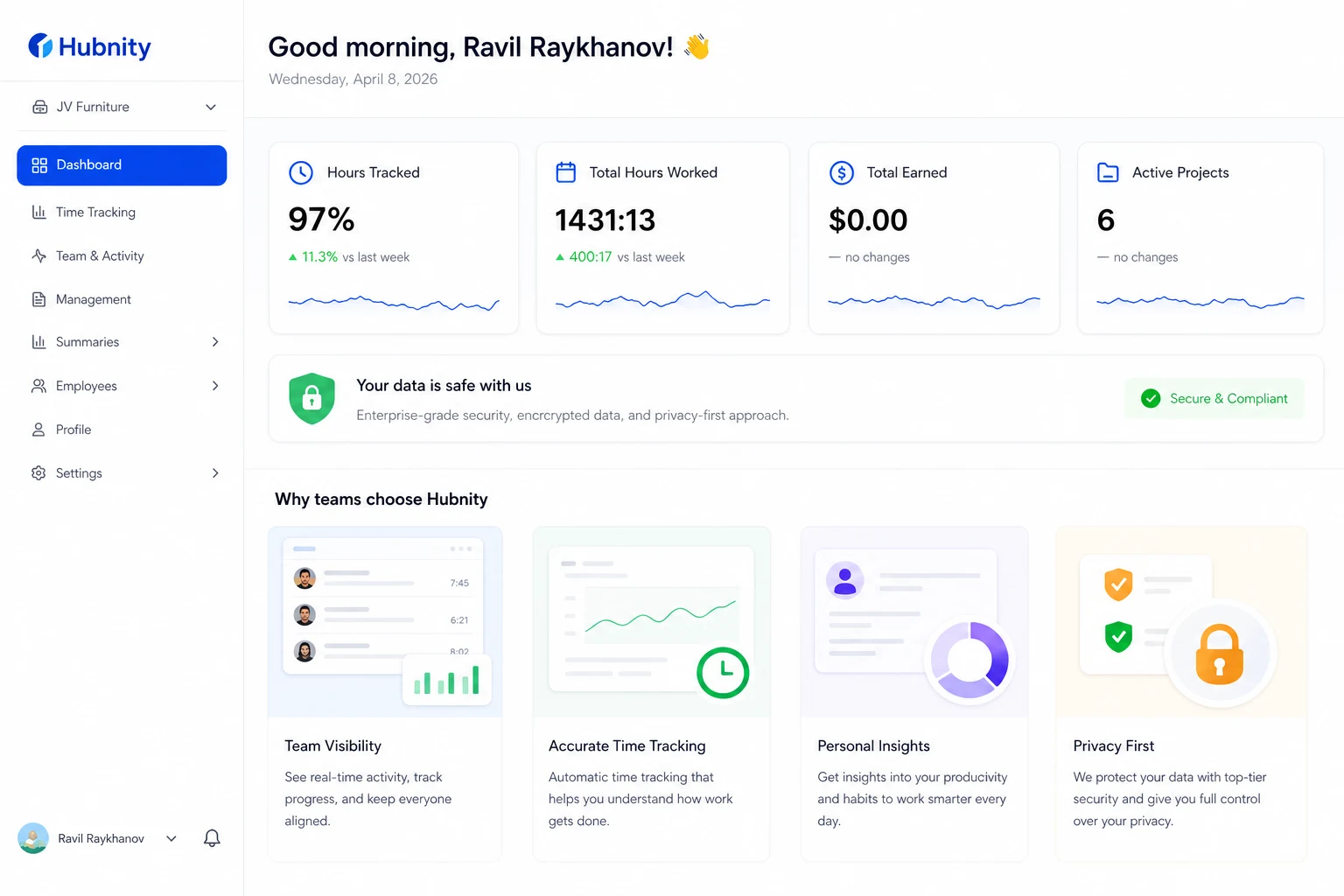
Everything at a glance: A clean dashboard puts hours tracked, goals, and key metrics at your fingertips.
Your data is protected: Enterprise-grade encryption and role-based access keep workspace data secure.
Complete team visibility: Monitor activity logs, manage roles, and stay aligned with team progress.
Personalized insights: Each member can review their own tracked time, productivity trends, and personal settings.
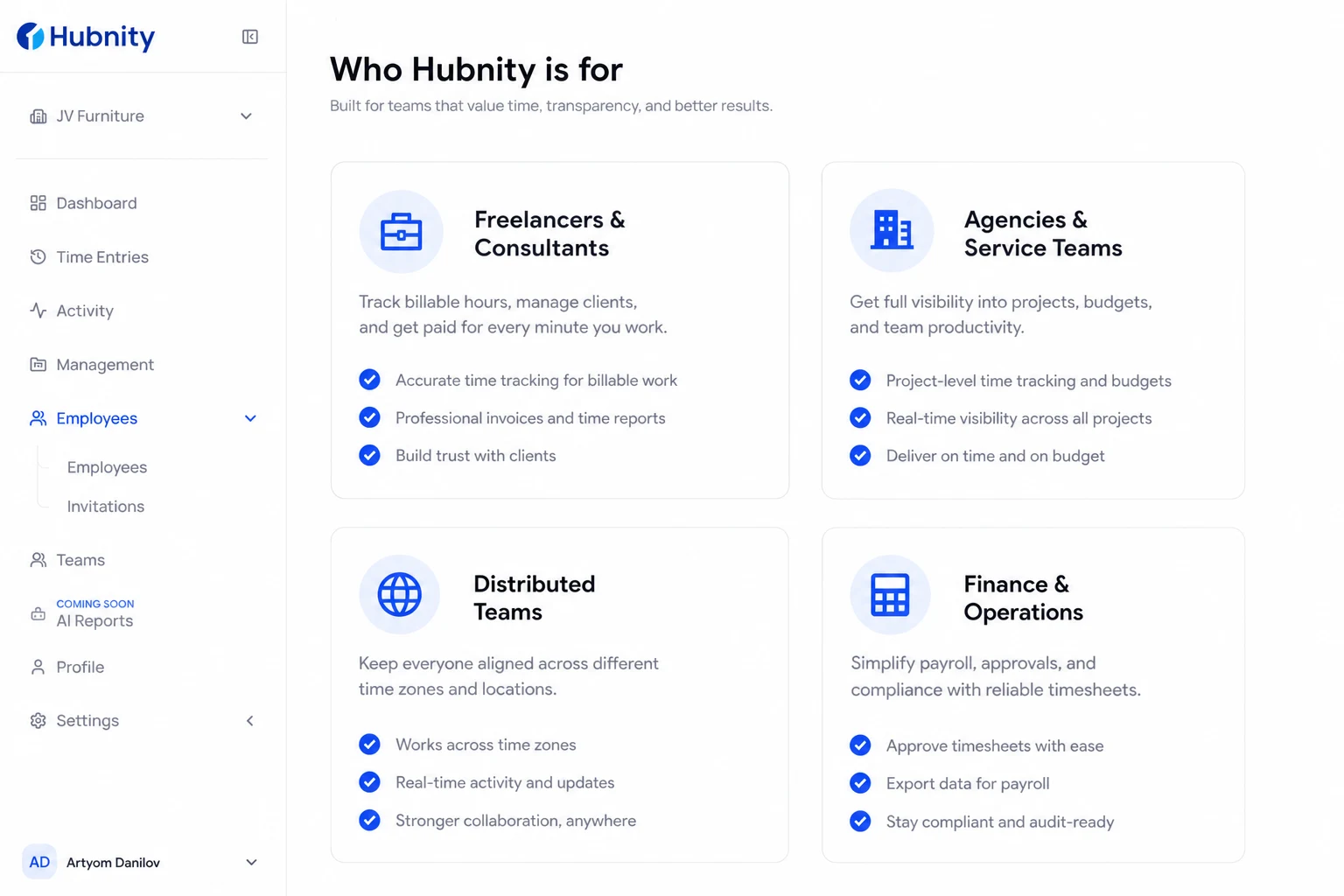
Who Hubnity is for
Freelancers tracking billable hours across multiple clients.
Agencies that need project visibility, integrations, and invoicing.
Distributed and remote teams working across time zones.
Operations and finance teams that need payroll-ready timesheet data.
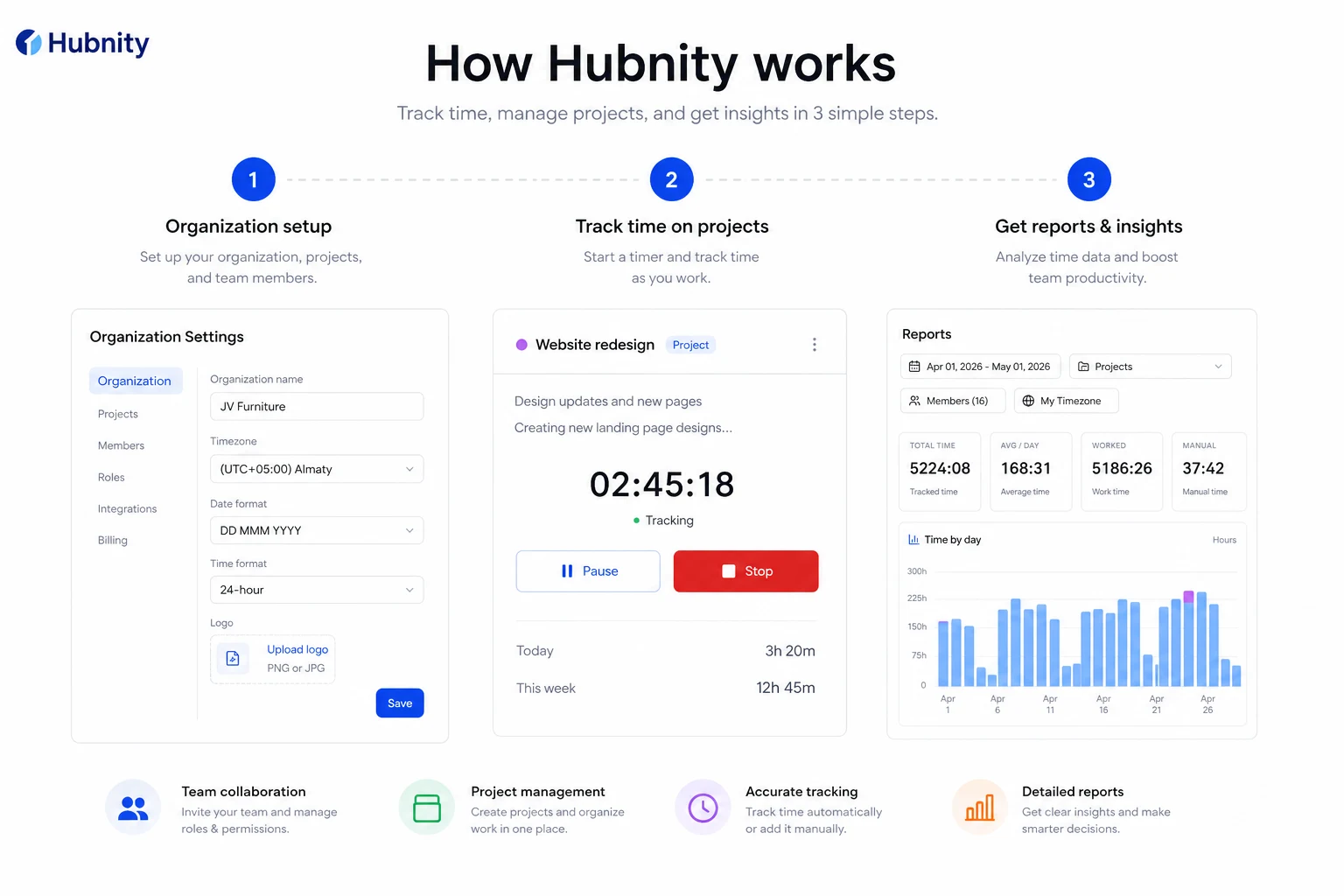
How Hubnity works
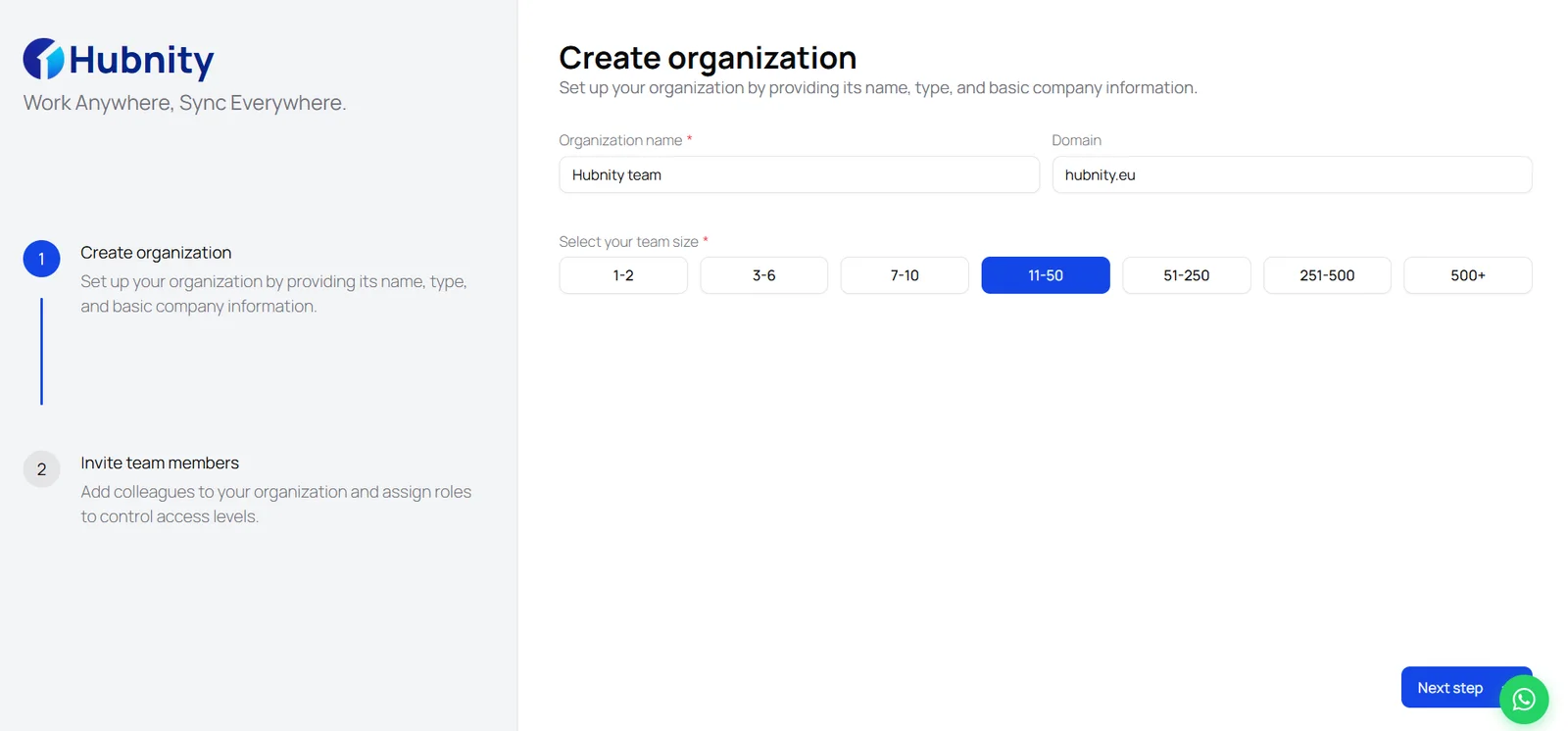
Step 1 — Organization setup: Create your organization profile and configure tracking settings to fit your team's workflow.
Step 2 — Seamless time tracking: Log working hours and switch between projects with a single click—or let auto tracking run in the background.
Step 3 — Analytics and reports: Review productivity with detailed, real-time reports for managers and members.
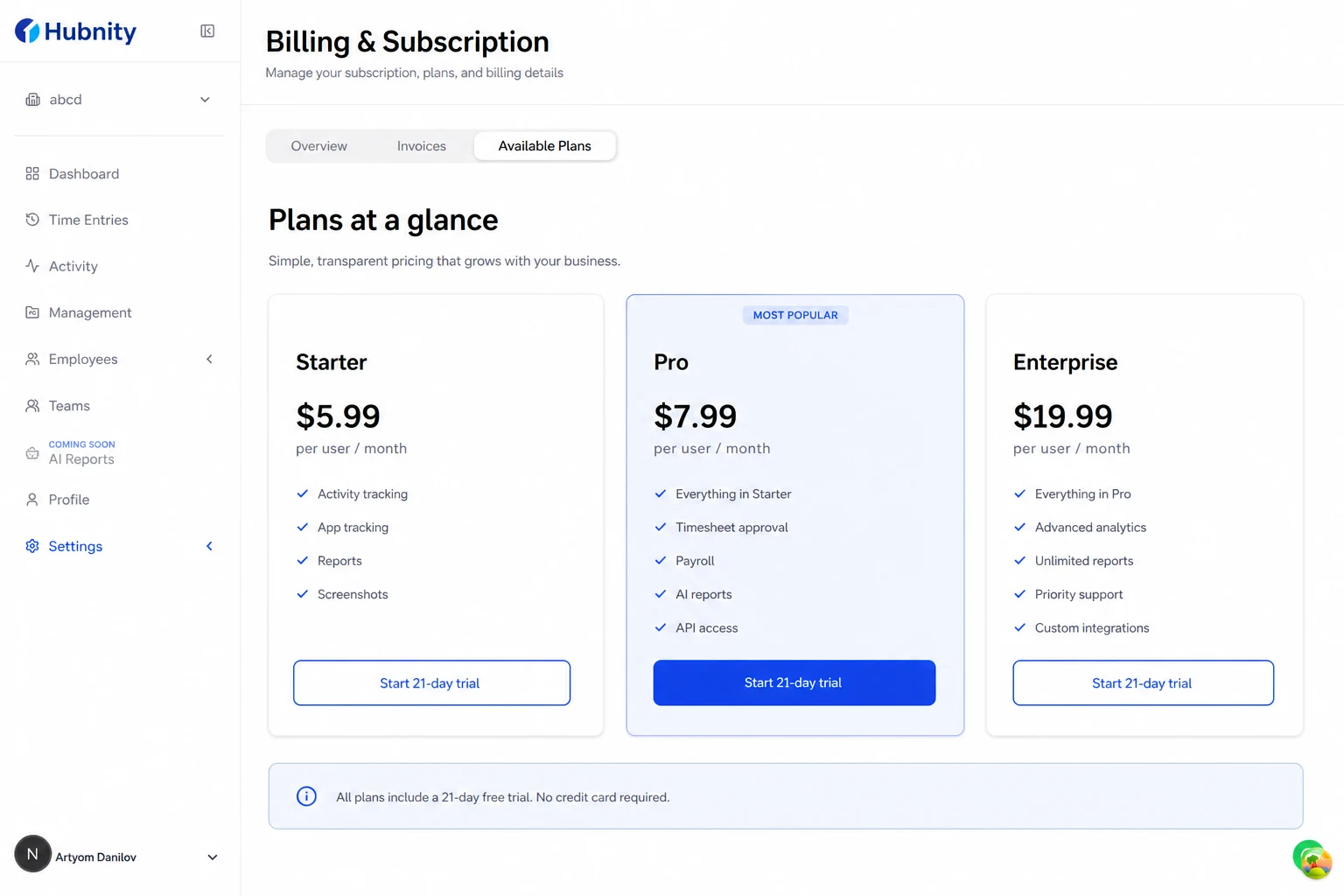
Plans at a glance
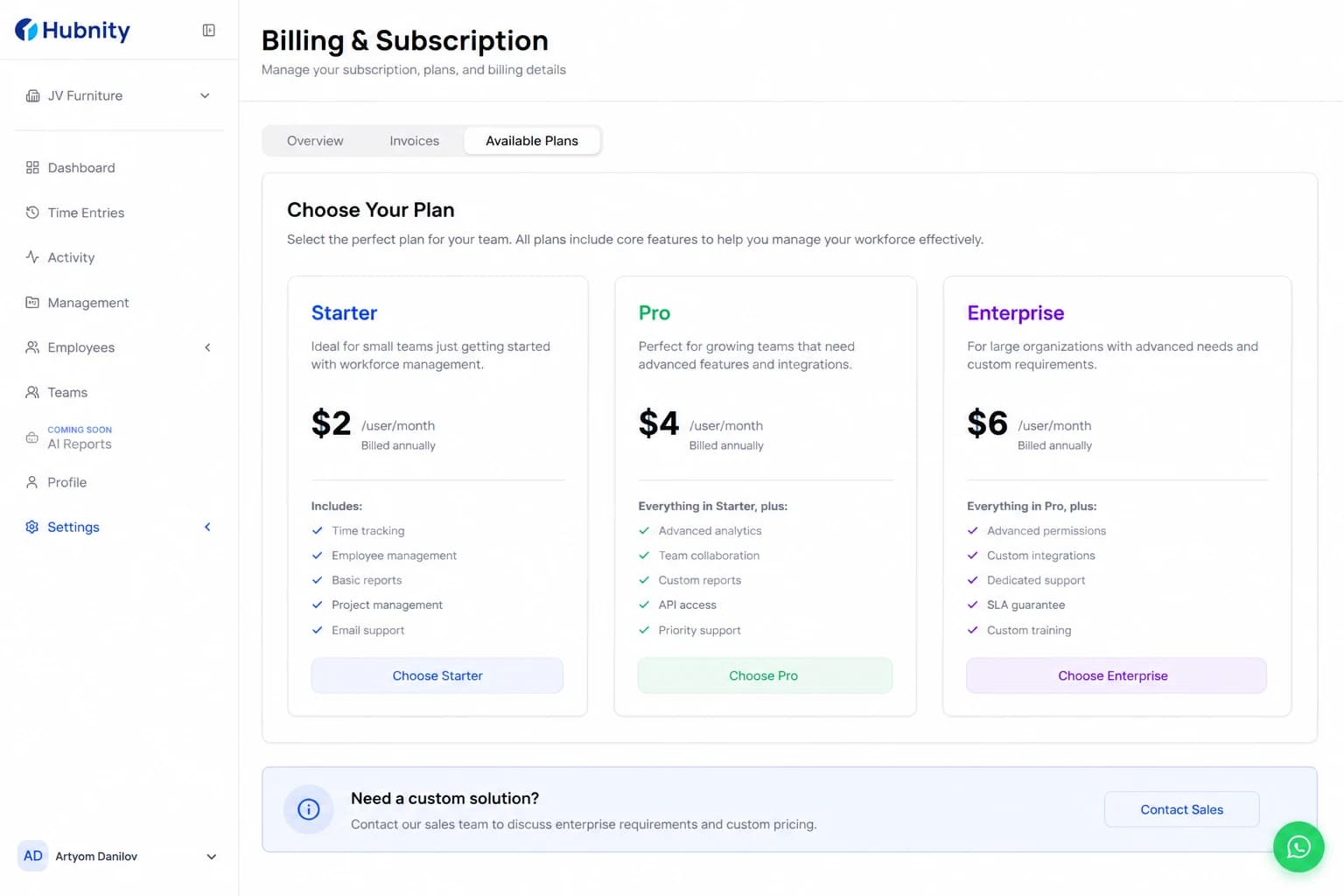
Starter ($5.99/monthly): Freelancers and small teams. Includes Up to 3 team members, Basic time tracking, Standard support.
Pro ($7.99/monthly): Growing operations. Includes Up to 15 team members, Advanced time tracking, Detailed reporting, Priority support, Custom invoicing.
Enterprise ($19.99/monthly): Advanced multi-team workflows. Includes Unlimited team members, Advanced time tracking, Custom reporting and analytics, 24/7 dedicated support, Custom invoicing, SSO and advanced security, API access, Custom integrations, Dedicated account manager.
Full-featured 21-day free trial on paid plans. No credit card required to sign up. After the trial you can upgrade or continue on the basic free tier.
Get started
Create your account at https://hubnity.eu/register and follow the organization setup flow on hubnity.eu.

- 1
Sign up at https://hubnity.eu/

- 2
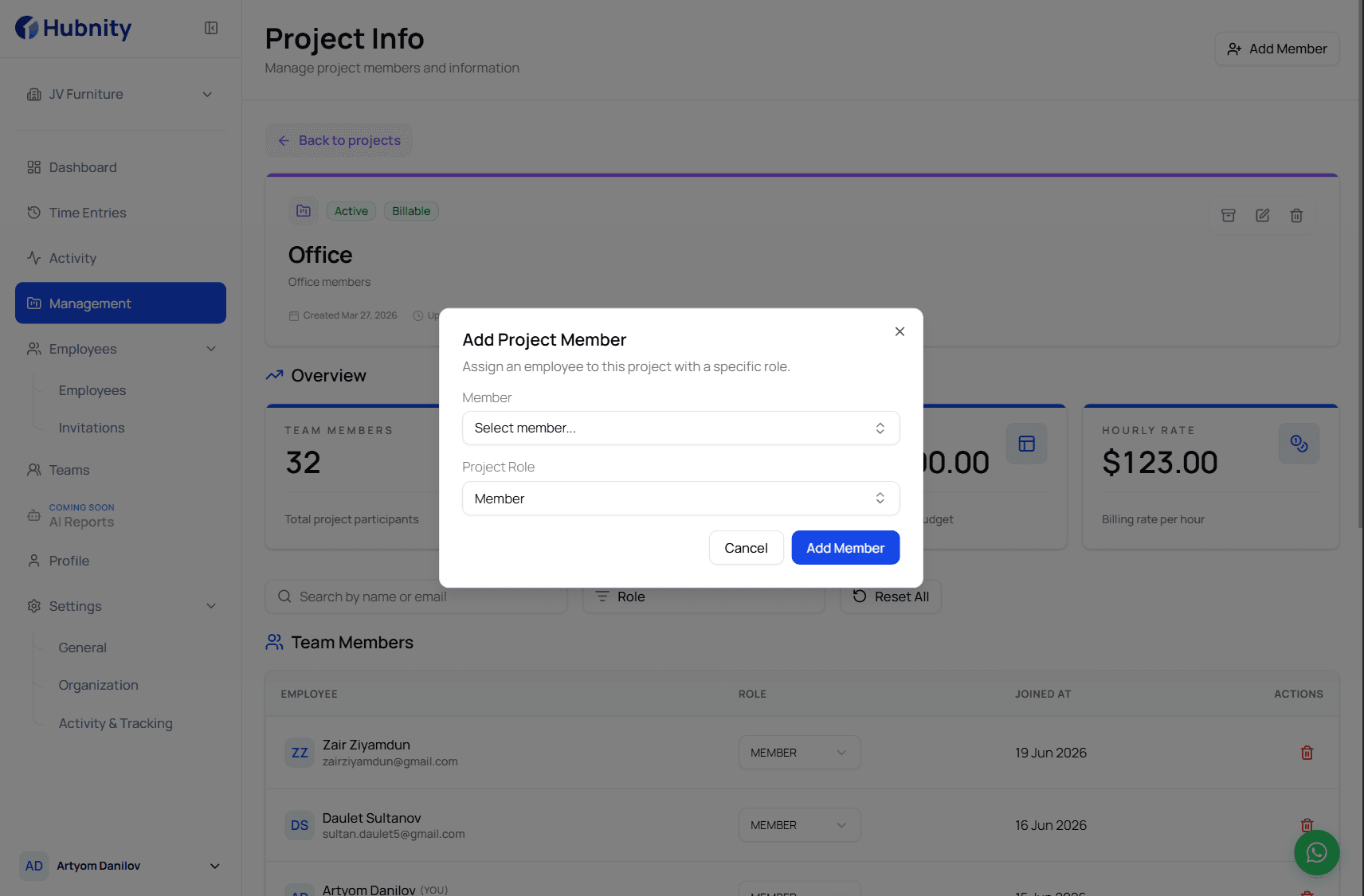
Complete organization setup and invite your team
- 3
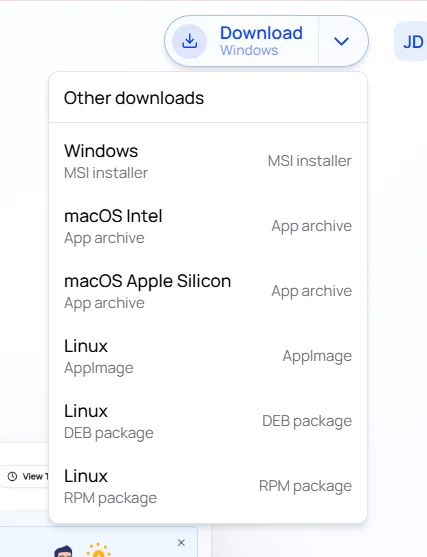
Install the desktop or mobile app and review your first timesheet report