Updated Jun 20268 min read
OrganizationsSetup
Onboard new members using the same three-step flow promoted on hubnity.eu.
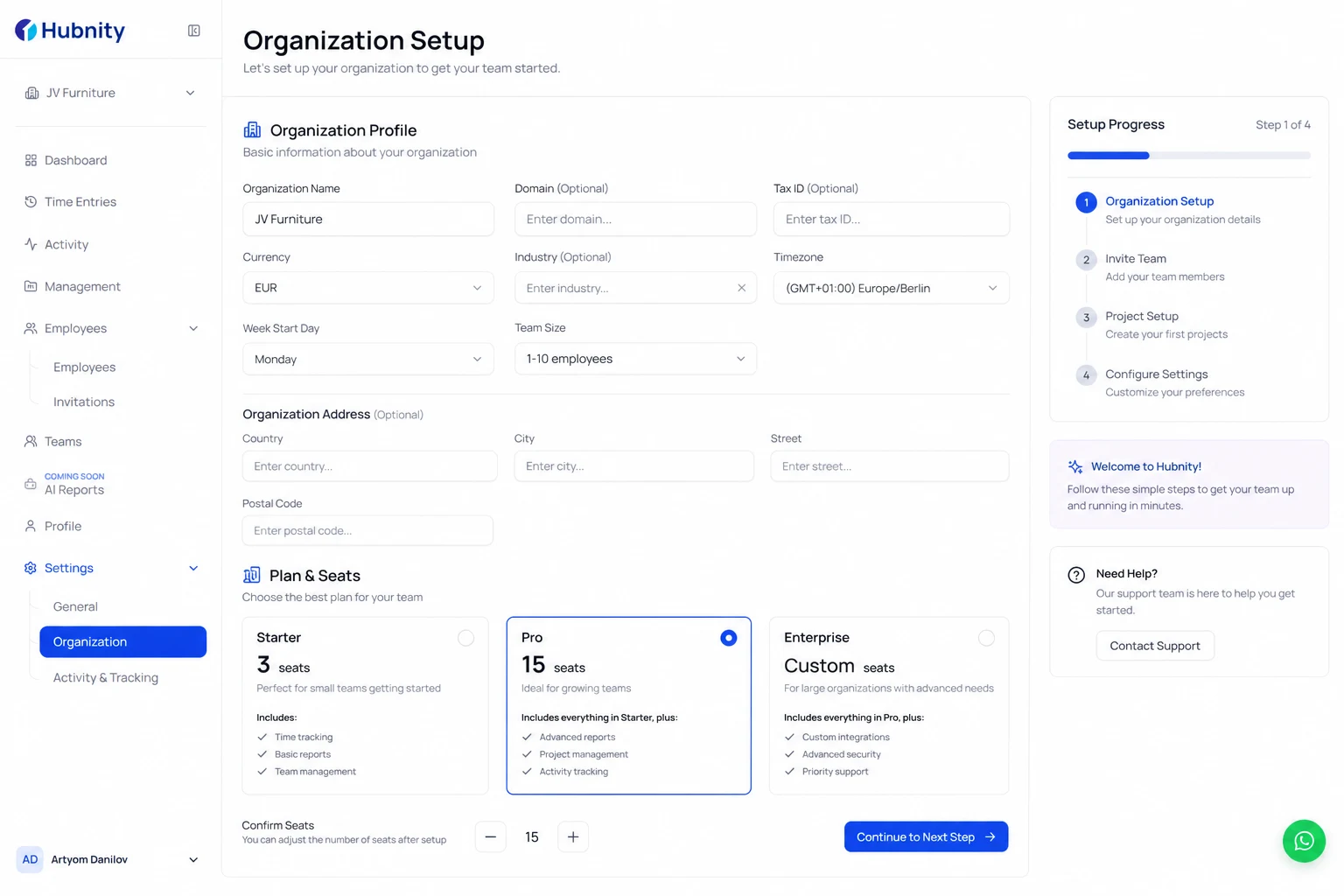
Step 1 — Organization setup
Create your organization profile and configure tracking settings to fit your team's workflow.
Confirm your plan has enough seats (Starter: 3, Pro: 15, Enterprise: unlimited).
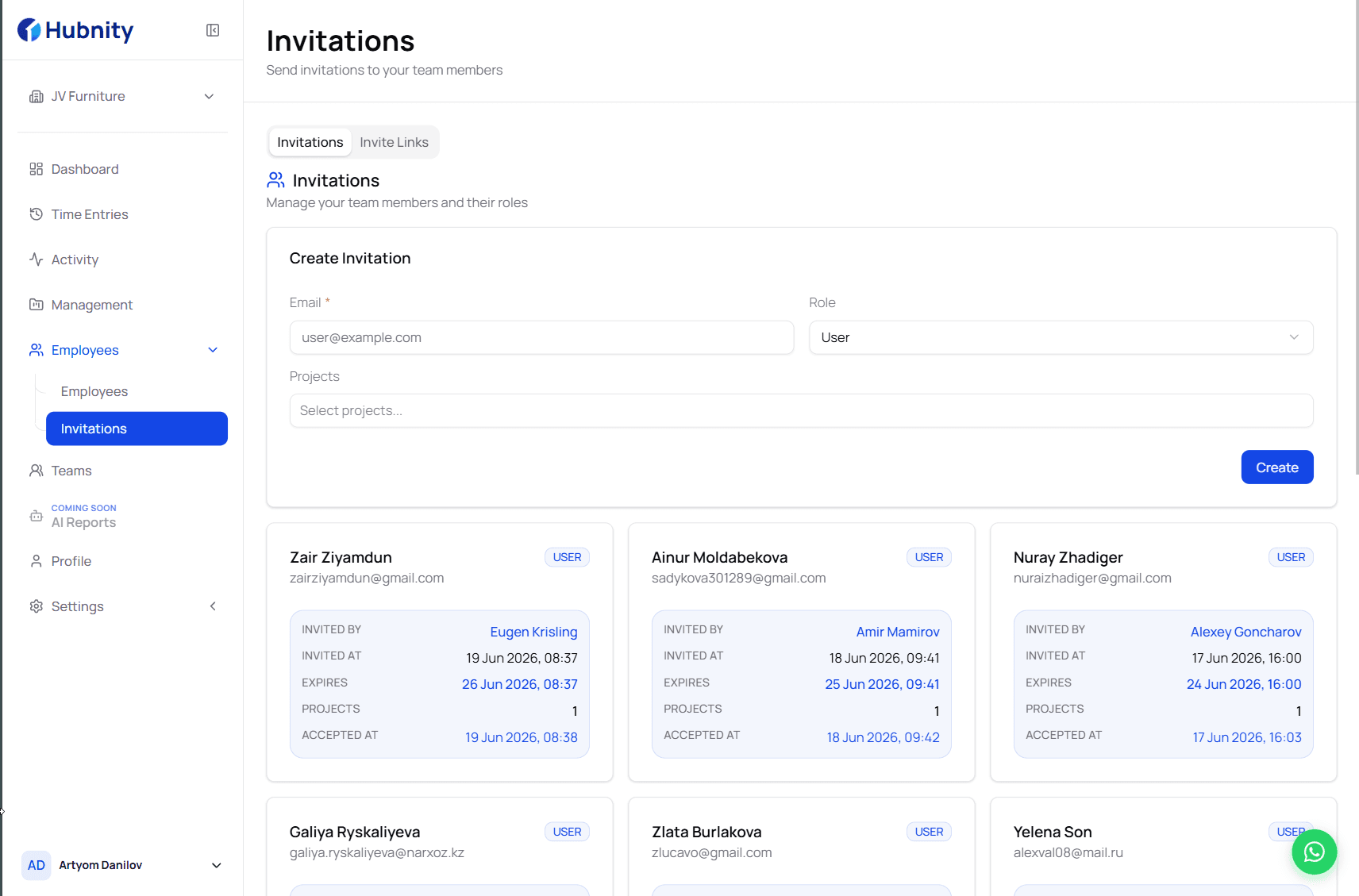
Step 2 — Invite and assign work
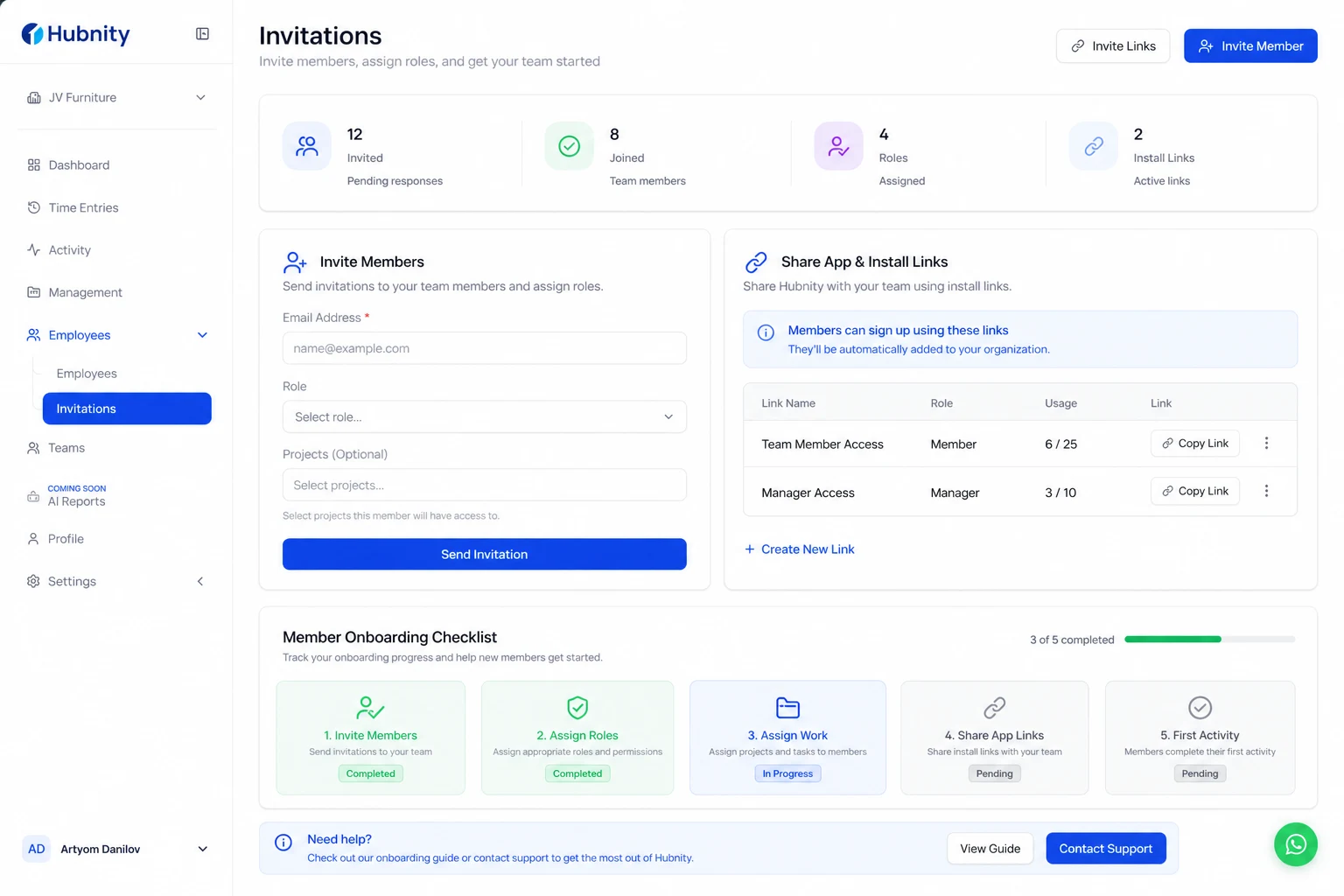
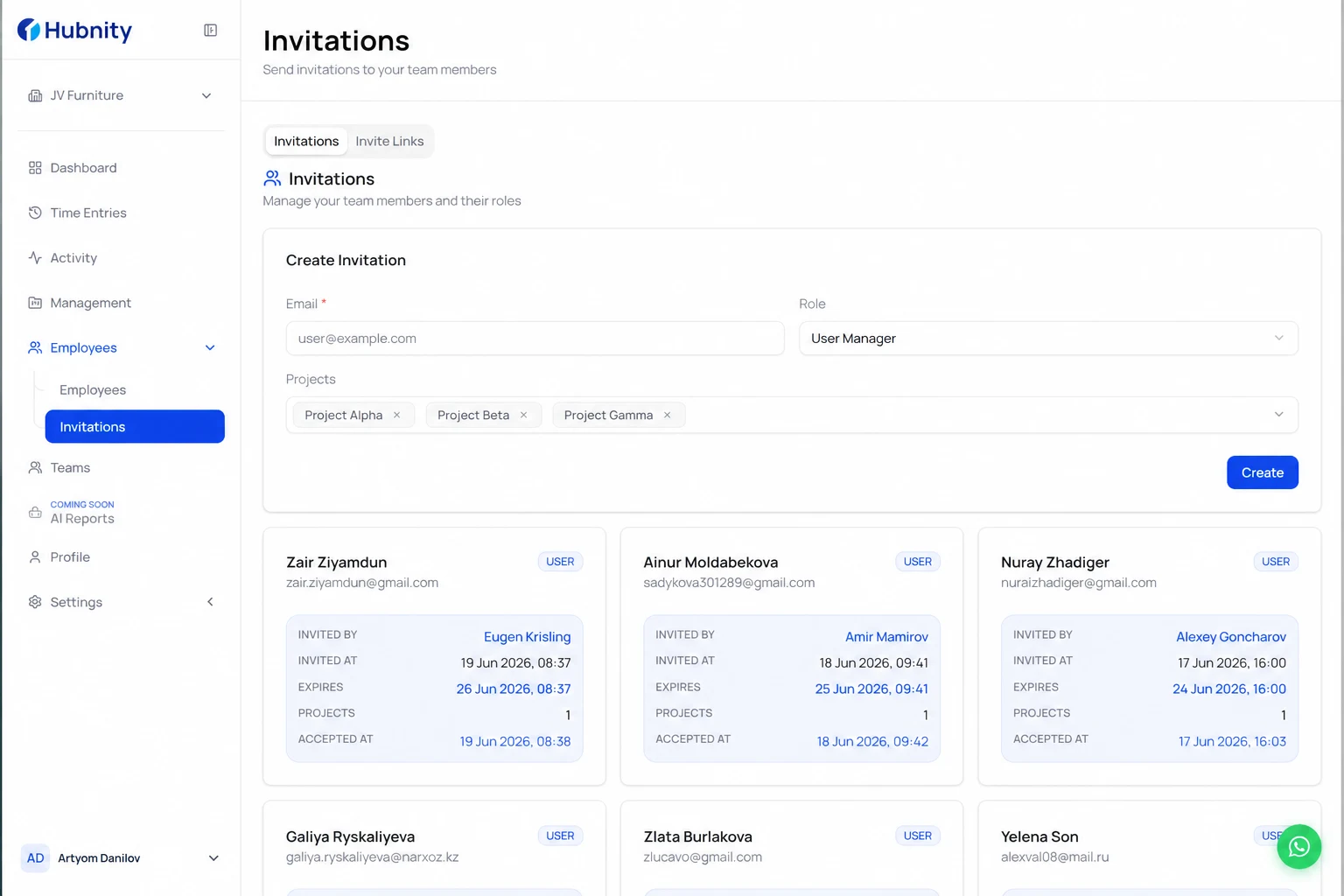
Invite members and assign roles so everyone has the right access.
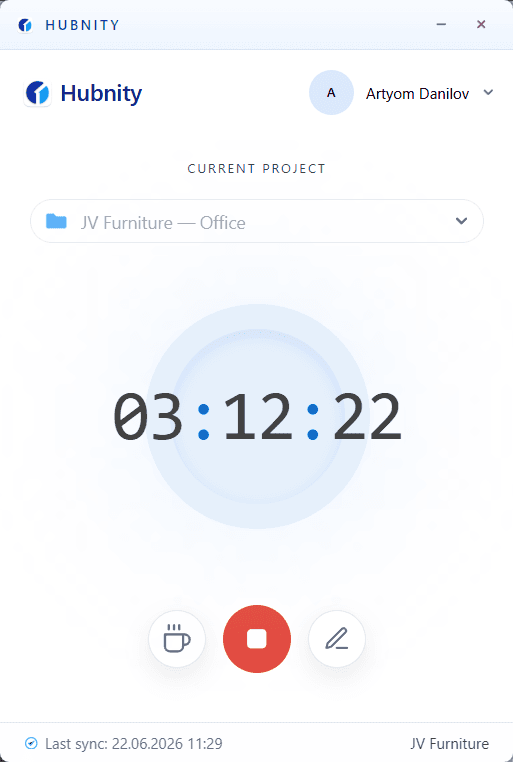
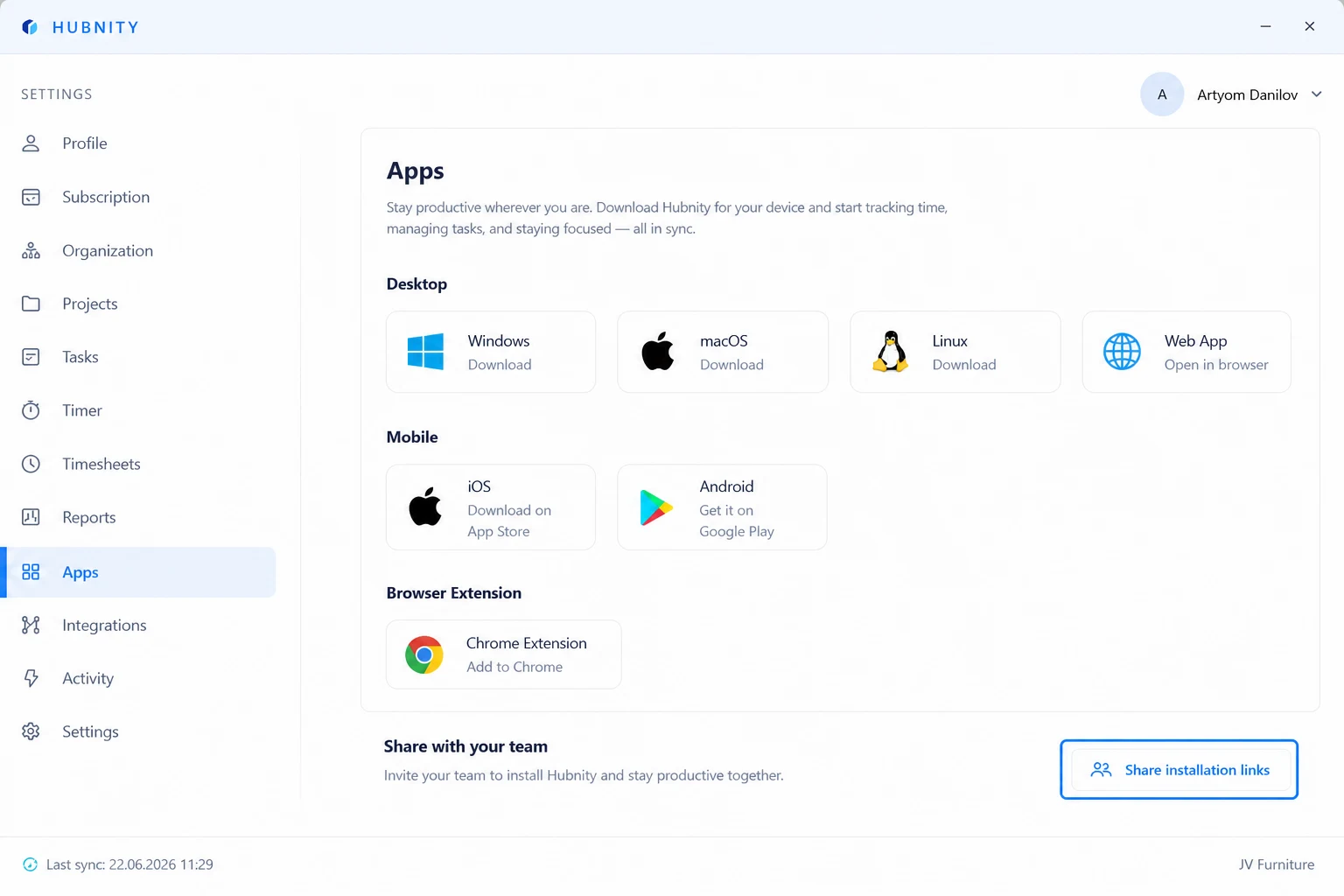
Share desktop, mobile, or browser extension install links so tracking starts on day one.
- 1
Send invites with the correct role
- 2
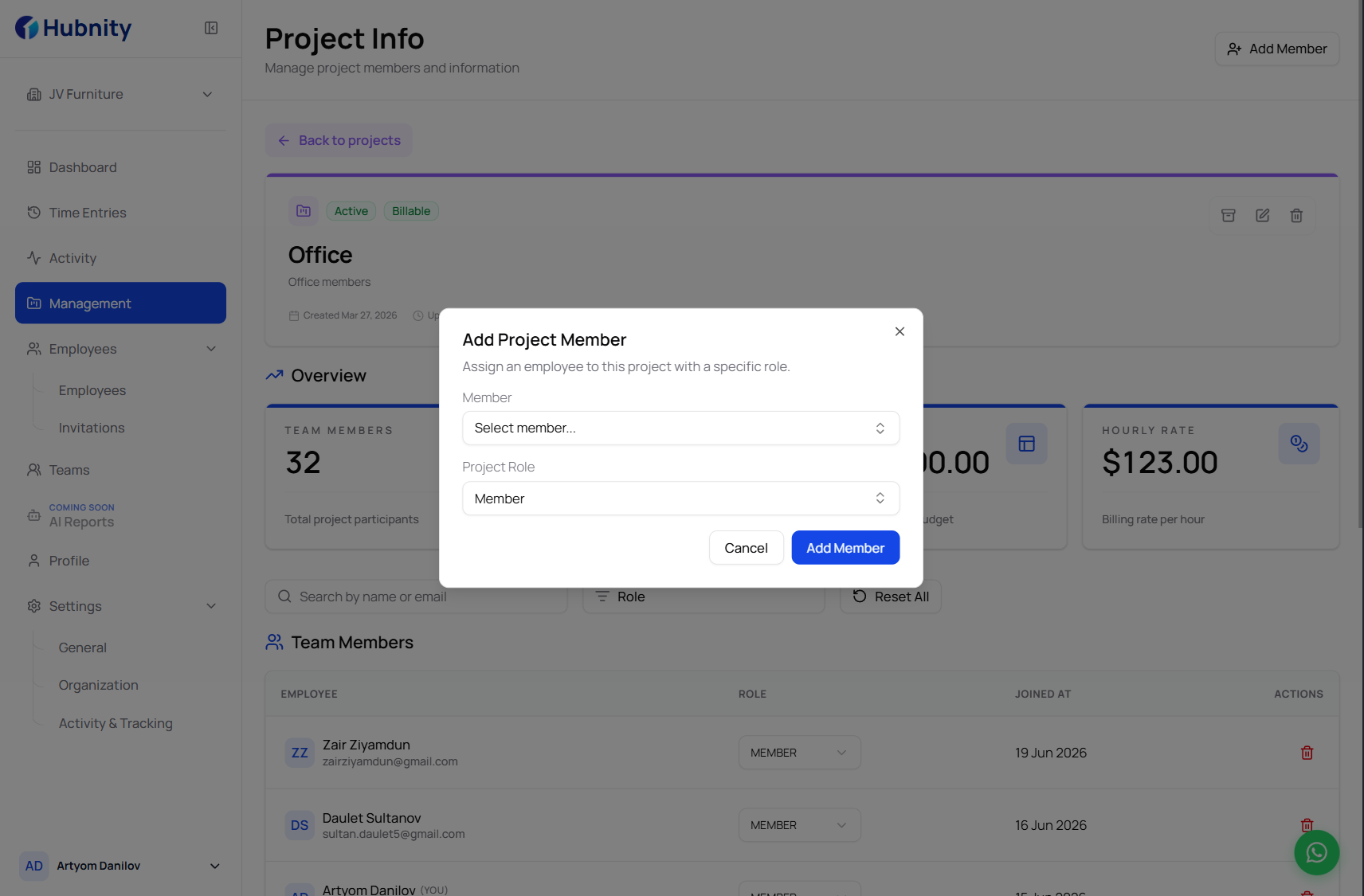
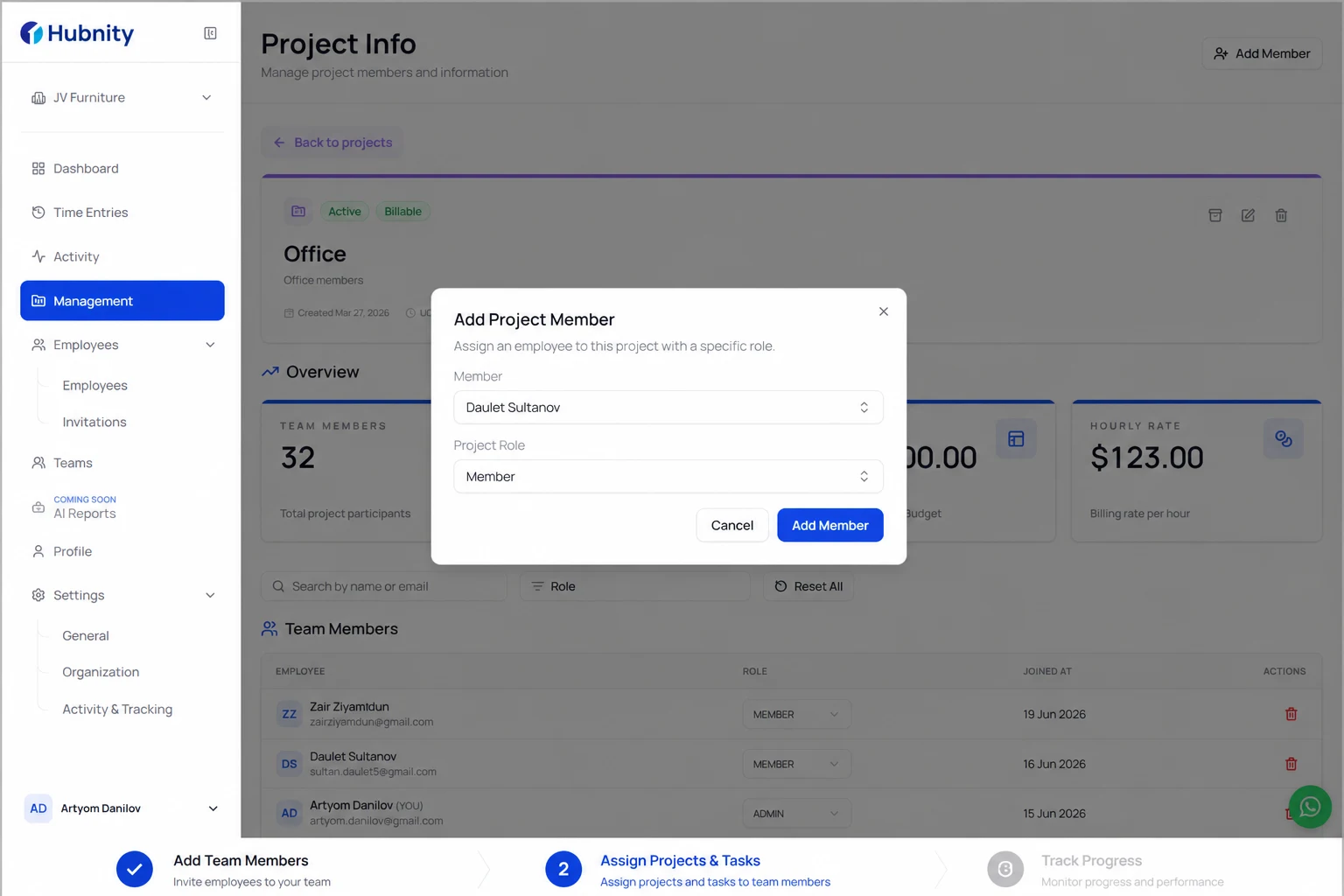
Assign projects and tasks
- 3
Share app install links from hubnity.eu
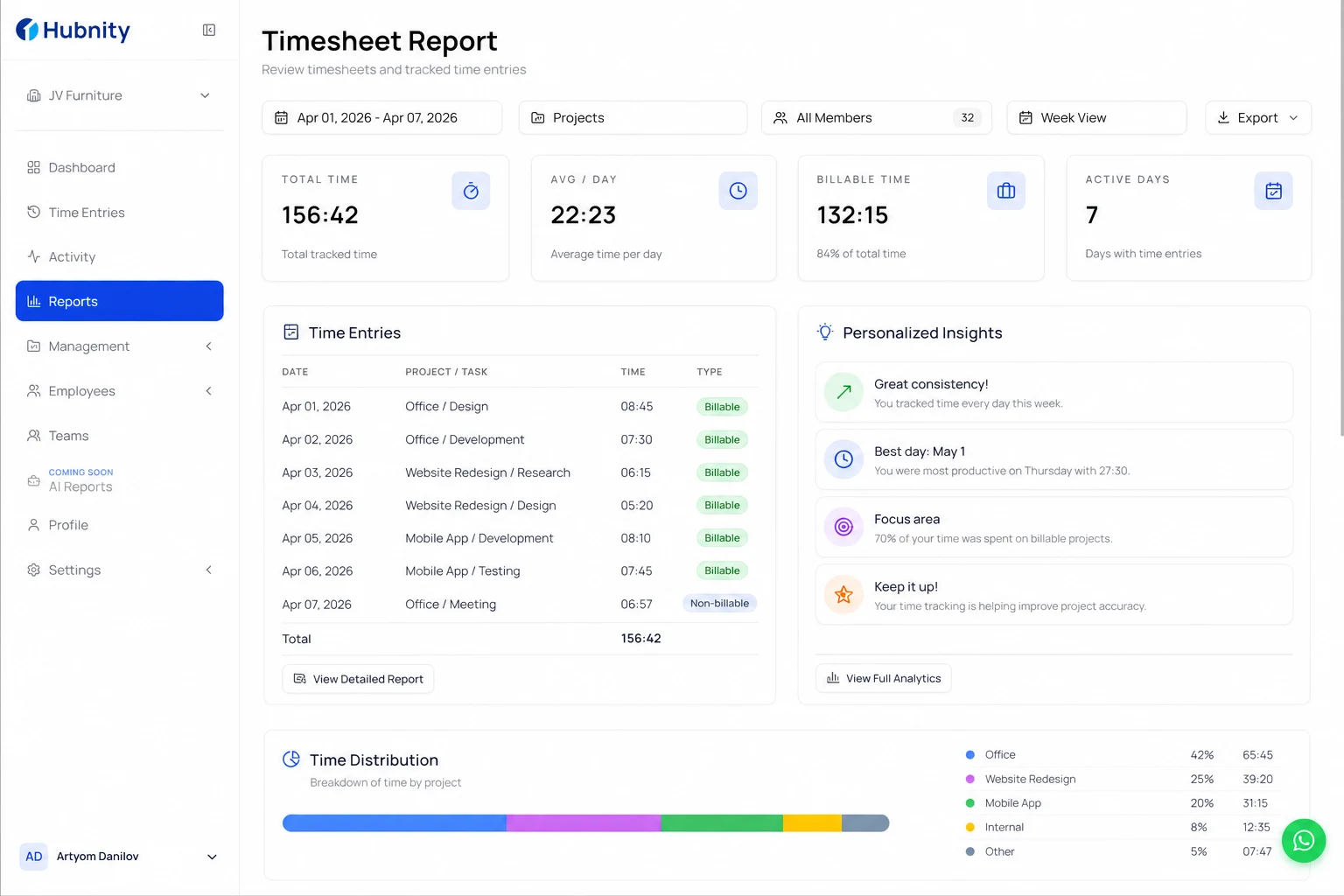
Step 3 — Verify tracking and reports
Review productivity with detailed, real-time reports for managers and members.
During the first week, confirm time appears in timesheet reports and review personalized insights together.