Category
Organizations & features
Explore team management tools and key Hubnity features.
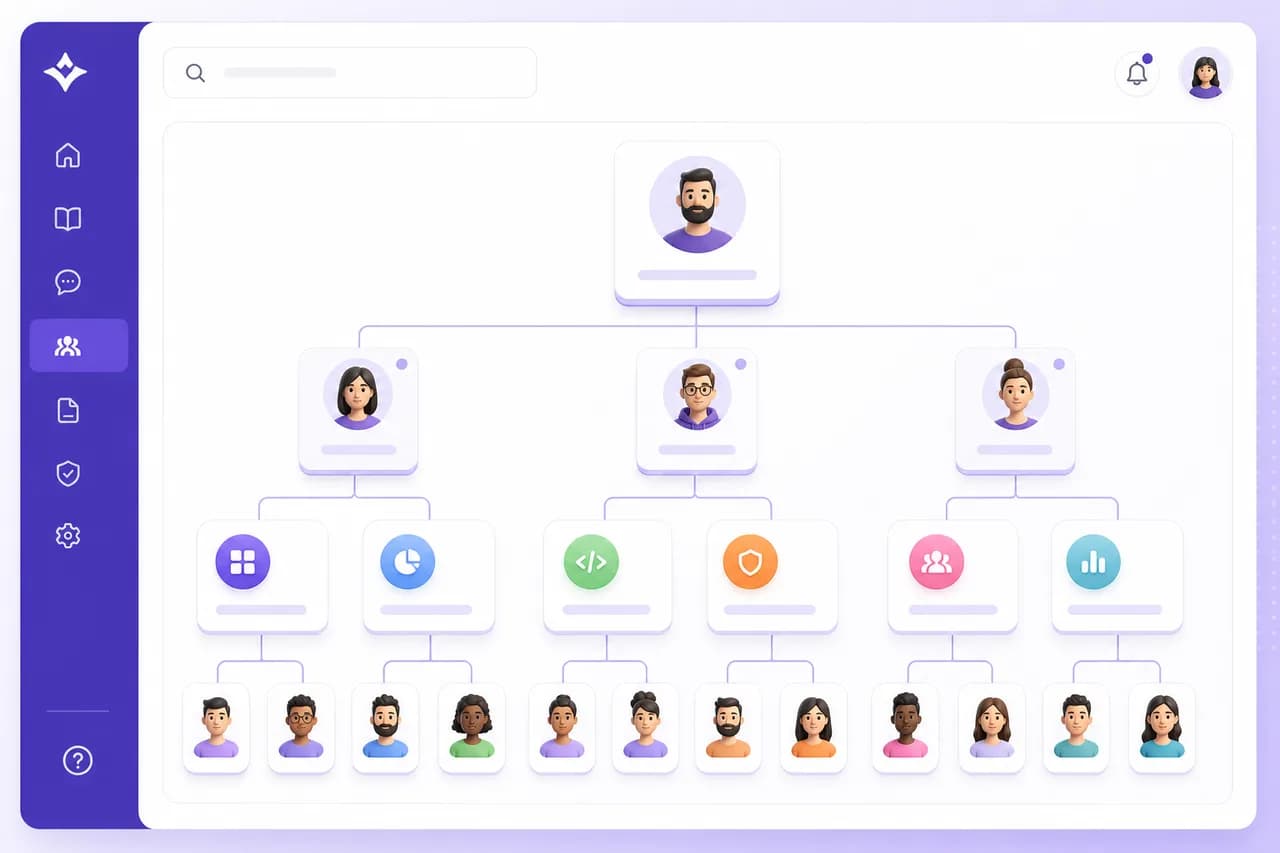
Video guides
Start here
Managing organization settings
Configure company profile, time zones, and default tracking rules.
Watch guideRoles and permissions
Understand what each role can see and do across your workspace.
Watch guideBuilding teams and departments
Group members for reporting, approvals, and manager access.
Watch guide
Popular
Featured in this category
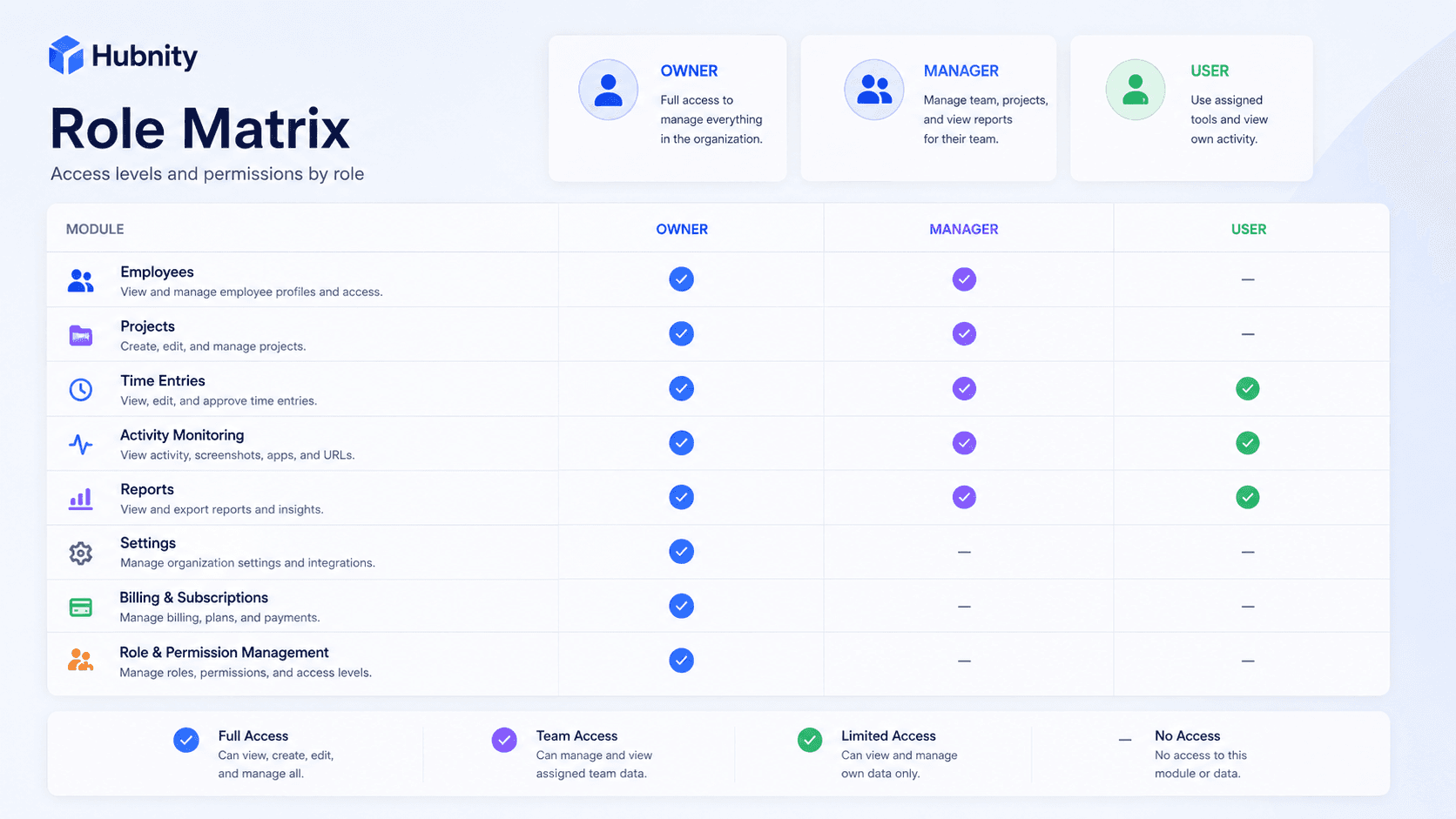
Hubnity Roles and Permissions Guide
Manage roles and team visibility—the way hubnity.eu describes complete team oversight.
8 min readRead article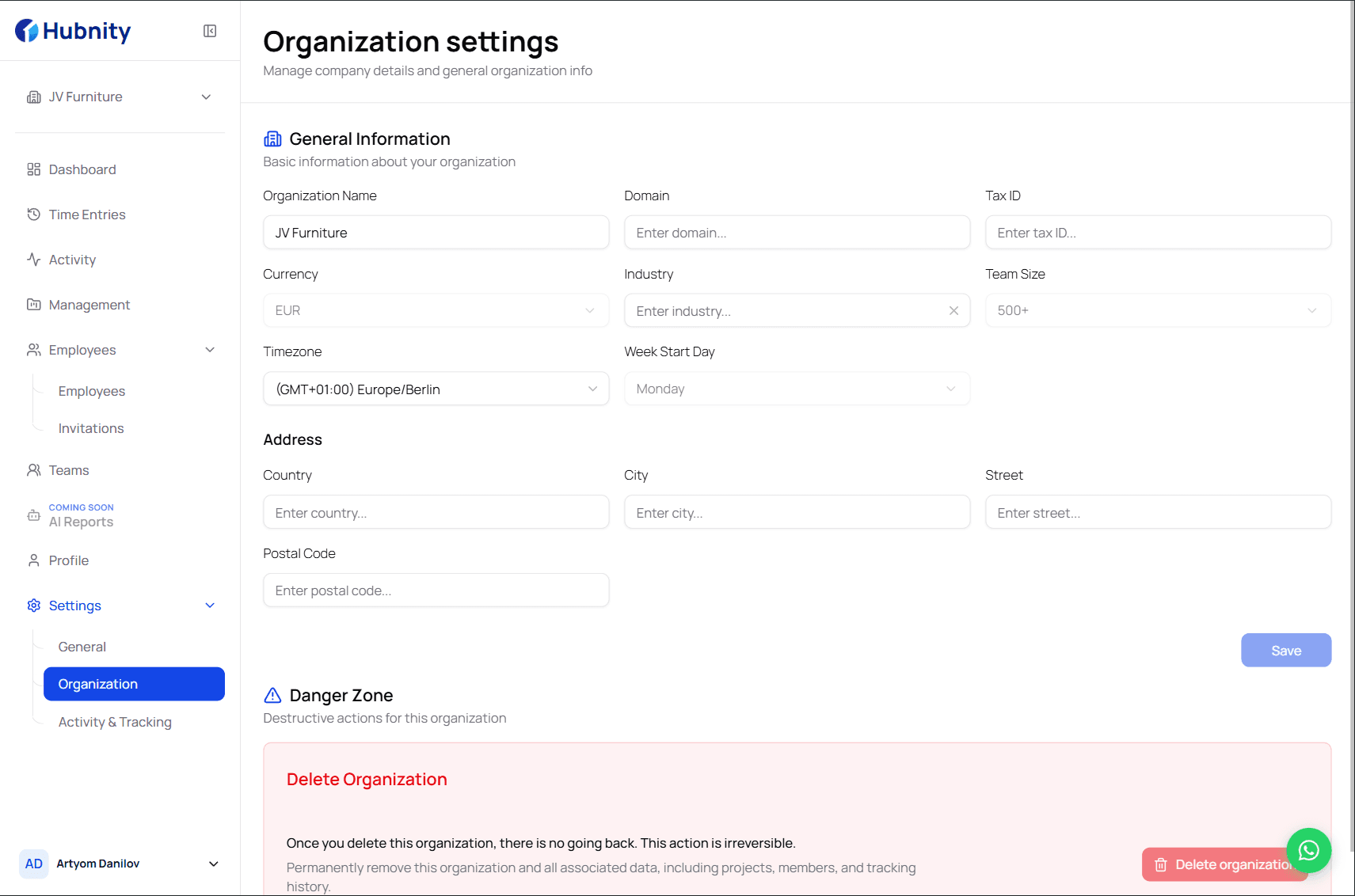
Managing Organization Settings
Step 1 on hubnity.eu: create your organization profile and configure tracking defaults.
8 min readRead article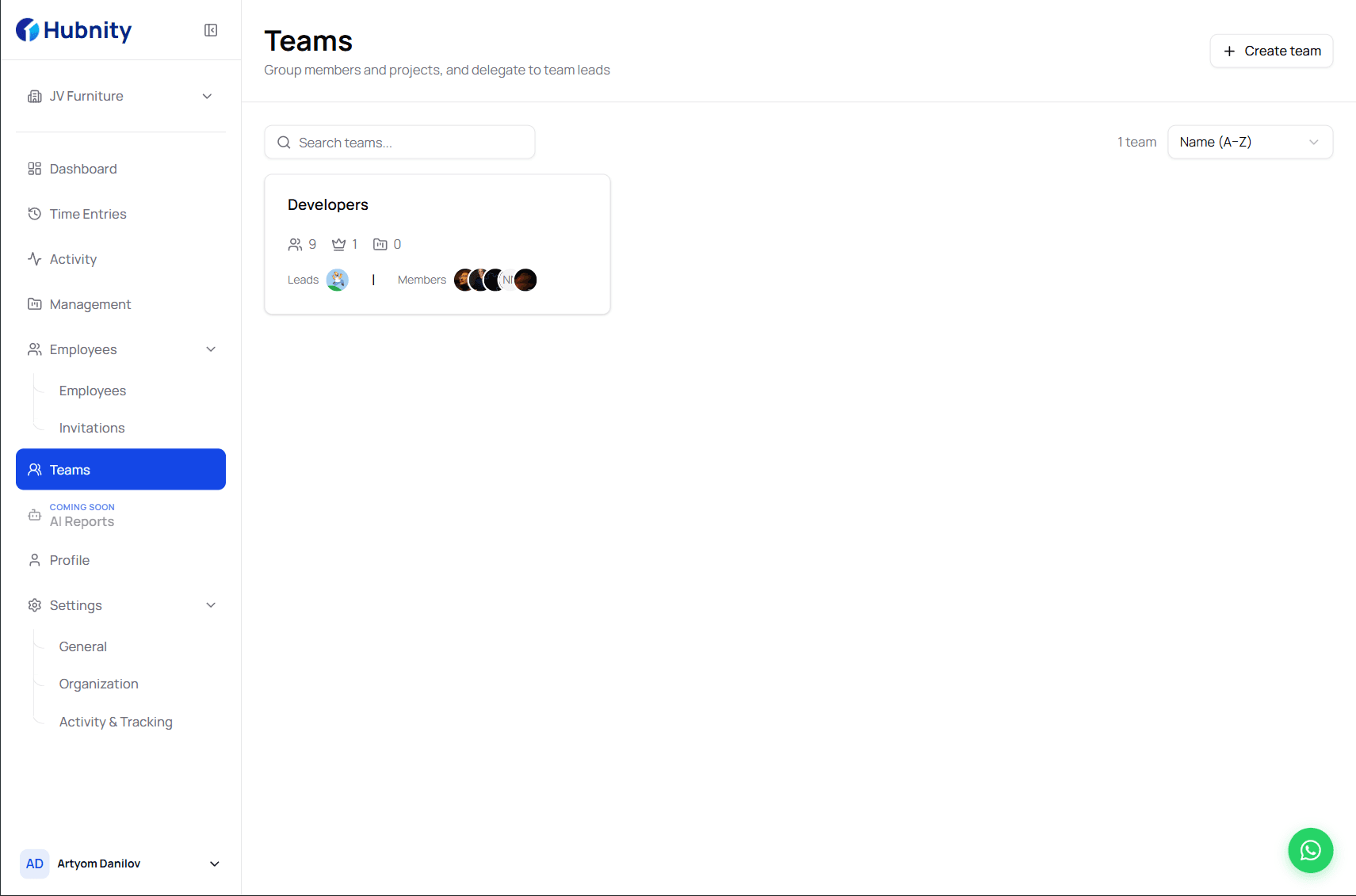
Creating Departments and Teams
Organize members into departments and teams for scoped reporting, manager access, and approval workflows.
6 min readRead article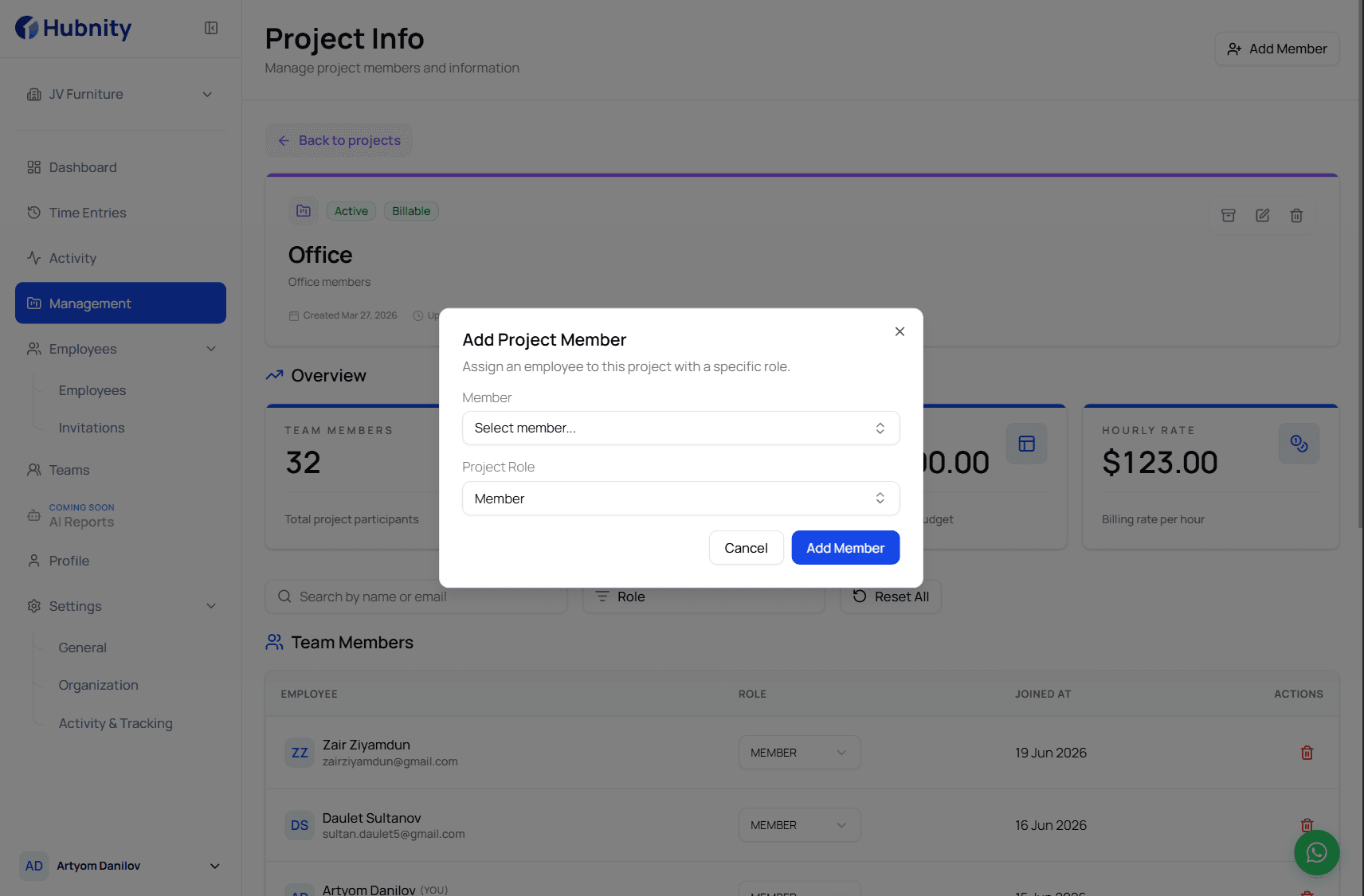
Member Onboarding Checklist
Onboard new members using the same three-step flow promoted on hubnity.eu.
8 min readRead article
All articles
Browse by topic
Organization setup
3 articles- Managing Organization Settings
Step 1 on hubnity.eu: create your organization profile and configure tracking defaults.
8 min read - Creating Departments and Teams
Organize members into departments and teams for scoped reporting, manager access, and approval workflows.
6 min read - Member Onboarding Checklist
Onboard new members using the same three-step flow promoted on hubnity.eu.
8 min read
Members & access
3 articles- Hubnity Roles and Permissions Guide
Manage roles and team visibility—the way hubnity.eu describes complete team oversight.
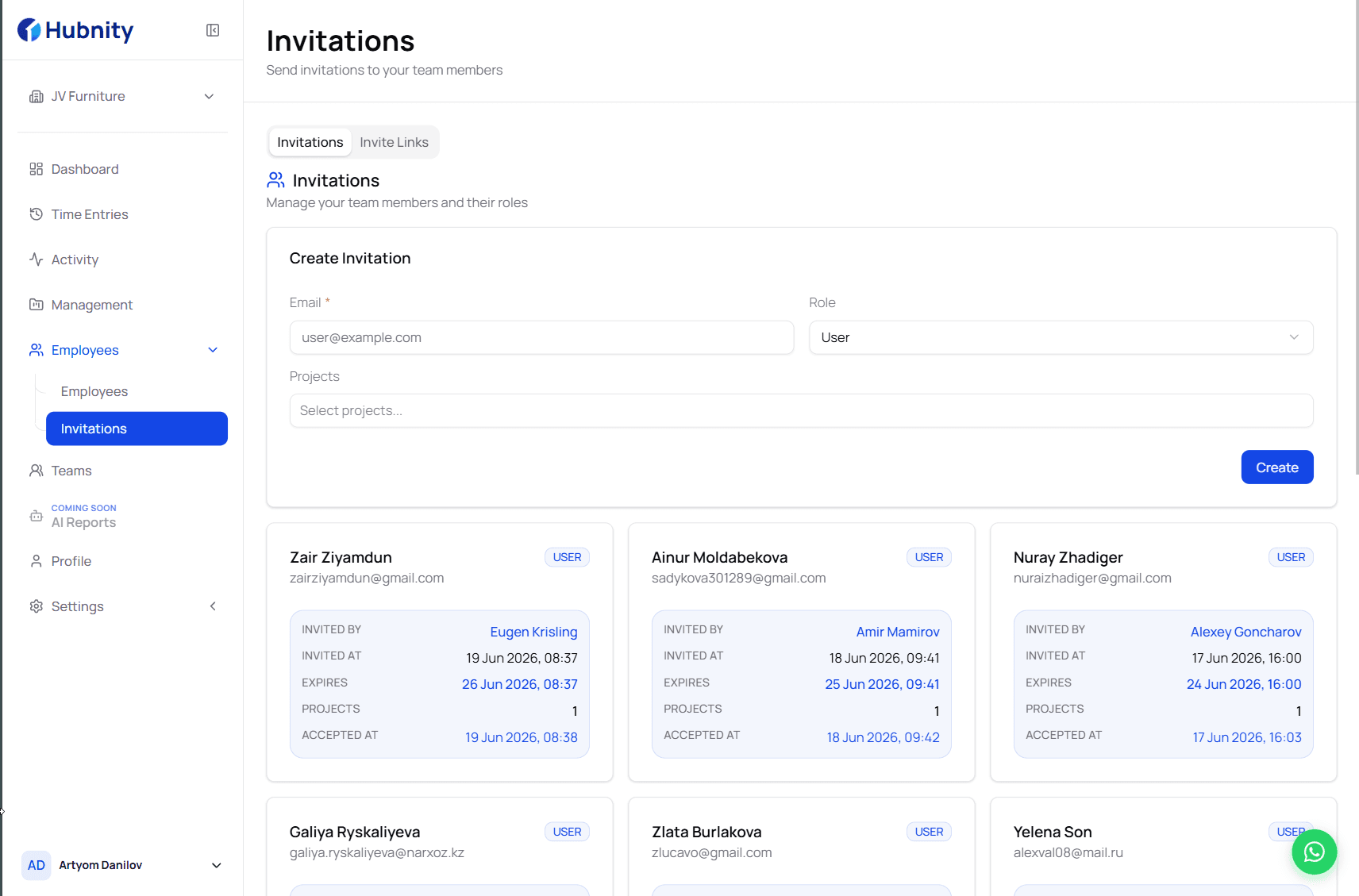
8 min read - How to Invite Team Members
Invite colleagues after organization setup—the second step in the hubnity.eu onboarding flow.
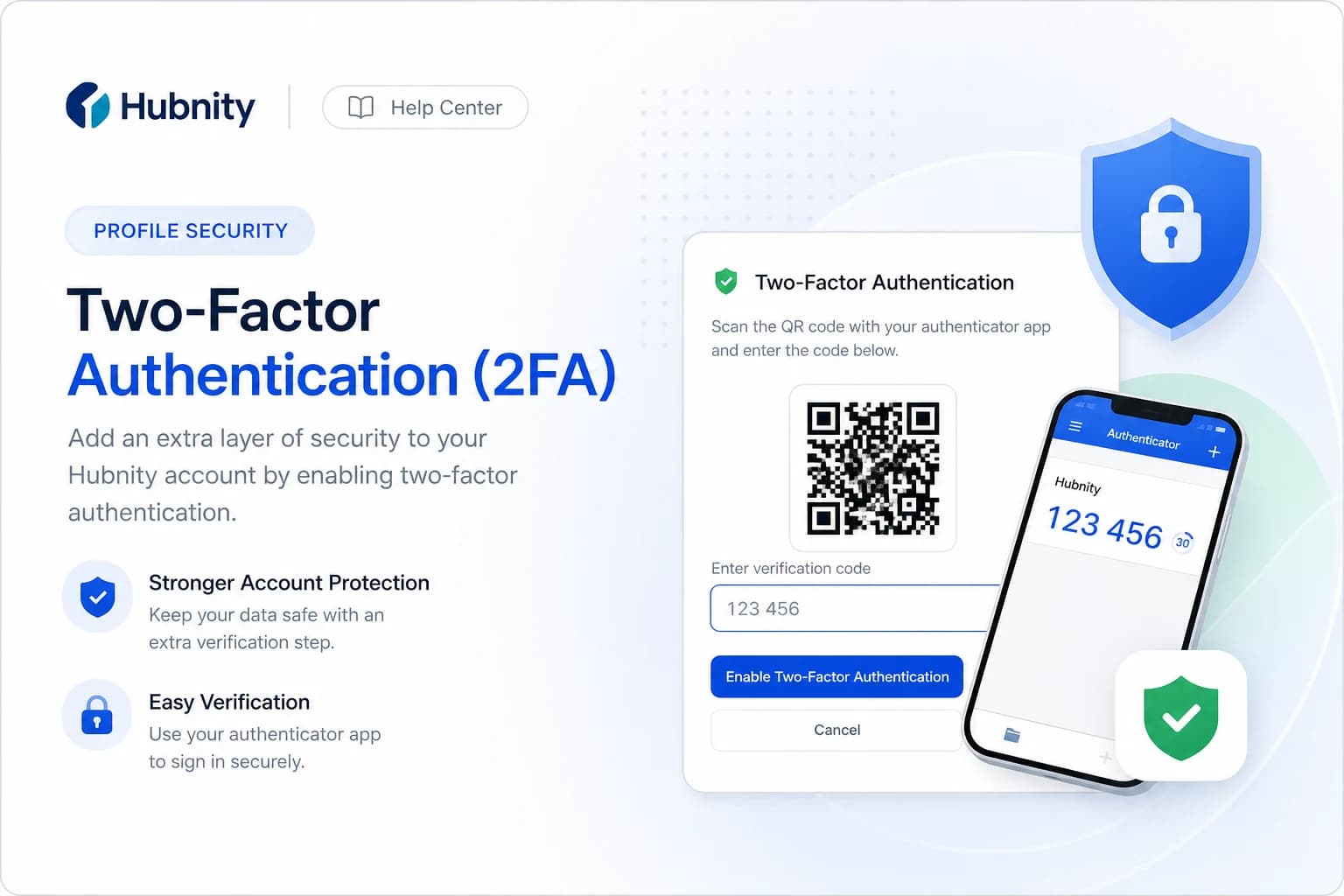
7 min read - Enabling Two-Factor Authentication
Secure your Hubnity account with two-factor authentication using an authenticator app or SMS.
6 min read
Need more help?
Still have questions? We can help.
Our support team typically responds within 2 hours. You can also chat with Hubnity support on WhatsApp from the main site.