Category
Activity & tracking
Auto tracking and online timers—build a daily activity timeline from hubnity.eu.
Popular
Featured in this category
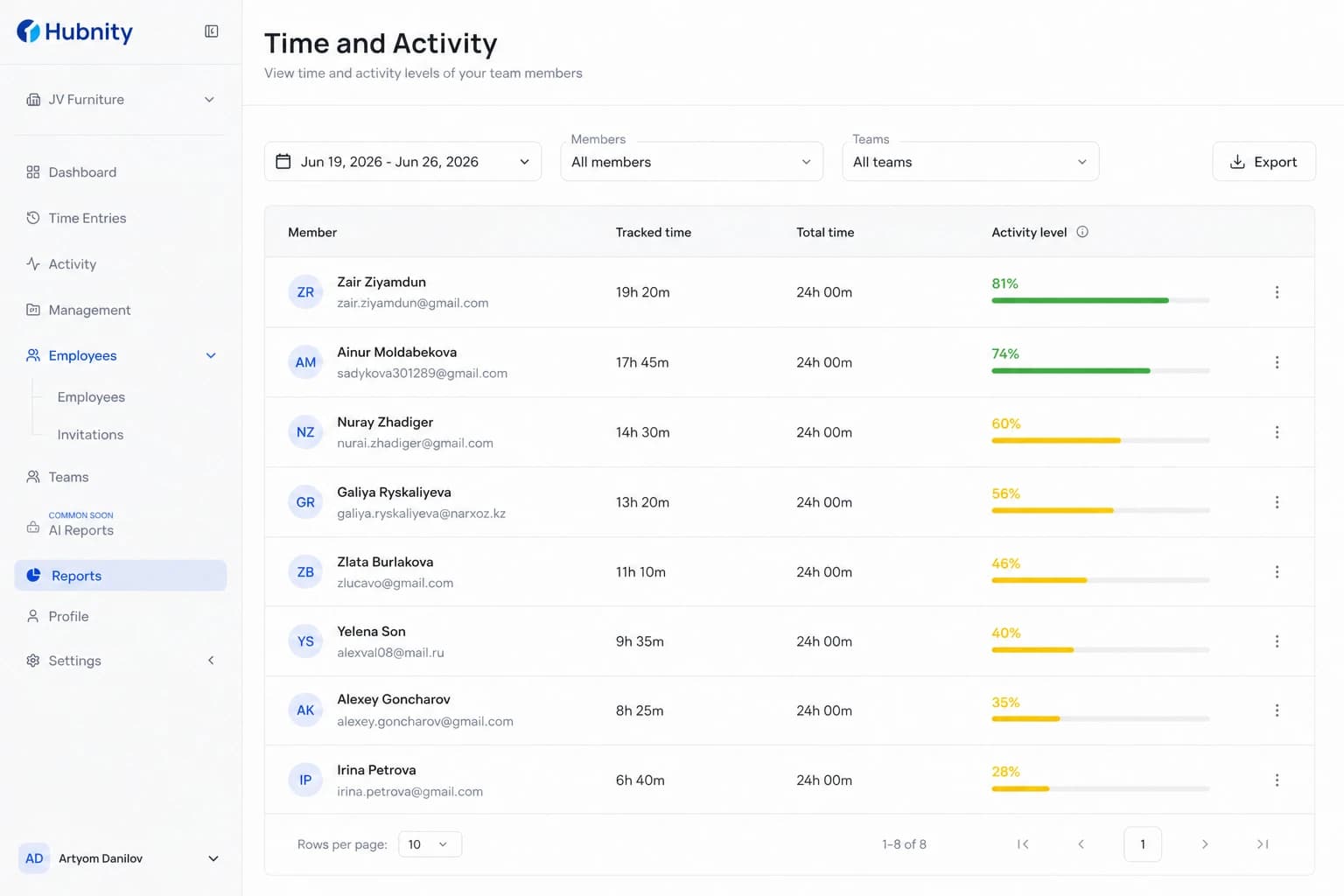
Understanding Activity Levels
Learn how Hubnity calculates activity levels and how to interpret them in reports.
6 min readRead article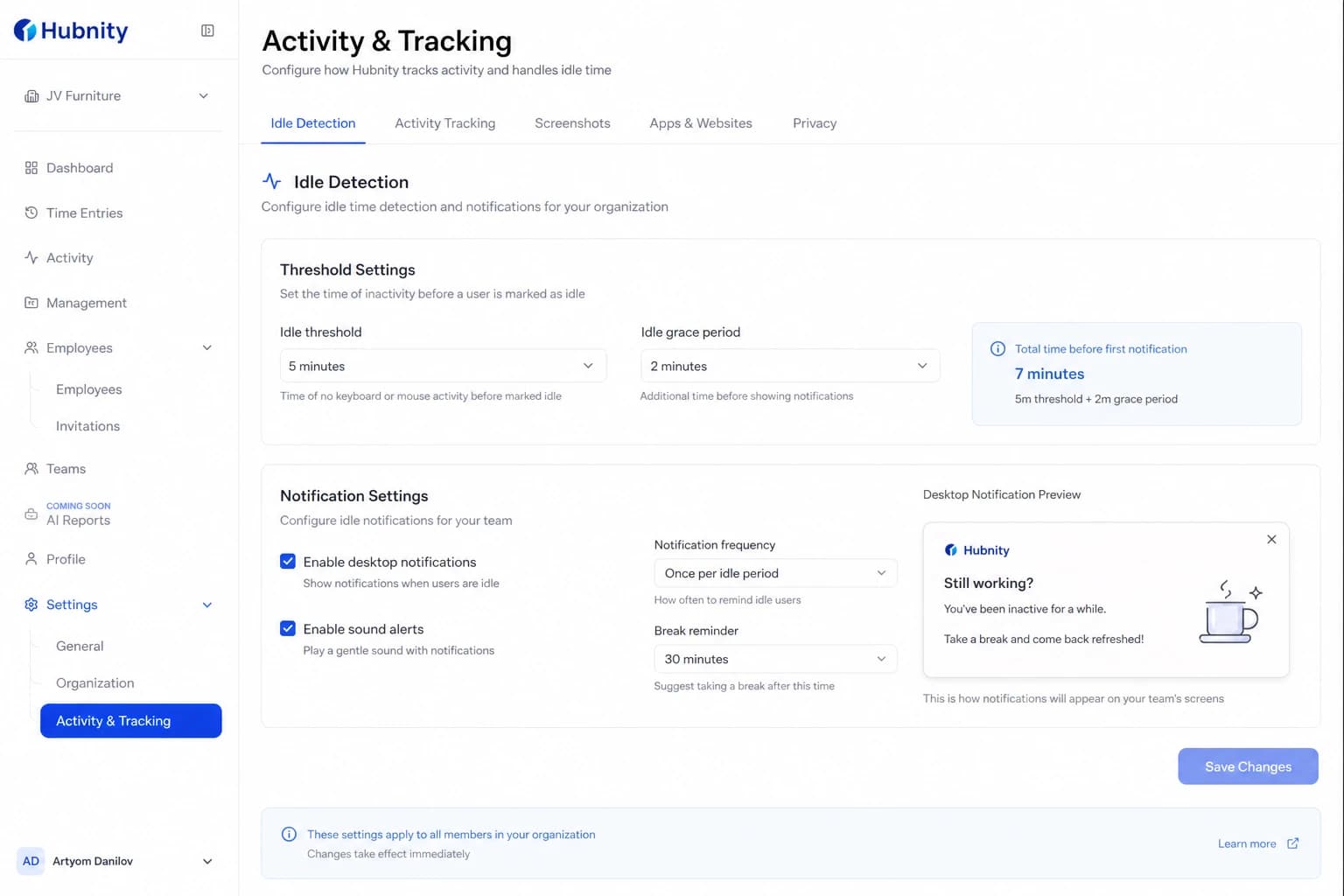
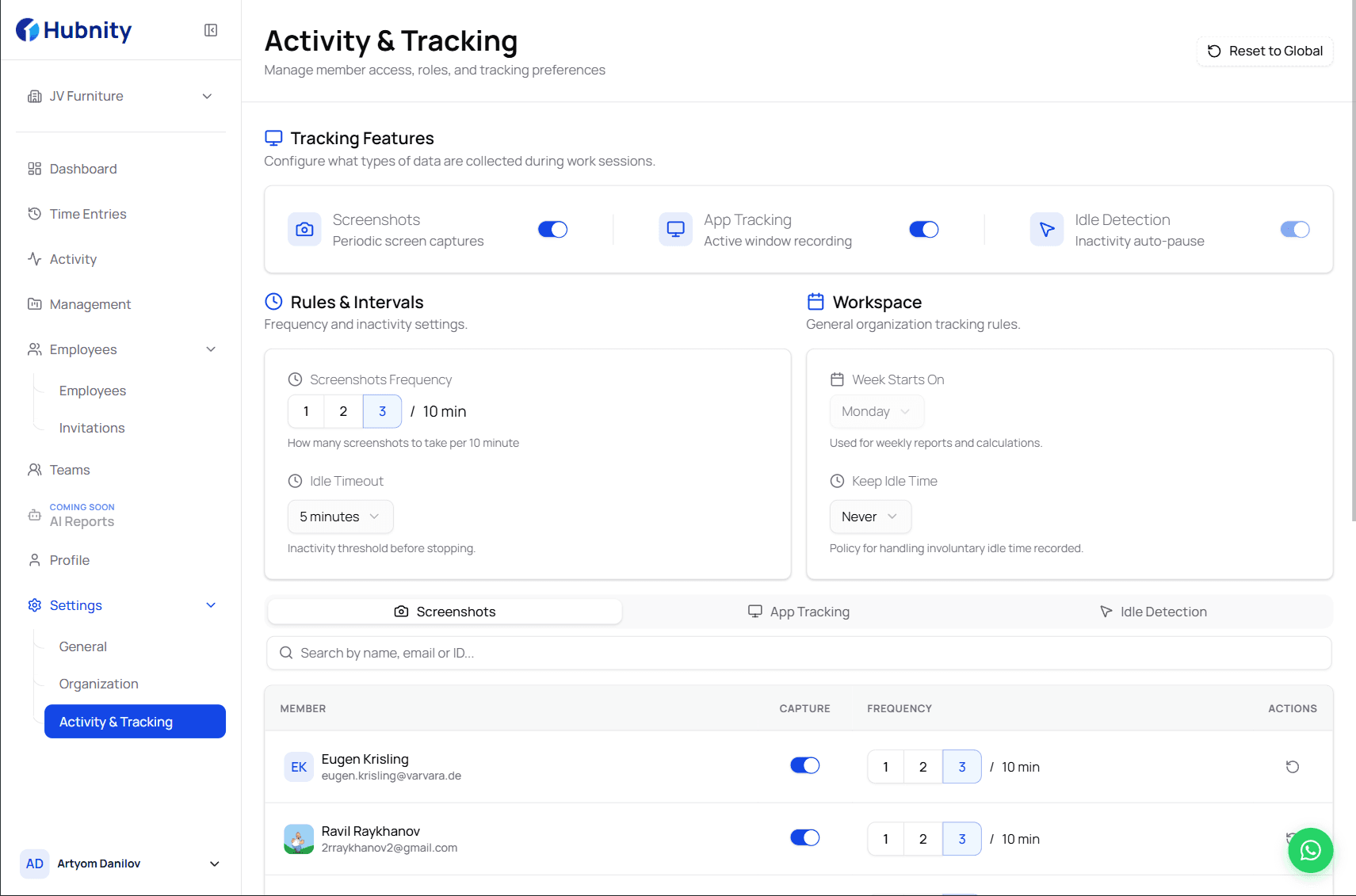
Configuring Idle Time Settings
Configure idle detection to pause tracking when members step away and trim inactive time.
6 min readRead article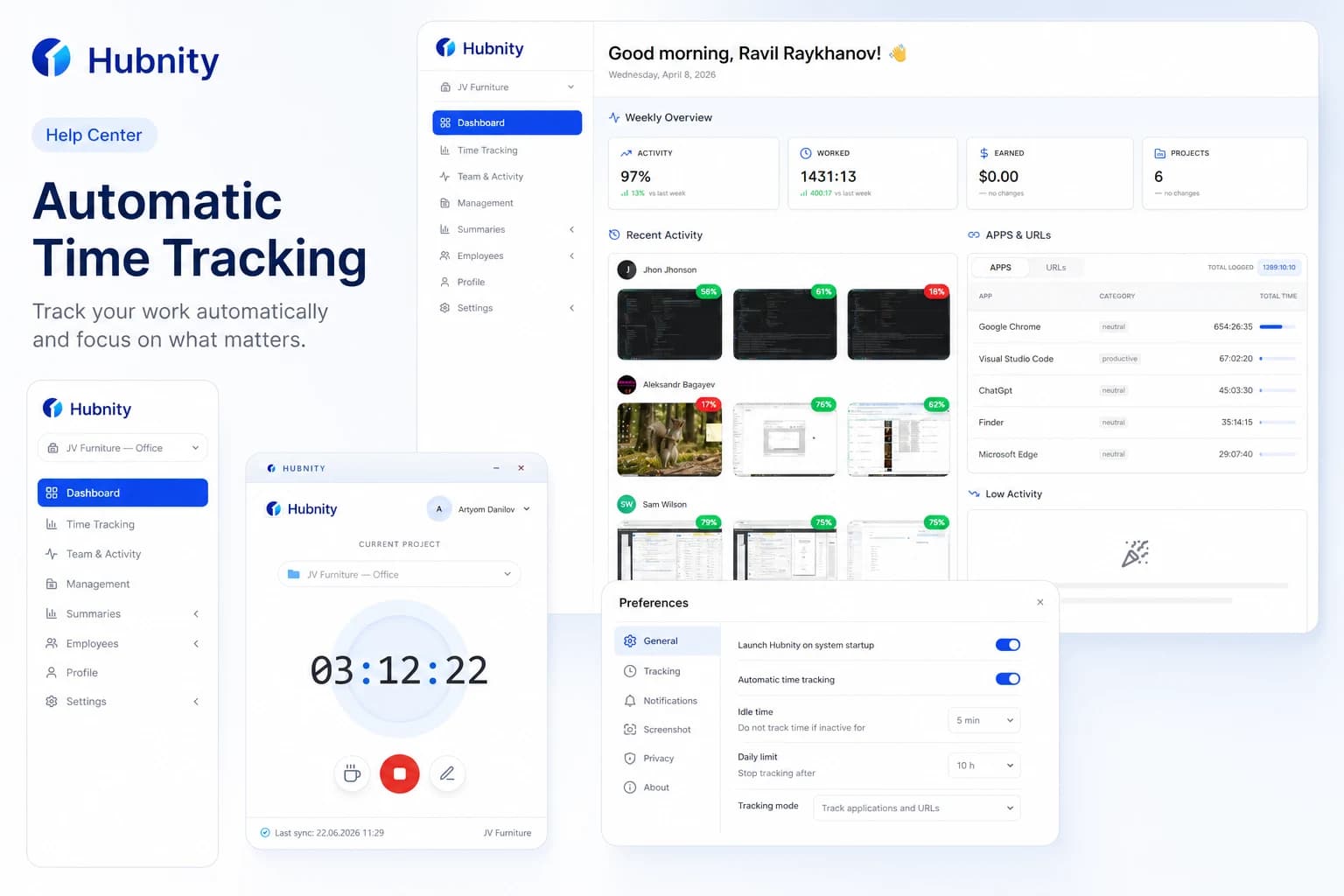
Setting Up Automatic Time Tracking and Reminders
Our auto-tracking feature runs quietly in the background (via desktop app or browser extension), logging the apps and websites you use. It r
8 min readWatch video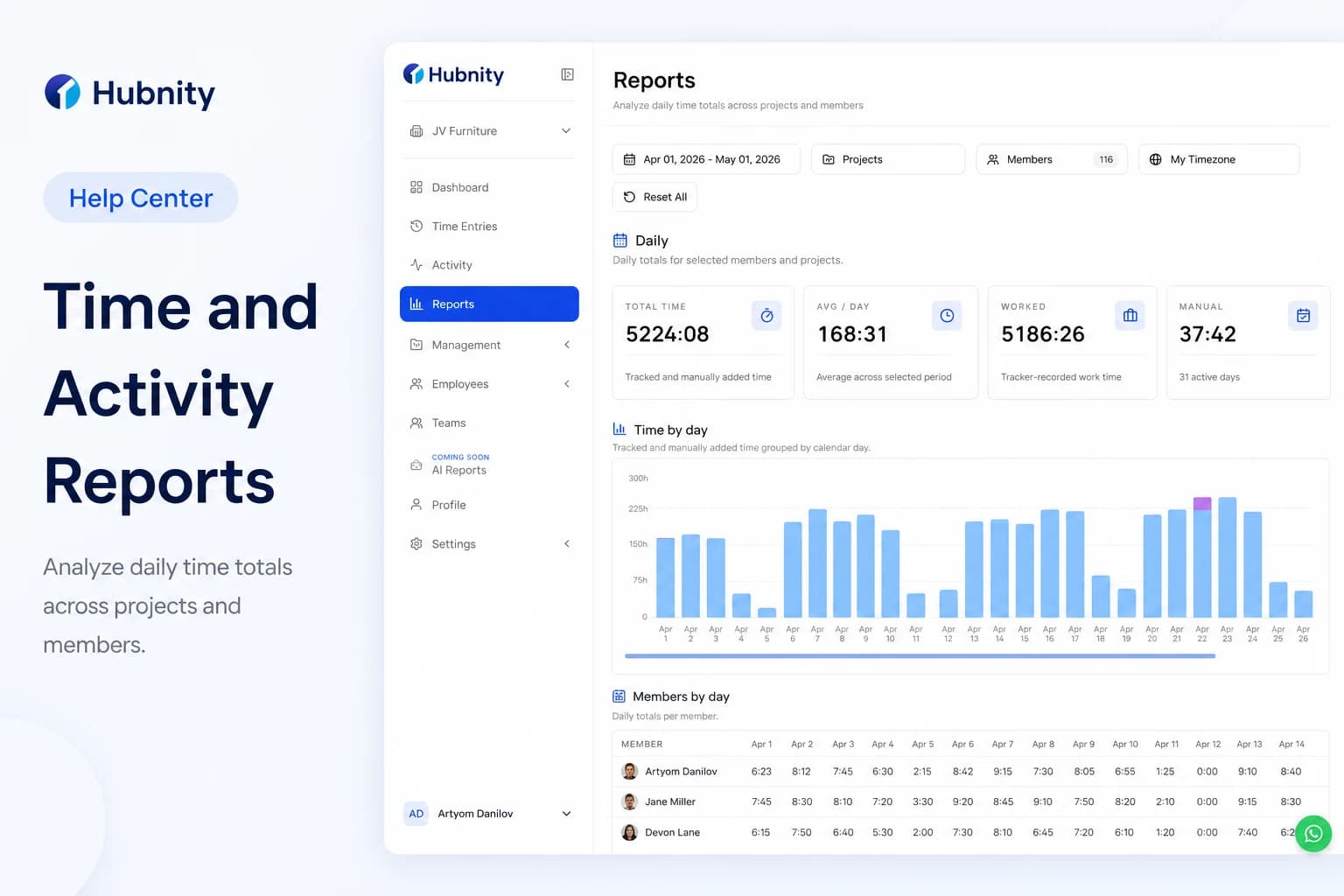
Hubnity Time and Activity Report
Hubnity automatically aggregates your tracked time into visual dashboards and timesheets. You can filter data by user, project, or date rang
9 min readRead article
All articles
Browse by topic
Activity basics
3 articles- Understanding Activity Levels
Learn how Hubnity calculates activity levels and how to interpret them in reports.
6 min read - Configuring Idle Time Settings
Configure idle detection to pause tracking when members step away and trim inactive time.
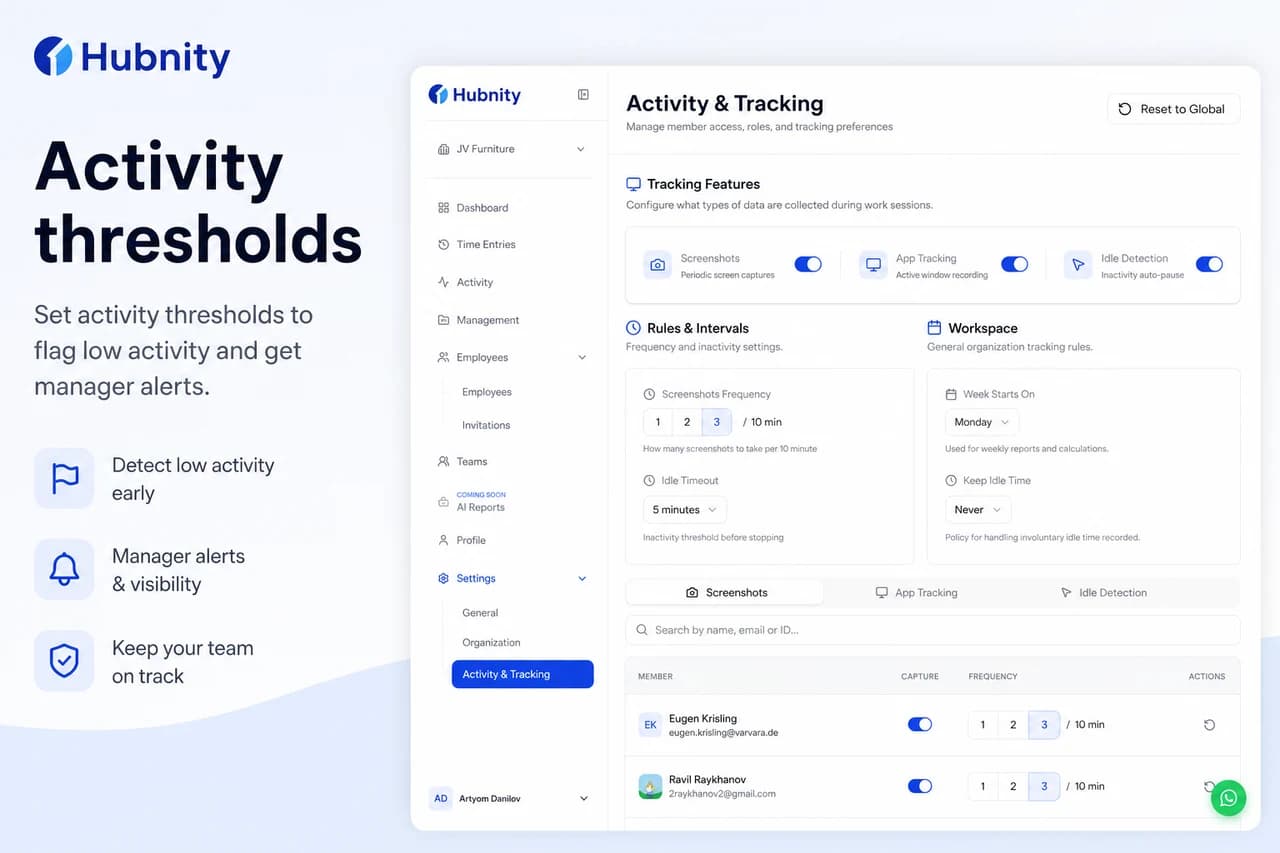
6 min read - Setting Activity Thresholds and Alerts
Set activity level thresholds to flag low-activity periods in reports and trigger manager alerts.
5 min read
Tracking & reports
3 articles- Setting Up Automatic Time Tracking and RemindersVideo
Our auto-tracking feature runs quietly in the background (via desktop app or browser extension), logging the apps and websites you use. It r
8 min read - Hubnity Time and Activity Report
Hubnity automatically aggregates your tracked time into visual dashboards and timesheets. You can filter data by user, project, or date rang
9 min read - Screenshots Add-on Overview
Optional activity monitoring and screenshots—aligned with adaptive productivity features on hubnity.eu.
6 min read
Need more help?
Still have questions? We can help.
Our support team typically responds within 2 hours. You can also chat with Hubnity support on WhatsApp from the main site.