Learn how Hubnity calculates activity levels and how to interpret them in reports.
What activity level measures
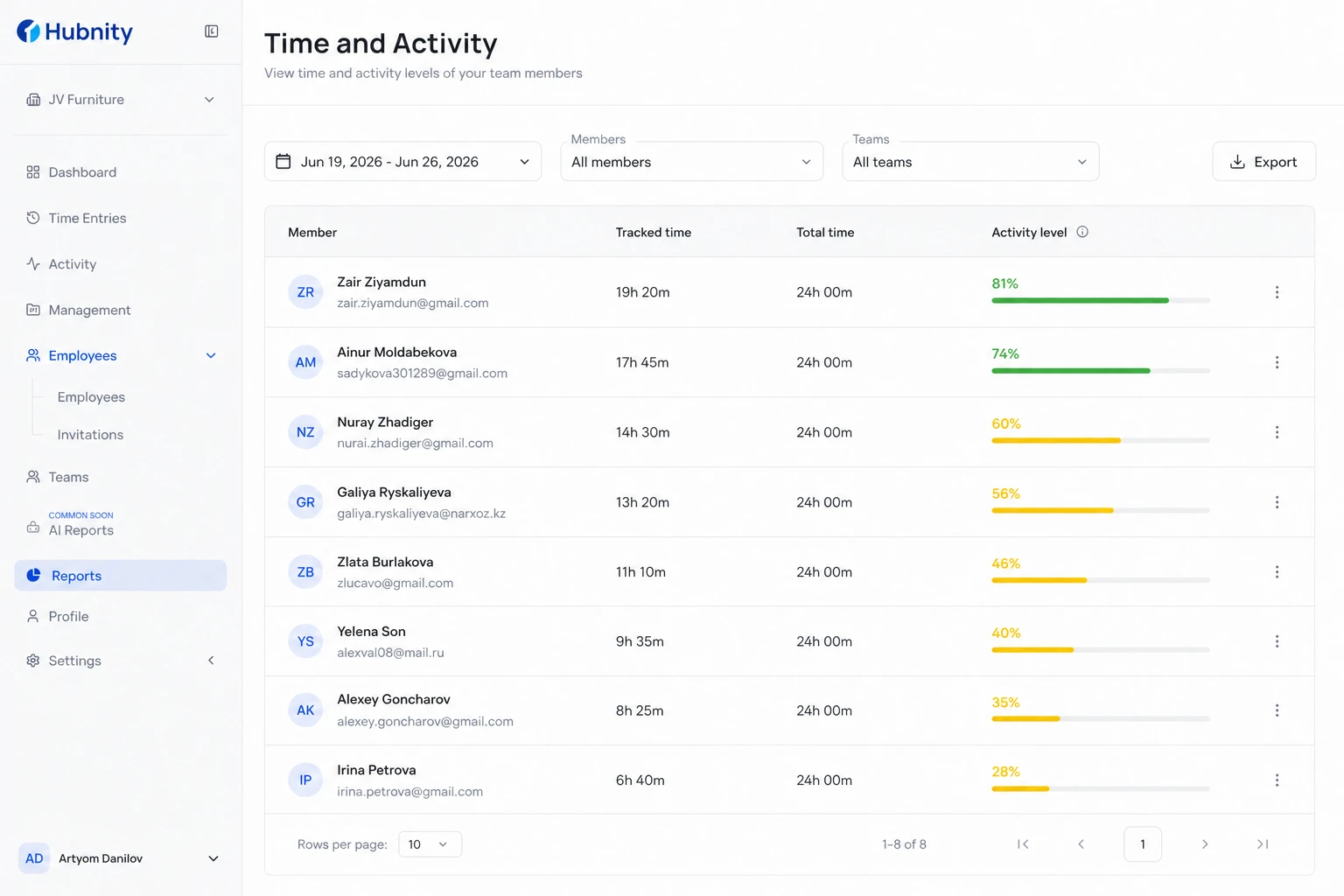
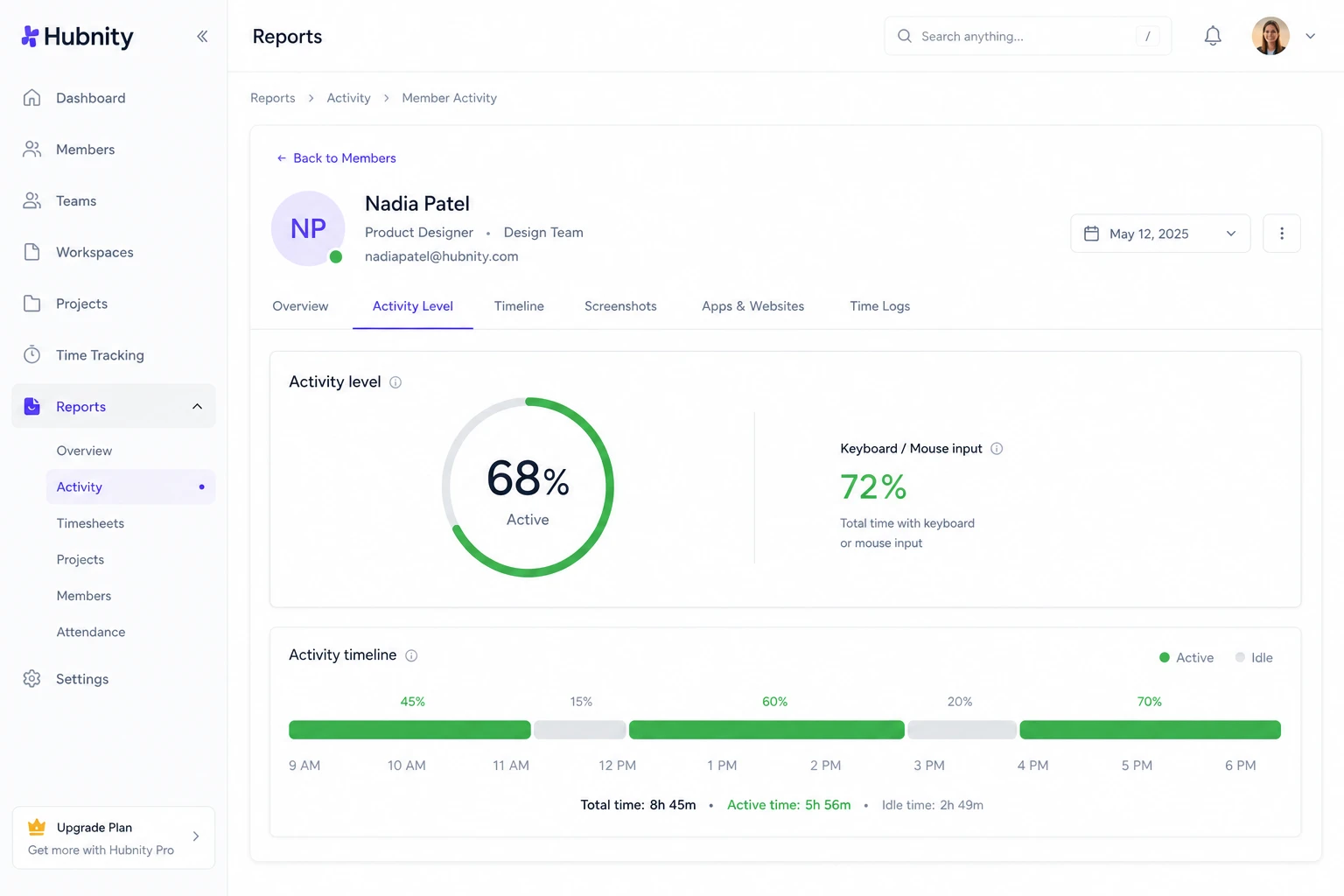
Activity level is the percentage of tracked time with detected keyboard or mouse input.
It indicates engagement with the device, not work quality, output, or value delivered.
Calculation method
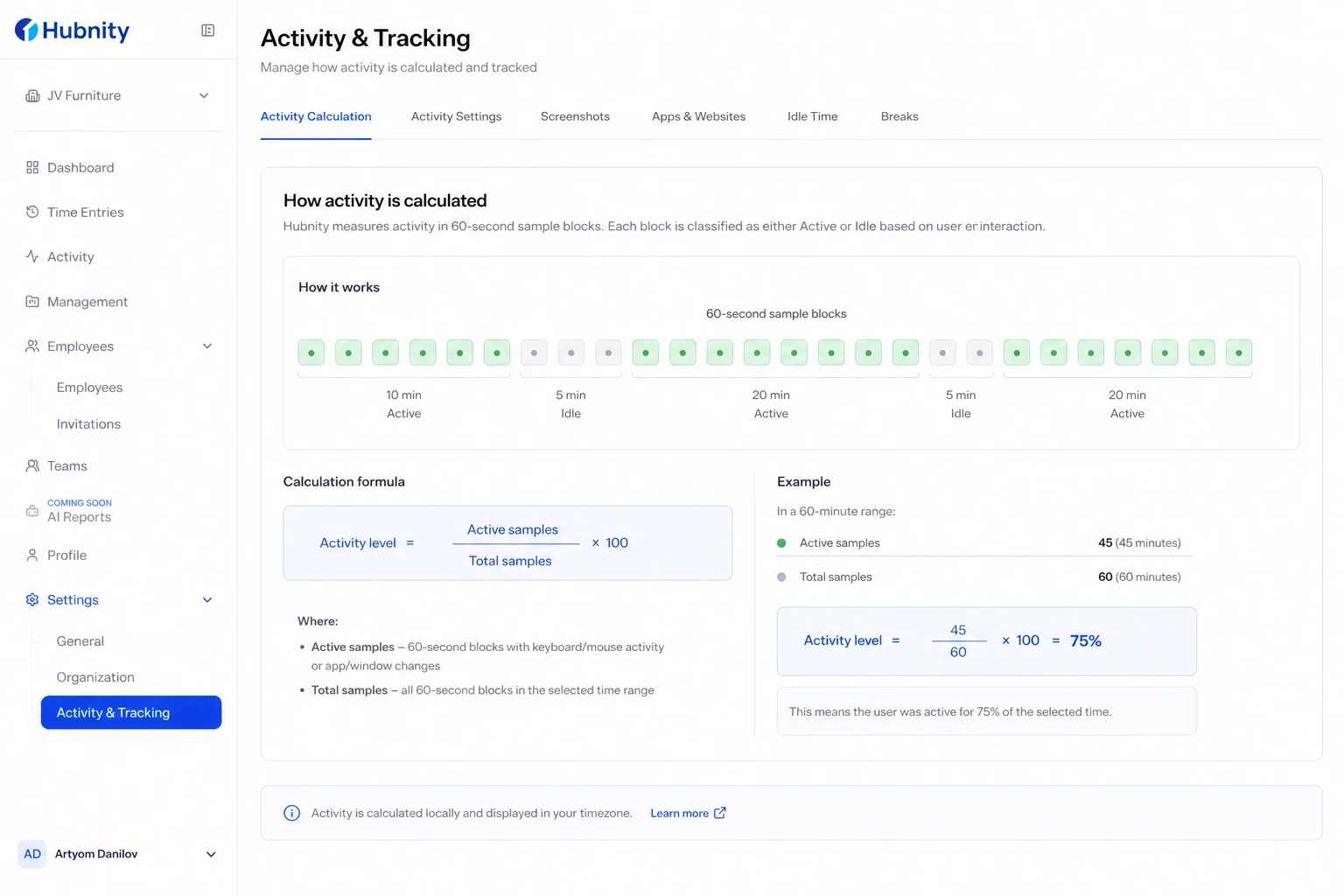
Hubnity samples input activity every 60 seconds during tracked time. Each sample is active (input detected) or idle (no input).
Activity level = (active samples ÷ total samples) × 100. Rounded to the nearest whole percent.
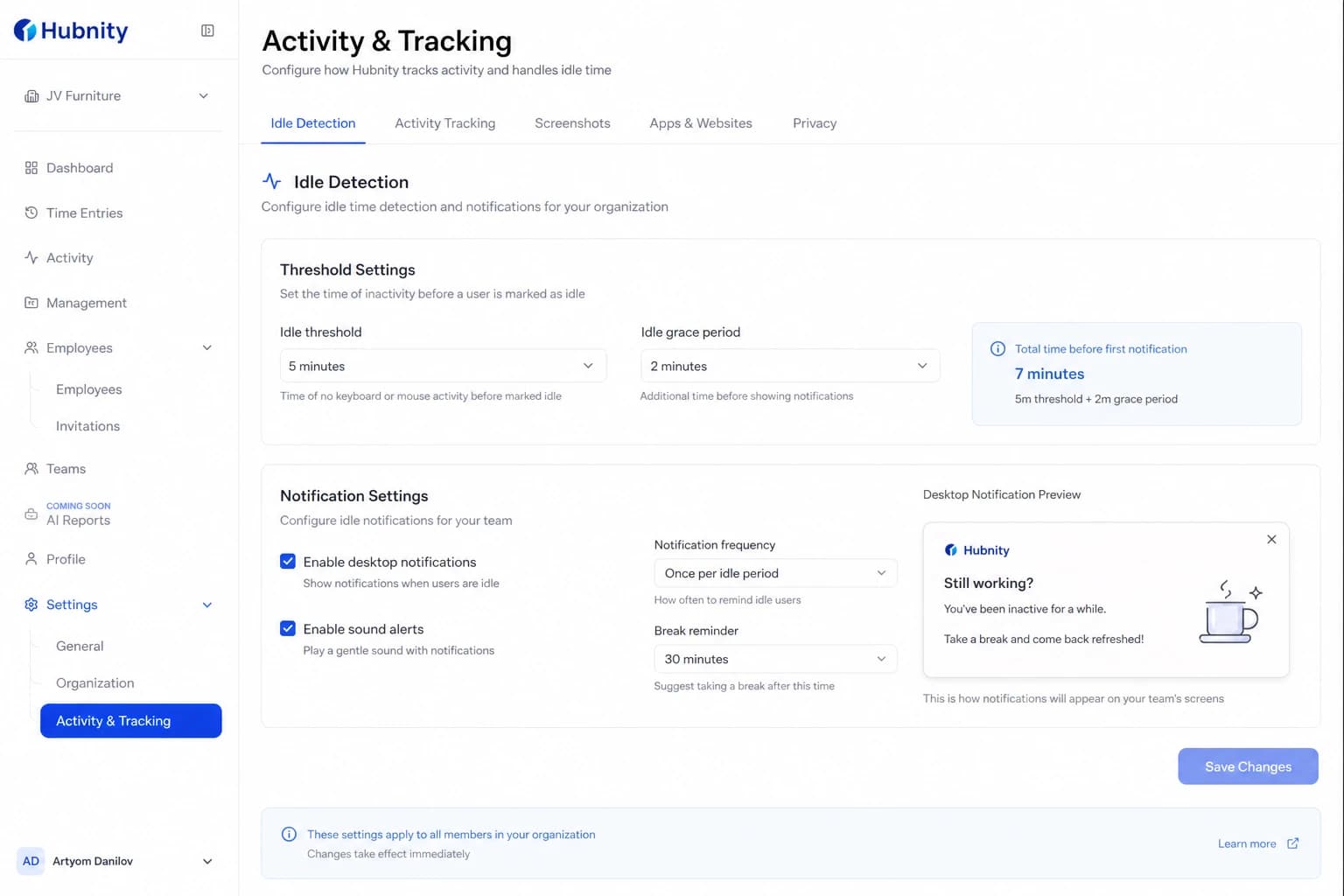
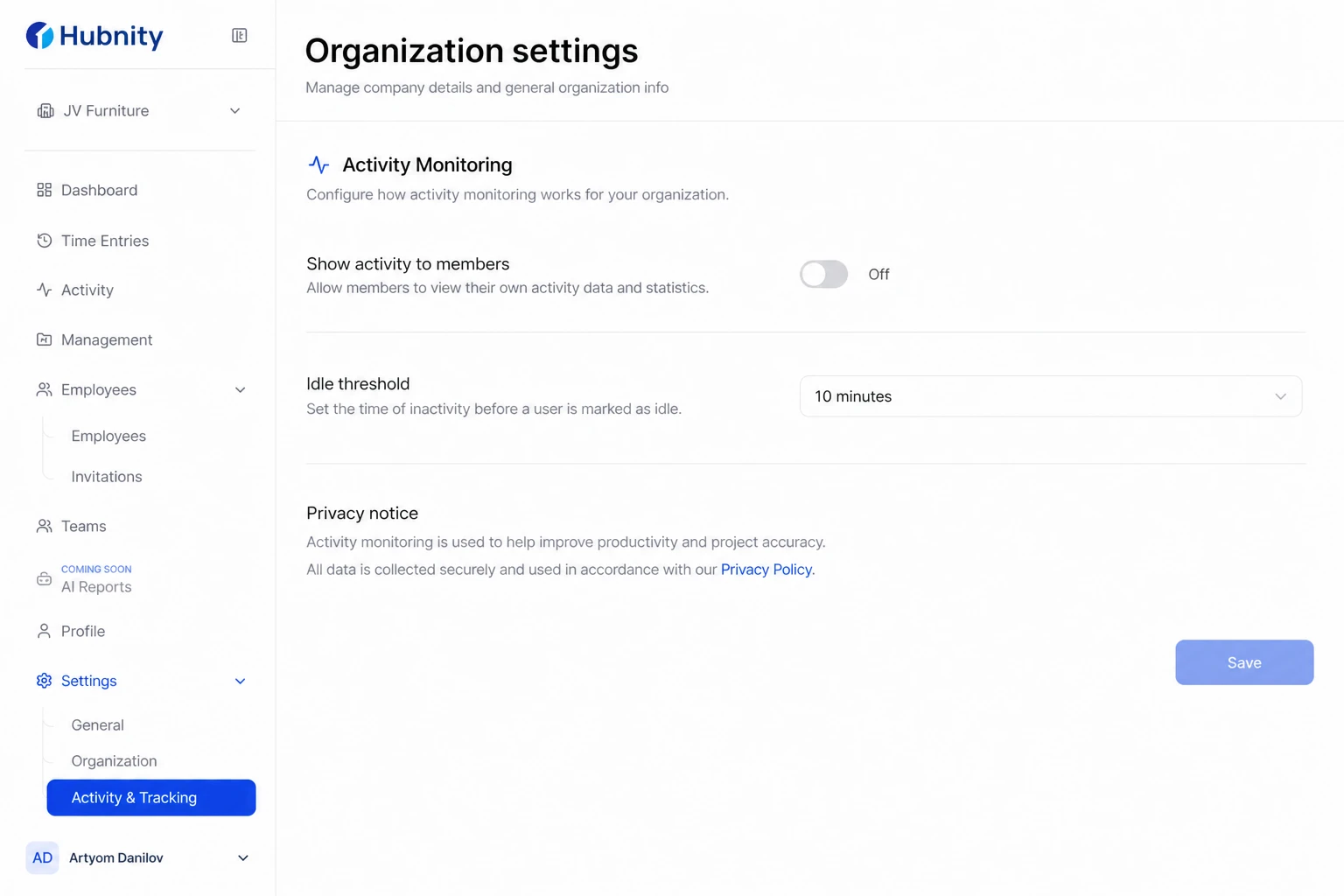
Idle periods beyond the configured threshold are excluded from both numerator and denominator.
What counts as active
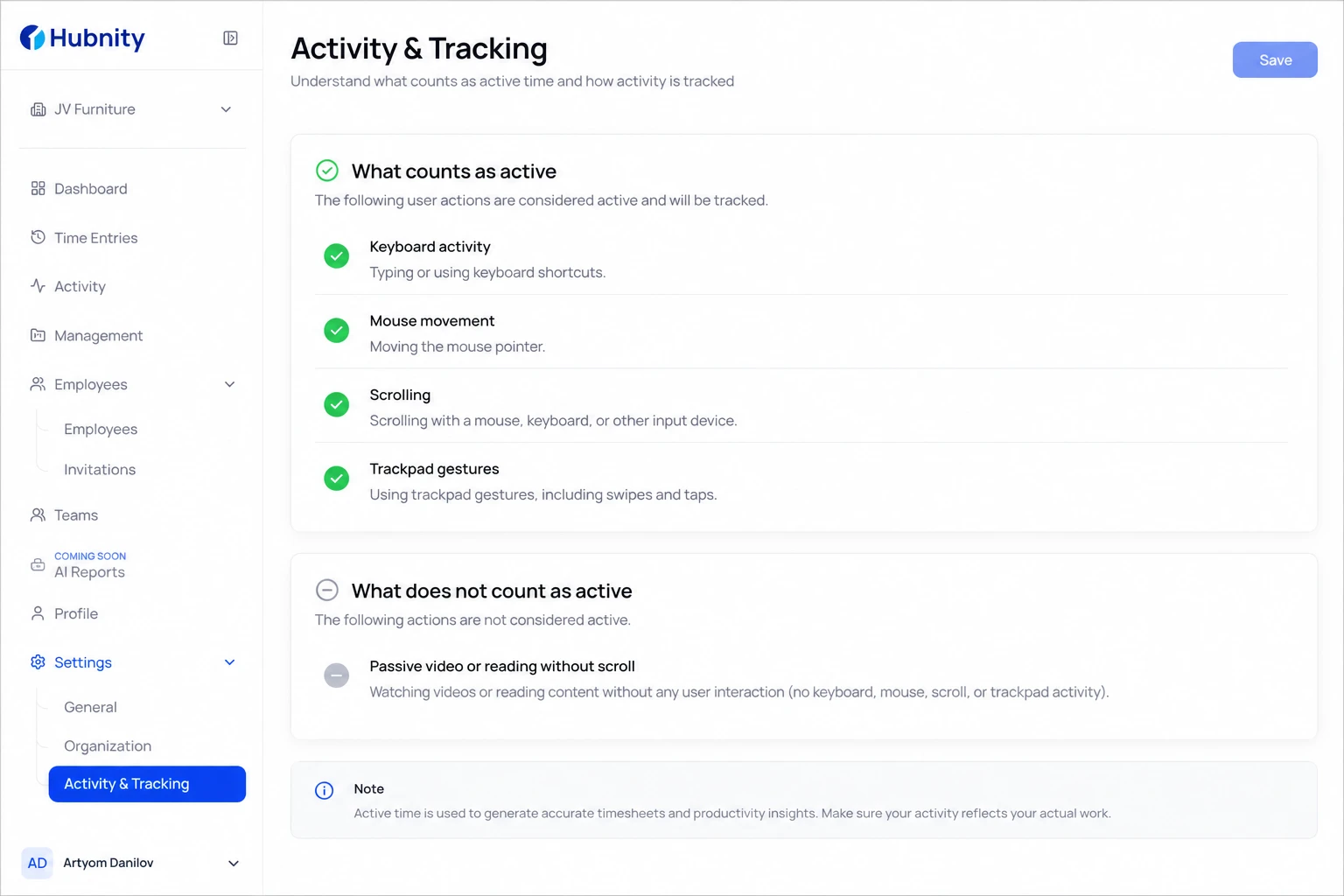
Keyboard presses, mouse movement/clicks, scroll wheel, and trackpad gestures.
Does not count: watching videos without interaction, passive reading without scrolling, phone calls without typing.
Typical ranges
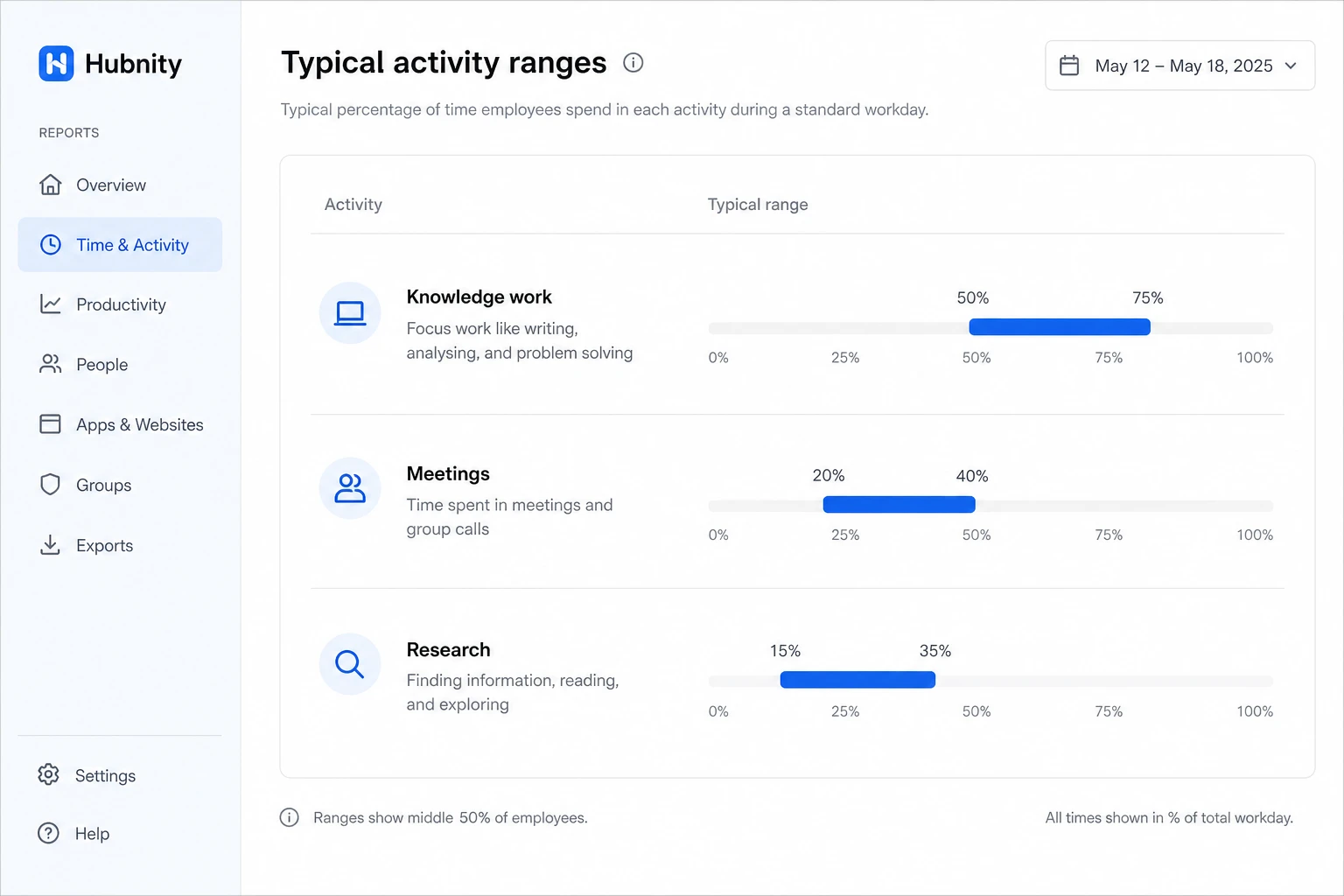
Knowledge work (writing, coding): 50–75% is typical.
Meetings with note-taking: 20–40%.
Research and reading: 15–35%.
These ranges vary by role. Do not use activity level as a standalone performance metric.
Adjusting for your team
Lower idle thresholds for roles with frequent passive work (design review, reading).
Disable activity display for members if your organization policy focuses on hours only: Settings → Time tracking → Activity monitoring → Show activity to members: Off.
Related settings
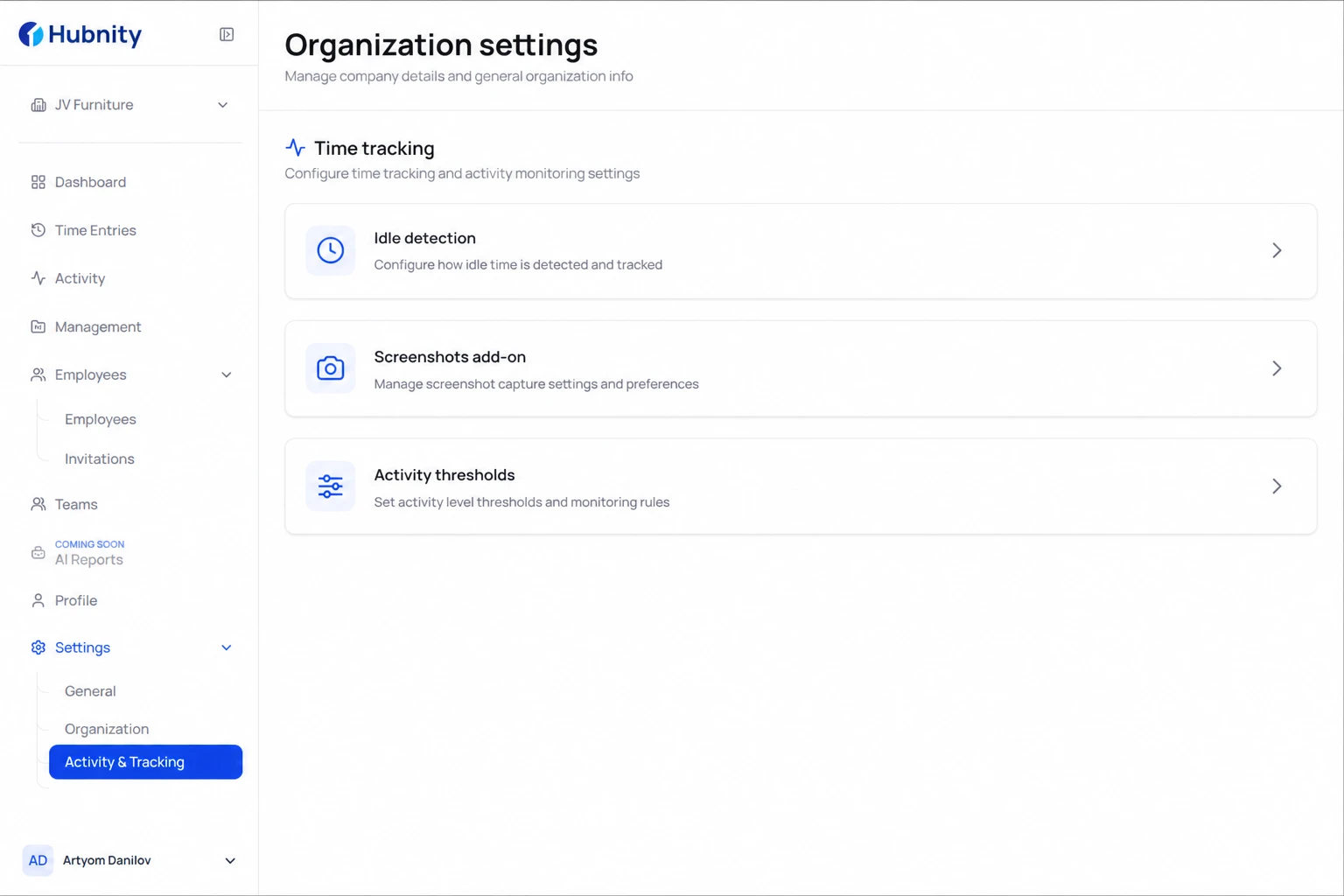
Idle detection: idle-time-settings. Screenshot capture: screenshots-addon. Activity thresholds: activity-thresholds.