Category
Getting started
Set up your Hubnity organization, invite your team, and start tracking time—the same flow described on https://hubnity.eu/

Video guides
Start here
Setting up your company and team
Learn how to get your organization up and running and your team members onboarded.
Watch guideSetting up projects and tasks
See how to set up projects and tasks for your team members to track time to.
Watch guideAutomatic time tracking
Enable auto tracking, reminders, and idle detection so your team captures accurate timesheets.
Watch guide
Popular
Featured in this category
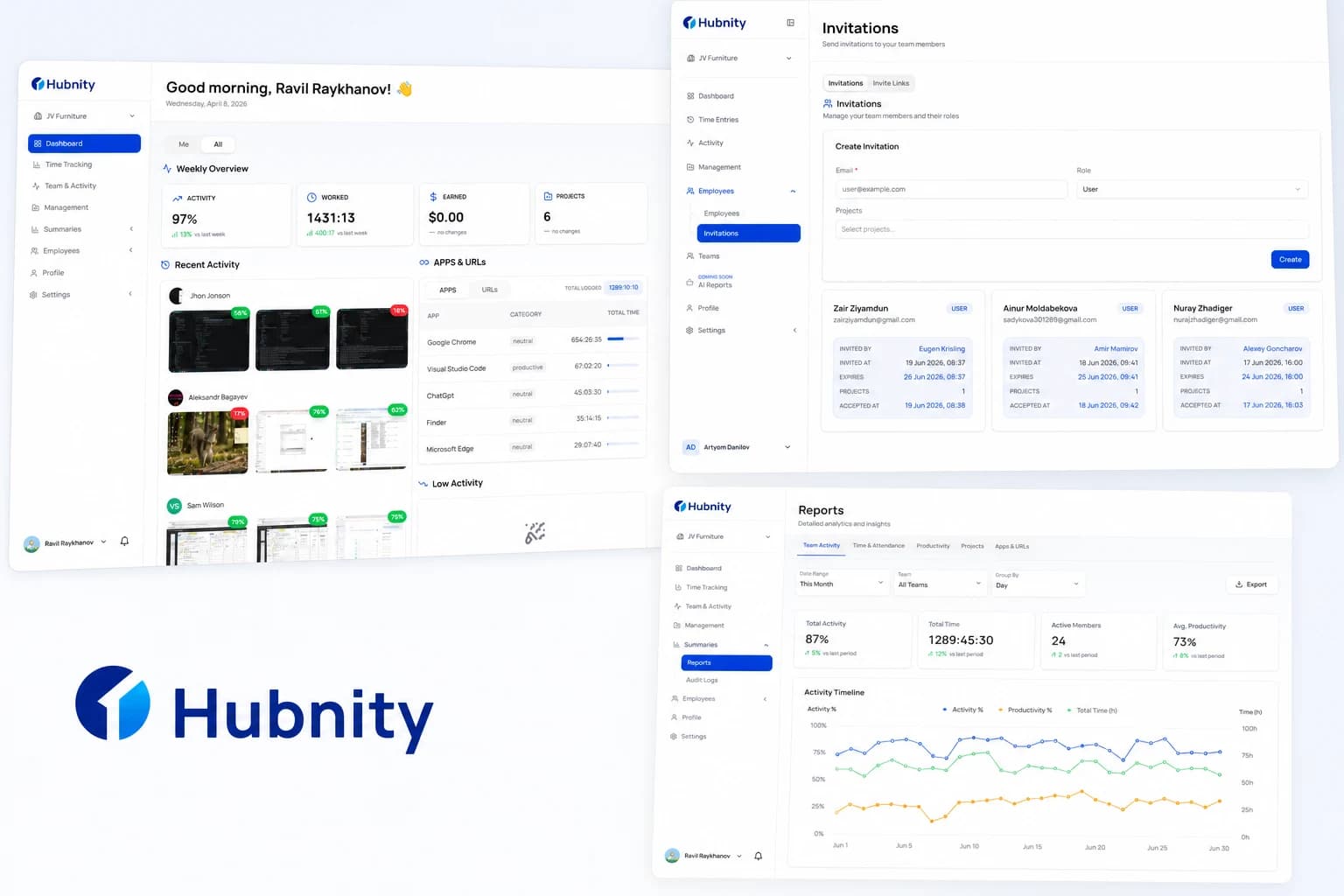
What is Hubnity?
Hubnity is a comprehensive time tracking and productivity platform designed for freelancers, agencies, and distributed teams to monitor work hours, track billable time, and generate seamless reports.
9 min readRead article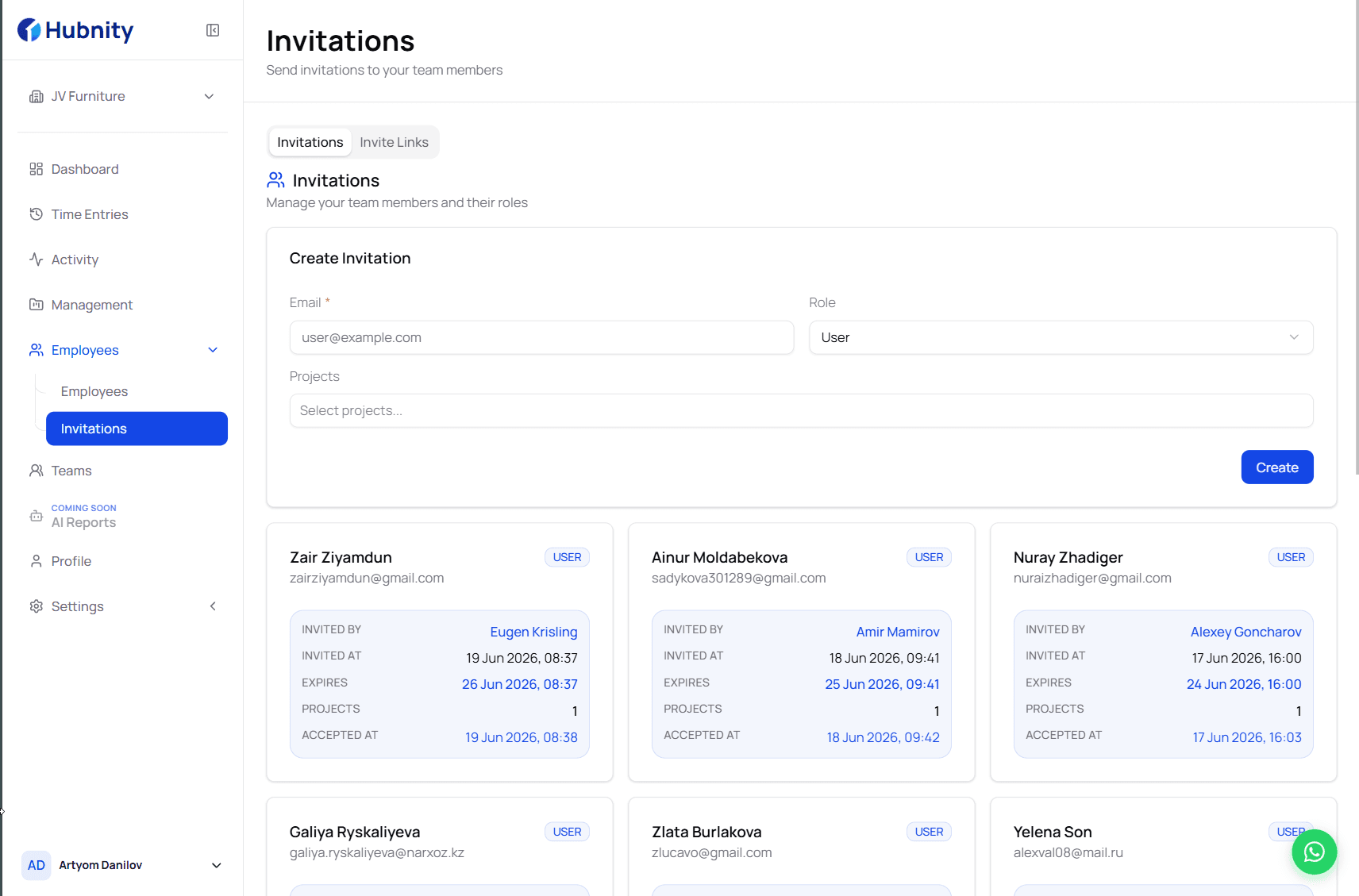
How to Invite Team Members
Invite colleagues after organization setup—the second step in the hubnity.eu onboarding flow.
7 min readRead article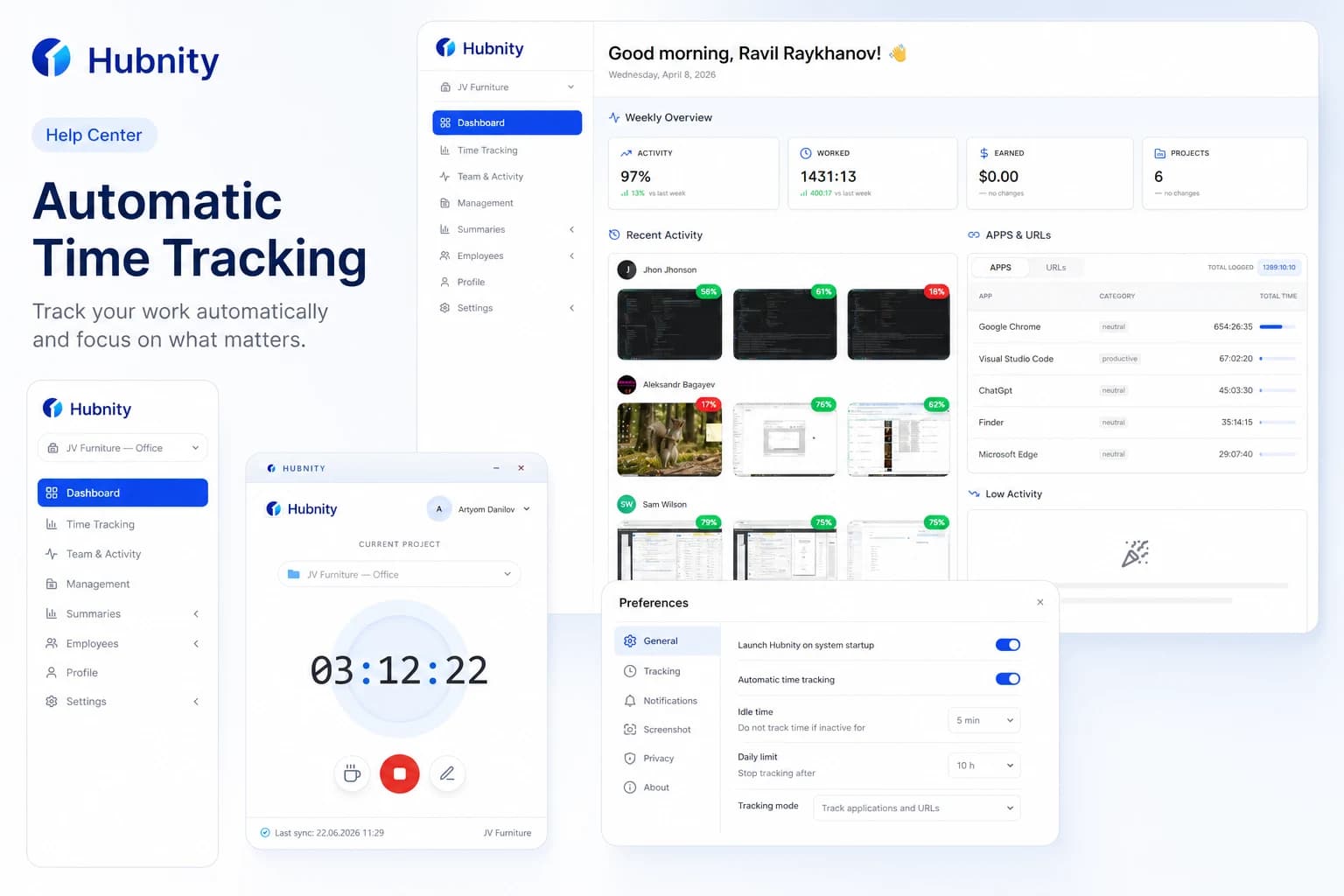
Setting Up Automatic Time Tracking and Reminders
Our auto-tracking feature runs quietly in the background (via desktop app or browser extension), logging the apps and websites you use. It r
8 min readWatch video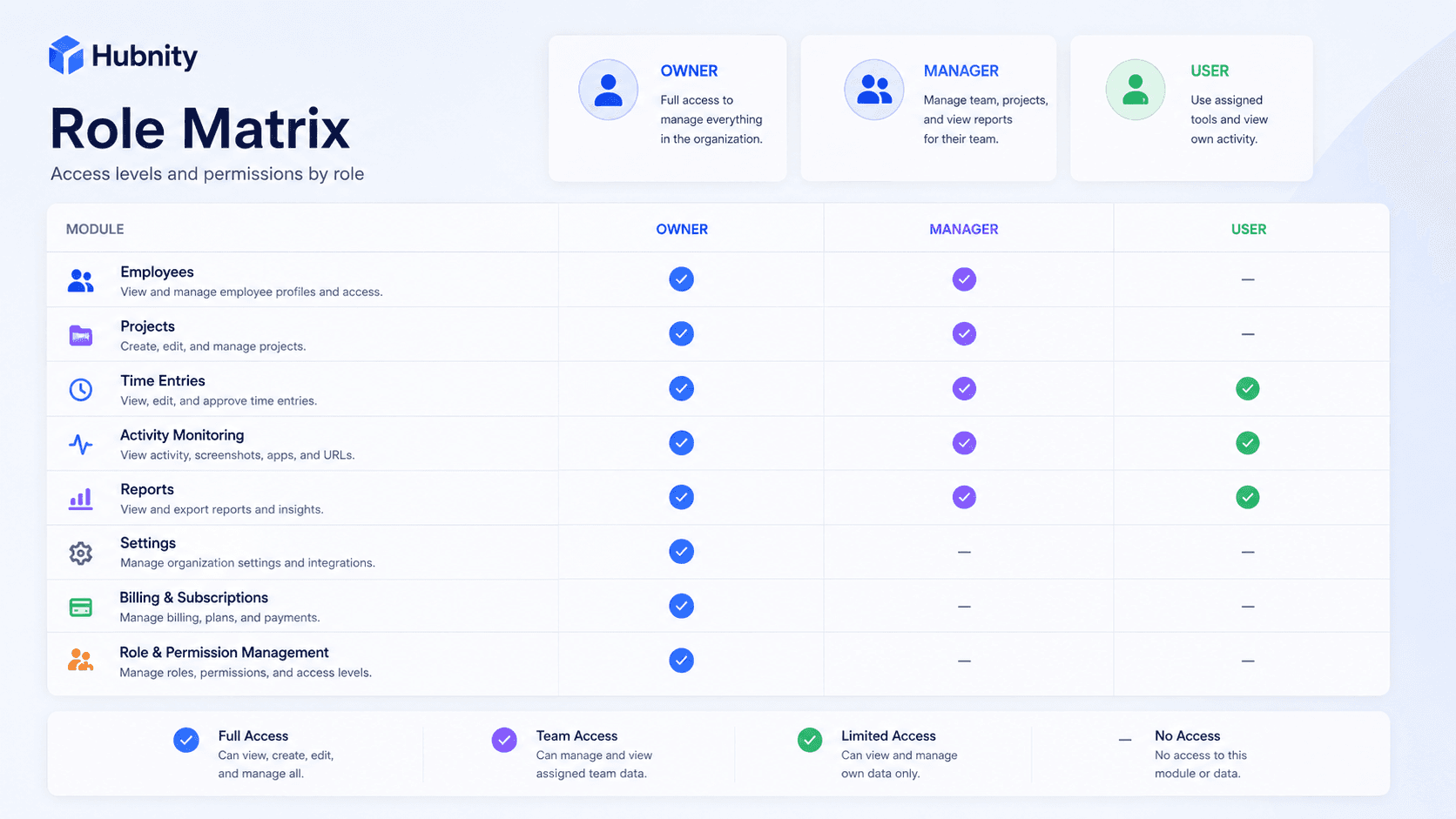
Hubnity Roles and Permissions Guide
Manage roles and team visibility—the way hubnity.eu describes complete team oversight.
8 min readRead article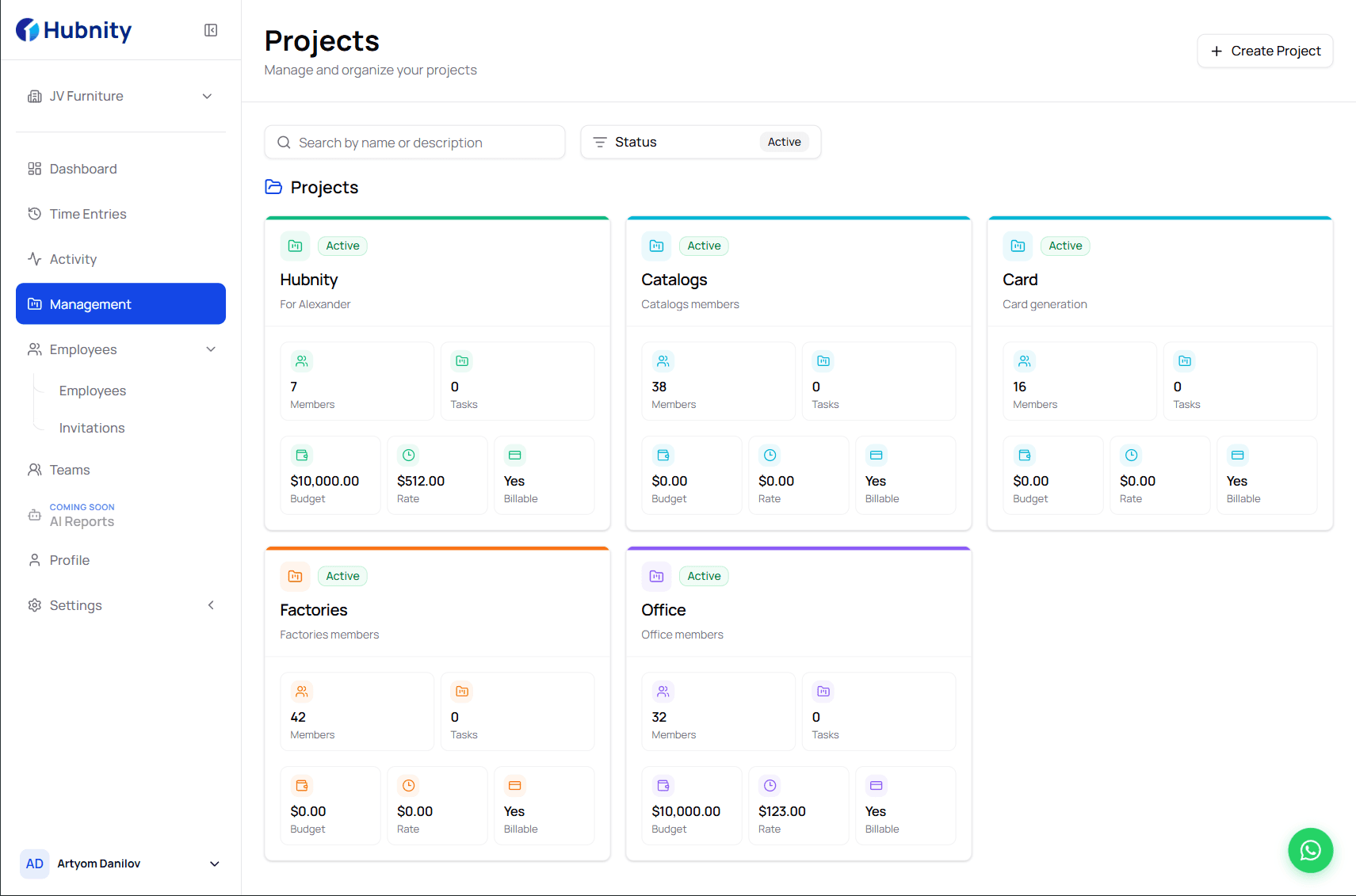
Getting Started with Hubnity Tasks
Organize projects and tasks in Hubnity—part of project budgeting and team visibility on hubnity.eu.
7 min readRead article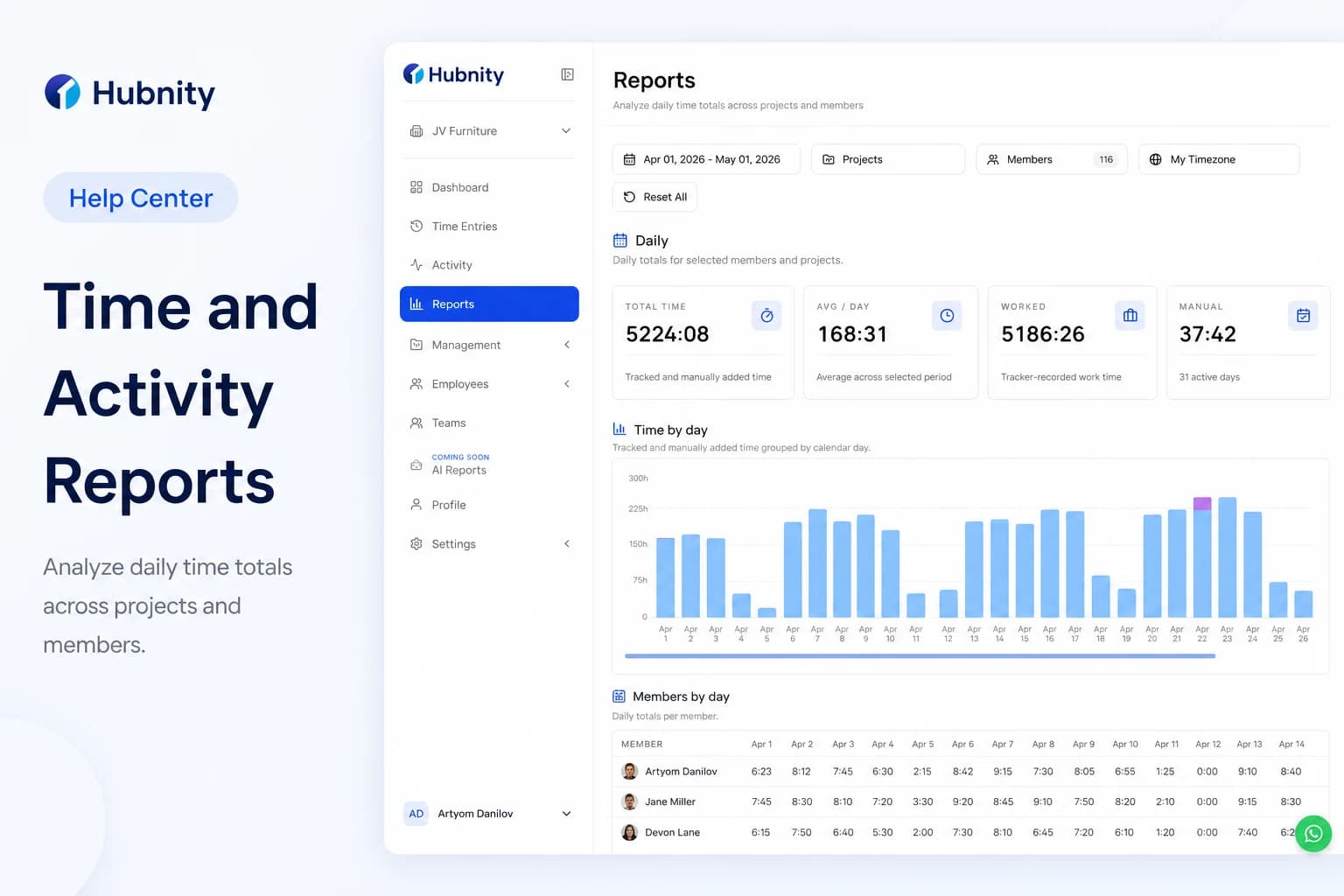
Hubnity Time and Activity Report
Hubnity automatically aggregates your tracked time into visual dashboards and timesheets. You can filter data by user, project, or date rang
9 min readRead article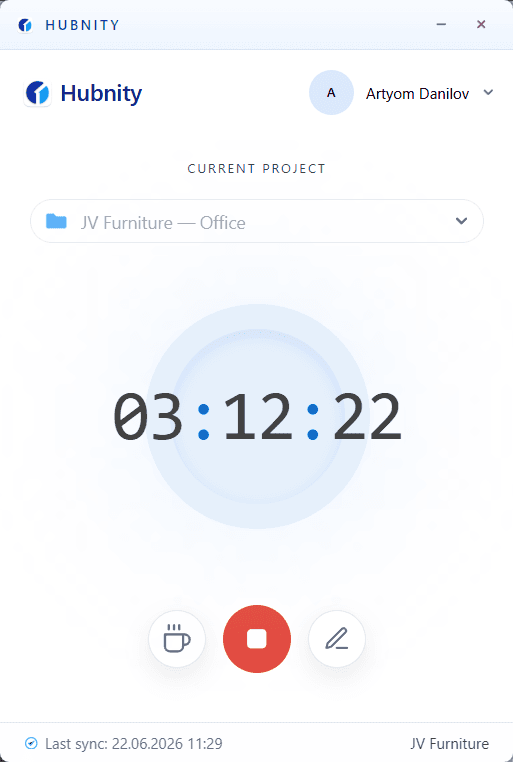
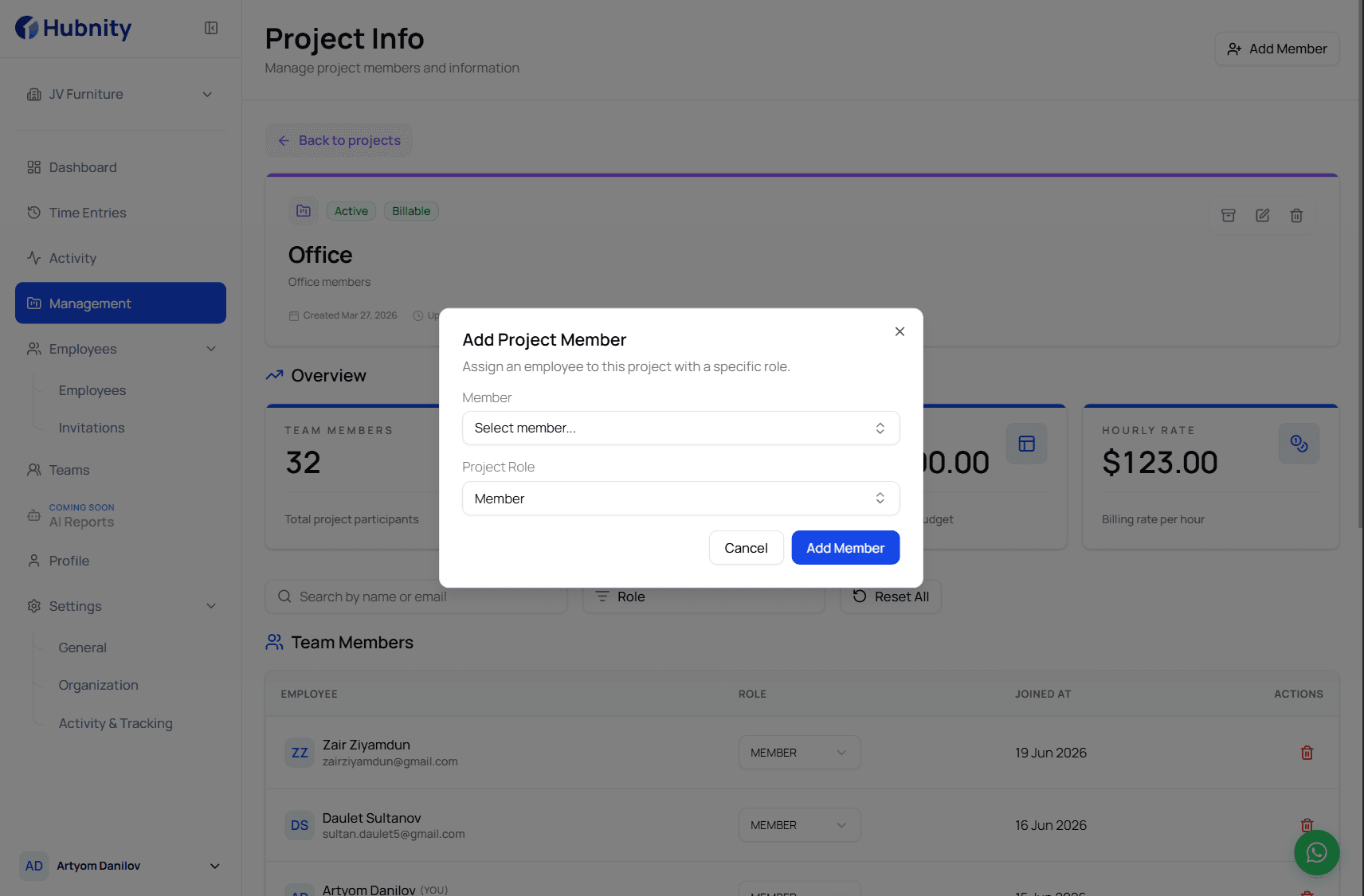
Installing the Desktop Timer App
Install the Hubnity desktop app for Mac, Windows, or Linux—featured on hubnity.eu automated timesheets.
7 min readRead article
All articles
Browse by topic
The basics
5 articles- What is Hubnity?
Hubnity is a comprehensive time tracking and productivity platform designed for freelancers, agencies, and distributed teams to monitor work hours, track billable time, and generate seamless reports.
9 min read - How to Invite Team Members
Invite colleagues after organization setup—the second step in the hubnity.eu onboarding flow.
7 min read - Setting Up Automatic Time Tracking and RemindersVideo
Our auto-tracking feature runs quietly in the background (via desktop app or browser extension), logging the apps and websites you use. It r
8 min read - Hubnity Roles and Permissions Guide
Manage roles and team visibility—the way hubnity.eu describes complete team oversight.
8 min read - Member Onboarding Checklist
Onboard new members using the same three-step flow promoted on hubnity.eu.
8 min read
Apps & dashboard
5 articles- Installing the Desktop Timer App
Install the Hubnity desktop app for Mac, Windows, or Linux—featured on hubnity.eu automated timesheets.
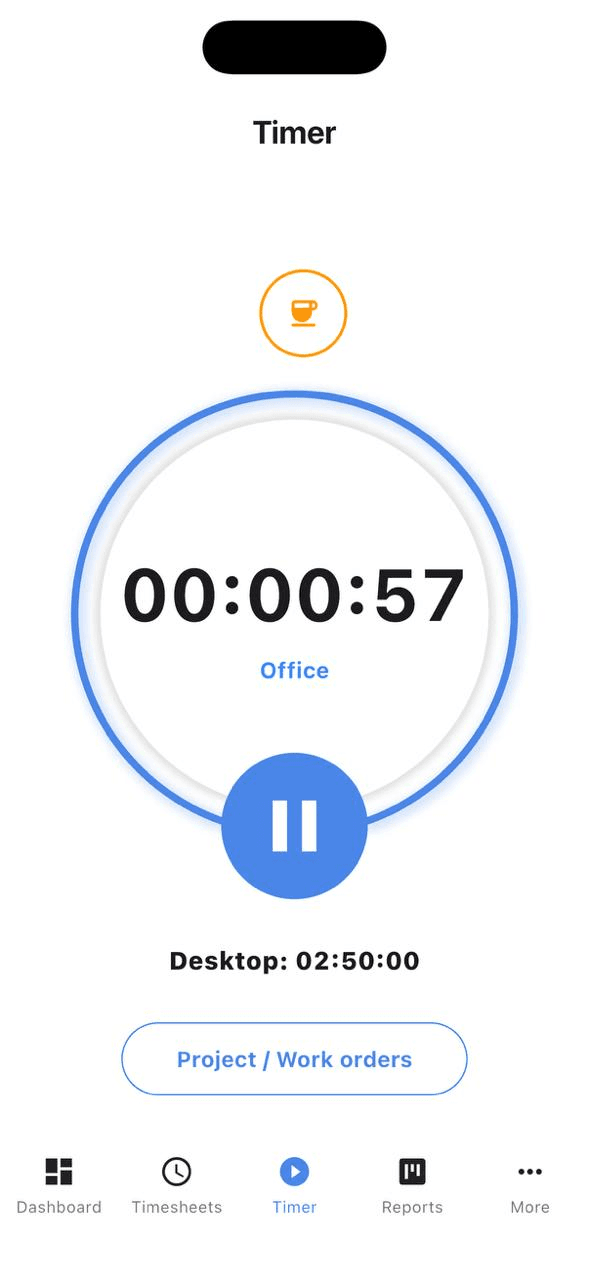
7 min read - Using the Mobile Timer App
Yes, we have dedicated mobile apps for both iOS and Android. You can start and stop timers, view your daily stats, and manage tasks while on
6 min read - Hubnity Time and Activity Report
Hubnity automatically aggregates your tracked time into visual dashboards and timesheets. You can filter data by user, project, or date rang
9 min read - Getting Started with Hubnity Tasks
Organize projects and tasks in Hubnity—part of project budgeting and team visibility on hubnity.eu.
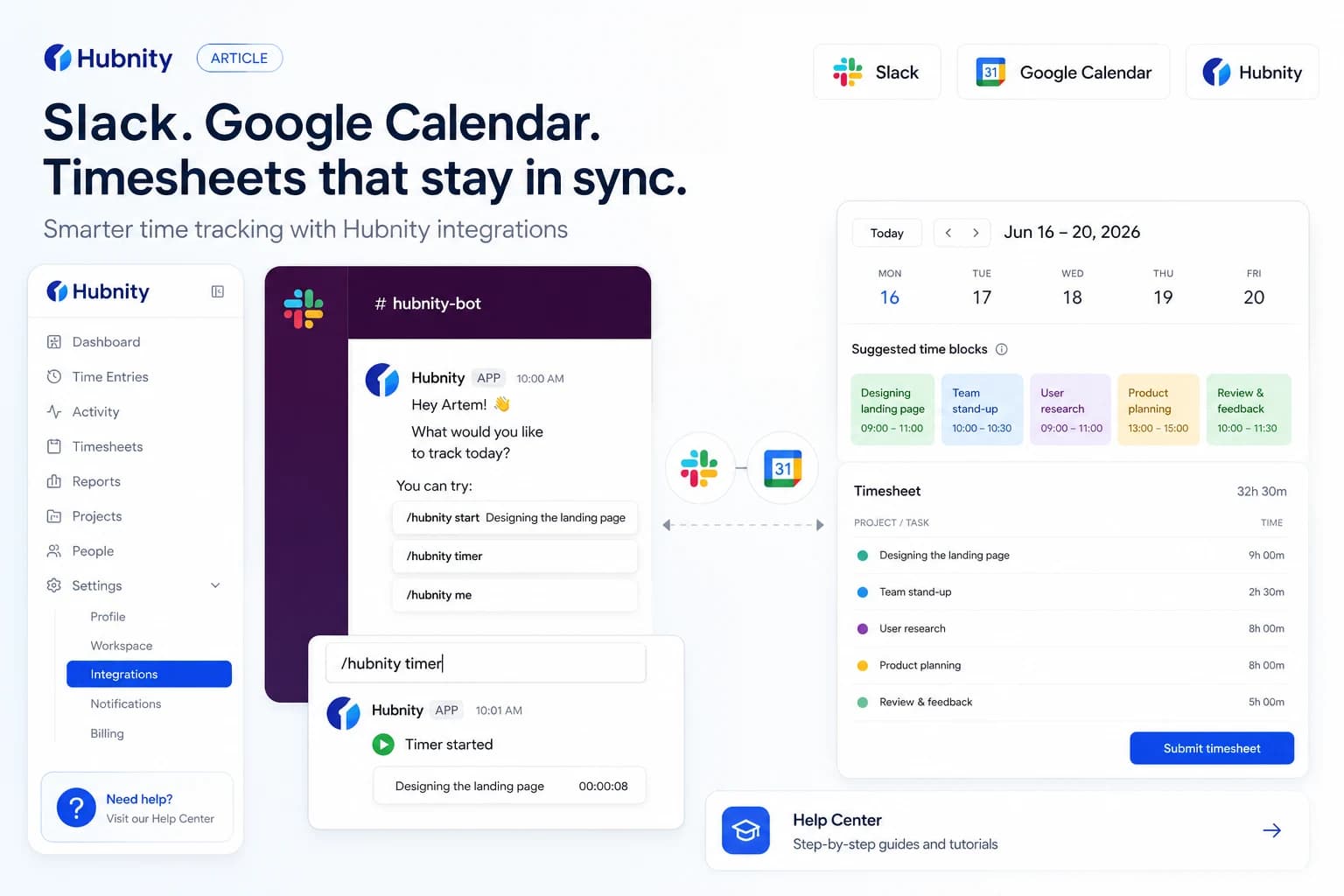
7 min read - Connecting Hubnity with Slack and Google Calendar
Connect Slack for timer commands and notifications, and sync Google Calendar events to auto-suggest tracked time blocks.
7 min read
Need more help?
Still have questions? We can help.
Our support team typically responds within 2 hours. You can also chat with Hubnity support on WhatsApp from the main site.