Updated Jun 20267 min read
Tasks
Organize projects and tasks in Hubnity—part of project budgeting and team visibility on hubnity.eu.
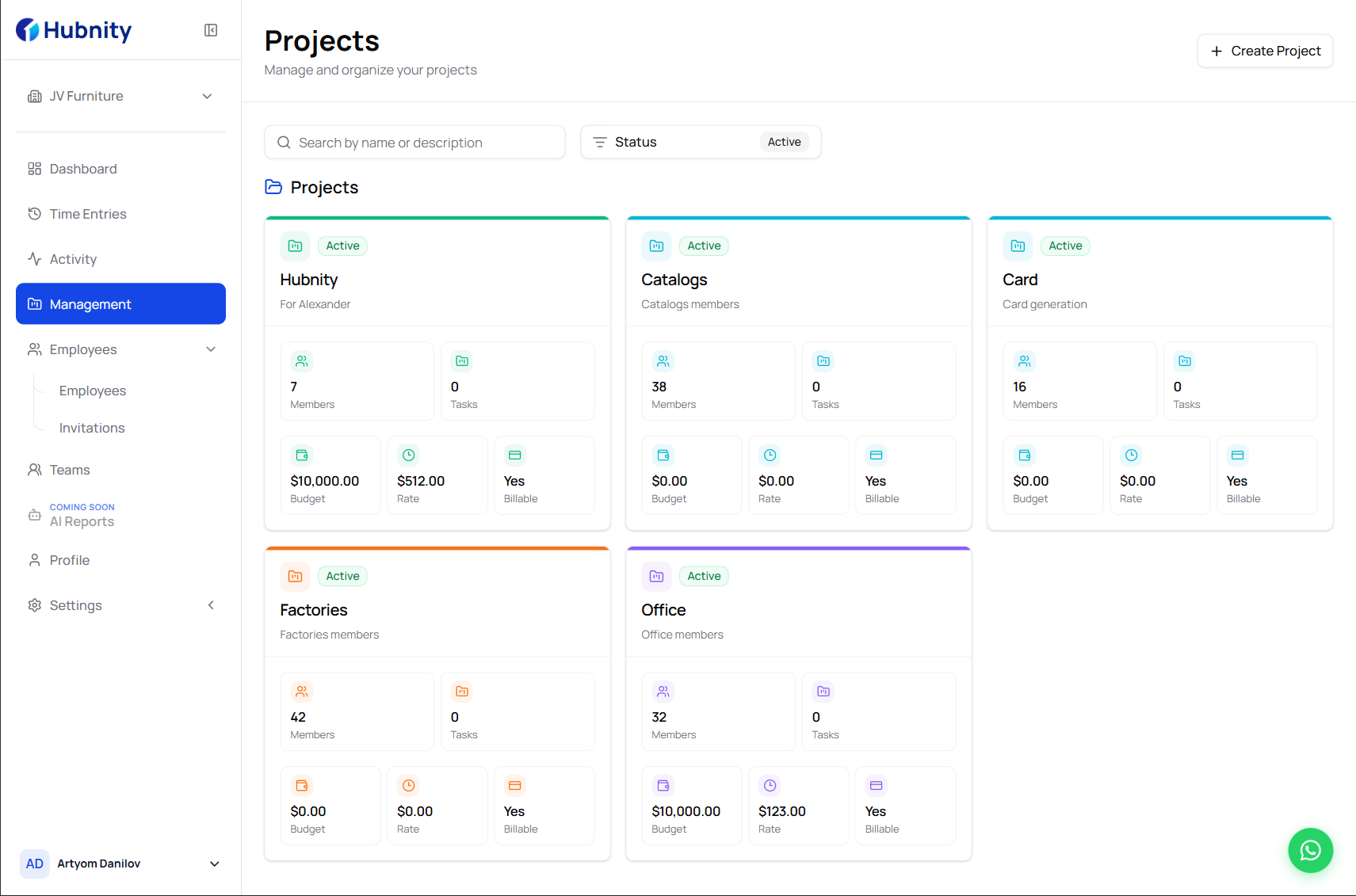
Projects on hubnity.eu
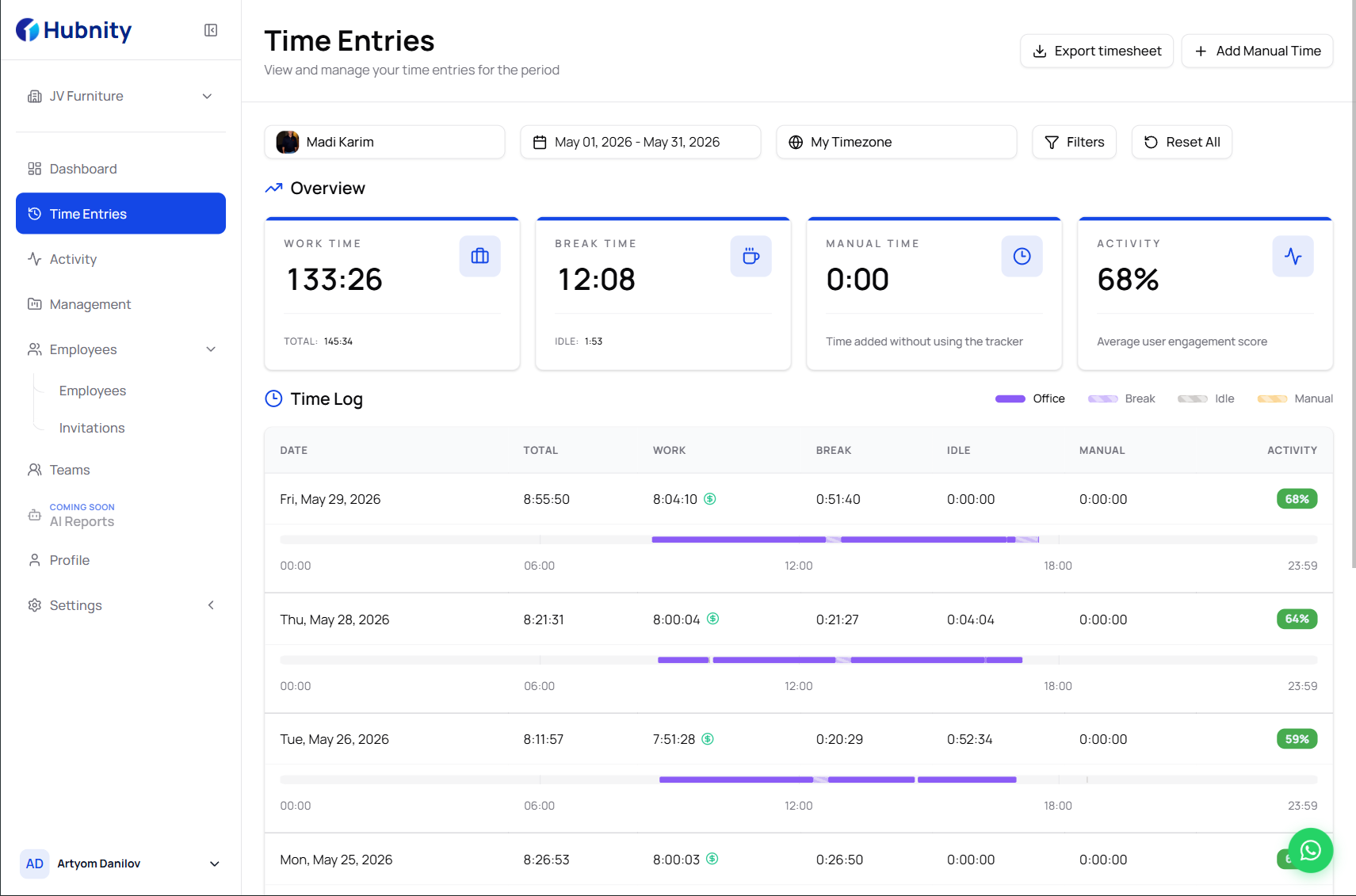
See how hours map to projects and clients so you can protect margins and bill accurately.
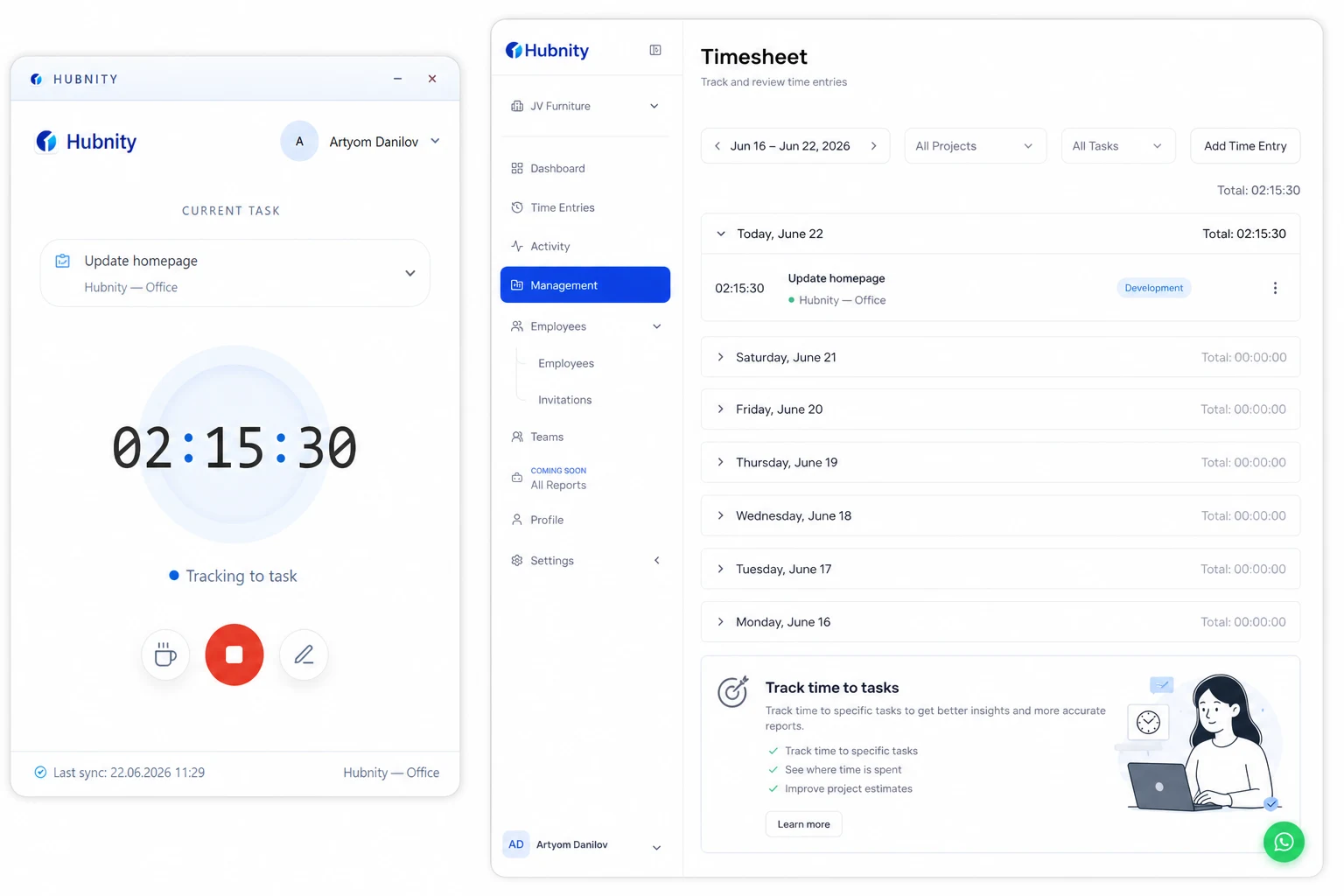
Log working hours and switch between projects with a single click—or let auto tracking run in the background.
Create projects and tasks
Projects group work for reporting, billing, and integrations.
Assign tasks so members can start timers against the right work item.
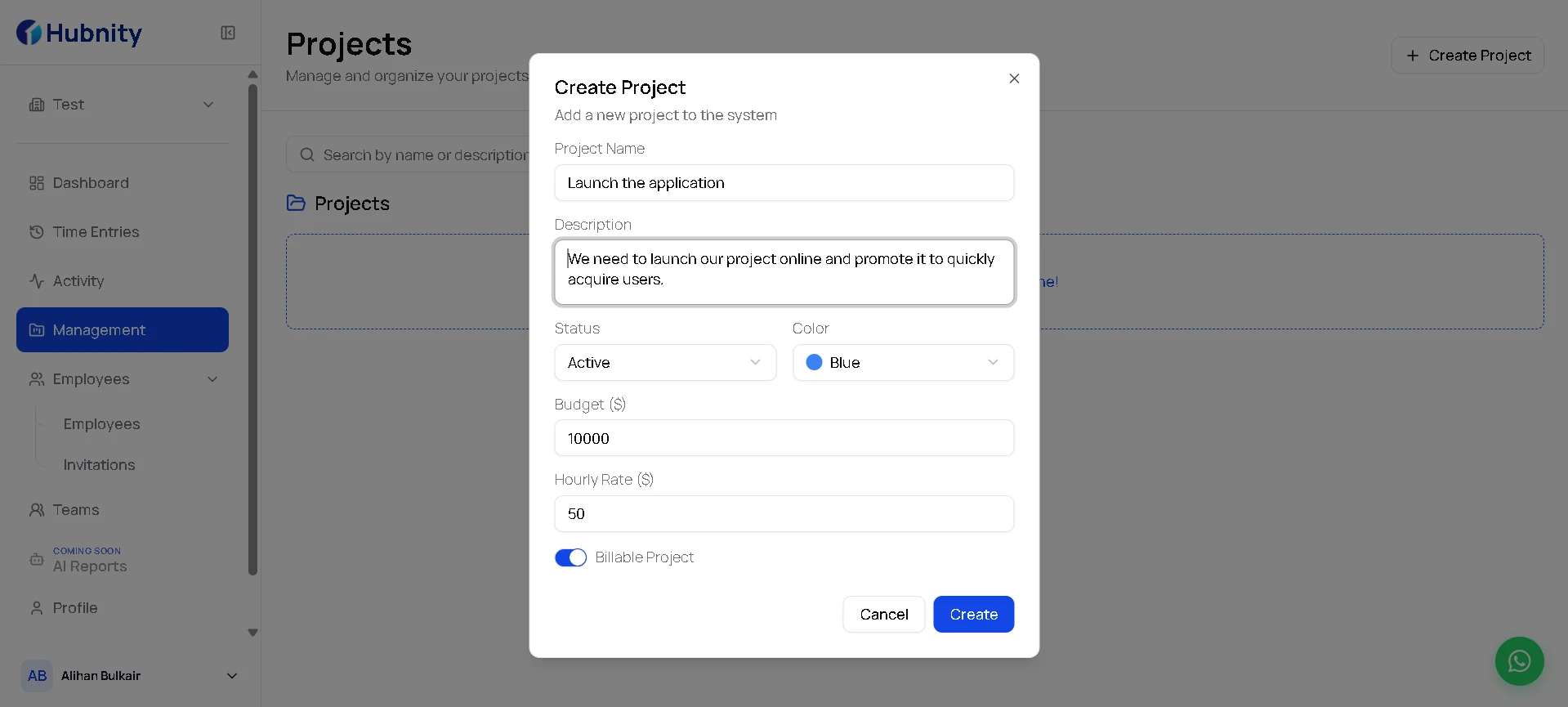
- 1
Open Projects in your Hubnity workspace
- 2
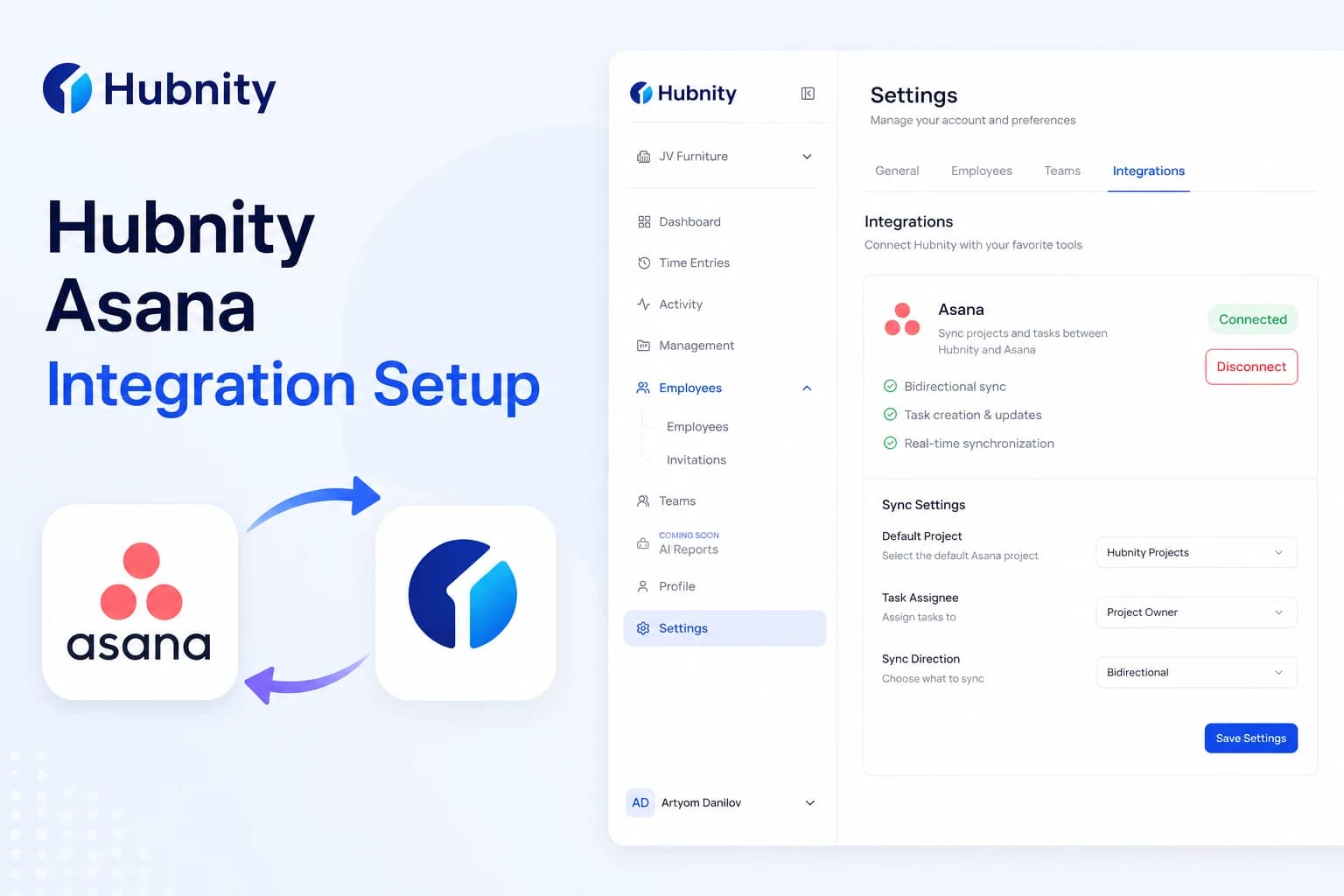
Create a project and add tasks or import from an integration
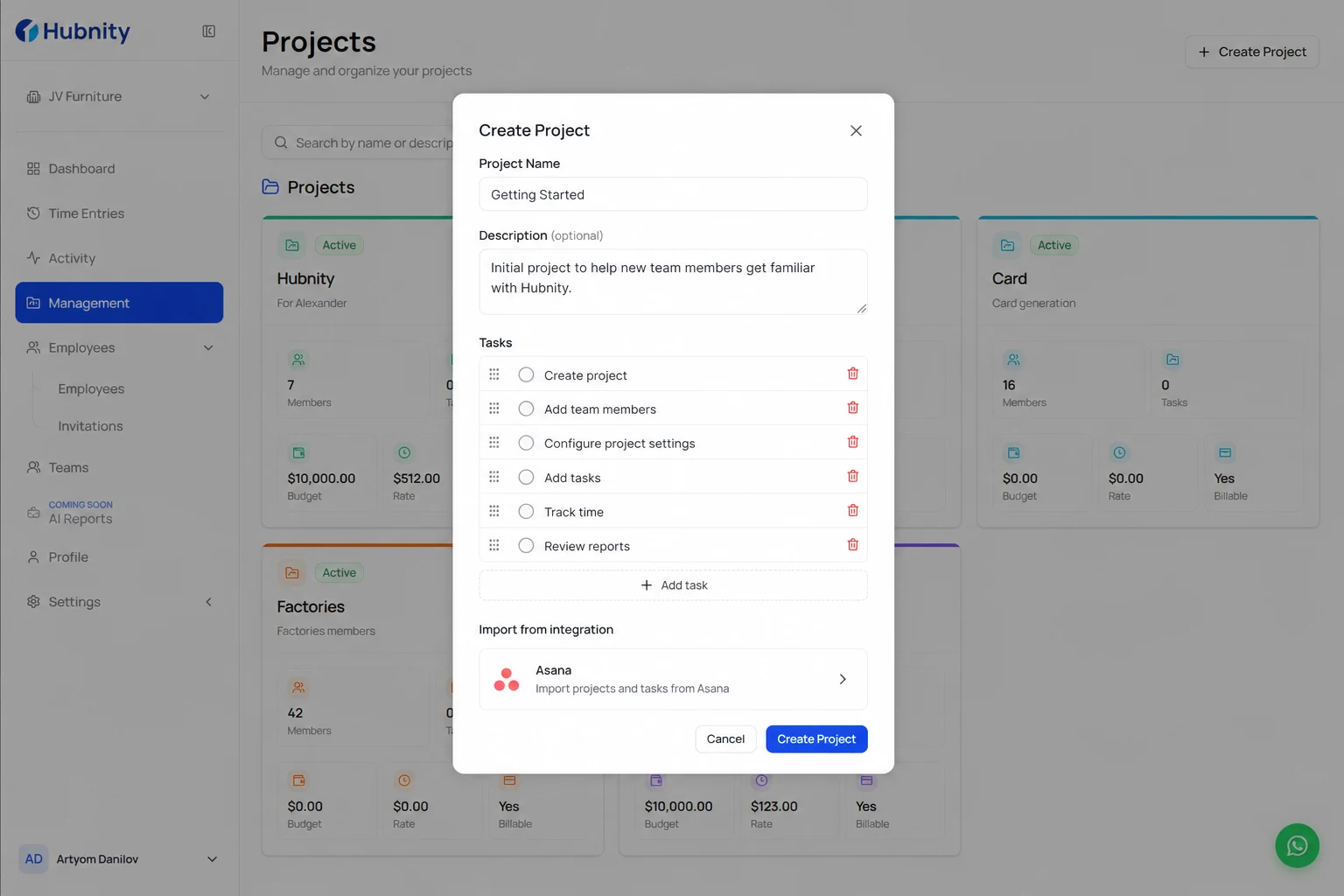
- 3
Assign members and set billable rates if invoicing clients
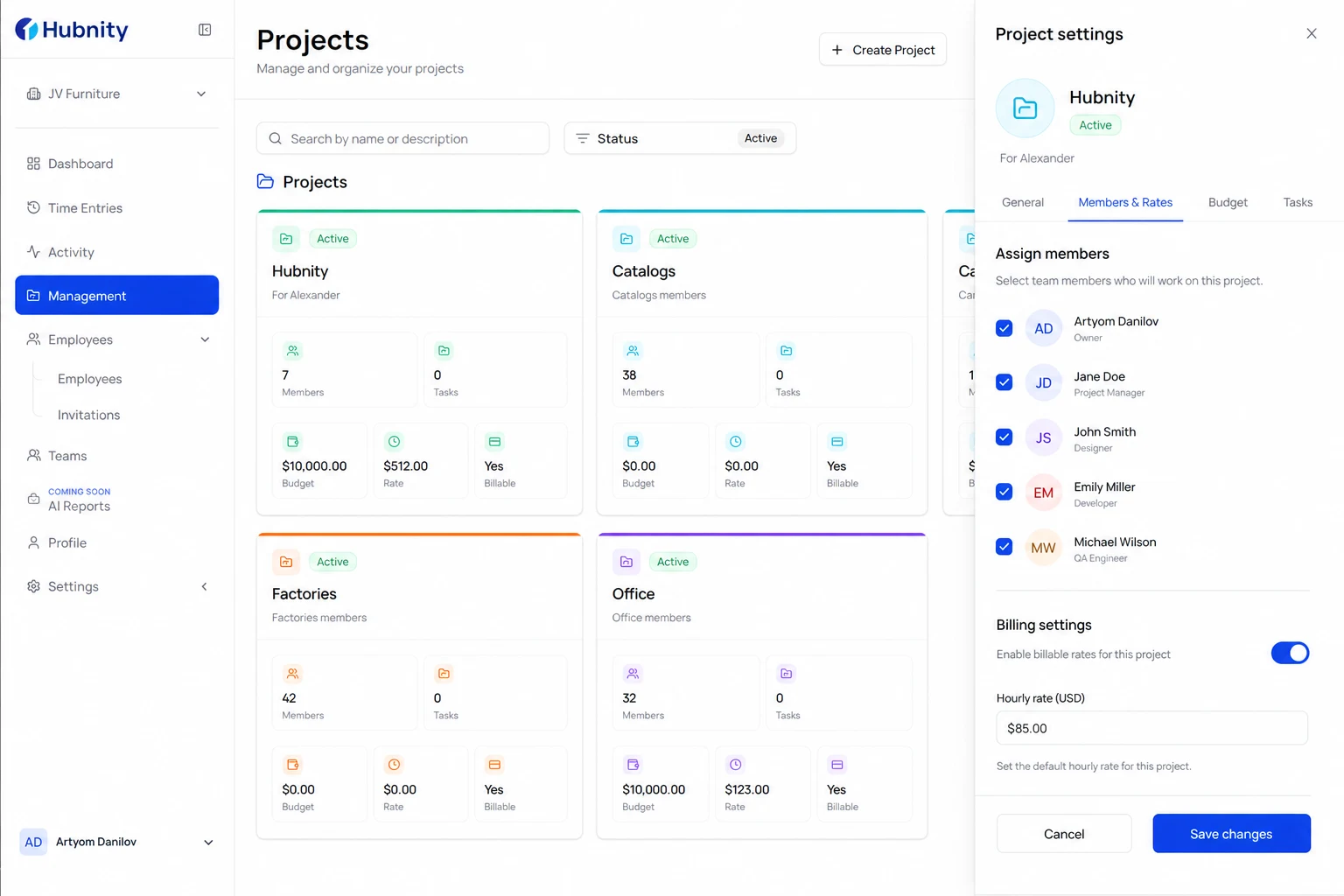
Track time to tasks
Use the online work timer or desktop app to switch between tasks with one click.
Time rolls up into timesheet reports filtered by project.