Updated Jun 20266 min read
AppsBrowser
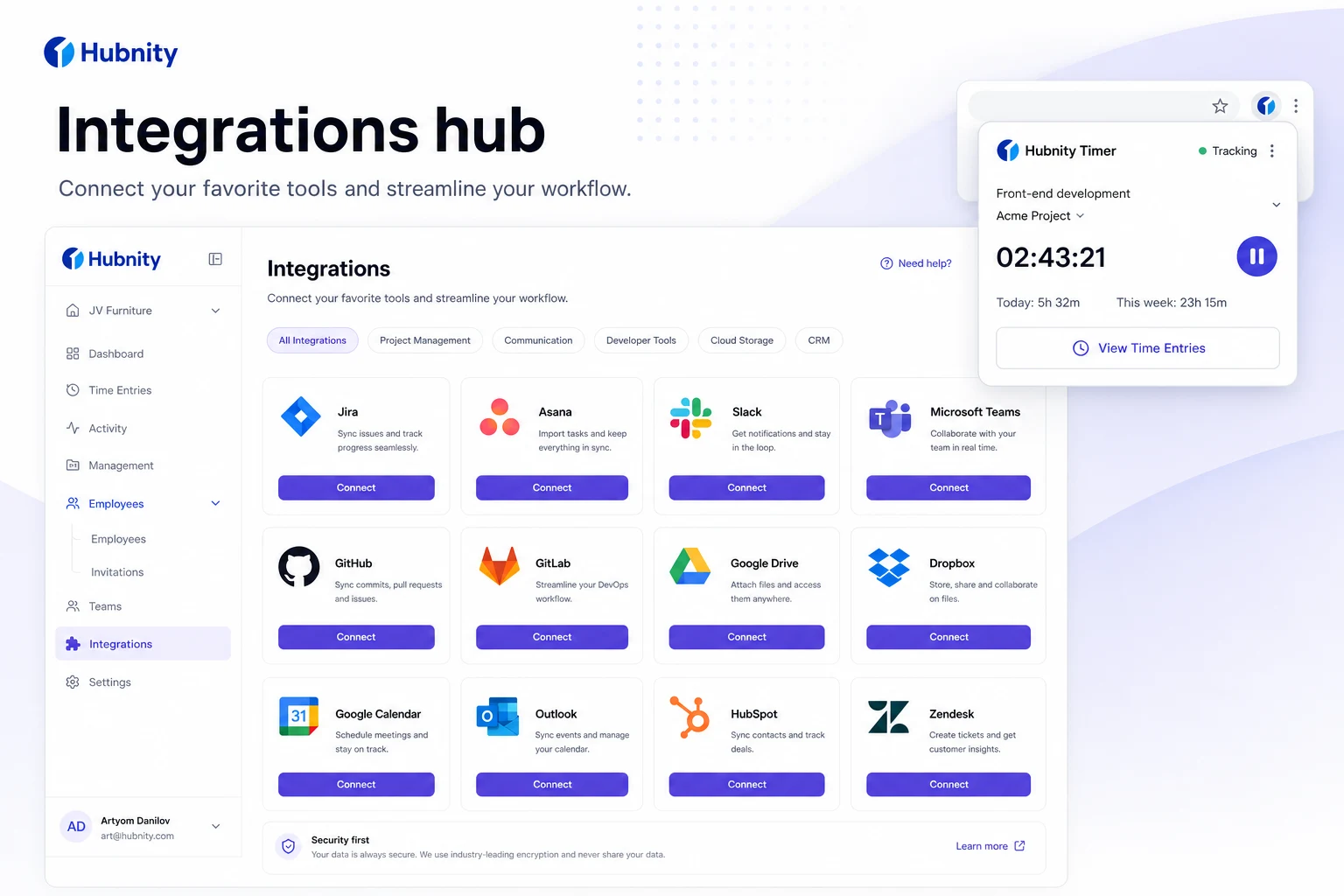
Install the Hubnity browser extension—part of 100+ tool connections promoted on hubnity.eu.
Browser extension on hubnity.eu
Connect 100+ tools via browser extensions and native integrations—including Jira, Trello, Asana, Slack, and Notion—to keep work data in sync.
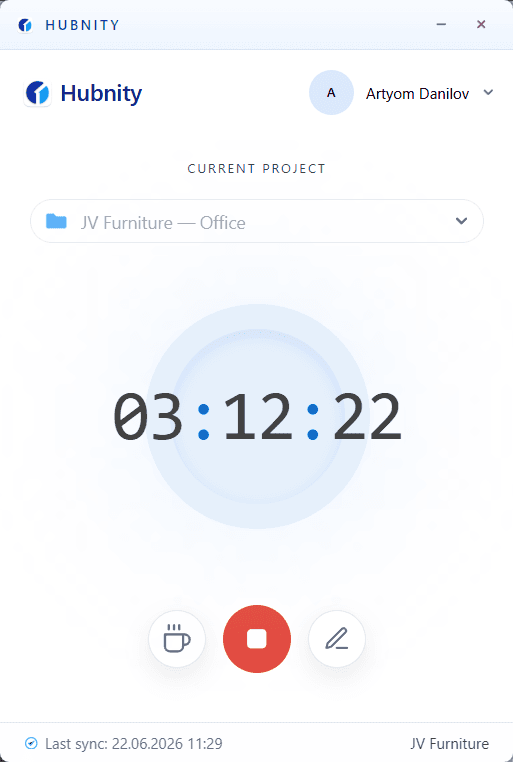
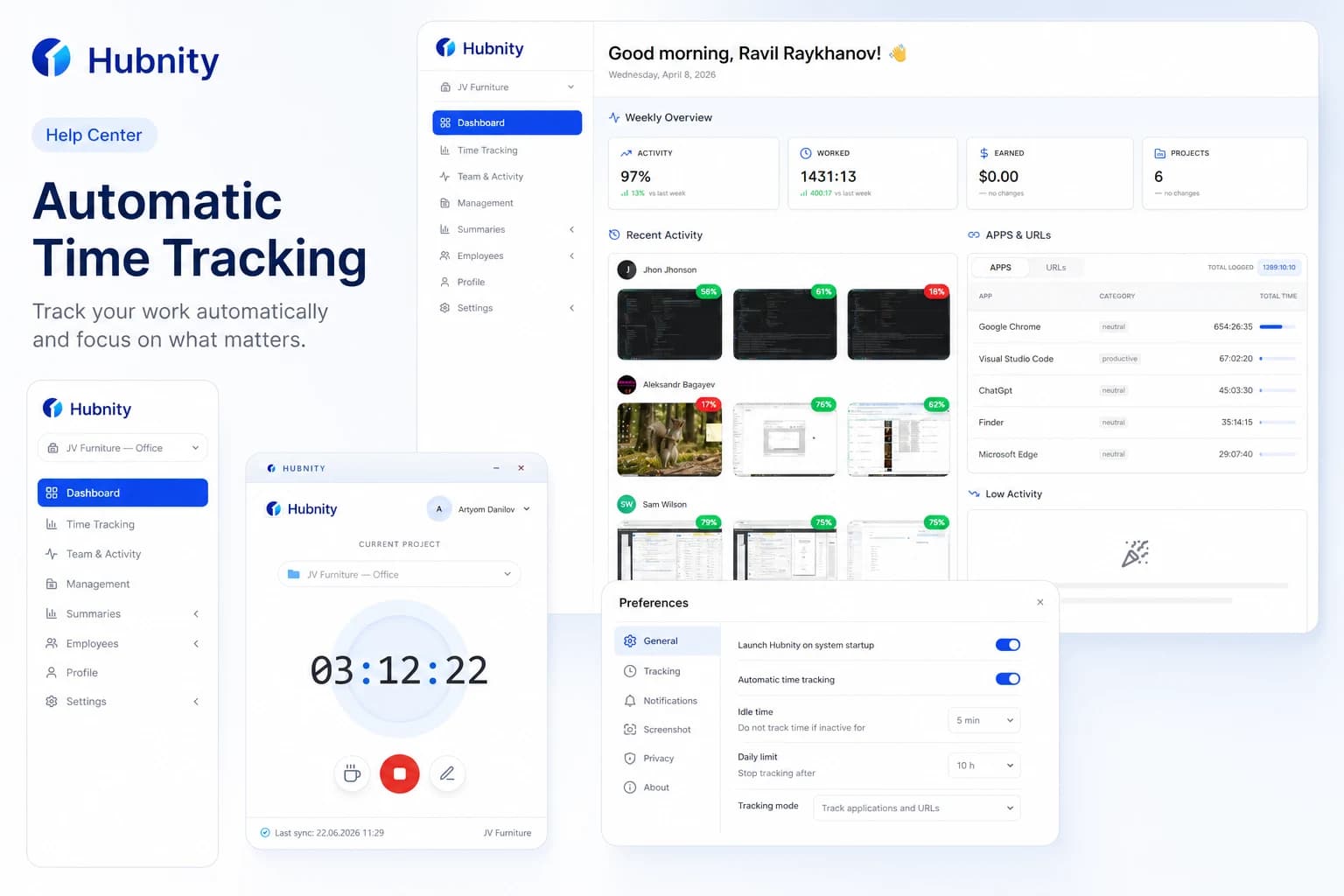
Our auto-tracking feature runs quietly in the background (via desktop app or browser extension), logging the apps and websites you use. It reconstructs your daily timeline so you can easily assign time blocks to specific tasks later.
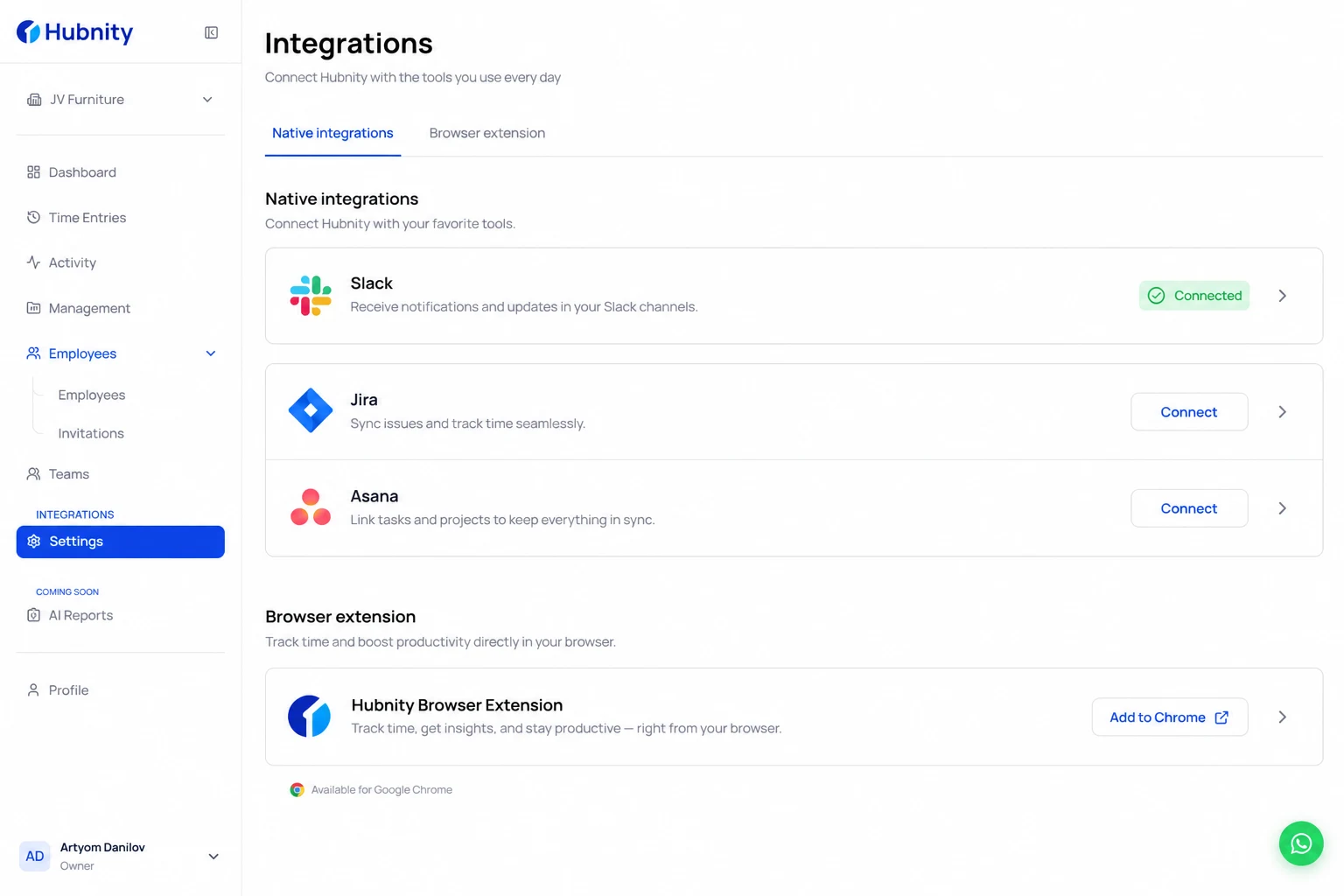
Install the extension
Supported browsers include Chrome, Edge, Firefox, and Brave.
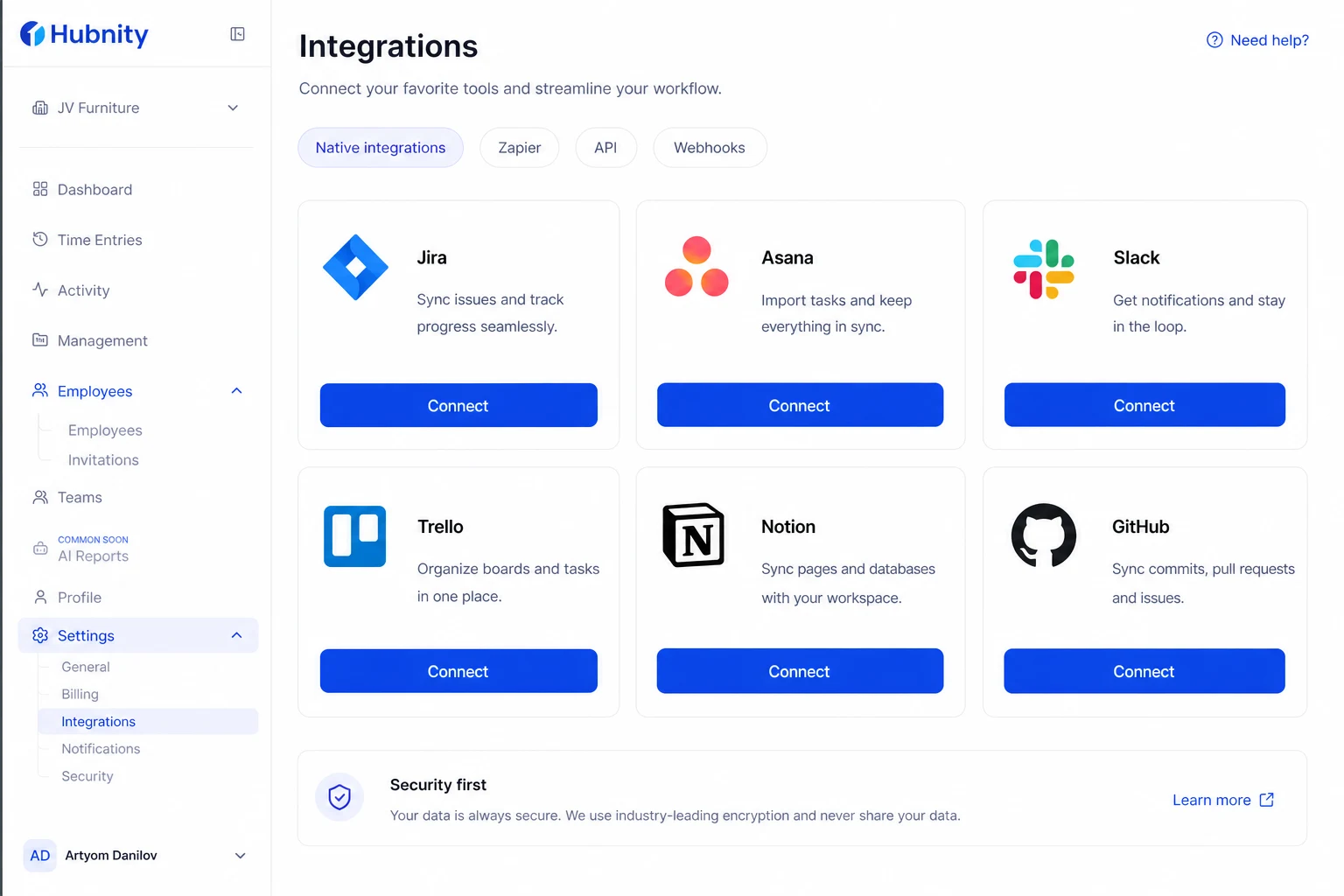
- 1
Open Integrations in your Hubnity workspace
- 2
Choose Browser extension and pick your browser
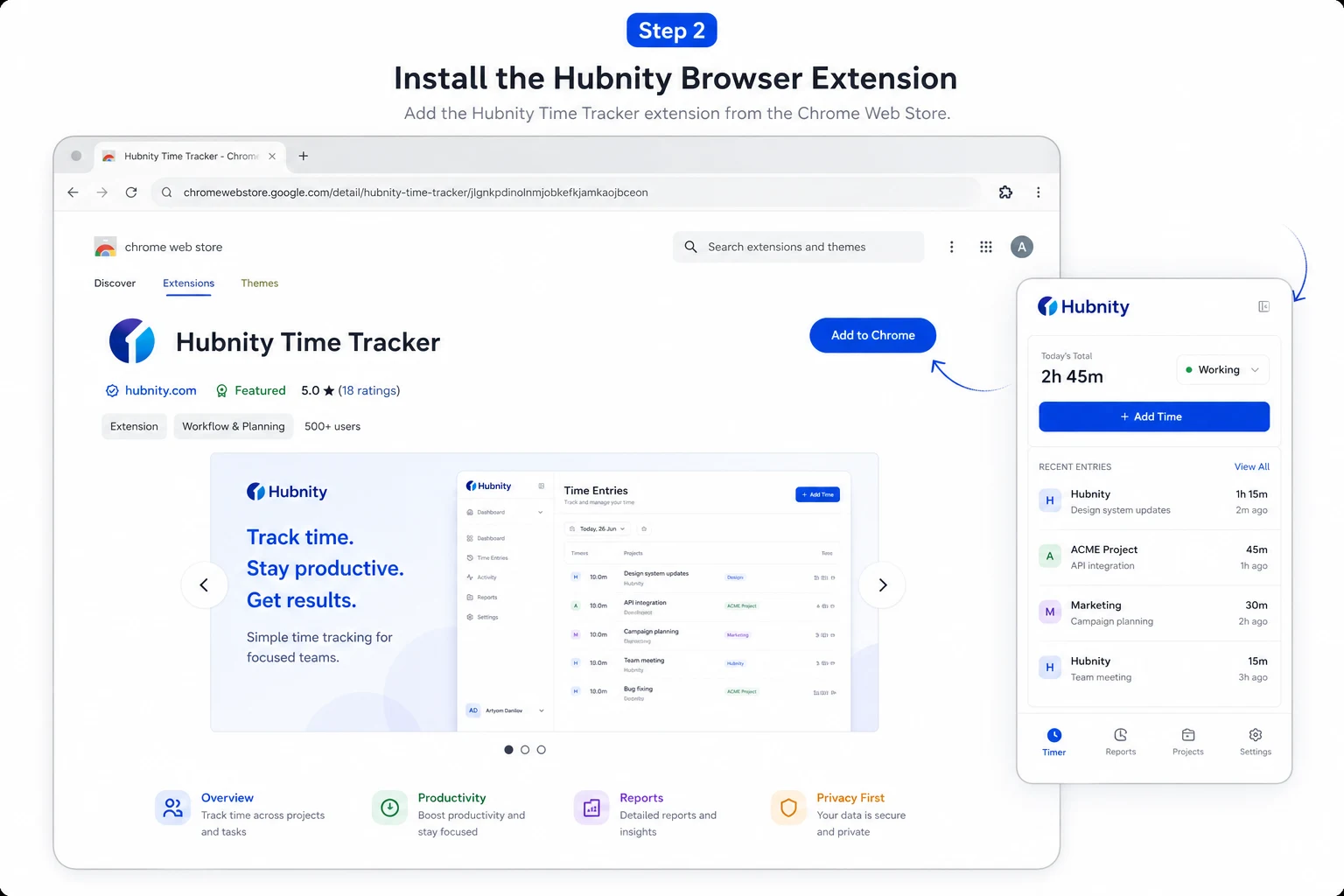
- 3
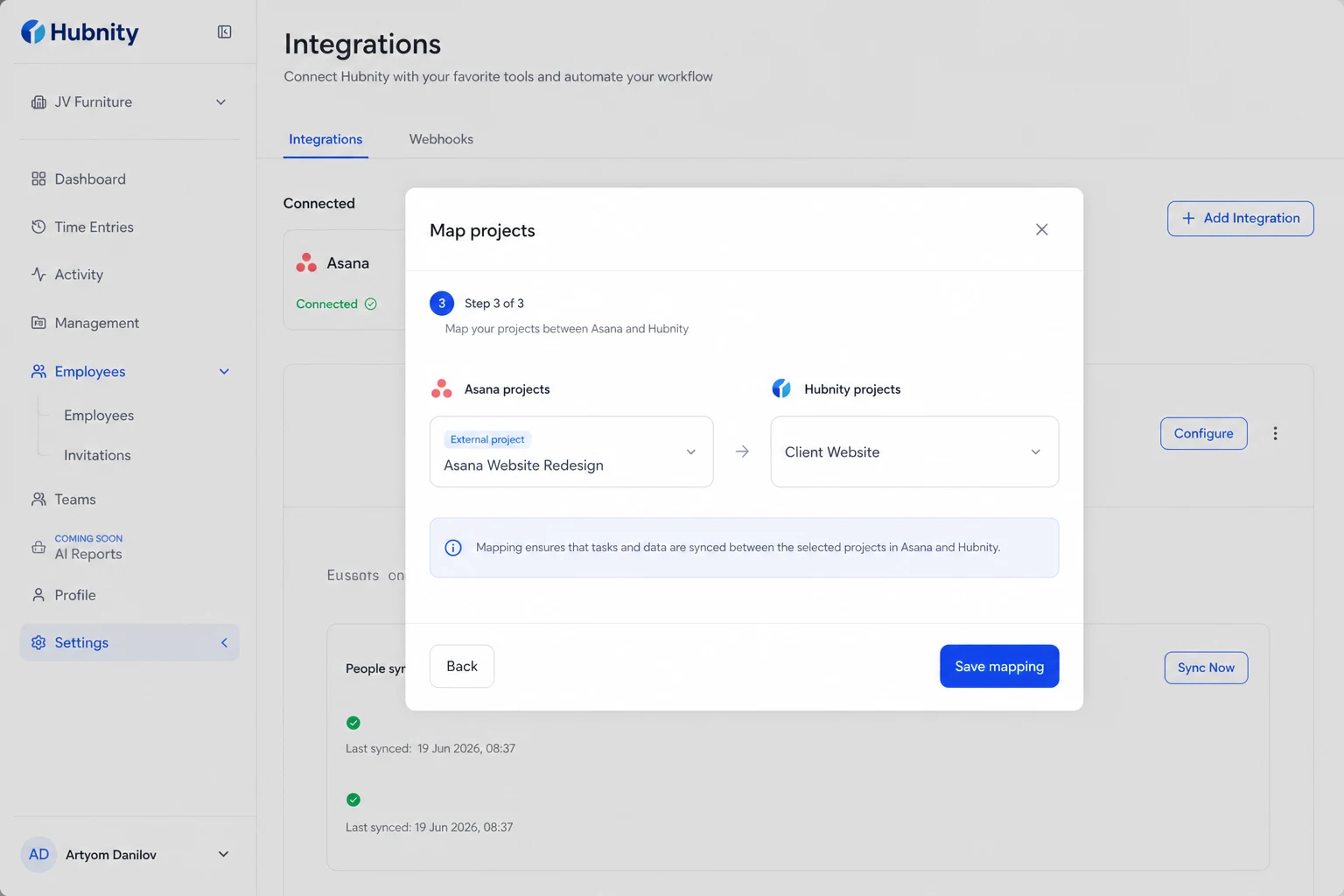
Sign in and map projects you use in the browser