Quick answers about timers, auto tracking, mobile apps, and missed entries—aligned with hubnity.eu.
Online work timer
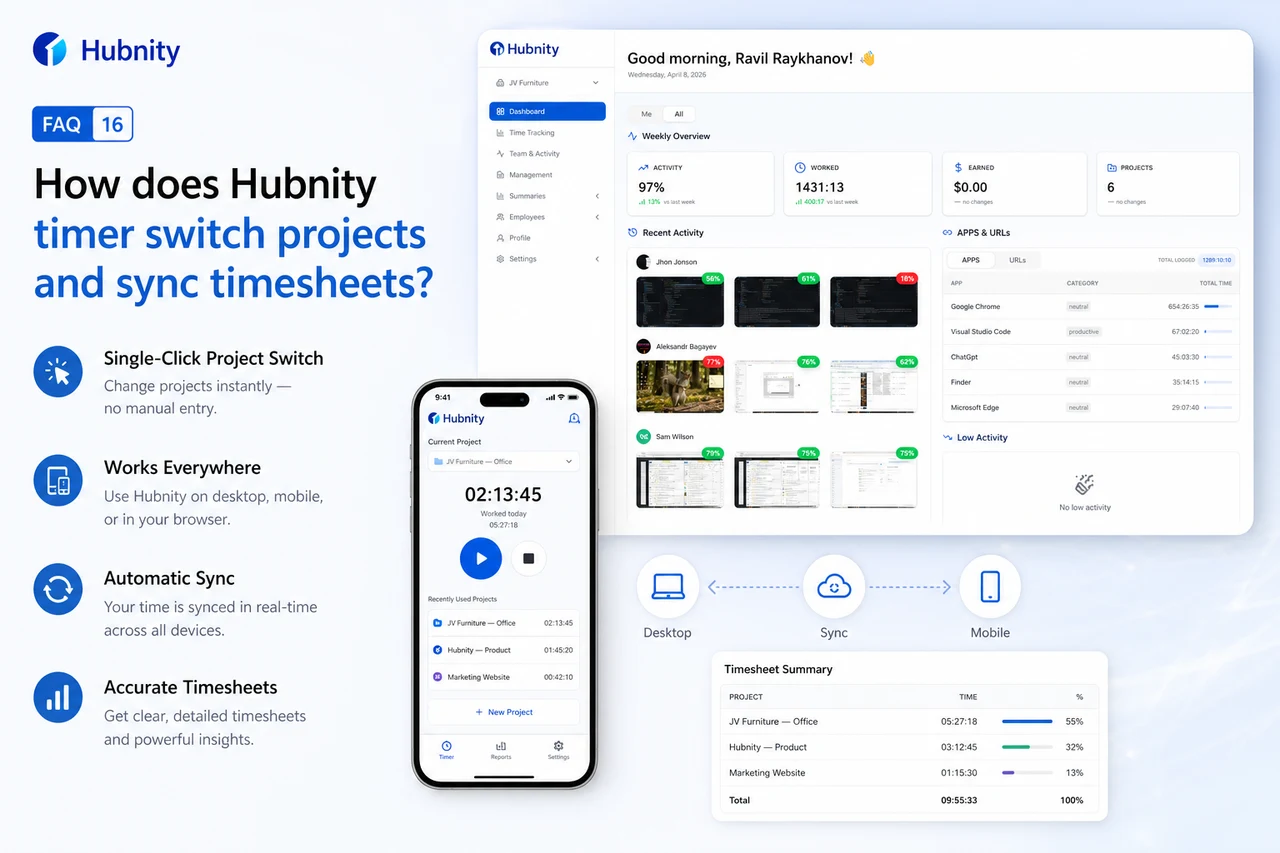
Capture every minute your team spends and track productivity with precision. Switch between projects with a single click.
Desktop, mobile, and browser timers sync to the same timesheet.
Auto tracking
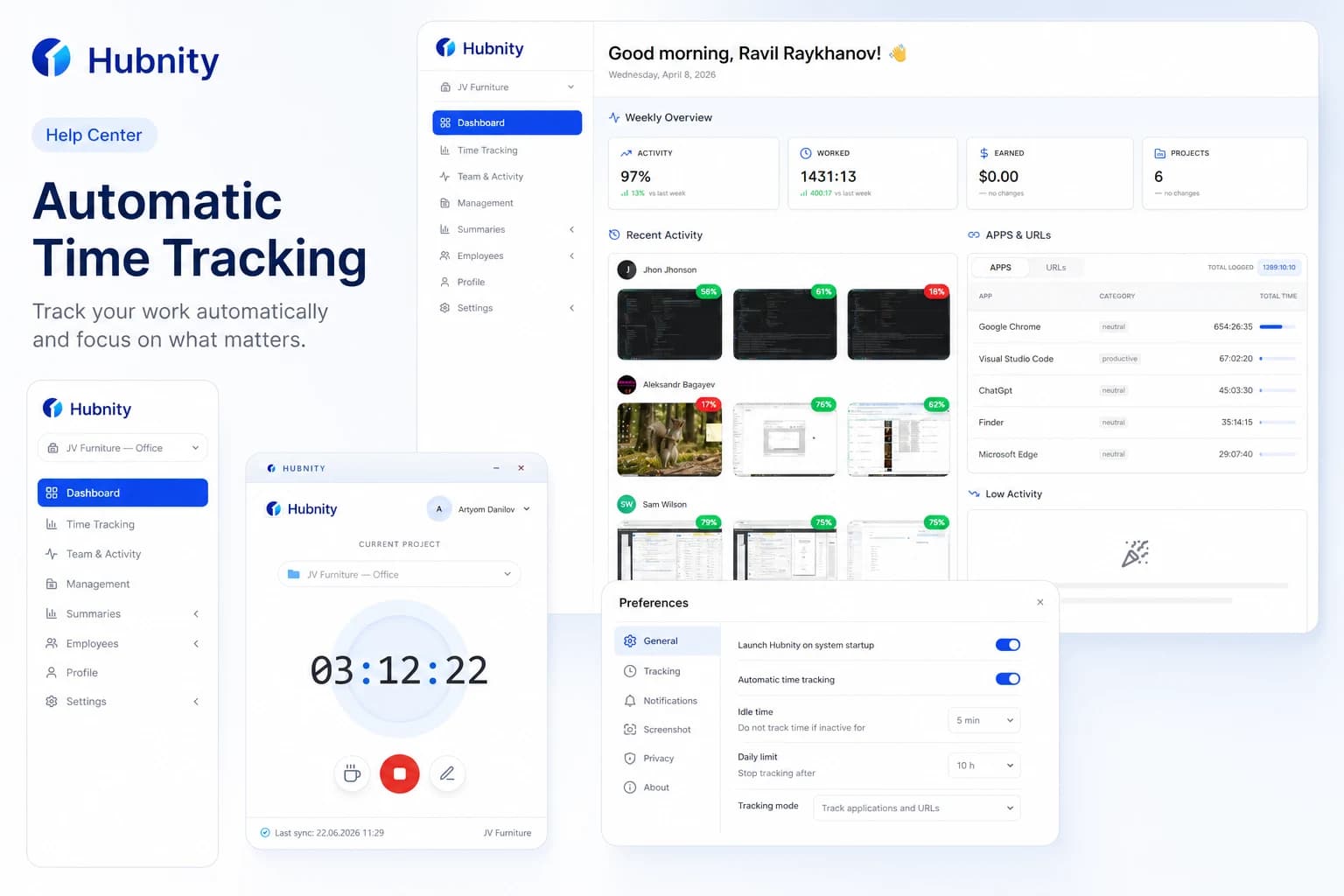
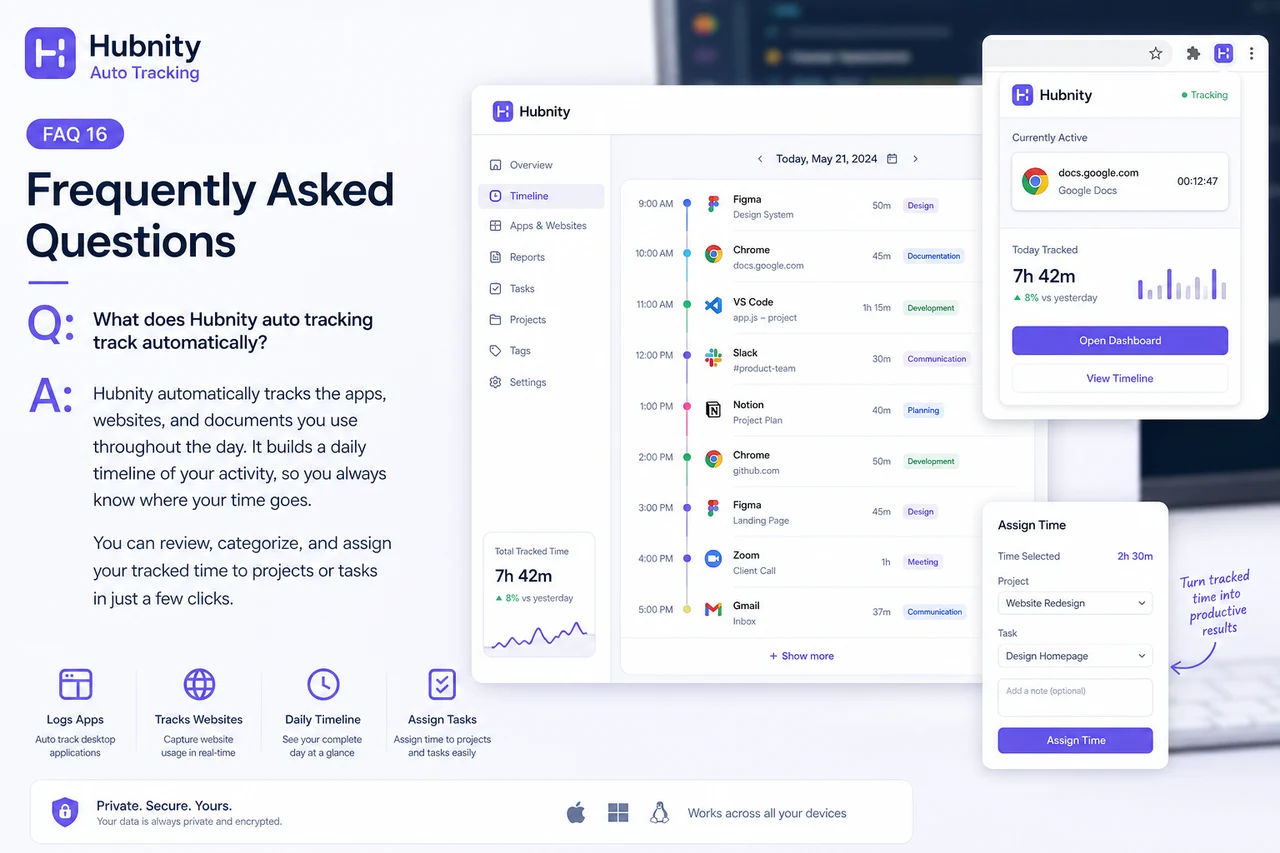
Our auto-tracking feature runs quietly in the background (via desktop app or browser extension), logging the apps and websites you use. It reconstructs your daily timeline so you can easily assign time blocks to specific tasks later.
Forgot to start or stop?
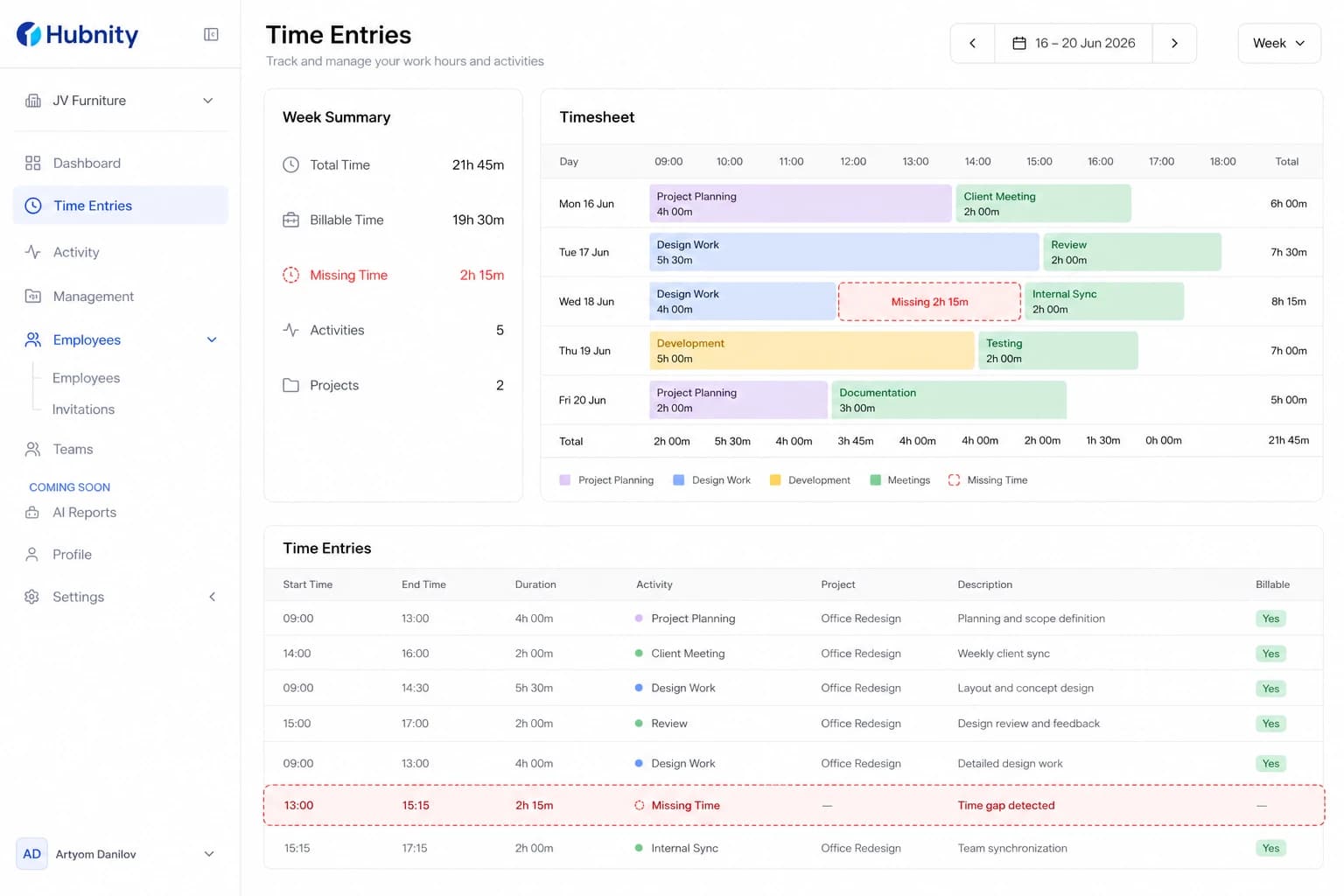
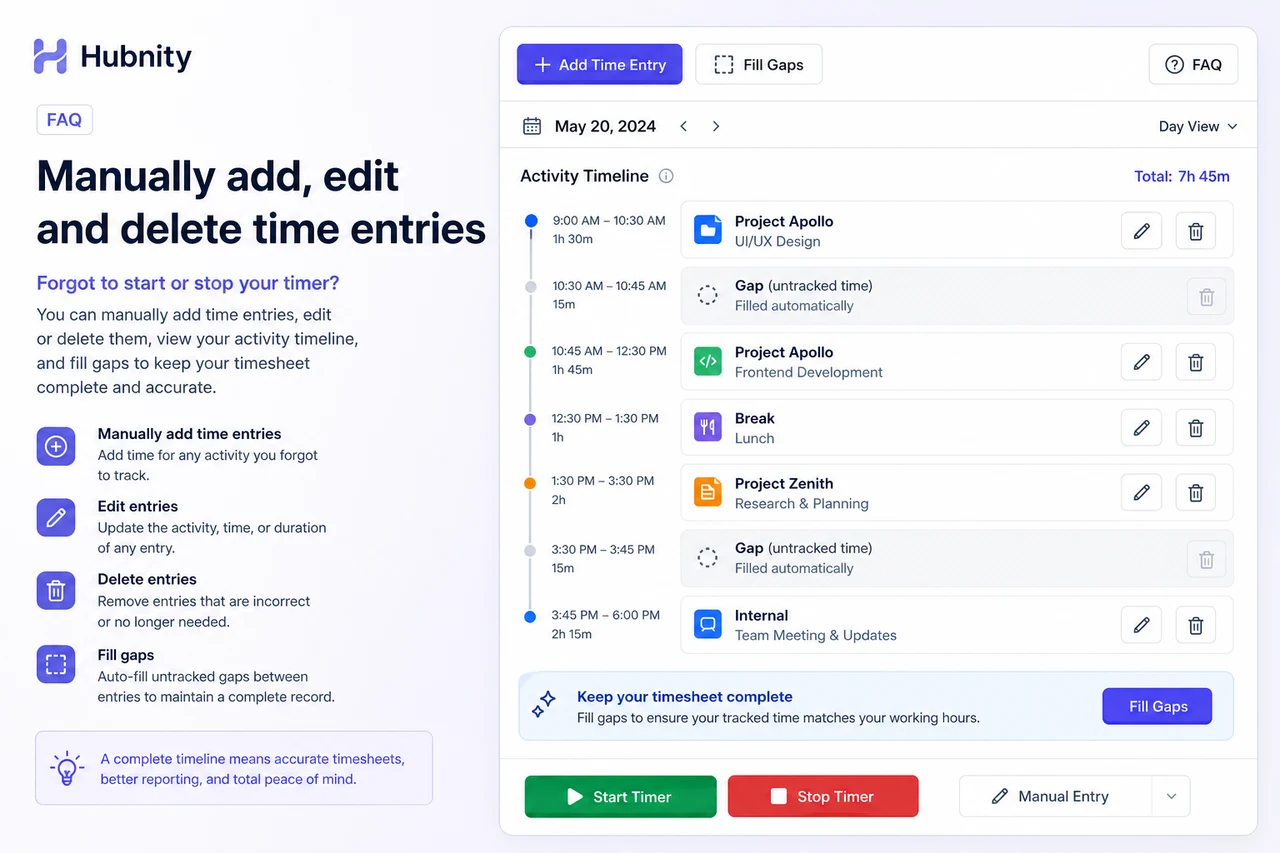
No problem! You can manually add, edit, or delete time entries after the fact. If you have auto-tracking enabled, you can also use your daily activity timeline to accurately fill in missing gaps.
Mobile tracking
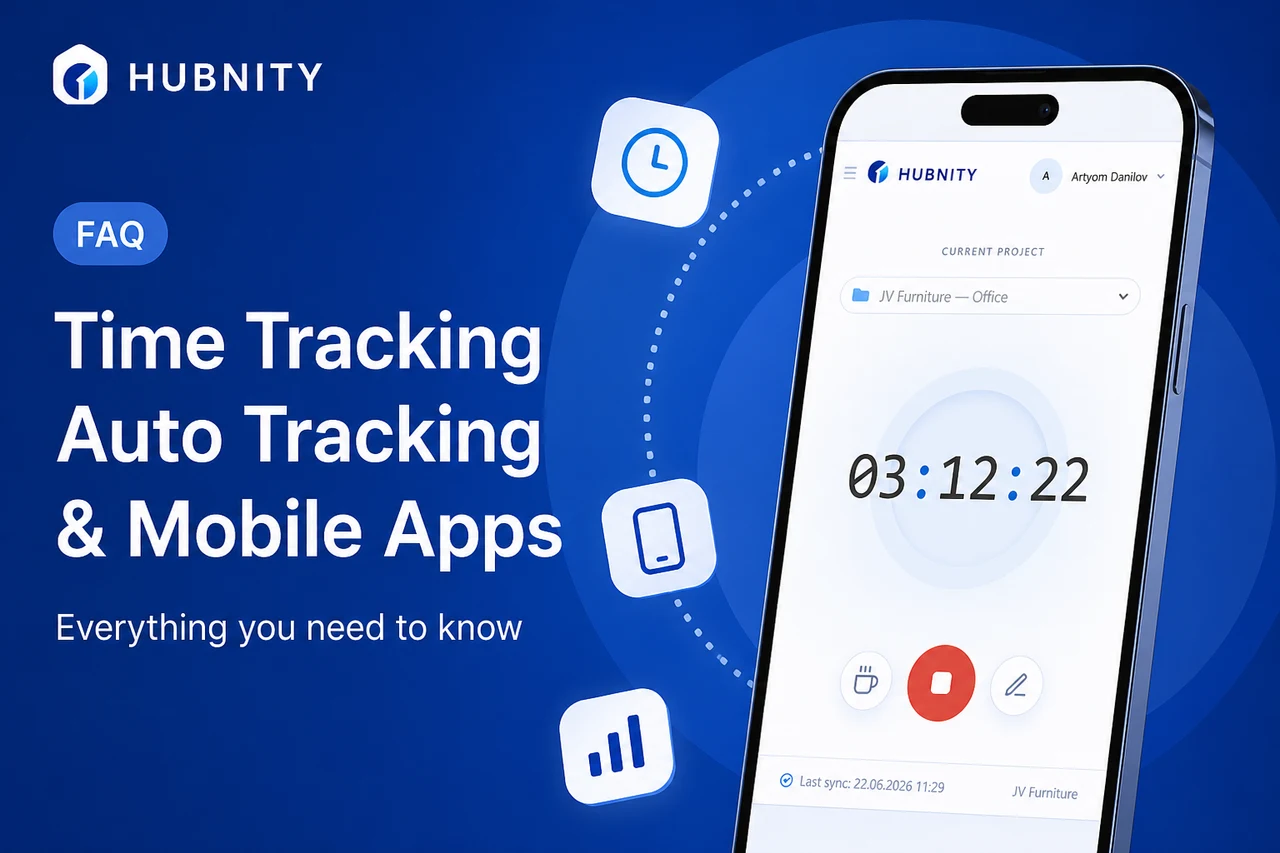
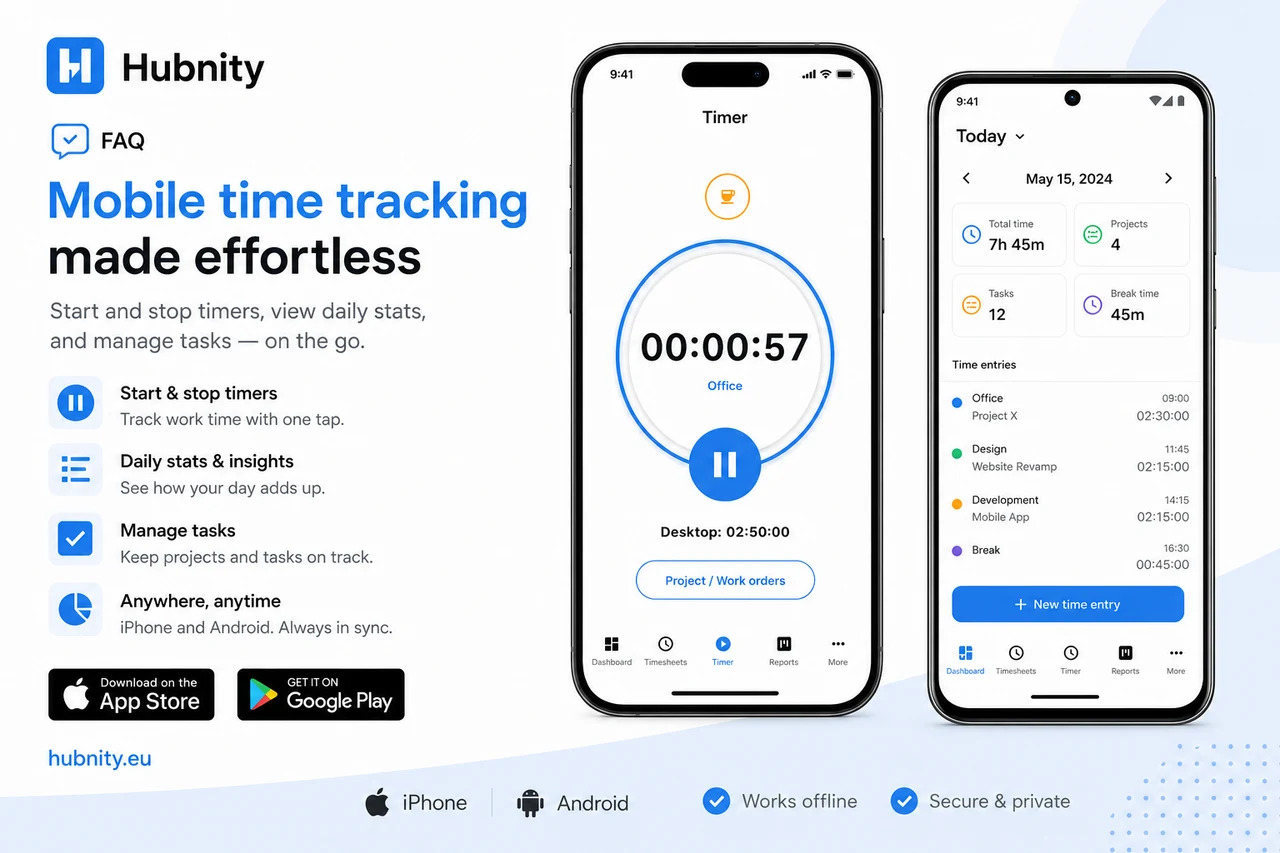
Yes, we have dedicated mobile apps for both iOS and Android. You can start and stop timers, view your daily stats, and manage tasks while on the go.
Timesheets and exports
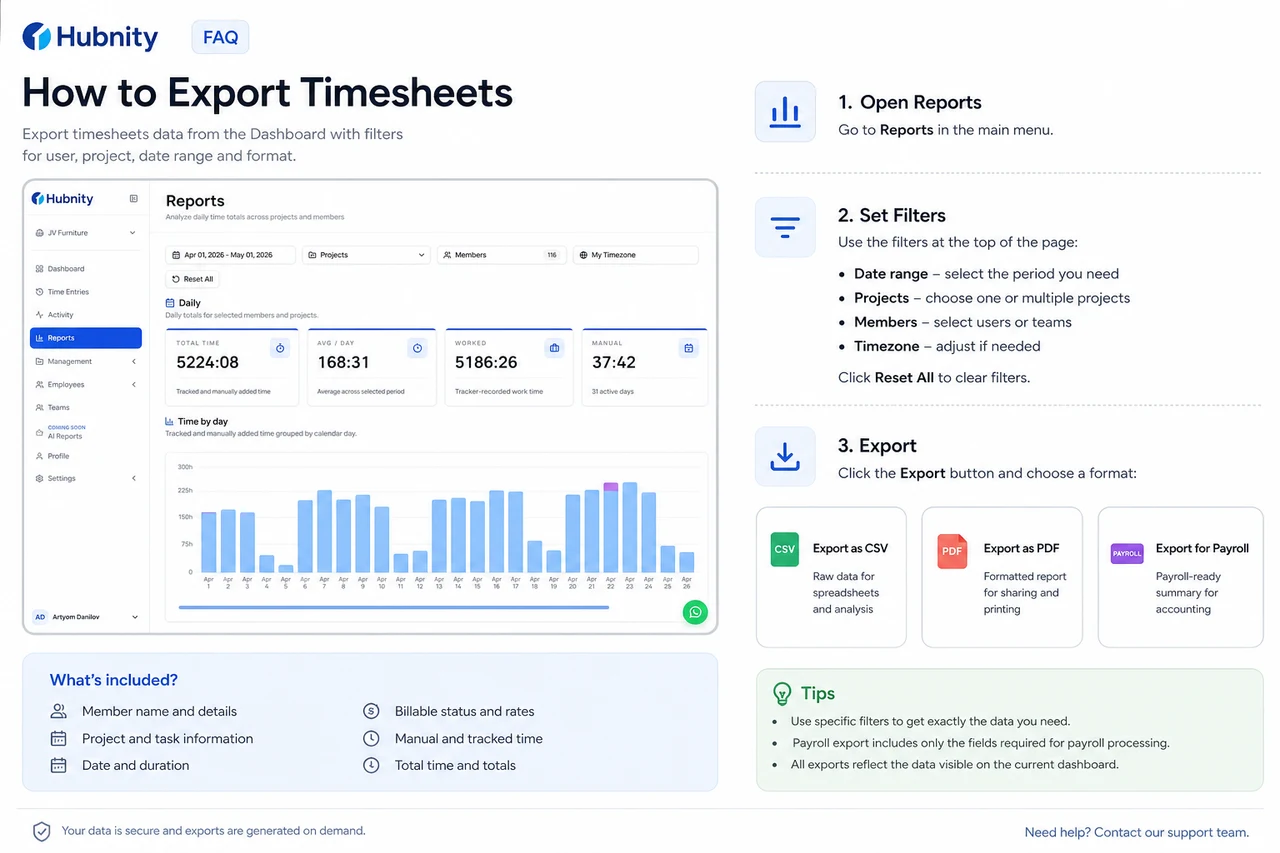
Hubnity automatically aggregates your tracked time into visual dashboards and timesheets. You can filter data by user, project, or date range, and export reports to CSV or PDF for payroll processing.