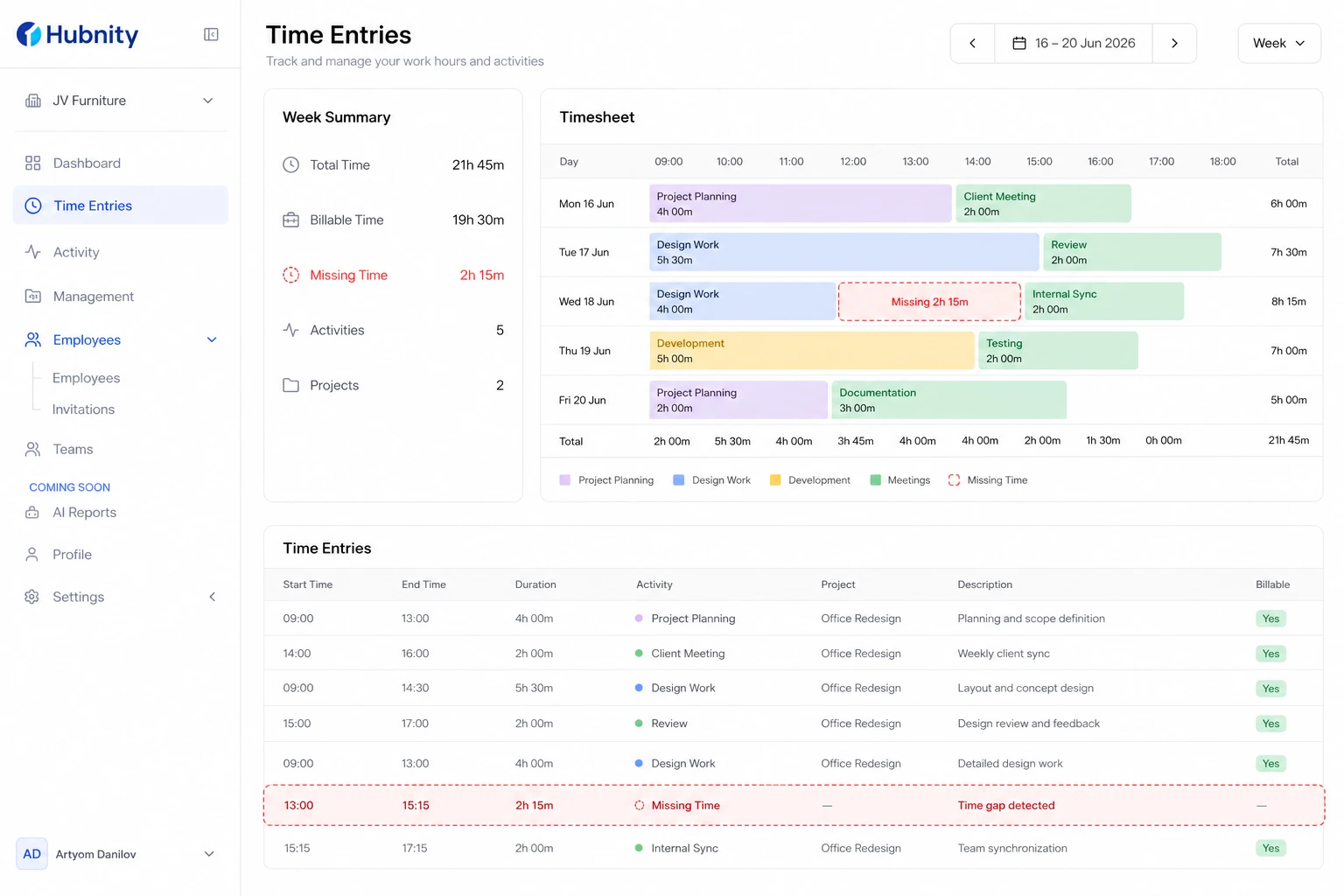
Recover missing time entries caused by sync failures, idle trimming, or accidental deletion.
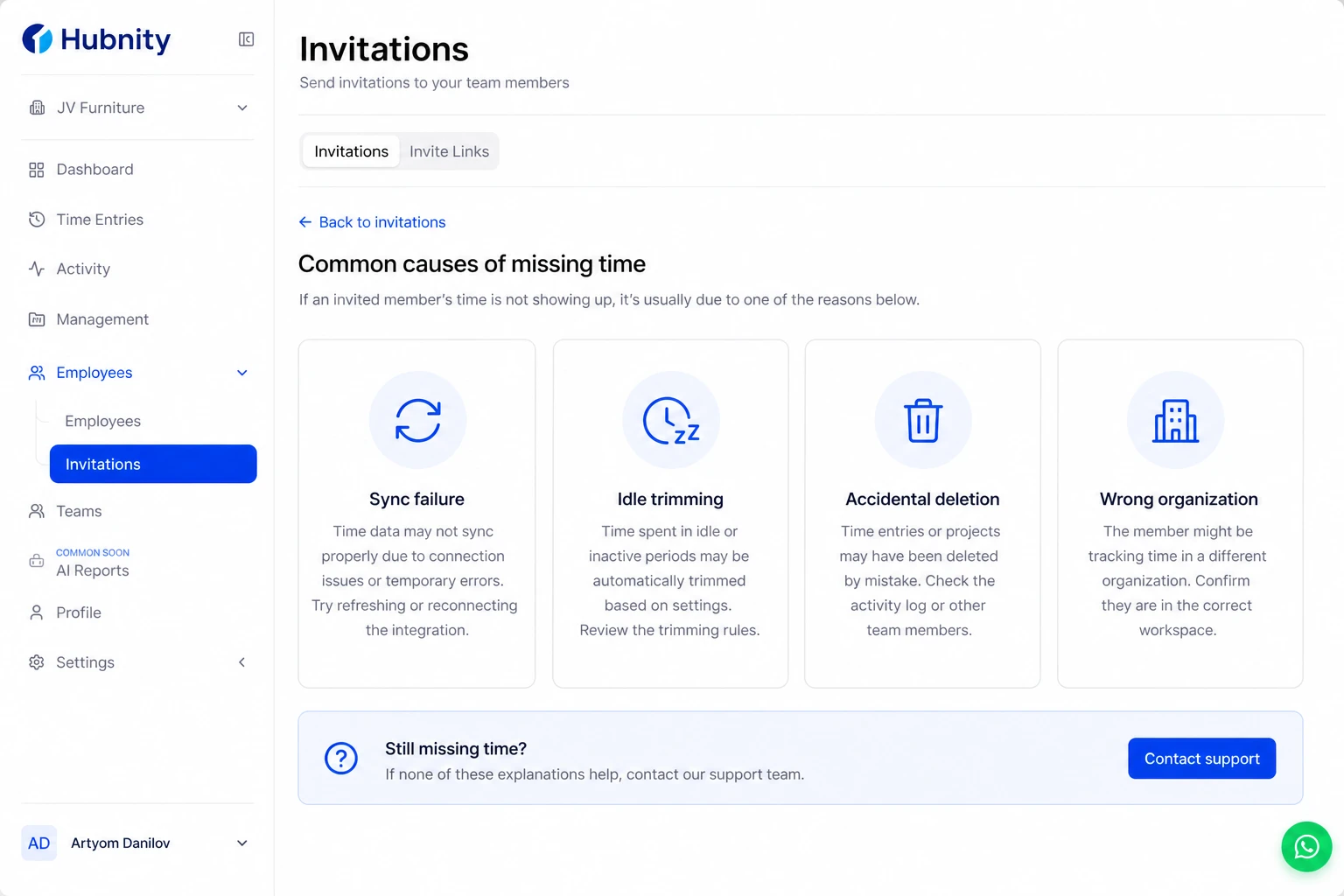
Common causes
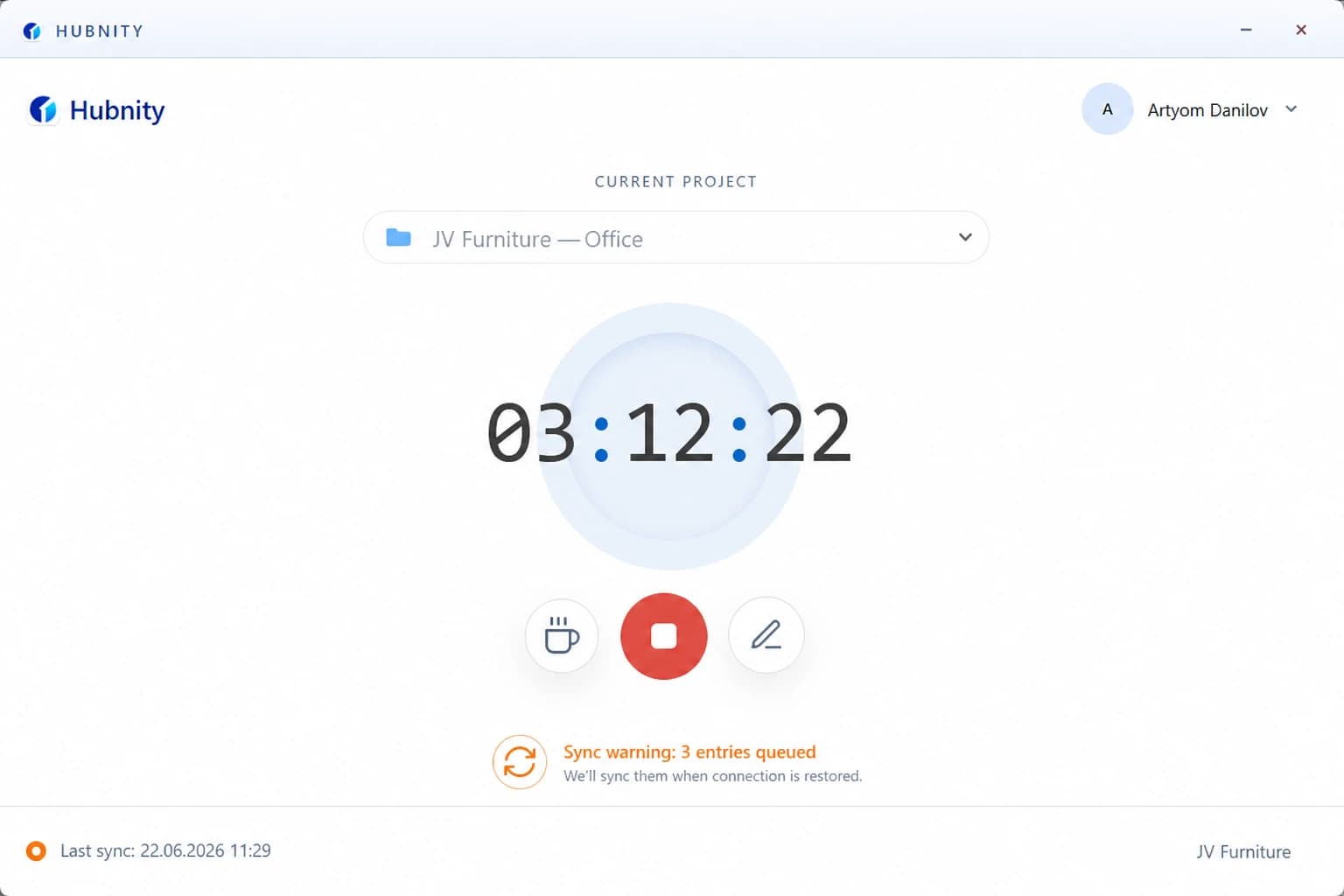
Sync failure: entries tracked offline but not uploaded before a cache reset.
Idle trimming: auto-removed after no response to idle prompt.
Accidental deletion: member or manager deleted an entry.
Wrong organization: time tracked in a different org context.
Add manual time for a gap
Members can add manual entries if permitted by organization policy.
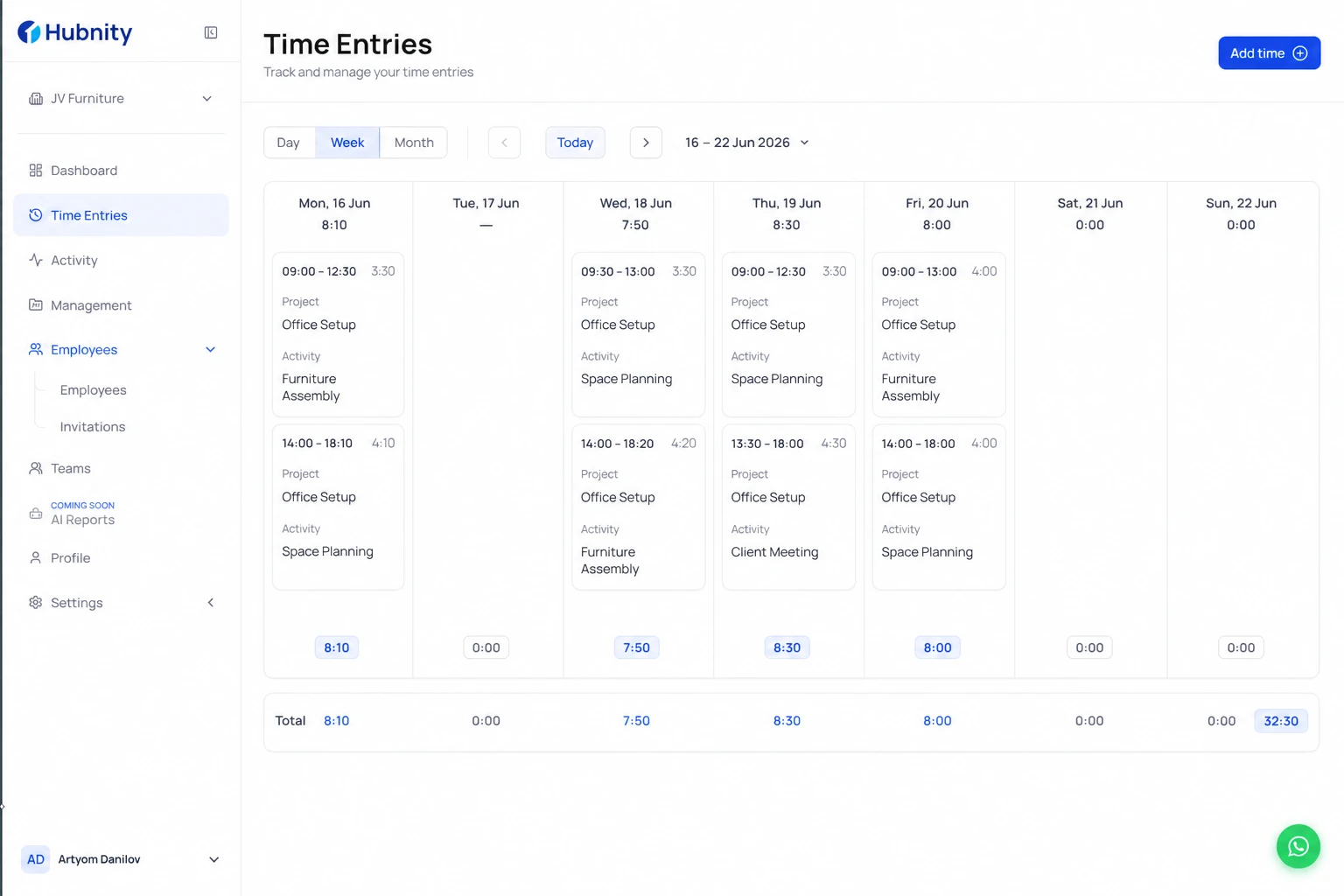
- 1
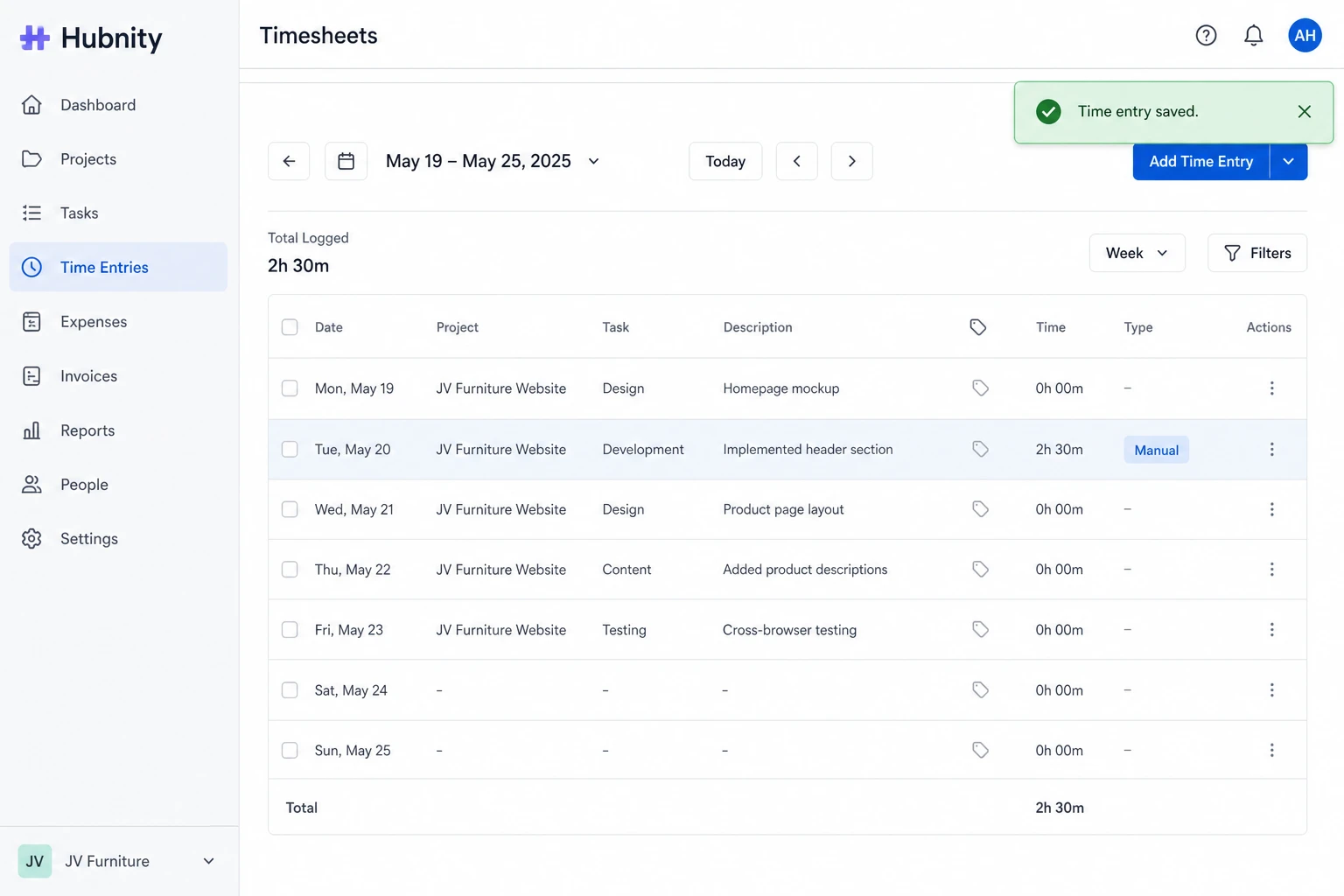
Open Timesheet → Add time
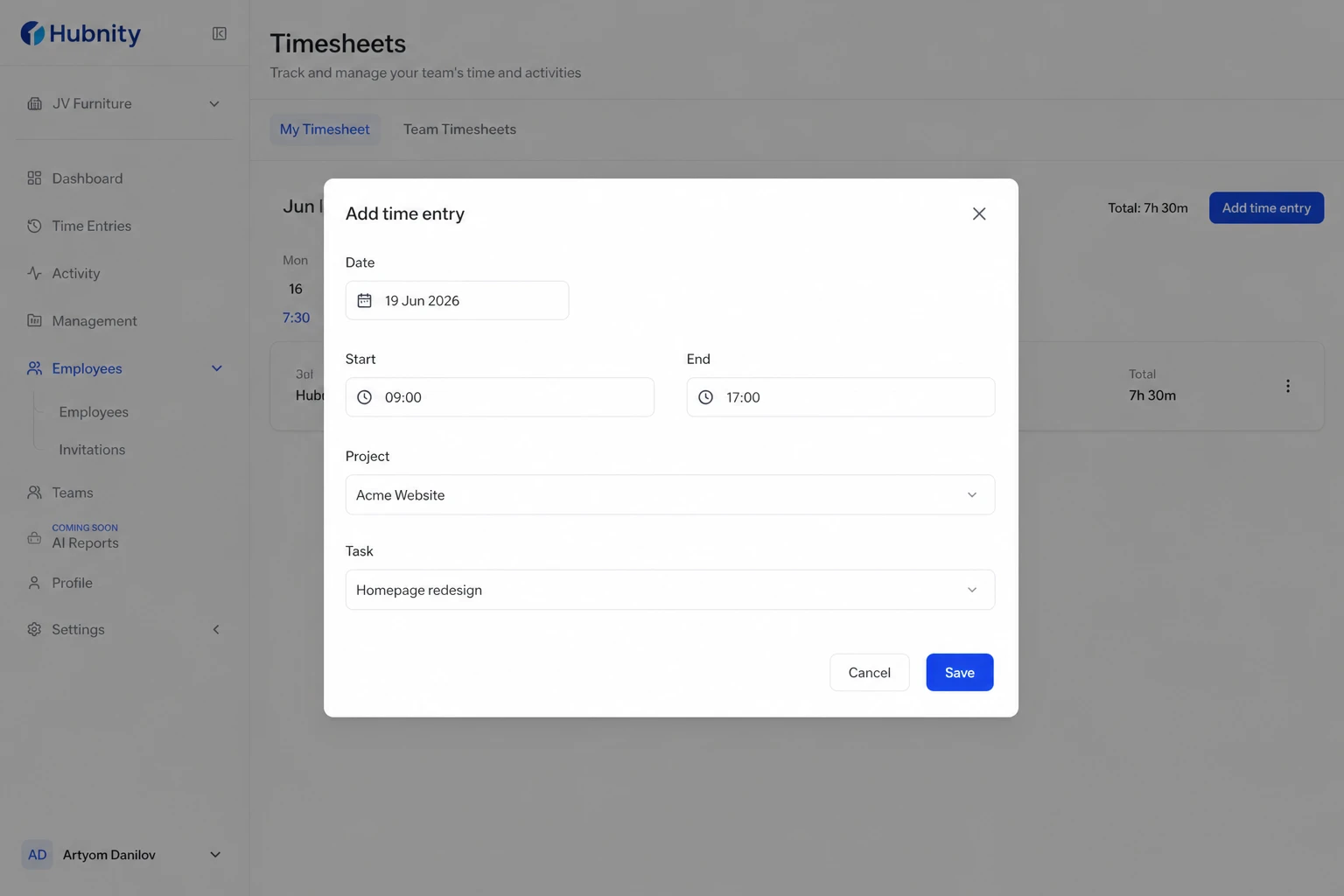
- 2
Select date, start time, end time, project, and task
- 3
Enter a reason for manual entry (required if approvals are enabled)
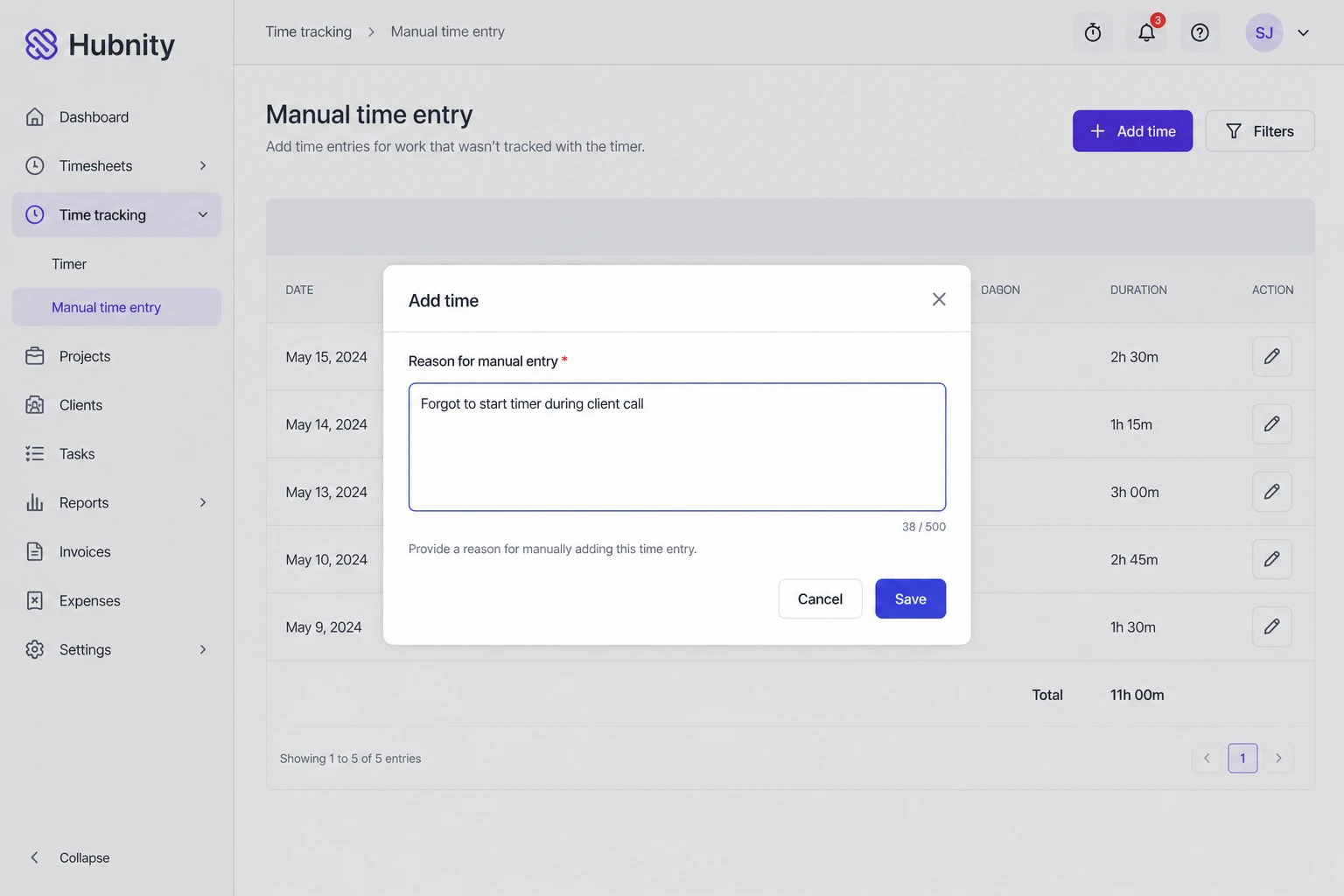
- 4
Save — entry appears as Manual in reports
Check the audit log
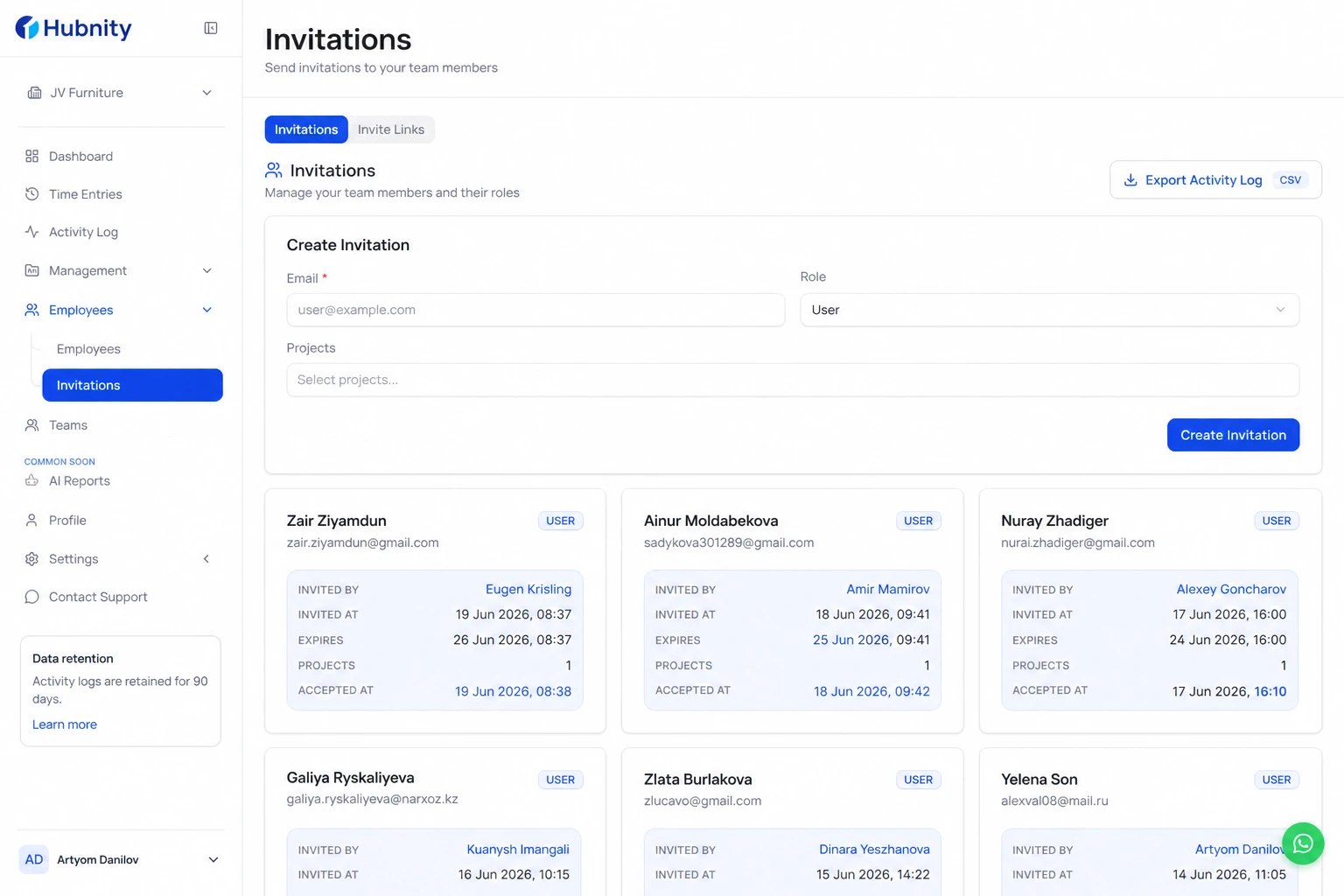
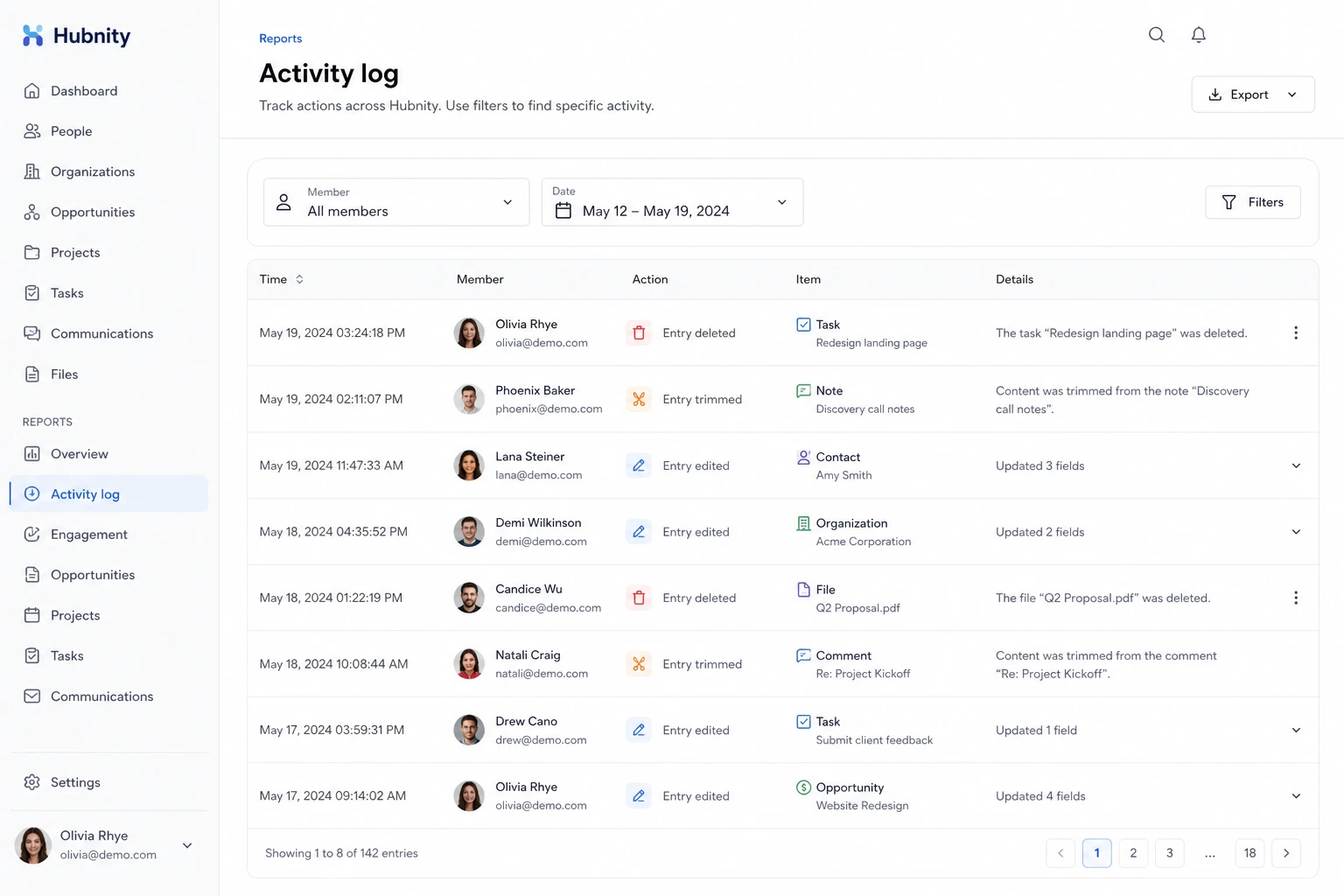
Managers and Admins: Reports → Activity log shows deleted, edited, and trimmed entries with timestamps and actor.
Filter by member and date range to find what happened to missing blocks.
Recover from sync conflicts
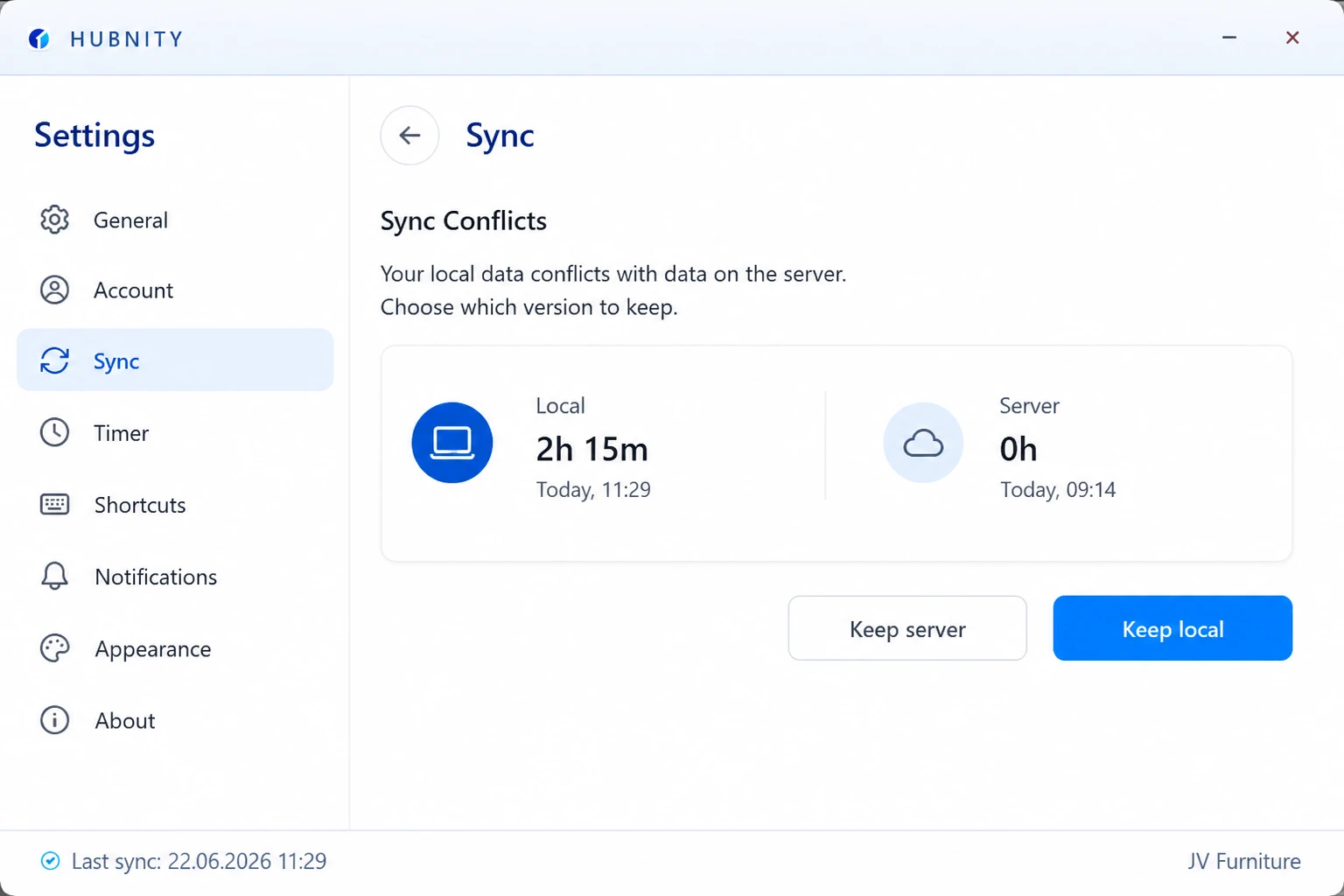
Open the desktop app → Settings → Sync → Conflicts. Each conflict shows local vs server version.
Choose Keep local to restore the missing entry. Resolution syncs immediately.
Prevent future gaps
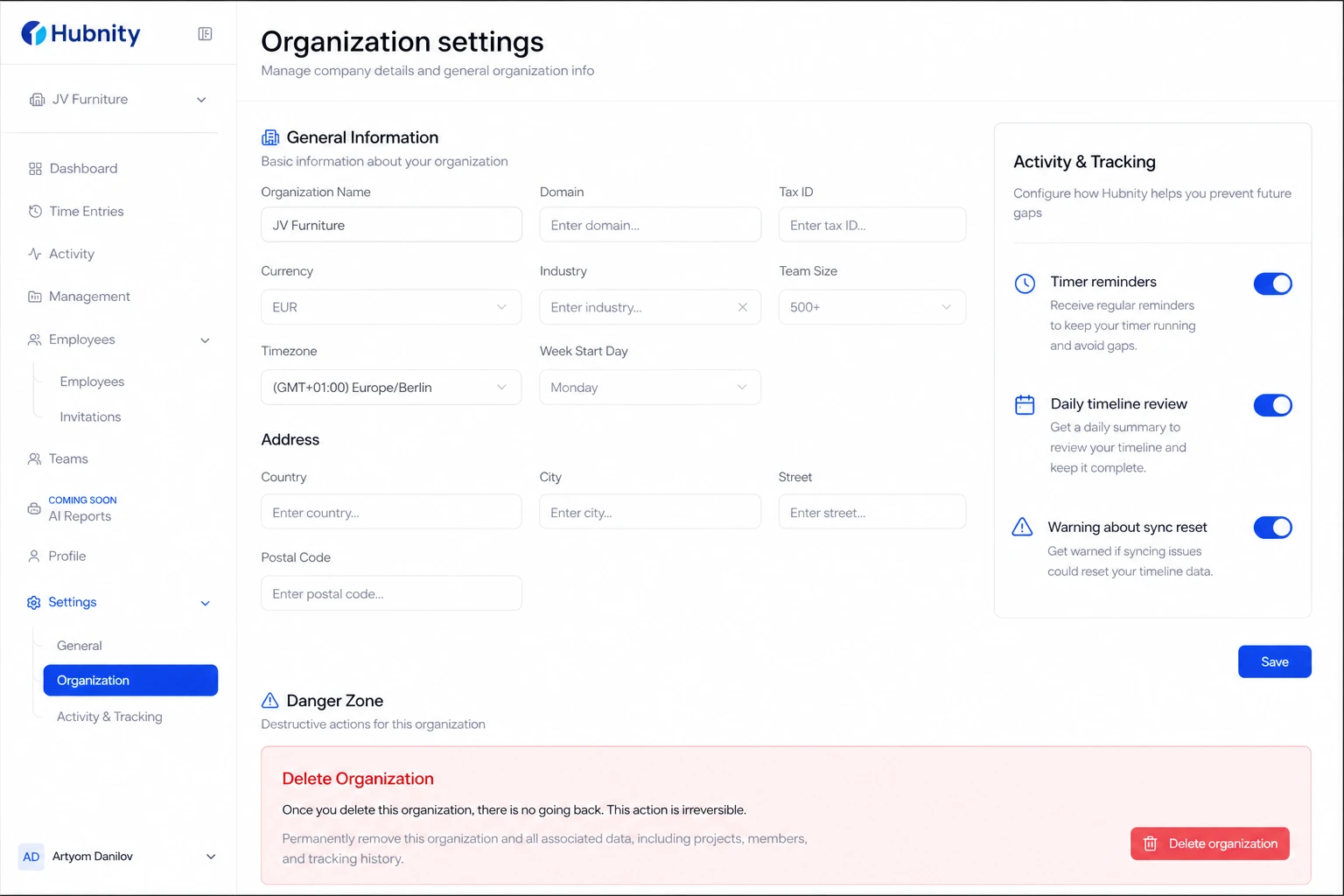
Enable timer reminders and daily timeline review.
Avoid resetting local sync data without exporting pending offline entries first.
Respond to idle prompts promptly to prevent auto-trimming.
Escalation
If audit log shows server-side deletion you did not authorize, contact support with the activity log export.
Hubnity retains deleted entry metadata for 90 days for recovery requests.