Common questions about signing in, SSO, locked accounts, password reset, and multiple organizations.
Sign up and trial
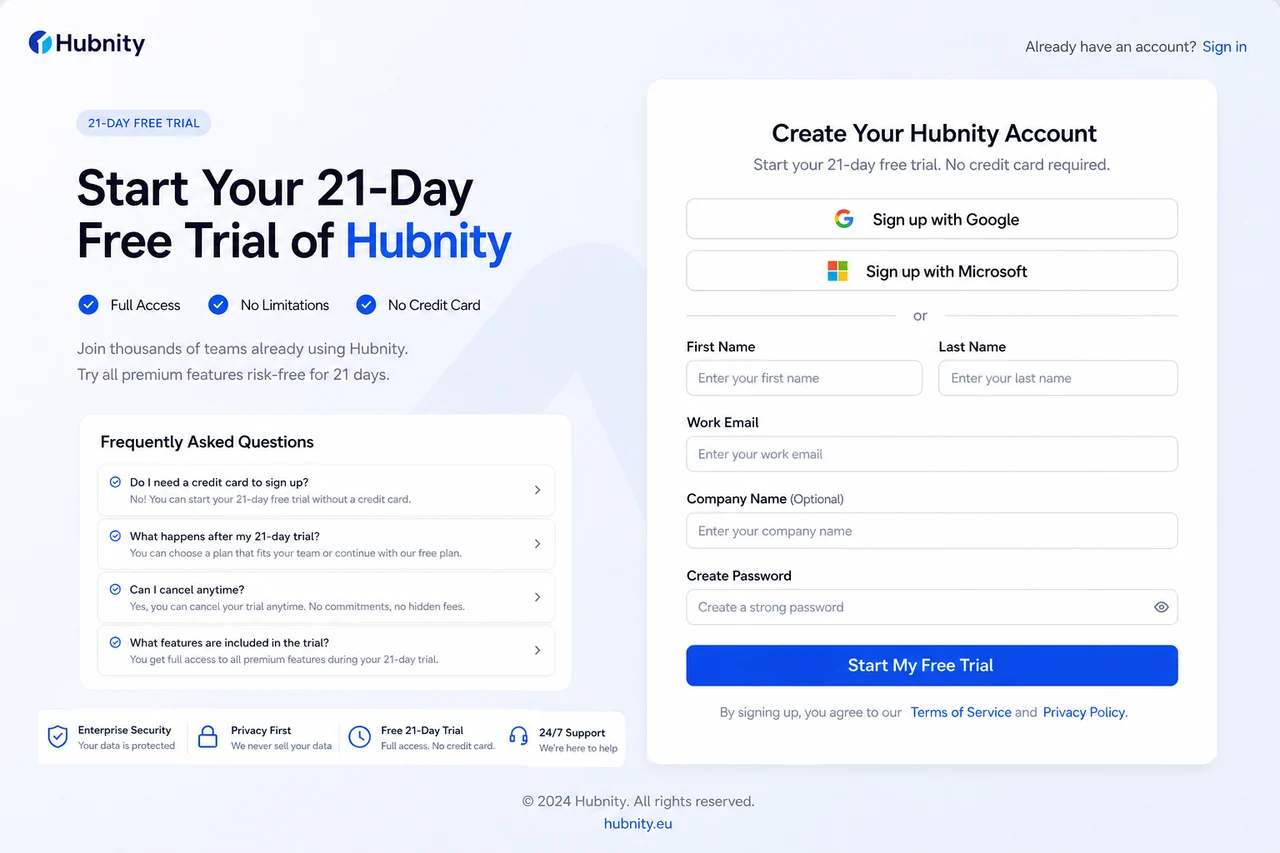
We offer a full-featured 21-day free trial on all paid plans, and you do not need a credit card to sign up. After the trial ends, you can choose to upgrade or switch to our basic free tier.
Register at https://hubnity.eu/register.
Sign in options
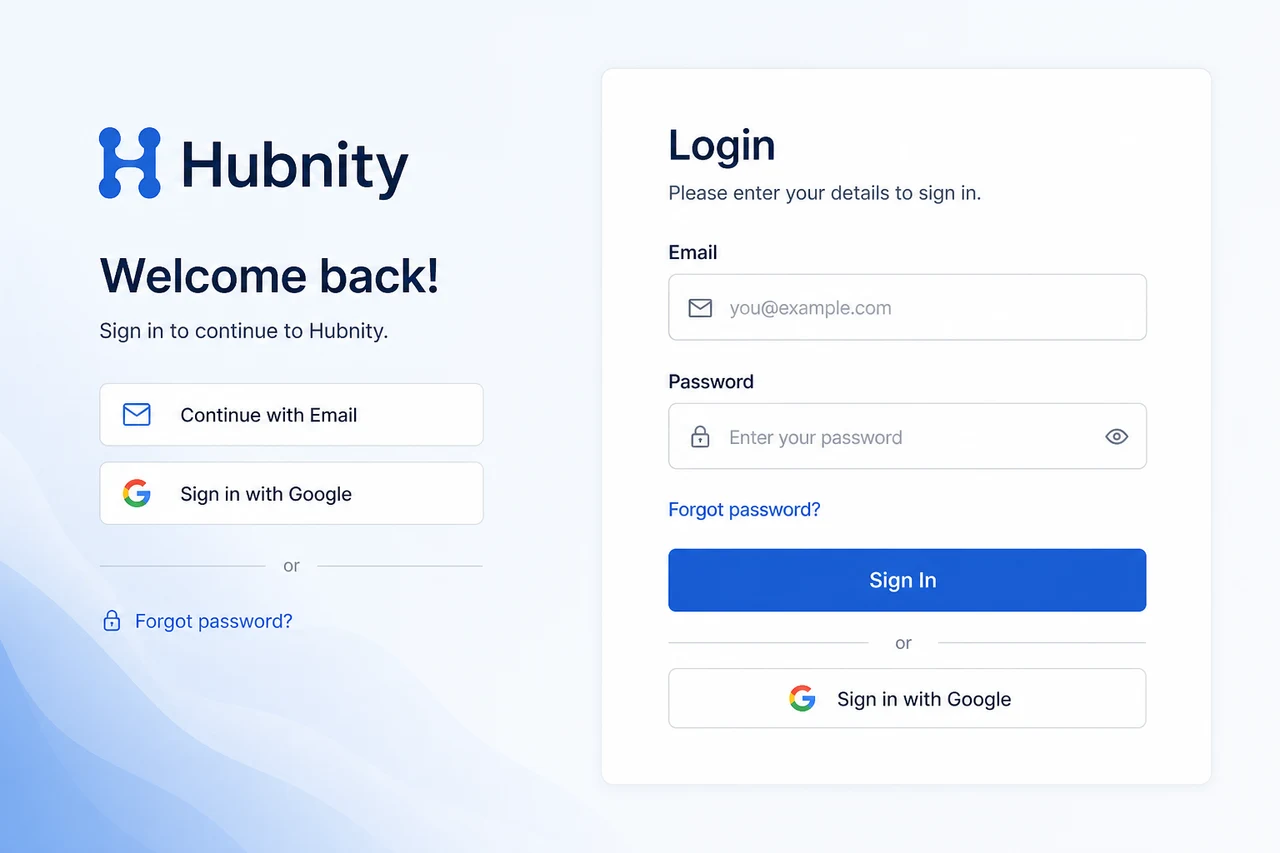
hubnity.eu supports email/password sign-in and Sign in with Google.
Use Forgot password on the login page if you cannot access your account.
How do I sign in to Hubnity?
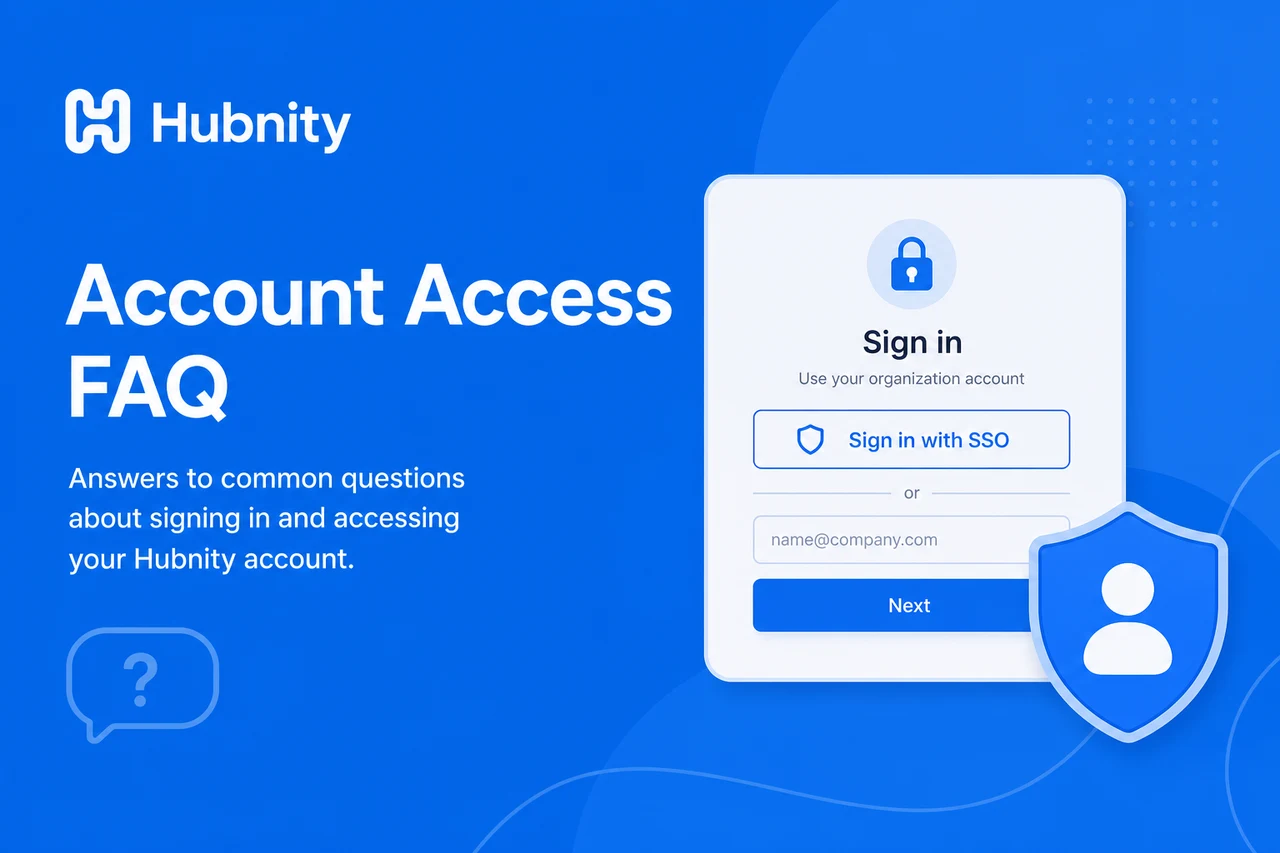
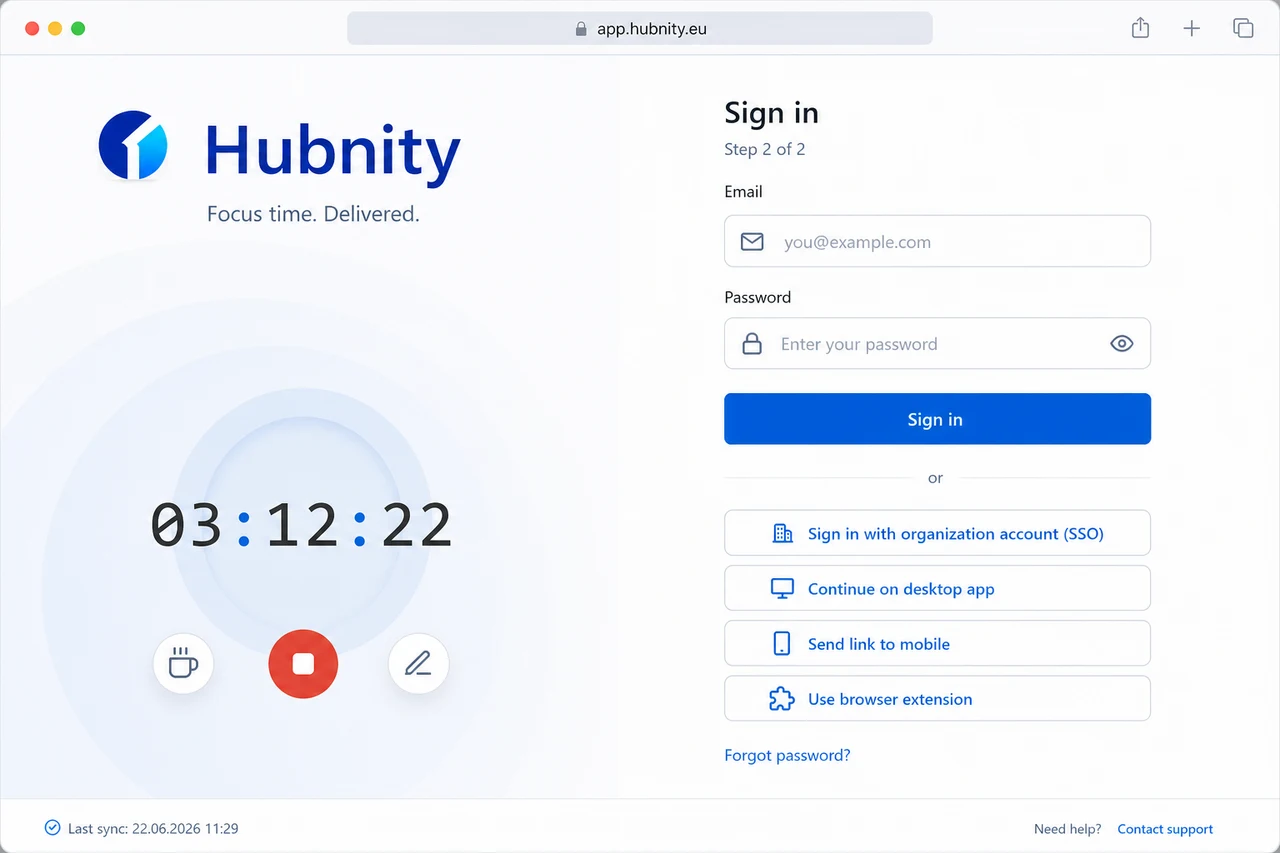
Go to app.hubnity.eu and enter your email and password, or click Sign in with SSO if your organization uses it.
You can also sign in through the desktop app, mobile app, or browser extension.
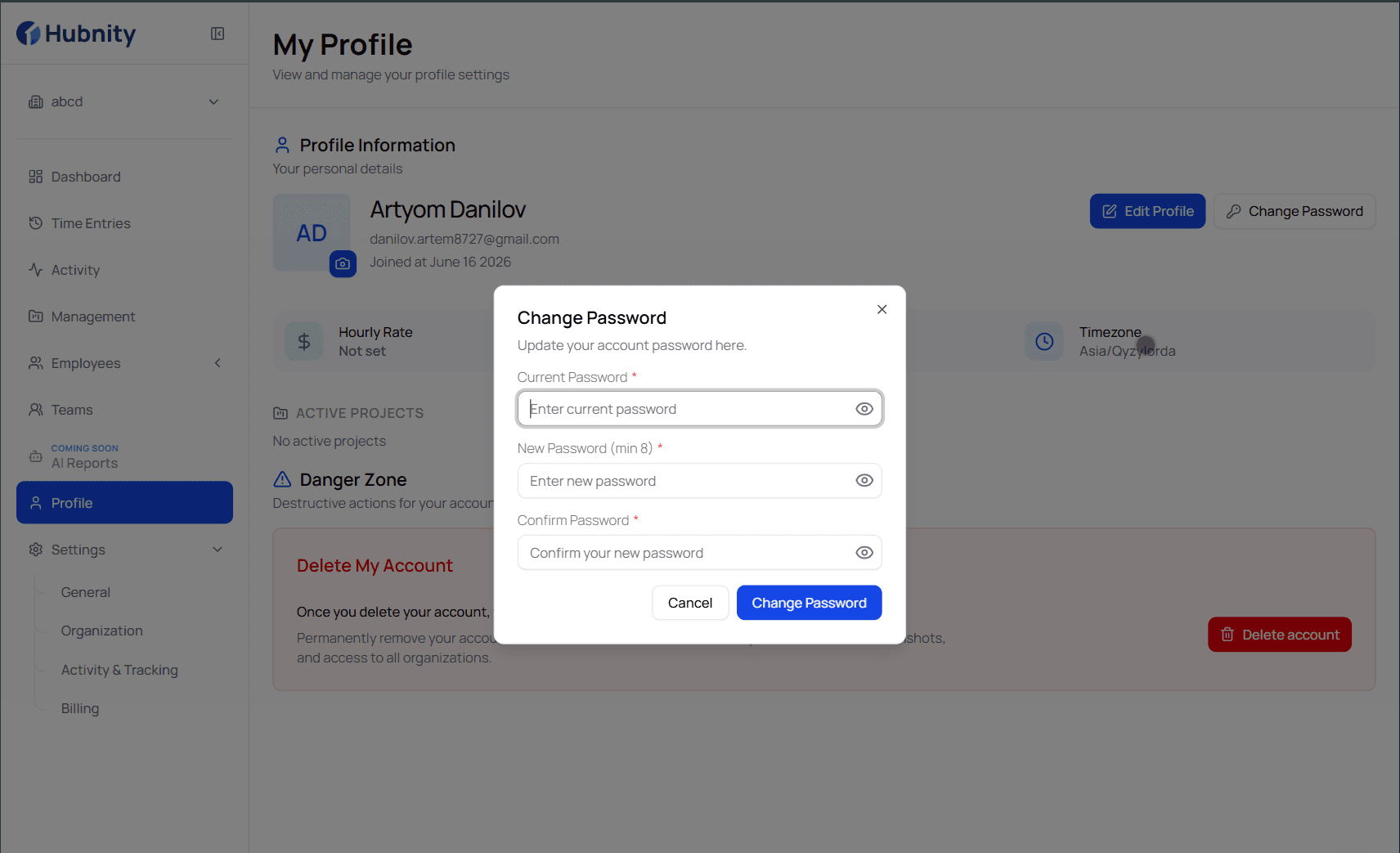
What if I forgot my password?
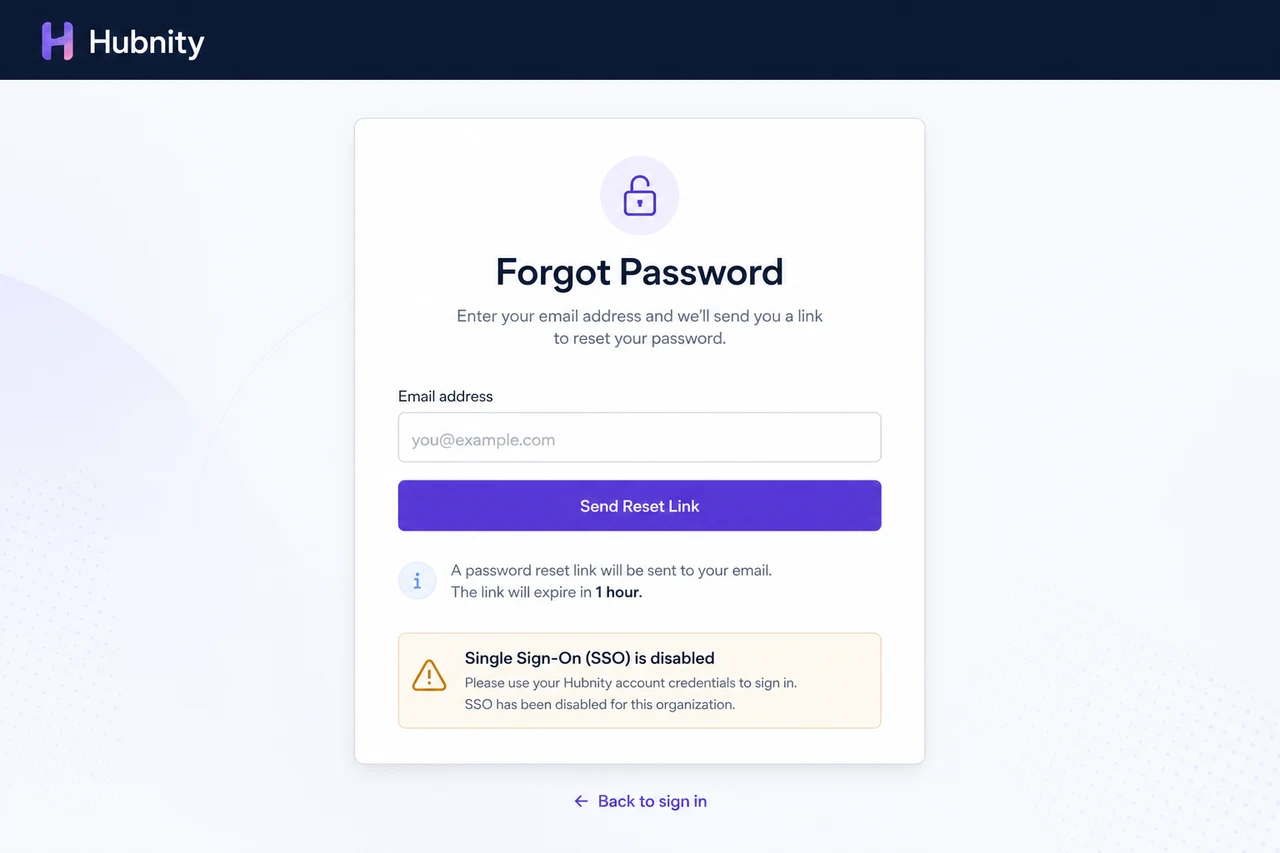
Click Forgot password on the login page. Enter your email and check for a reset link (expires in 1 hour).
If SSO is enforced, password reset is disabled. Sign in through your identity provider.
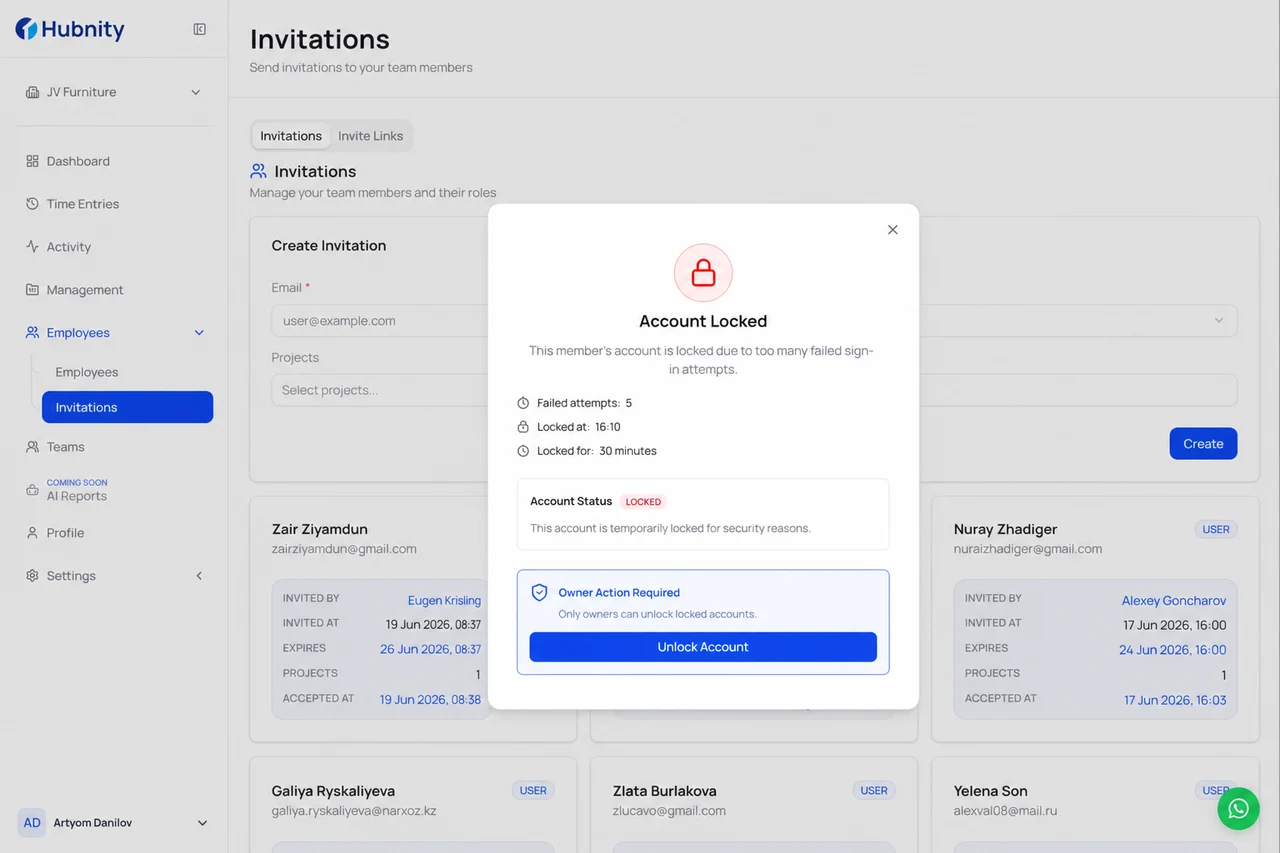
Why is my account locked?
Accounts lock after 5 failed login attempts within 15 minutes. Lock duration: 30 minutes.
Unlock automatically after the period, or contact your organization Owner to unlock immediately from People → [Member] → Unlock.
How does SSO work?
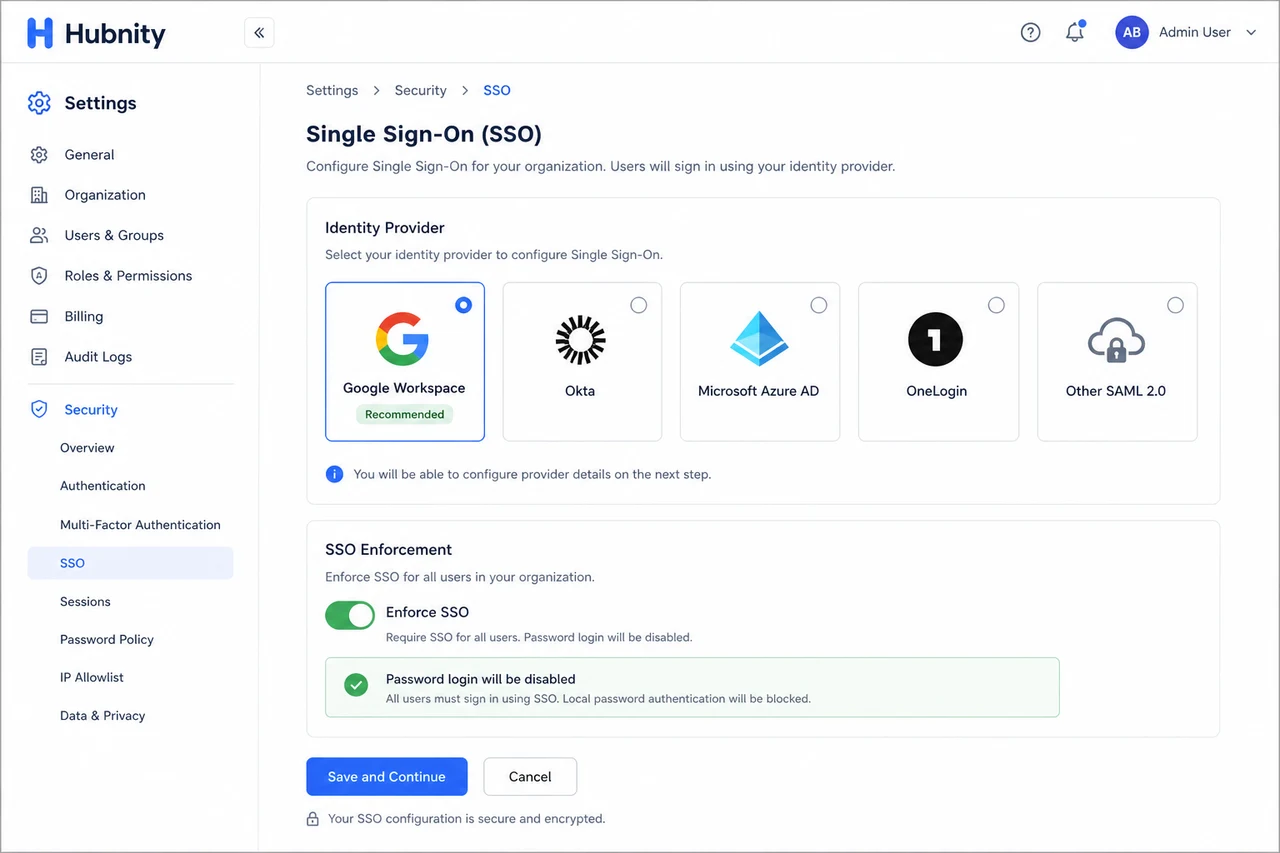
Organization Owners enable SSO from Settings → Security → SSO. Supported providers: Google Workspace, Okta, Azure AD, OneLogin.
When SSO is enforced, password login is disabled for all members.
Can I belong to multiple organizations?
Yes. One email can be a member of multiple Hubnity organizations.
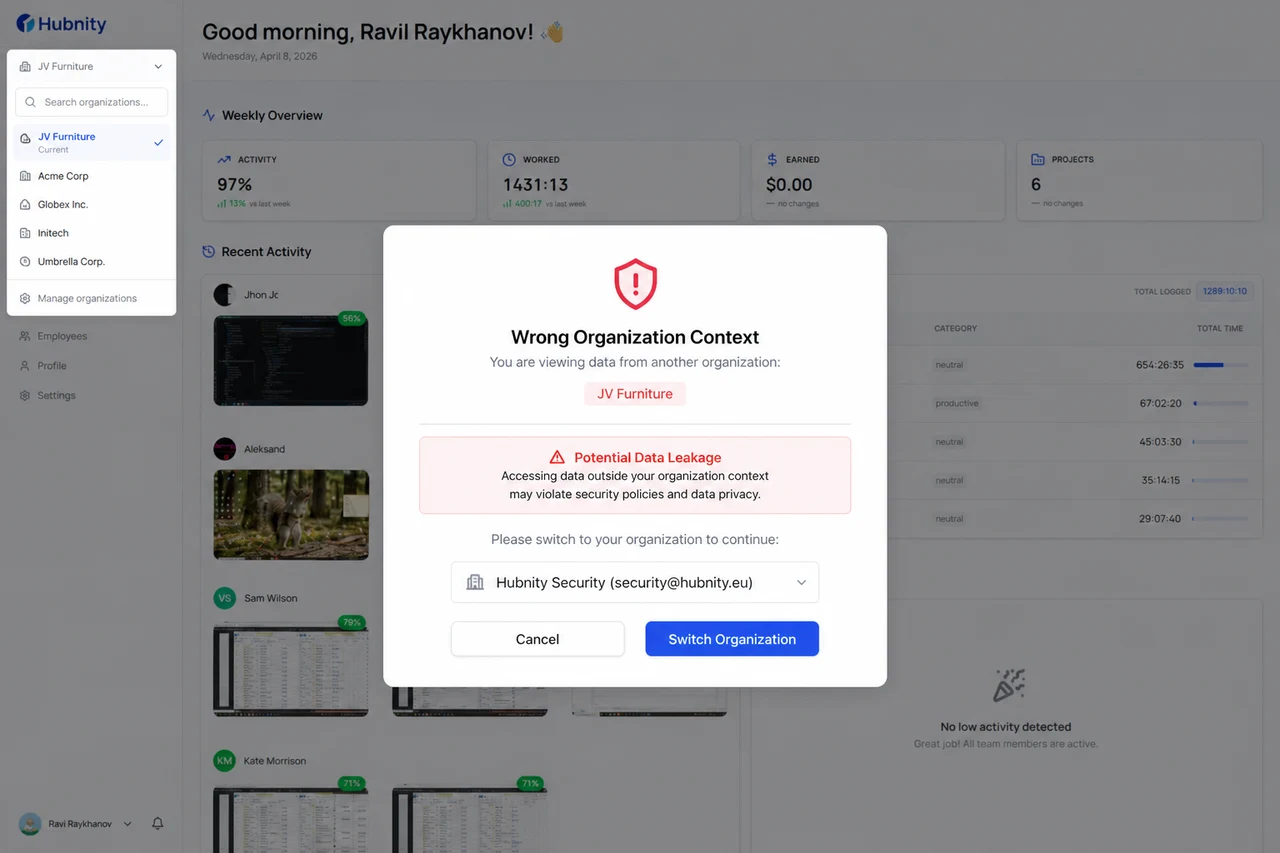
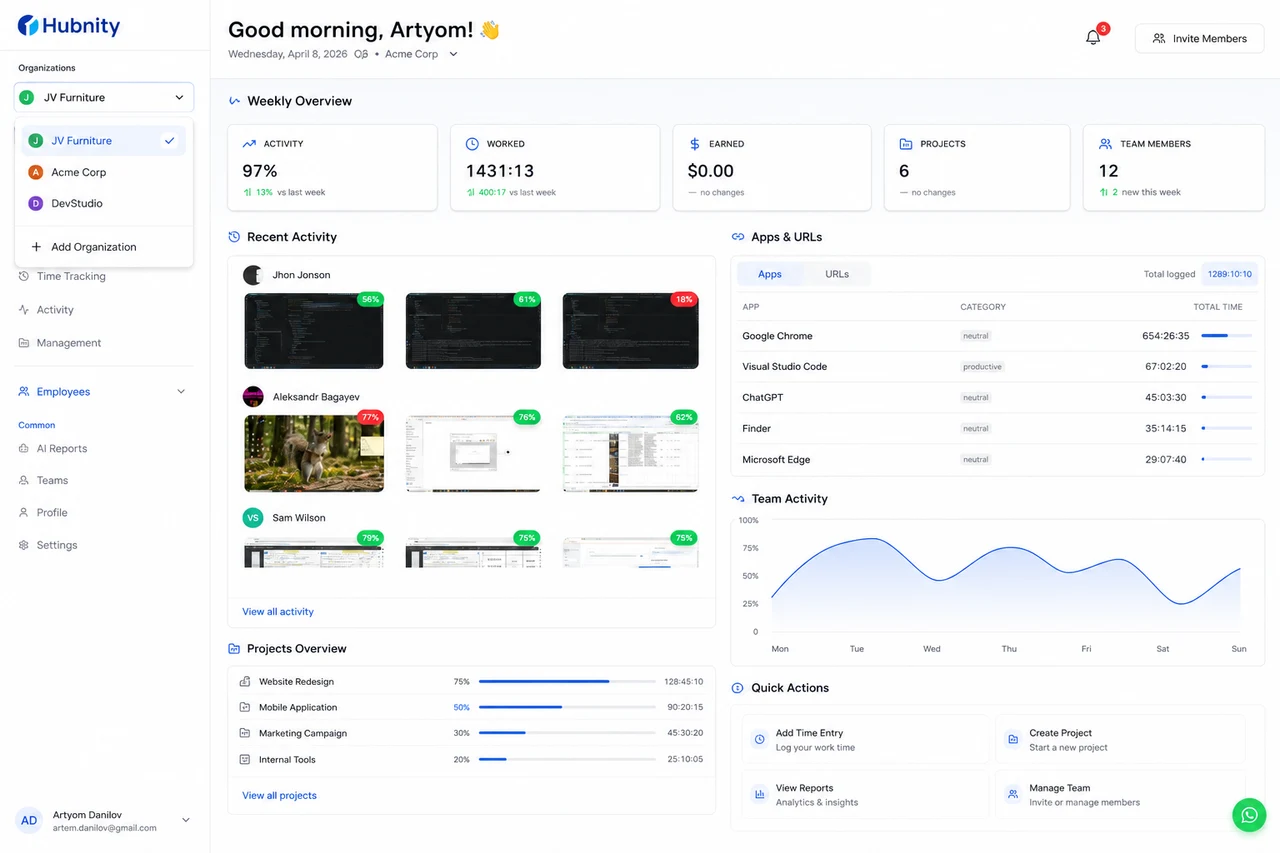
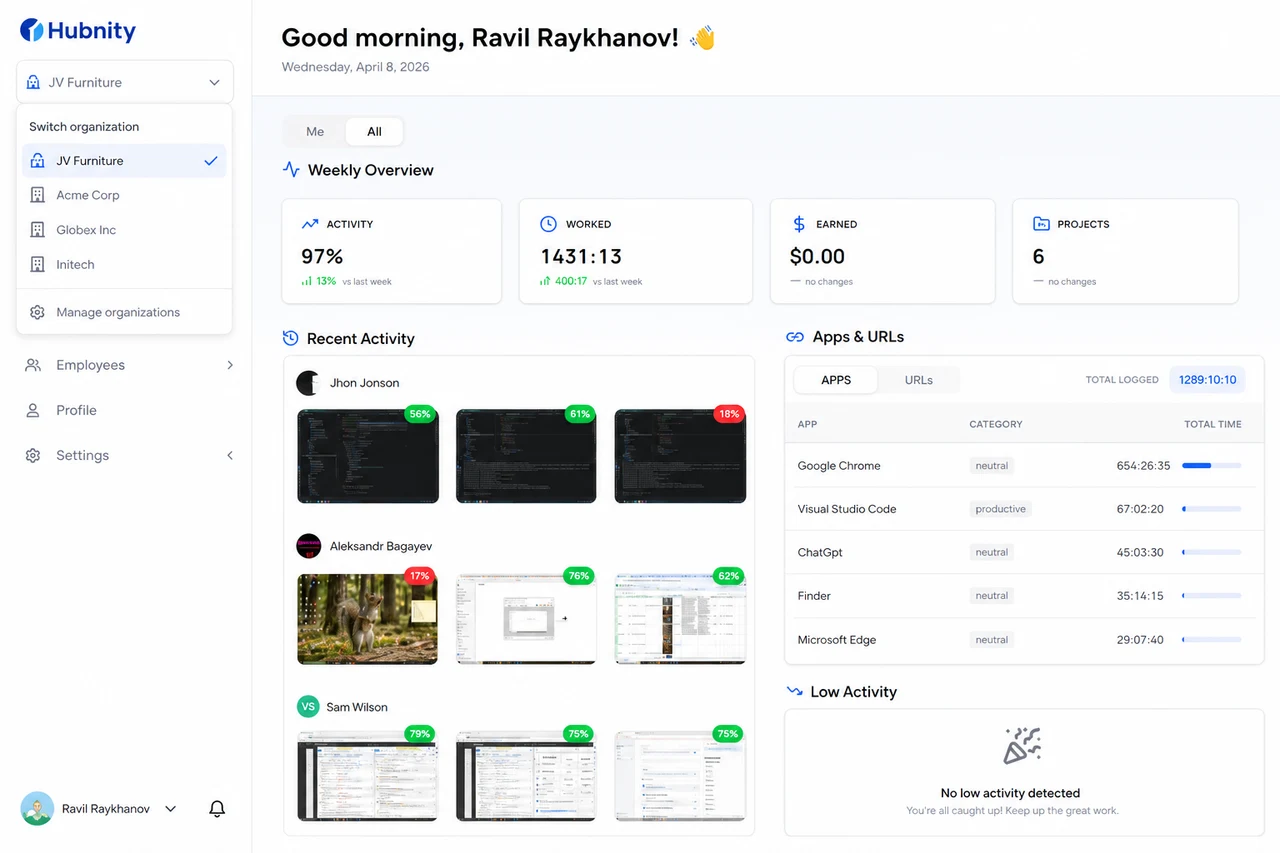
Use the organization switcher in the sidebar to change context. Time, settings, and data are separate per organization.
How do I switch between organizations?
Click the organization name in the sidebar → select another organization from the dropdown.
The desktop and mobile apps also have an organization picker on the sign-in screen.
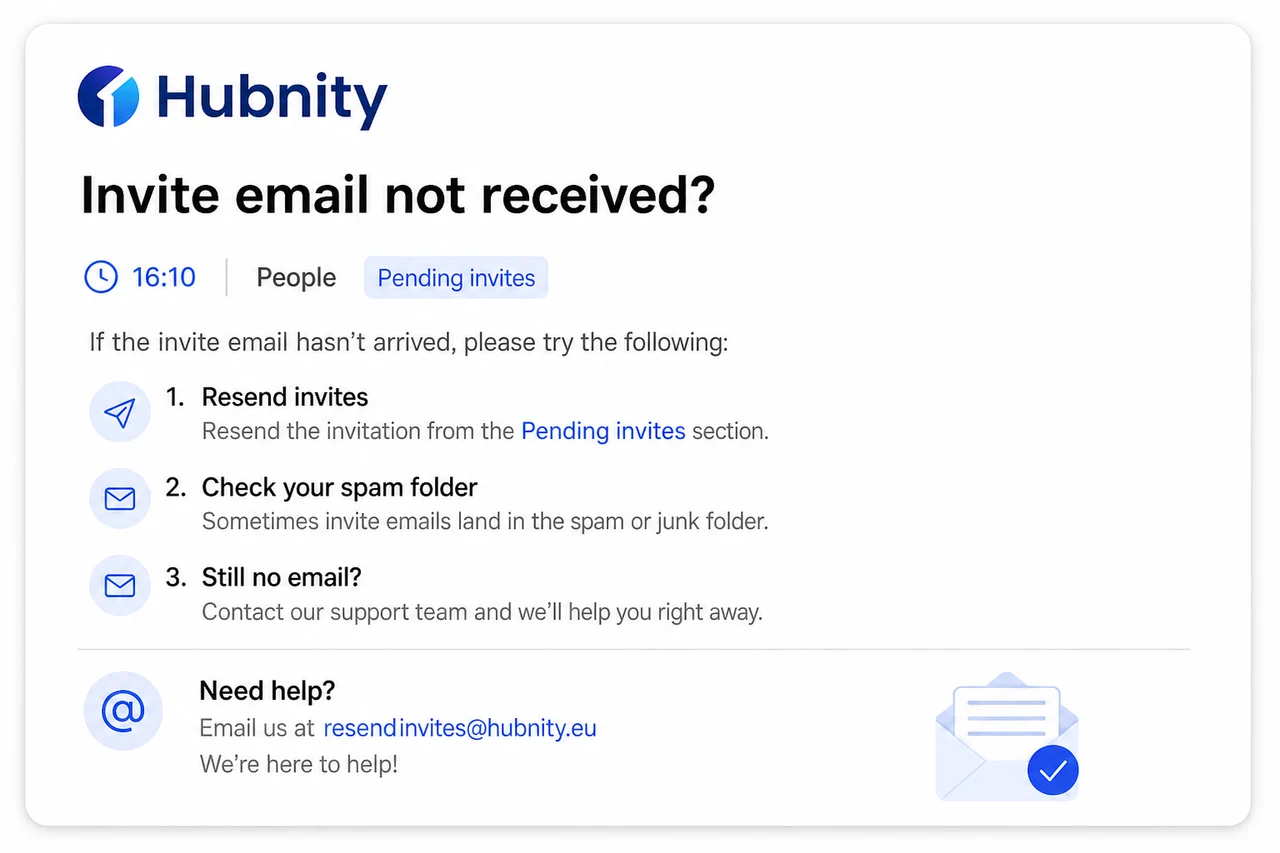
What if I did not receive my invite email?
Check spam/junk folder. Invites are sent from invites@hubnity.eu.
Ask your organization Owner to resend from People → Pending invites → Resend.
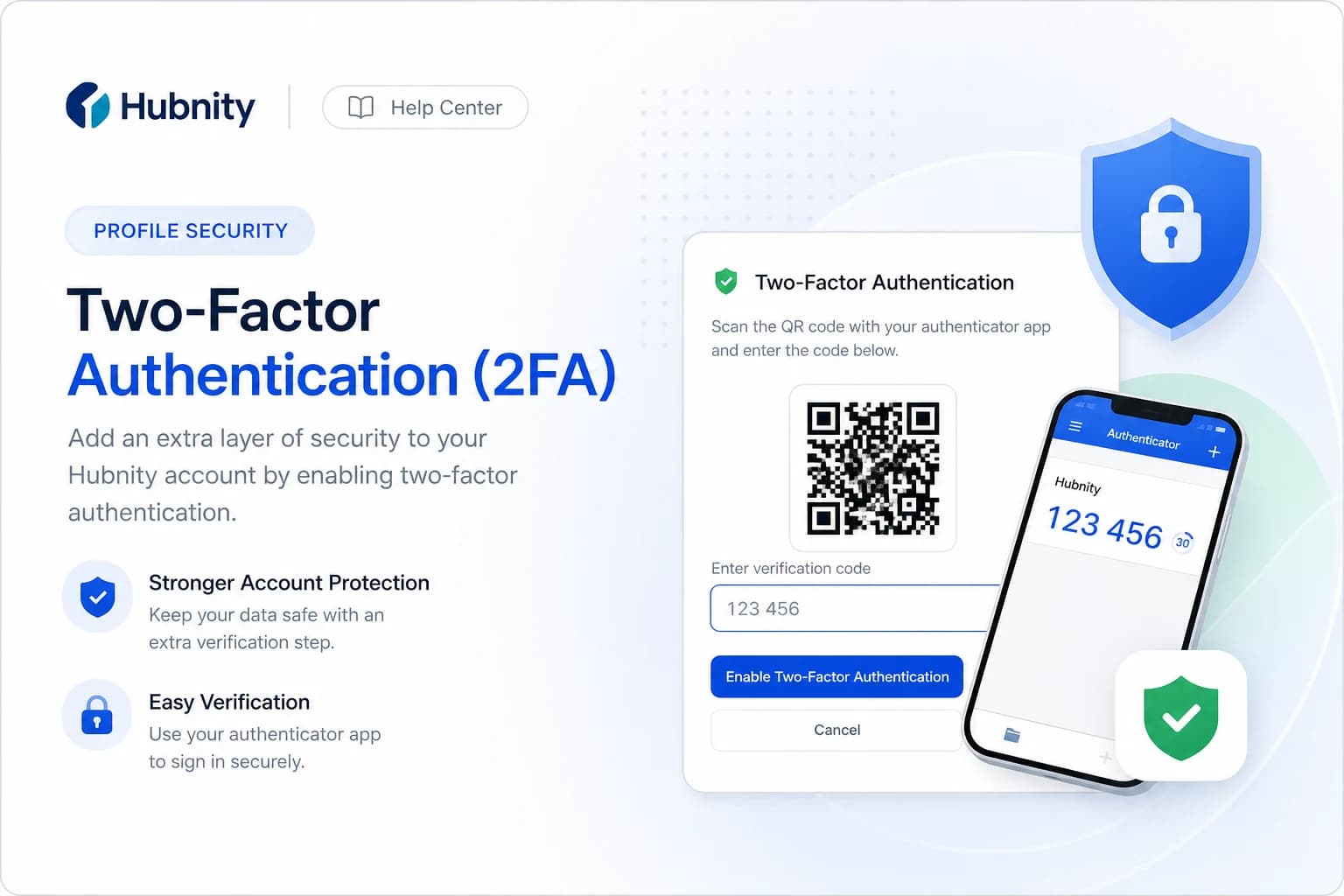
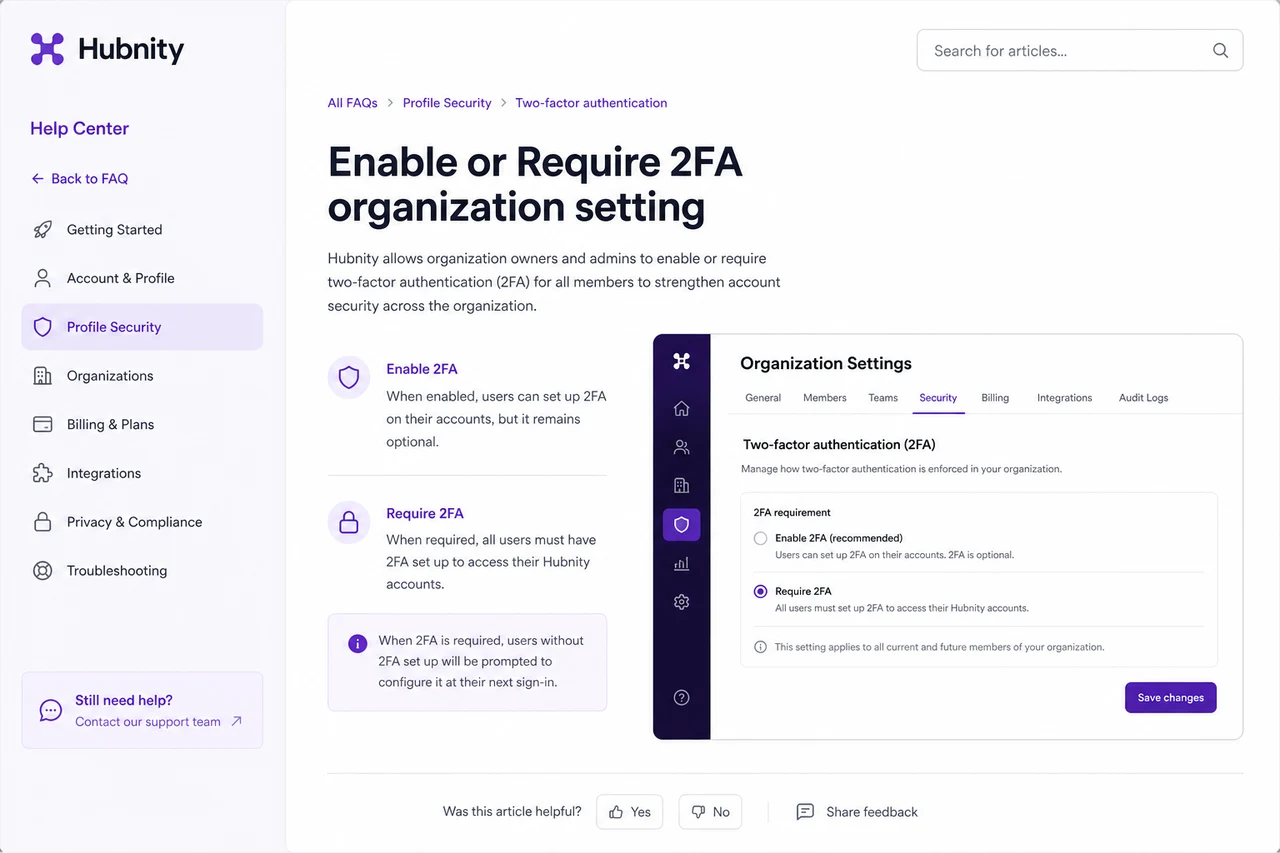
How do I enable two-factor authentication?
Go to Profile → Security → Two-factor authentication → Enable.
Organization Owners can require 2FA for all members from Settings → Security → Require 2FA.
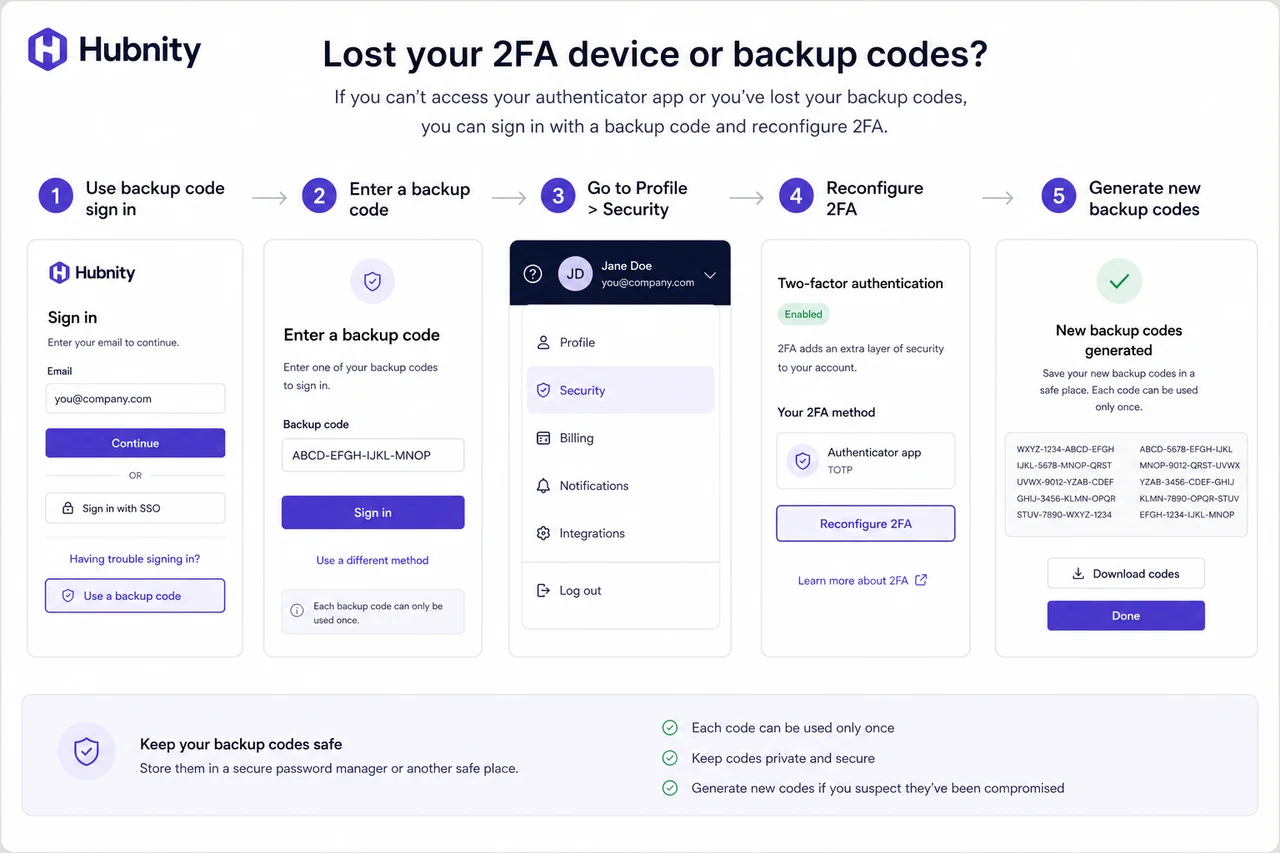
What if I lost my 2FA device?
Use a backup code to sign in, then reconfigure 2FA. Generate new backup codes from Profile → Security.
No backup codes: contact your Owner or support@hubnity.eu with identity verification.
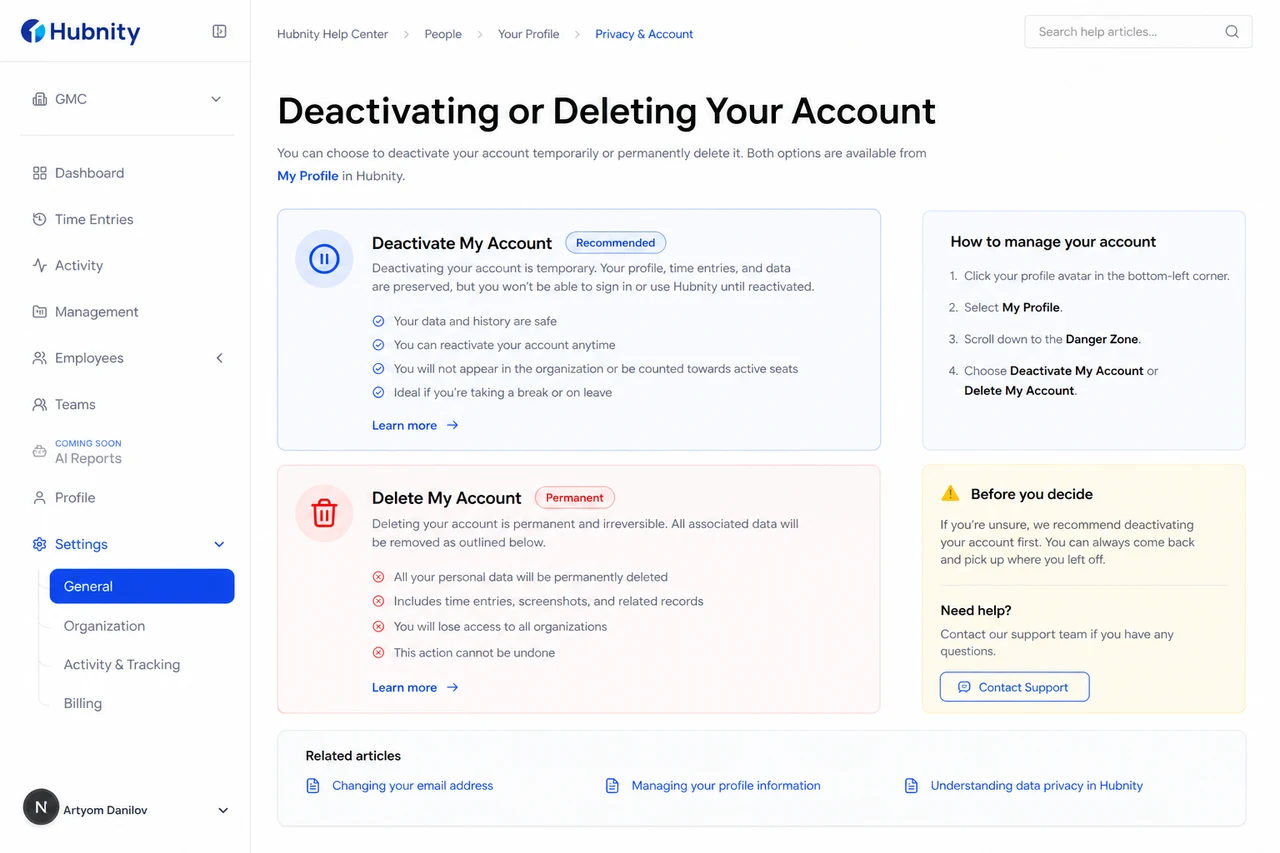
How do I deactivate my account?
Members: ask your organization Owner to deactivate you from People → [Member] → Deactivate.
To delete your Hubnity account entirely: Profile → Privacy → Delete my account.
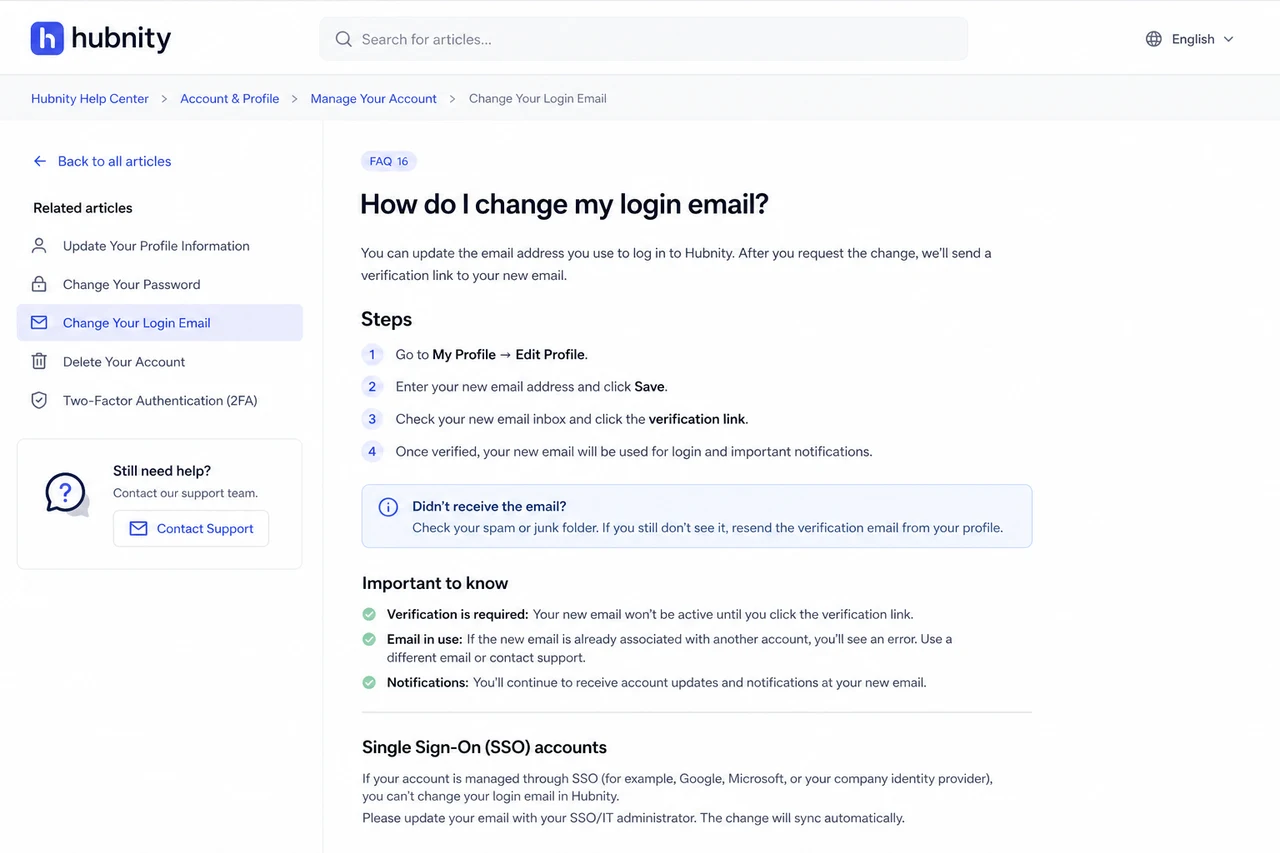
Can I change my login email?
Yes. Profile → Account → Email → Change email. Verify the new address via confirmation link.
If SSO is enabled, email changes may be managed by your identity provider instead.
Why am I seeing someone else's data?
You may be in the wrong organization context. Check the organization switcher in the sidebar.
If data leakage is confirmed, contact security@hubnity.eu immediately.