Change your Hubnity account password or reset it if you are locked out.
Change your password
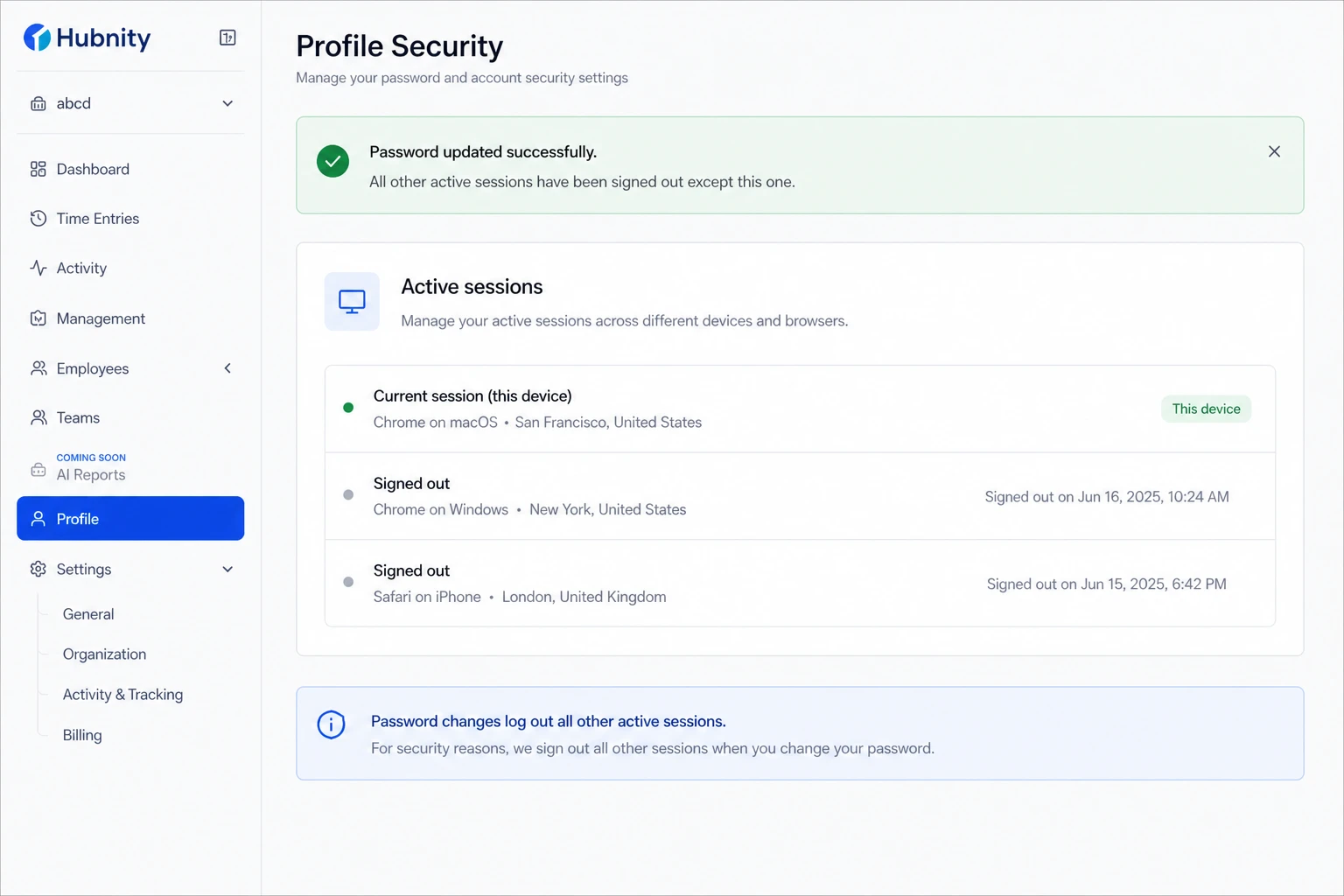
Password changes log out all other active sessions except the current one.
- 1
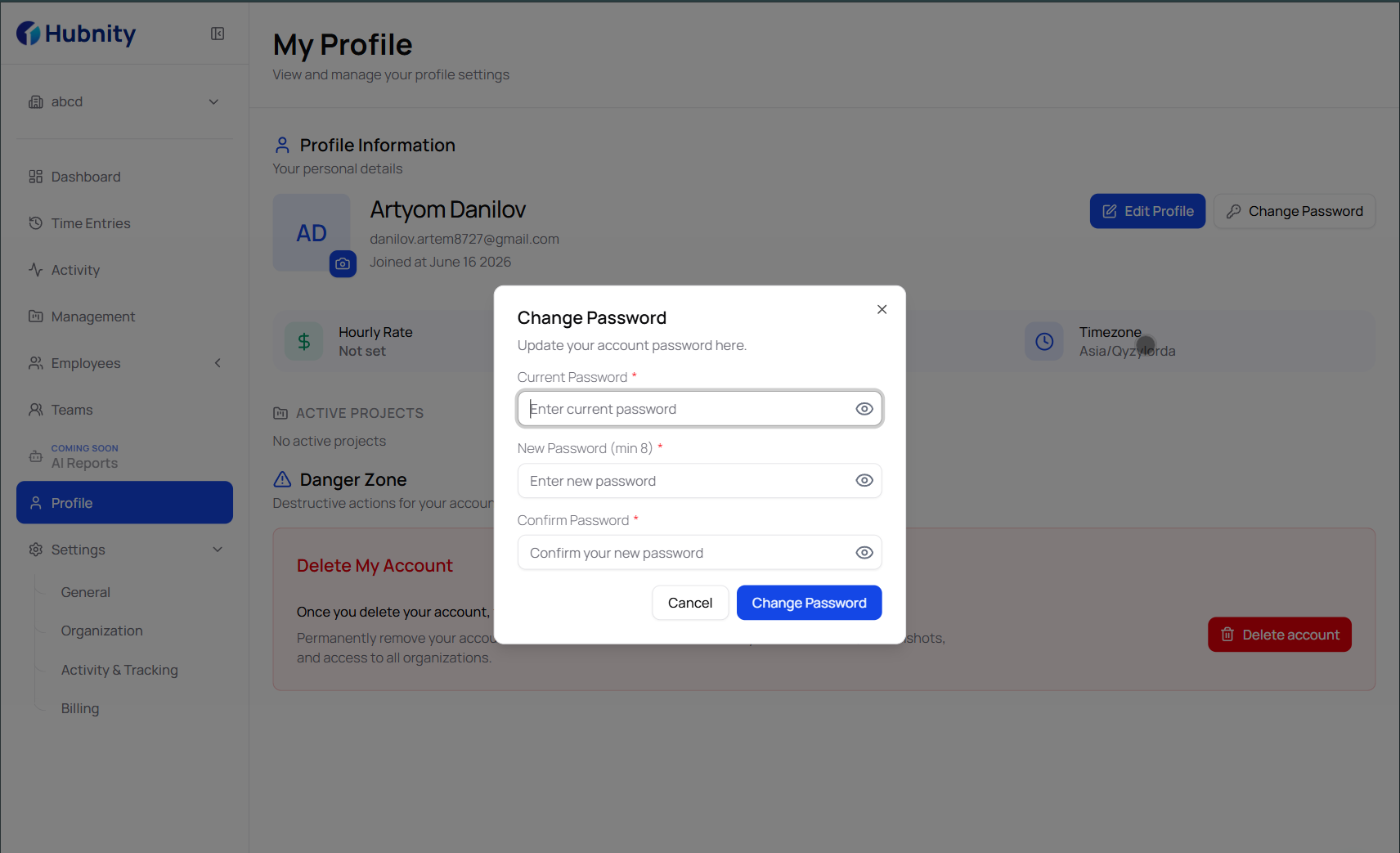
Go to Profile → Security → Password
- 2
Enter your current password
- 3
Enter and confirm your new password
- 4
Click Update password
Password requirements
Minimum 12 characters. Must include at least one uppercase letter, one lowercase letter, one number, and one special character.
Cannot match your last 5 passwords. Cannot contain your email address or display name.
Reset a forgotten password
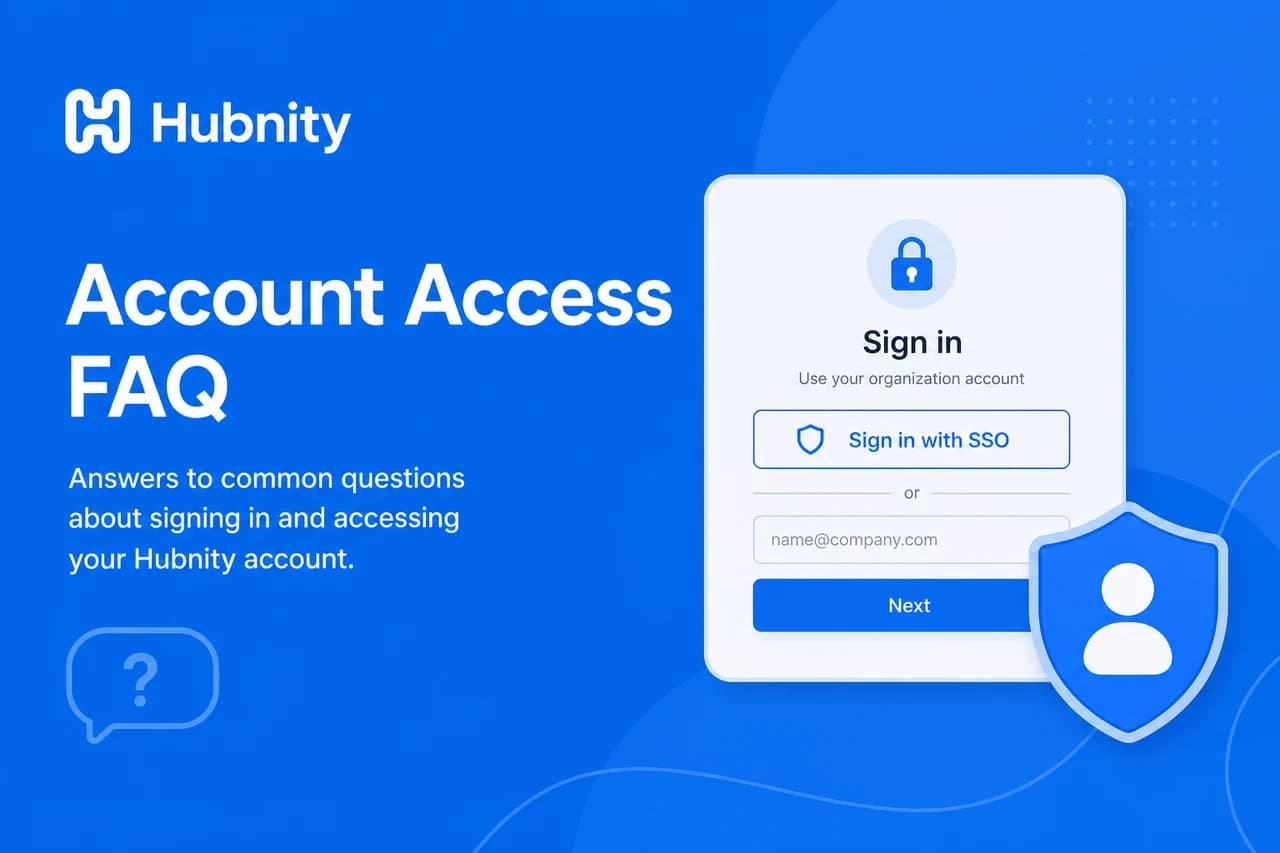
If SSO is enforced, password reset is disabled. Sign in through your identity provider instead.
Reset a forgotten password — overview
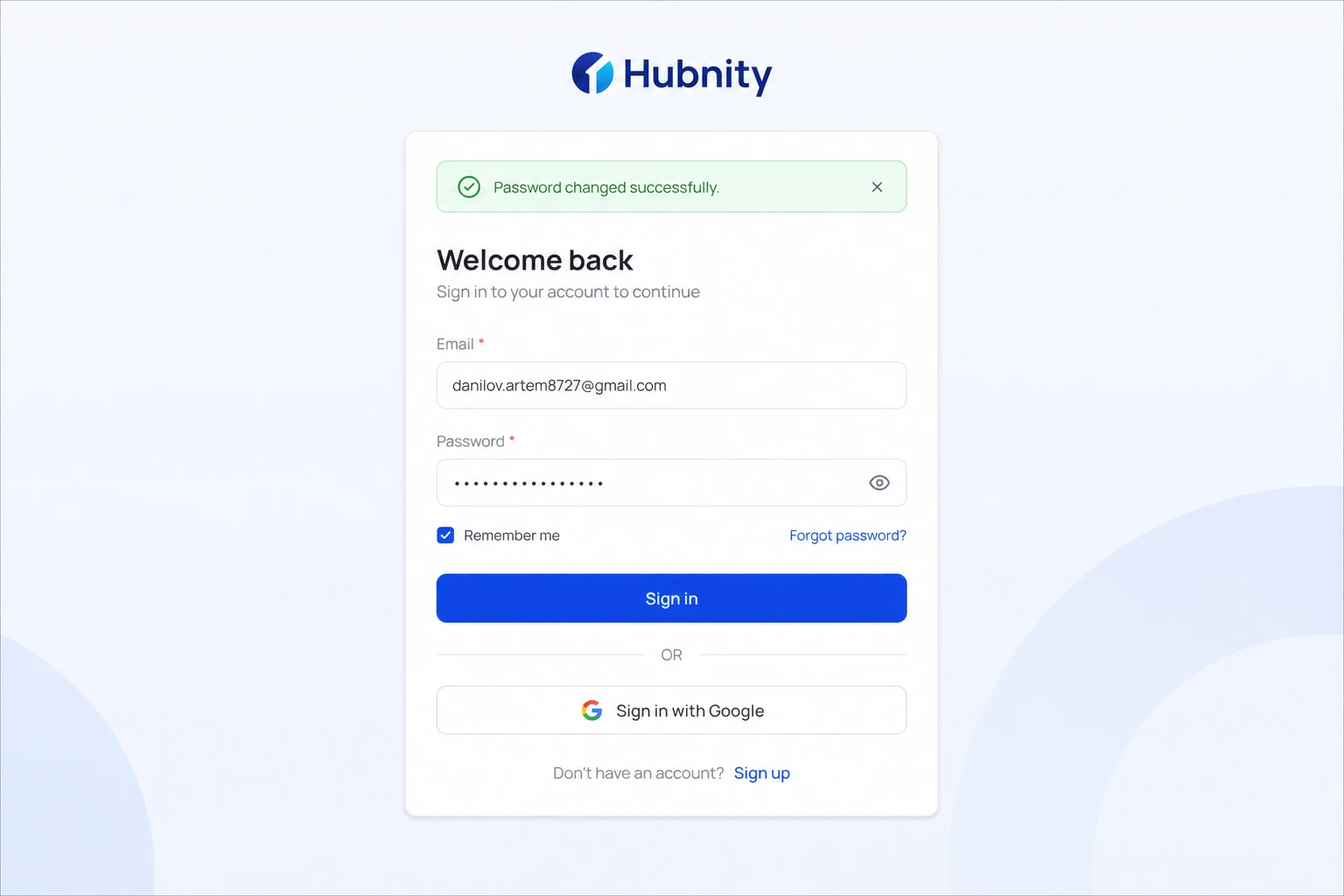
A product screenshot will be added here.
- 1
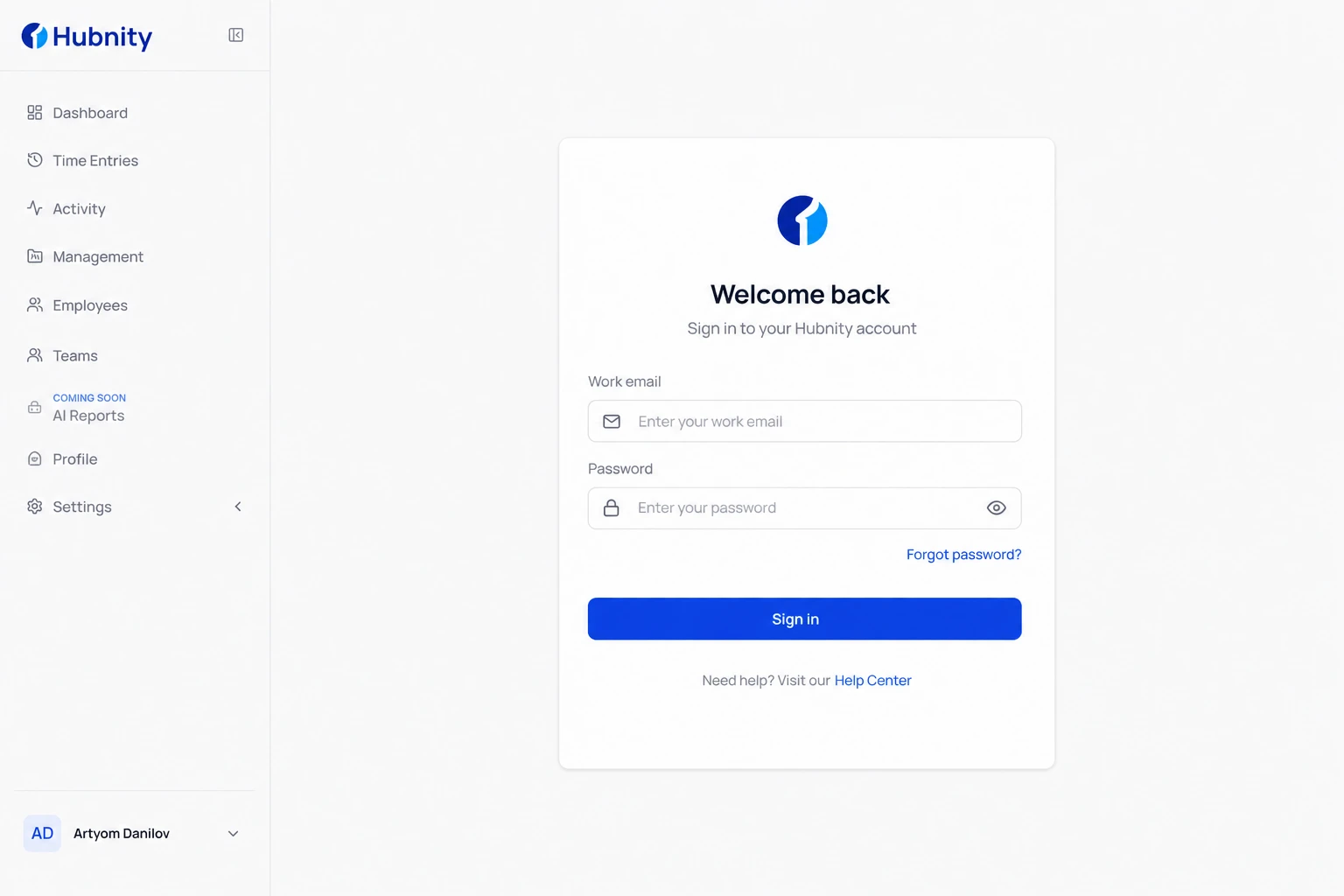
Go to the Hubnity login page → Forgot password
- 2
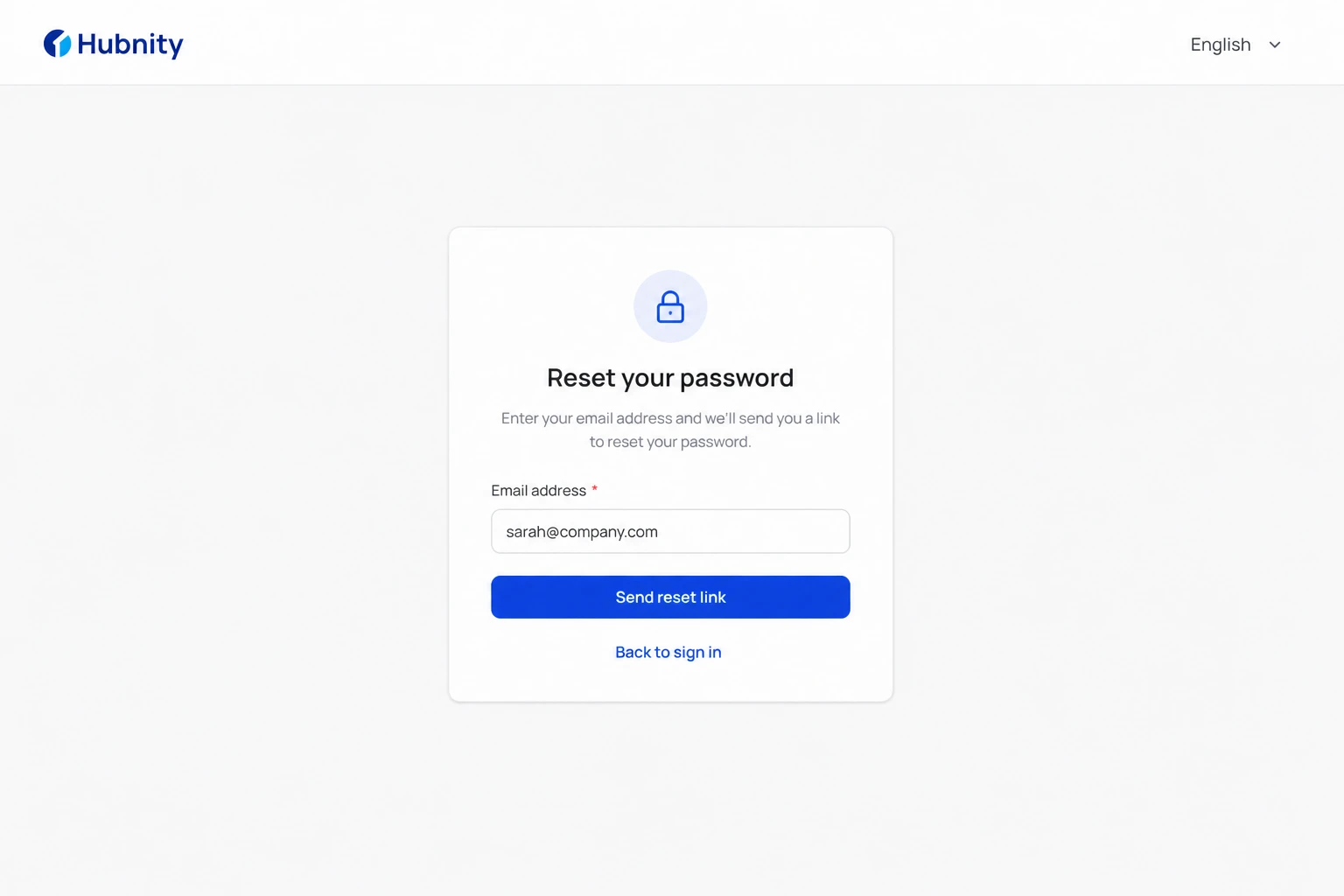
Enter your account email address
- 3
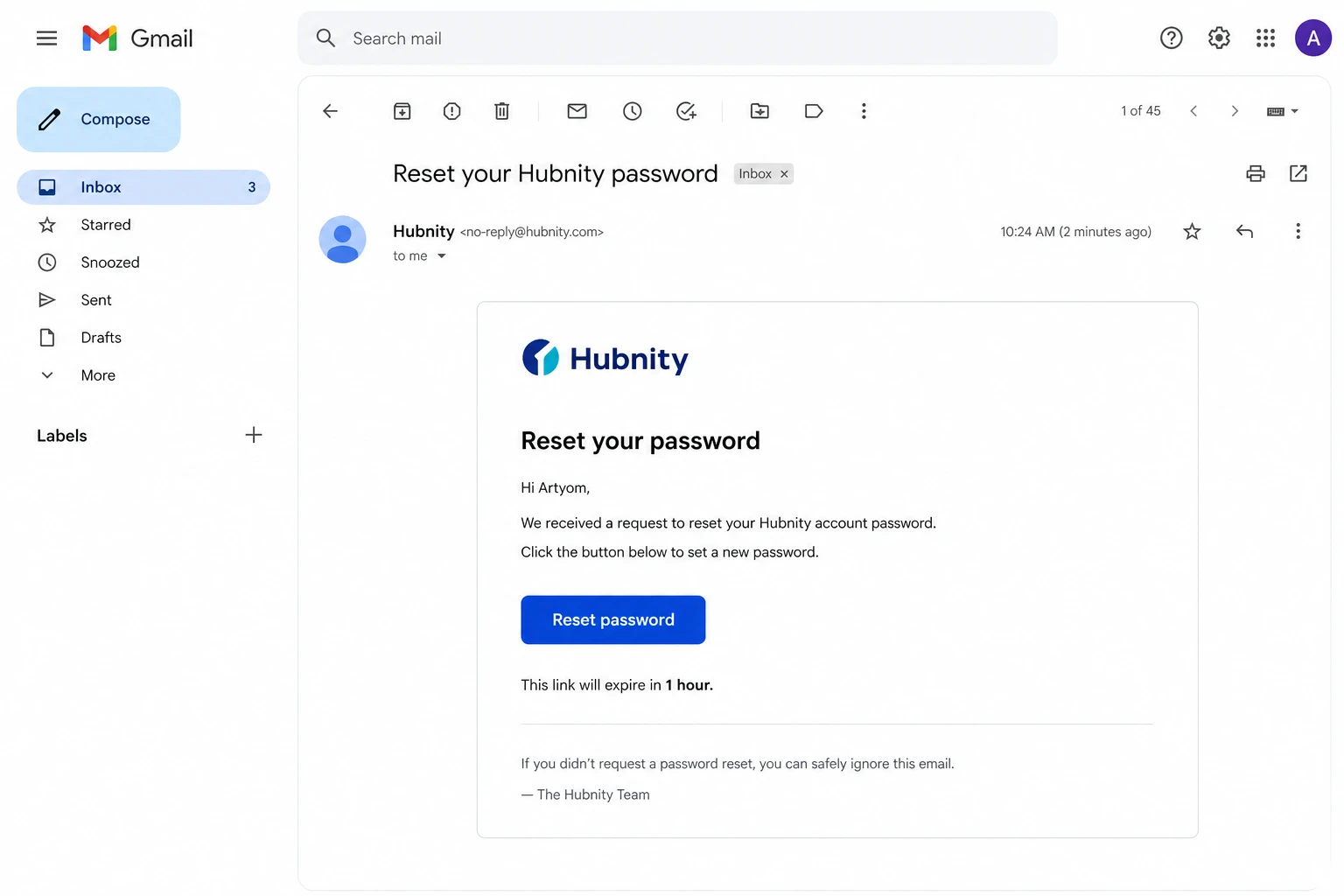
Check email for the reset link (expires in 1 hour)
- 4
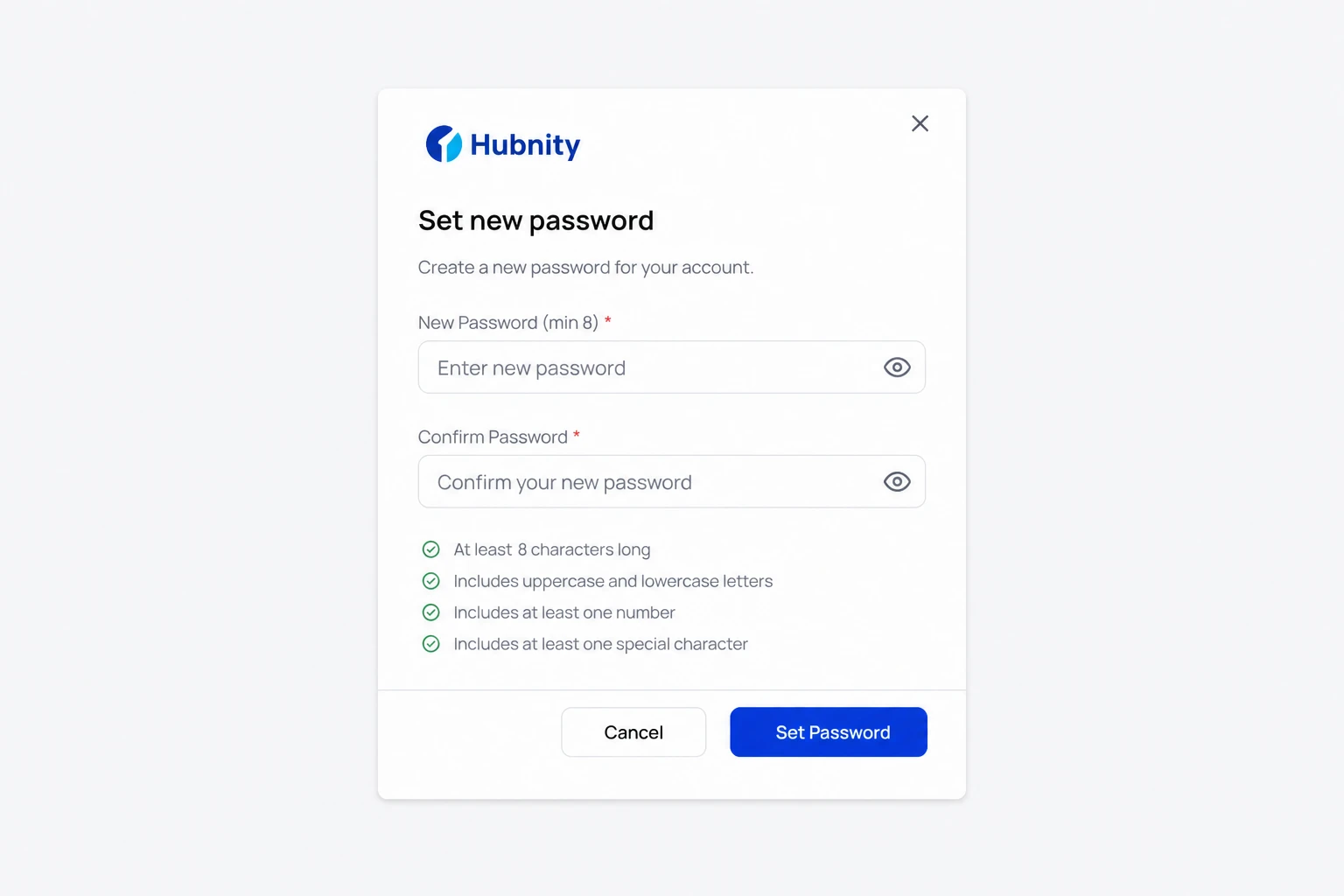
Click the link and set a new password
- 5
Sign in with the new password
SSO accounts
If your organization uses SSO, password management is handled by your identity provider (Google Workspace, Okta, Azure AD).
The Change password option is hidden when SSO-only login is enforced.