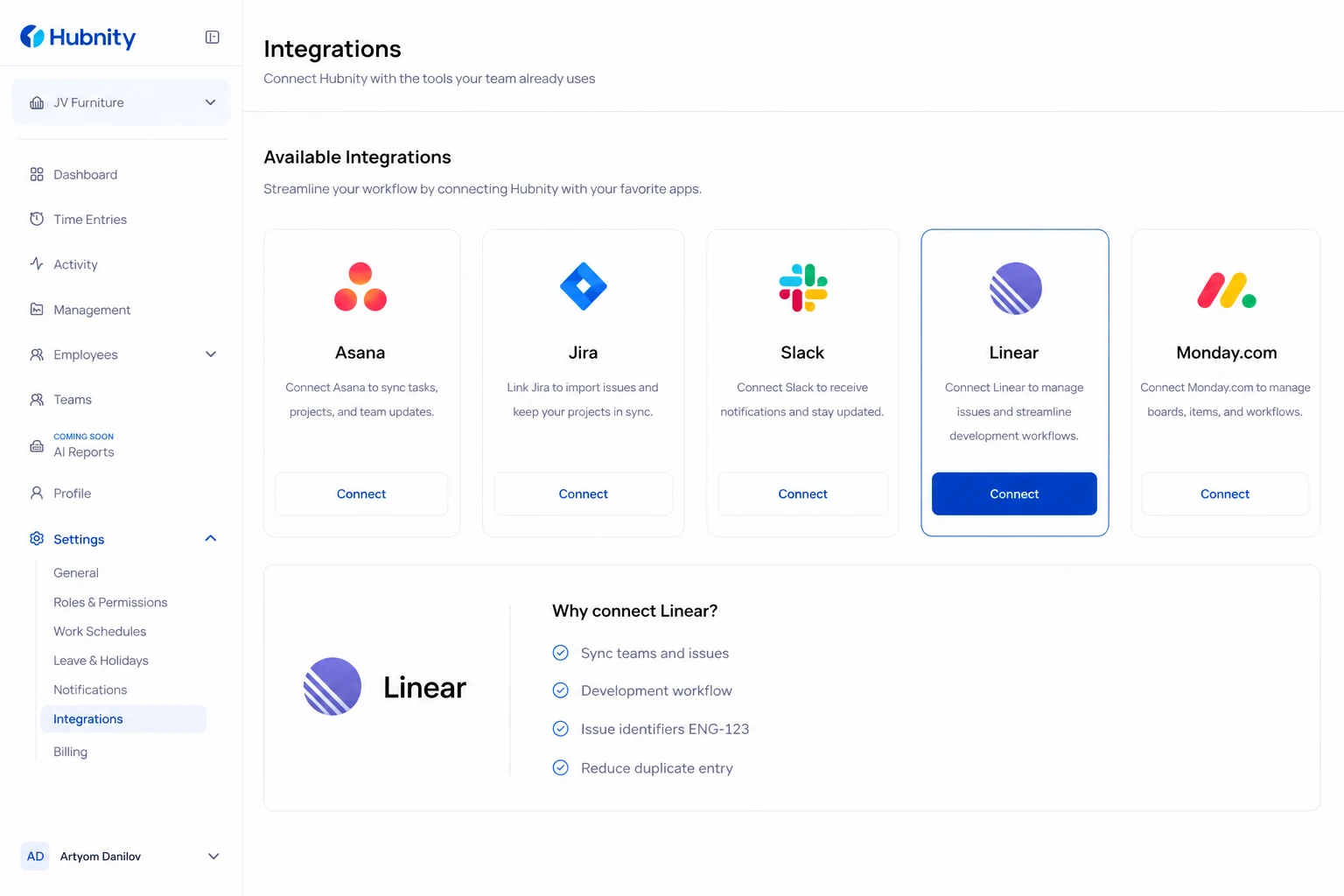
Connect Linear to Hubnity to sync teams and issues, and track development time against Linear tickets.
Why connect this tool
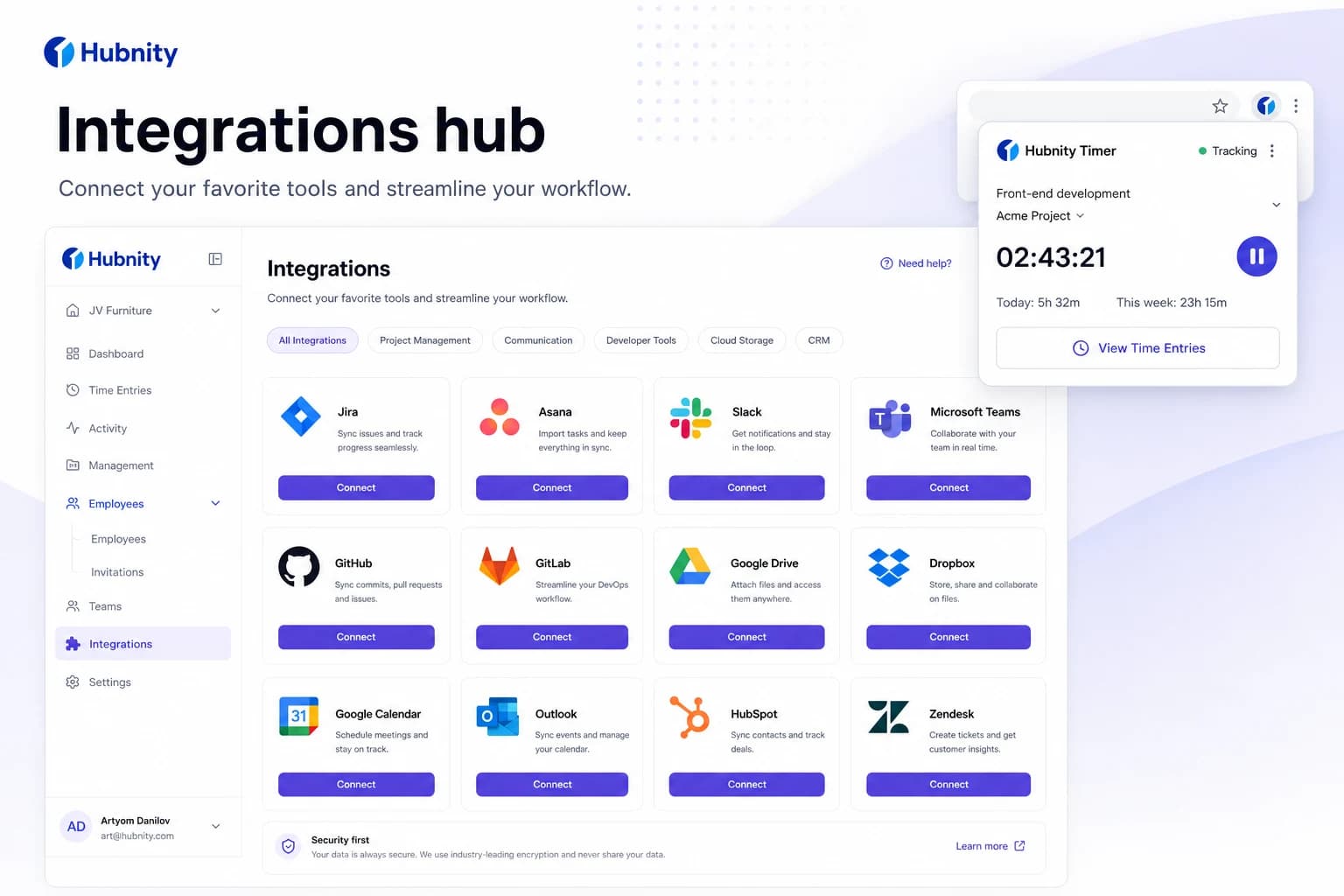
Yes, Hubnity seamlessly integrates with over 50 popular project management and communication tools, including Jira, Trello, Asana, Slack, and Notion.
Connecting linear reduces duplicate entry—time syncs back to Hubnity timesheets.
Connect Linear
Requires Linear workspace admin to authorize the Hubnity OAuth app.
- 1
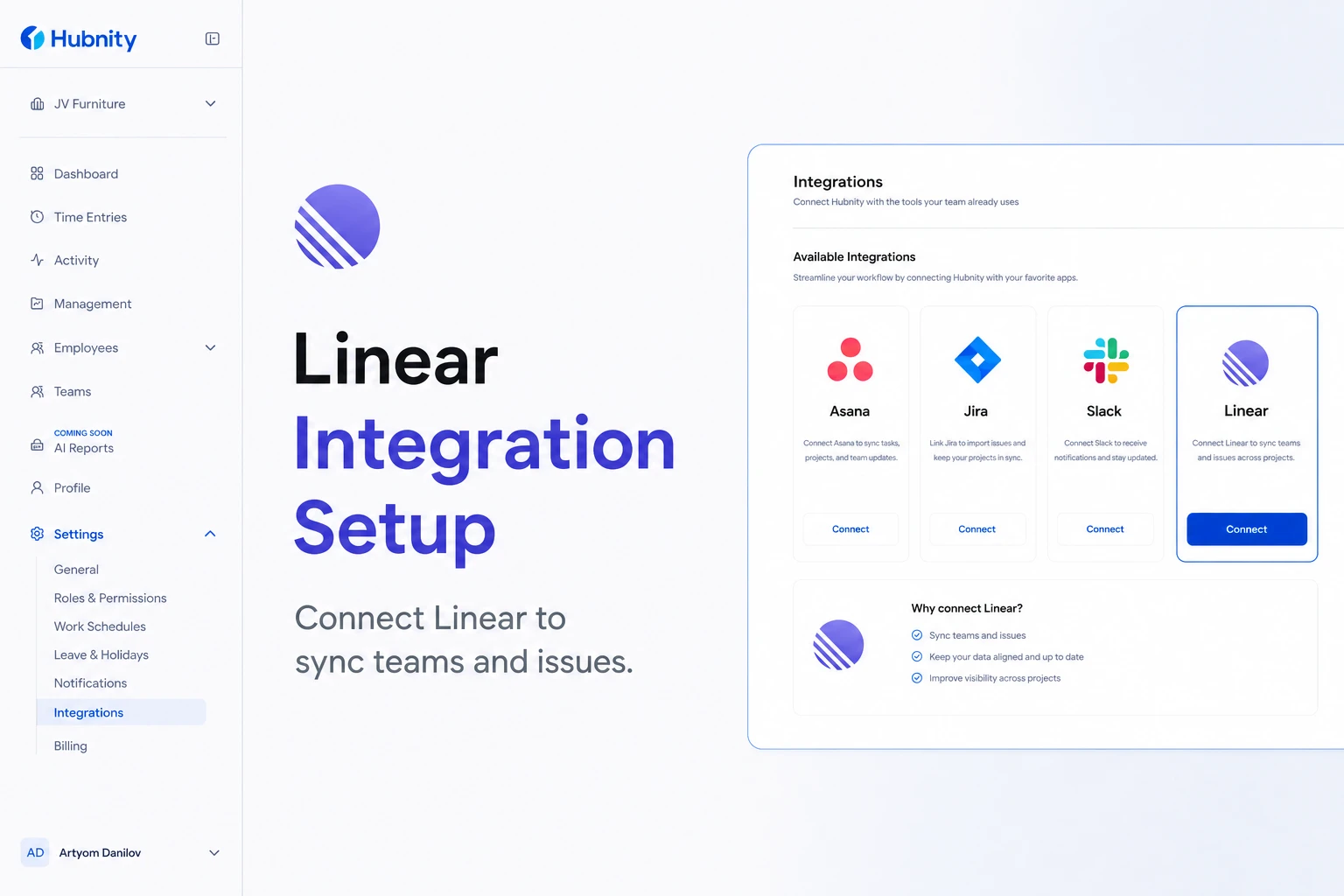
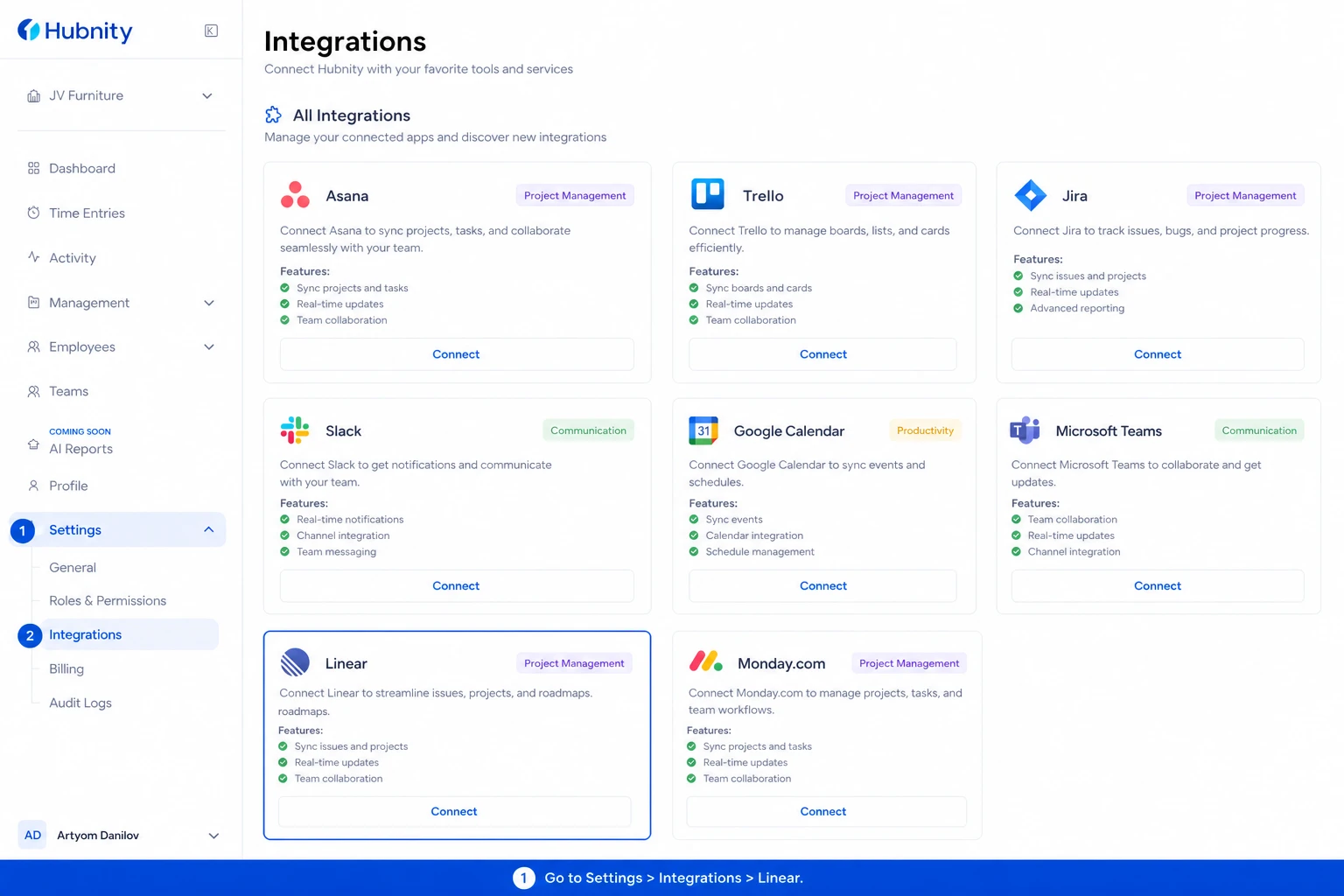
Go to Settings → Integrations → Linear
- 2
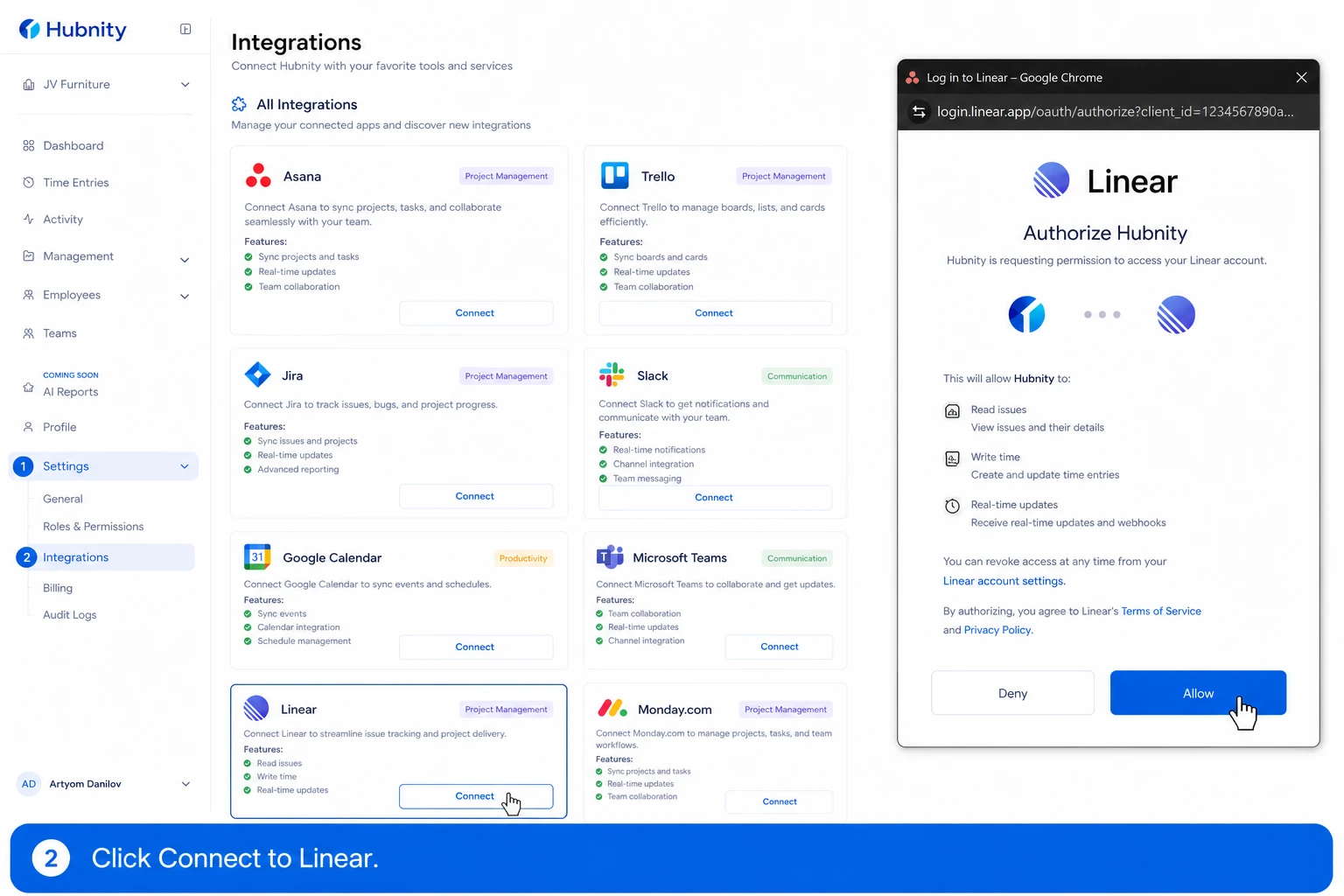
Click Connect to Linear
- 3
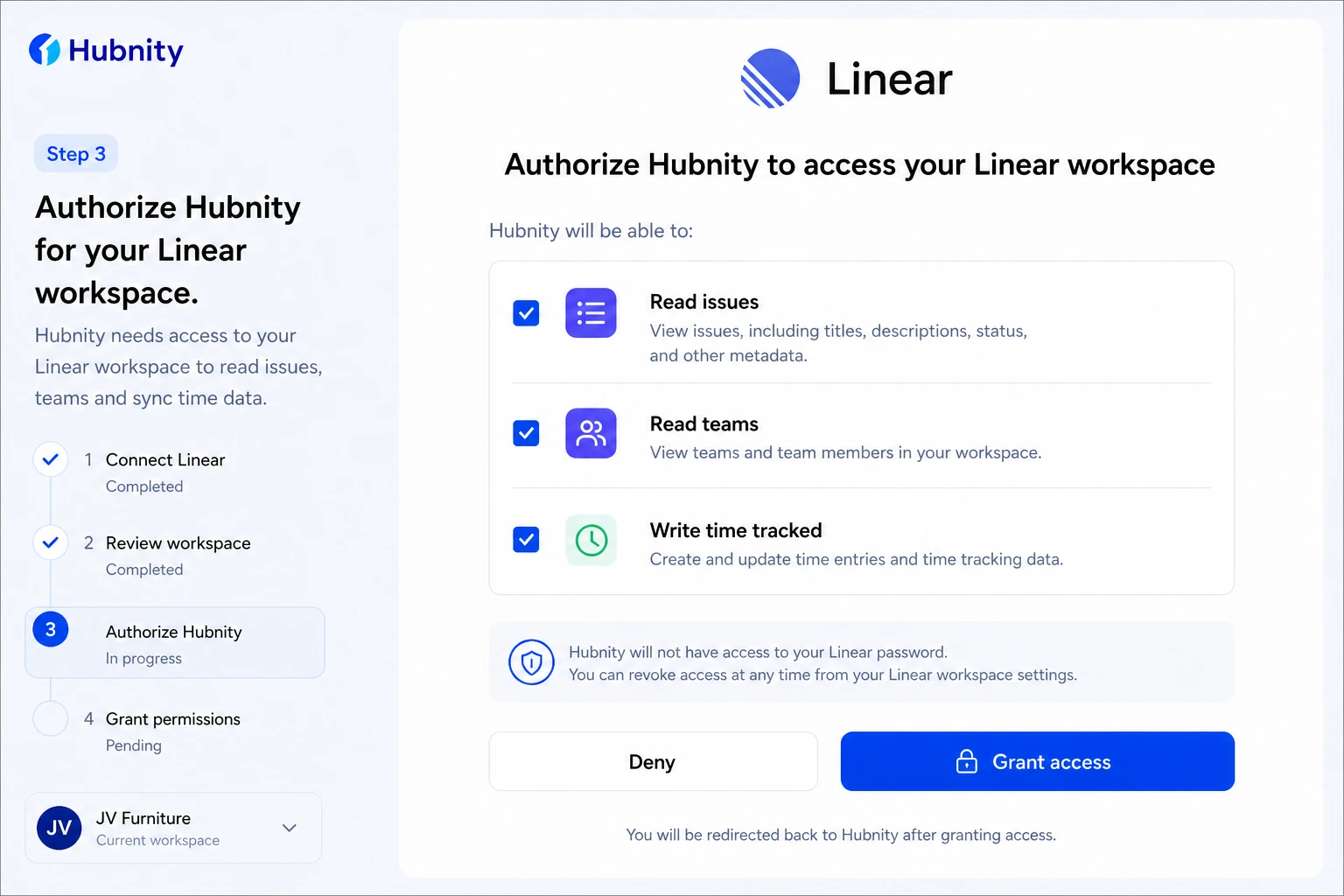
Authorize Hubnity for your Linear workspace
- 4
Select teams to sync
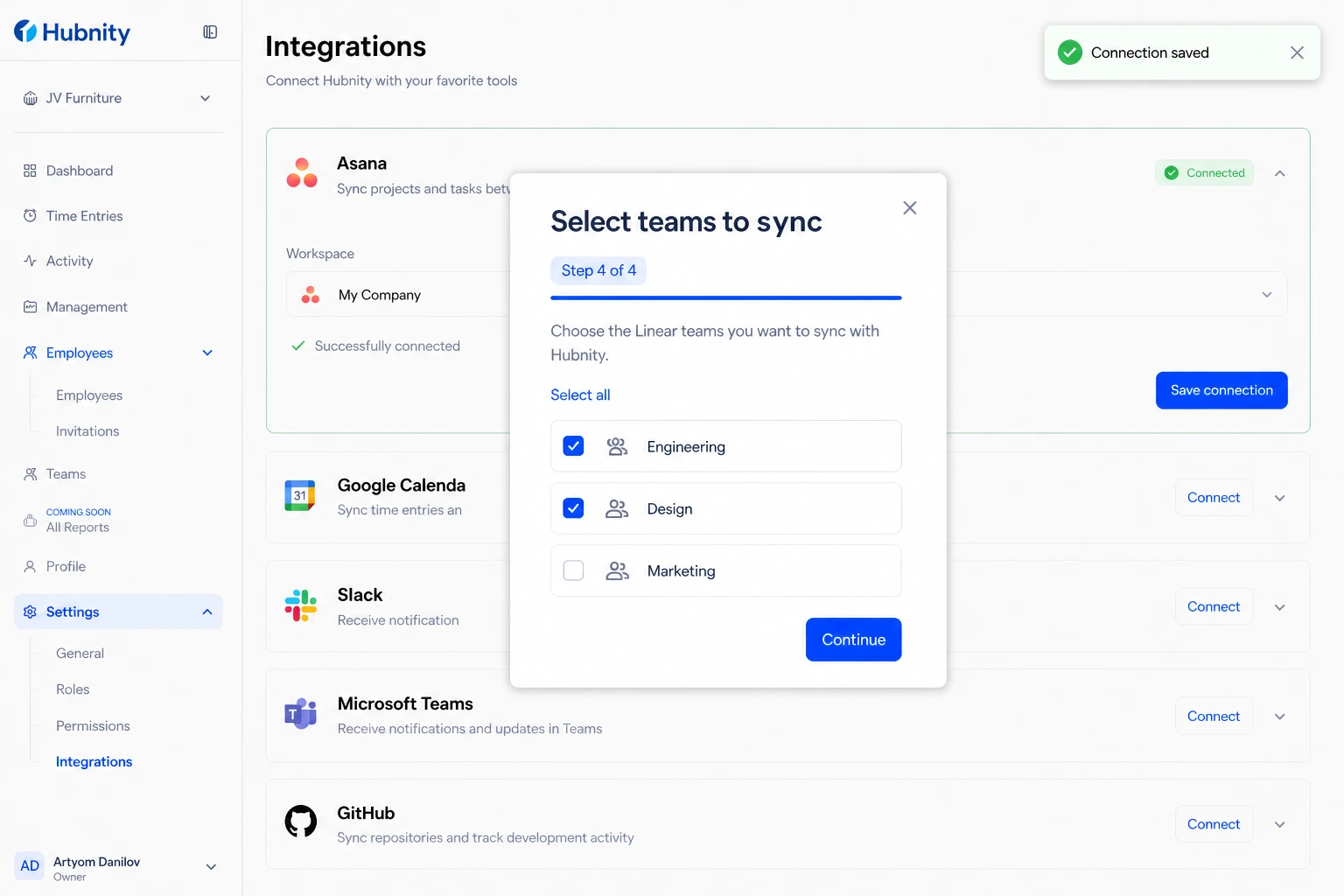
- 5
Map each Linear team to a Hubnity project
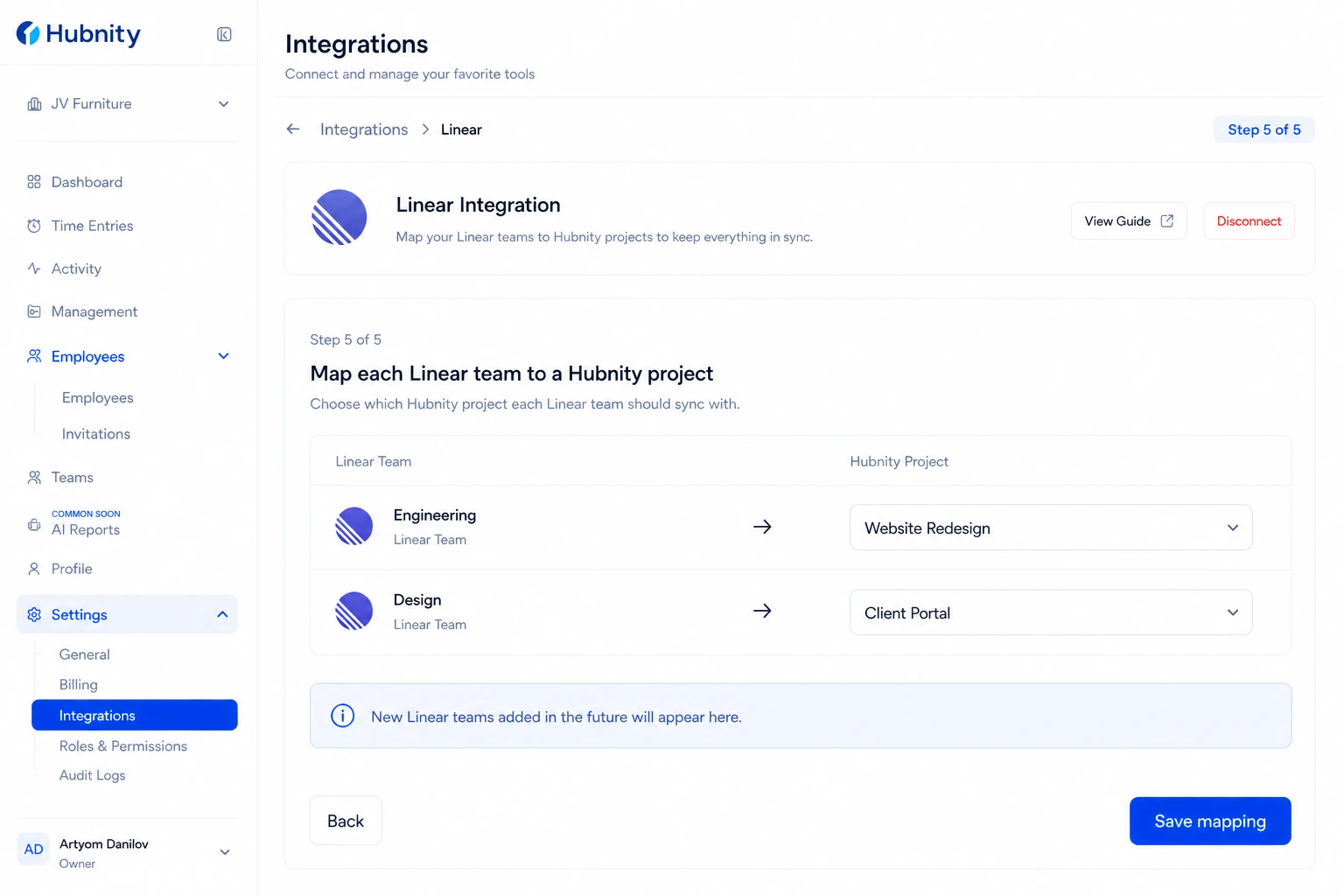
- 6
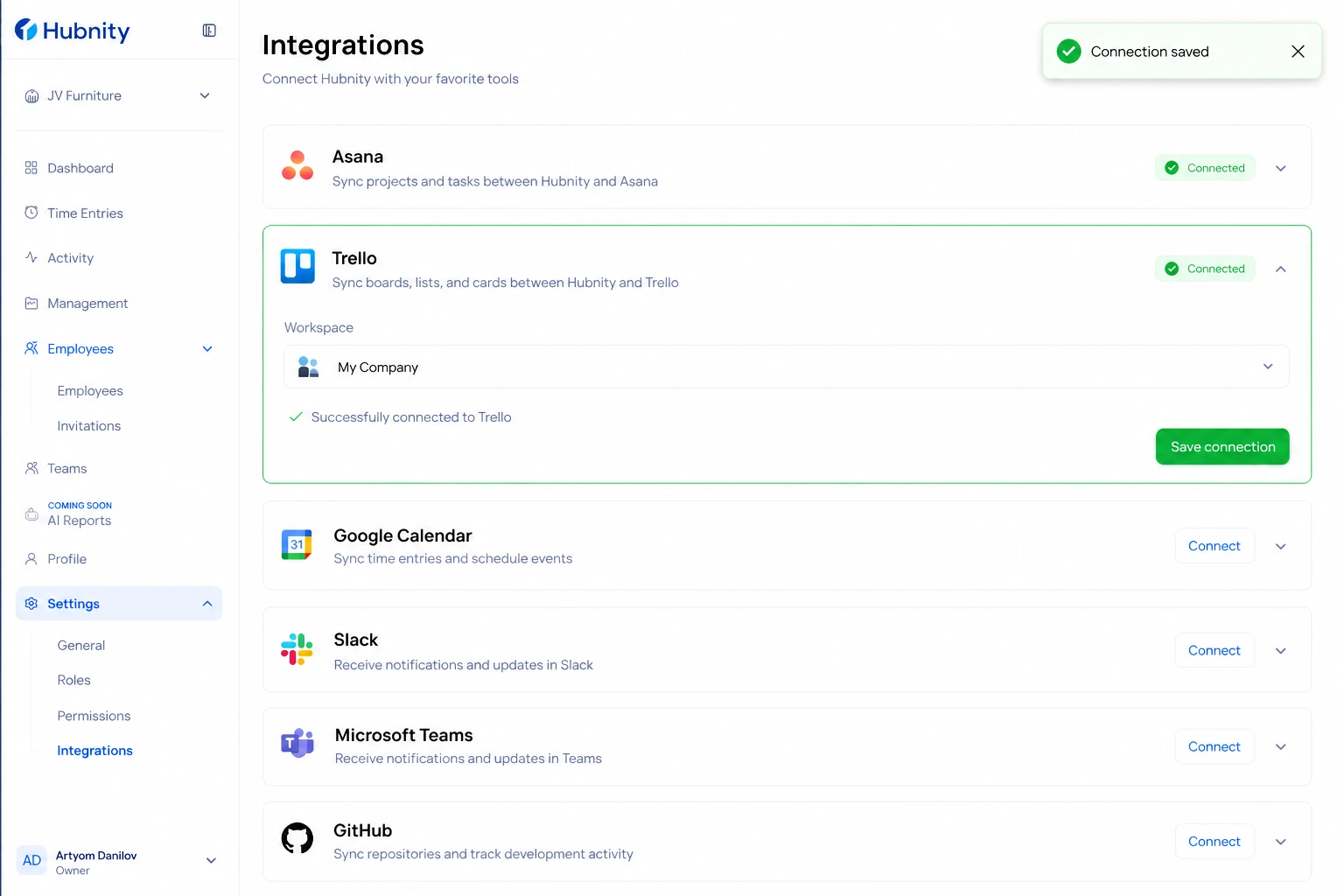
Save connection
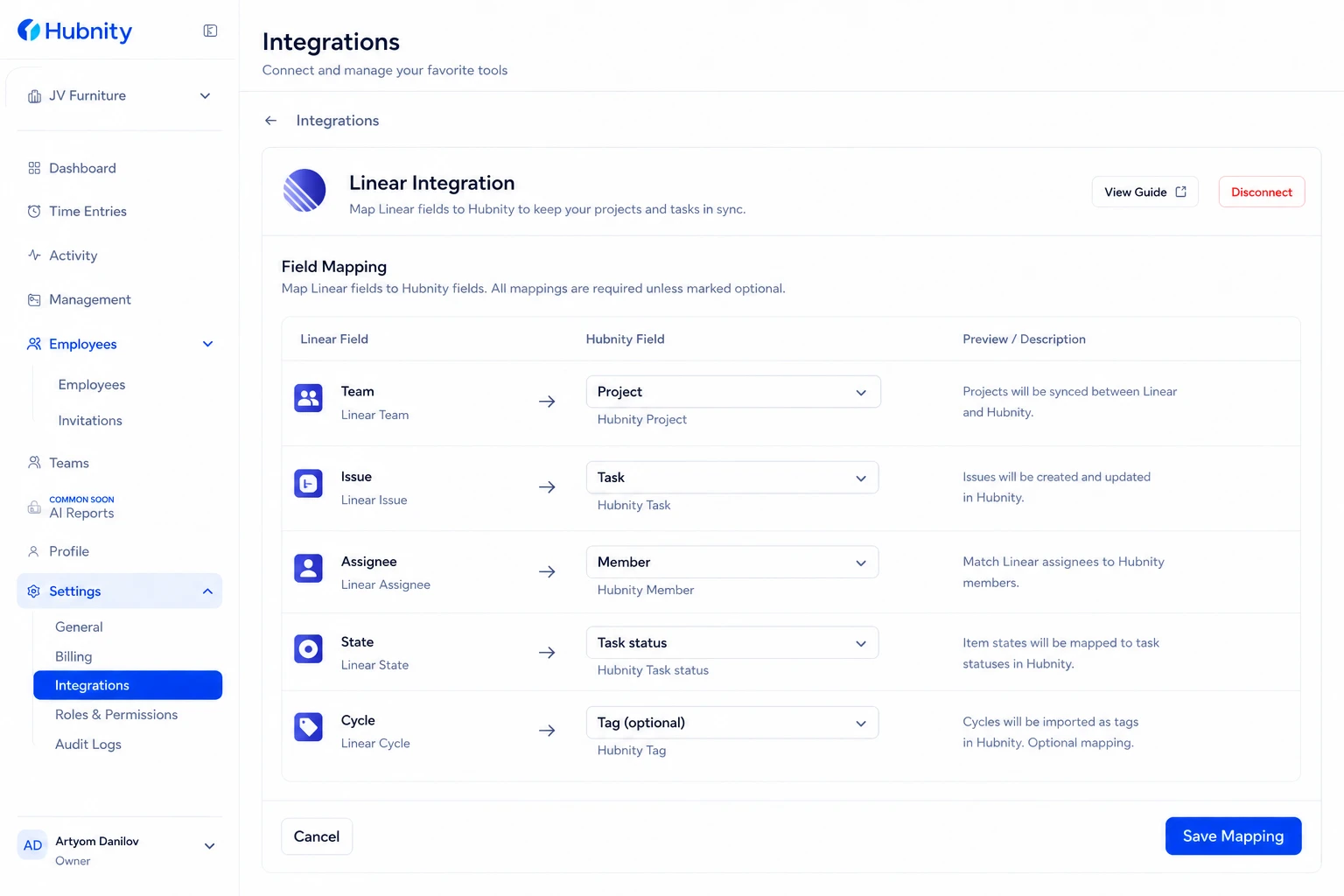
Field mapping
Linear Team → Hubnity Project: required.
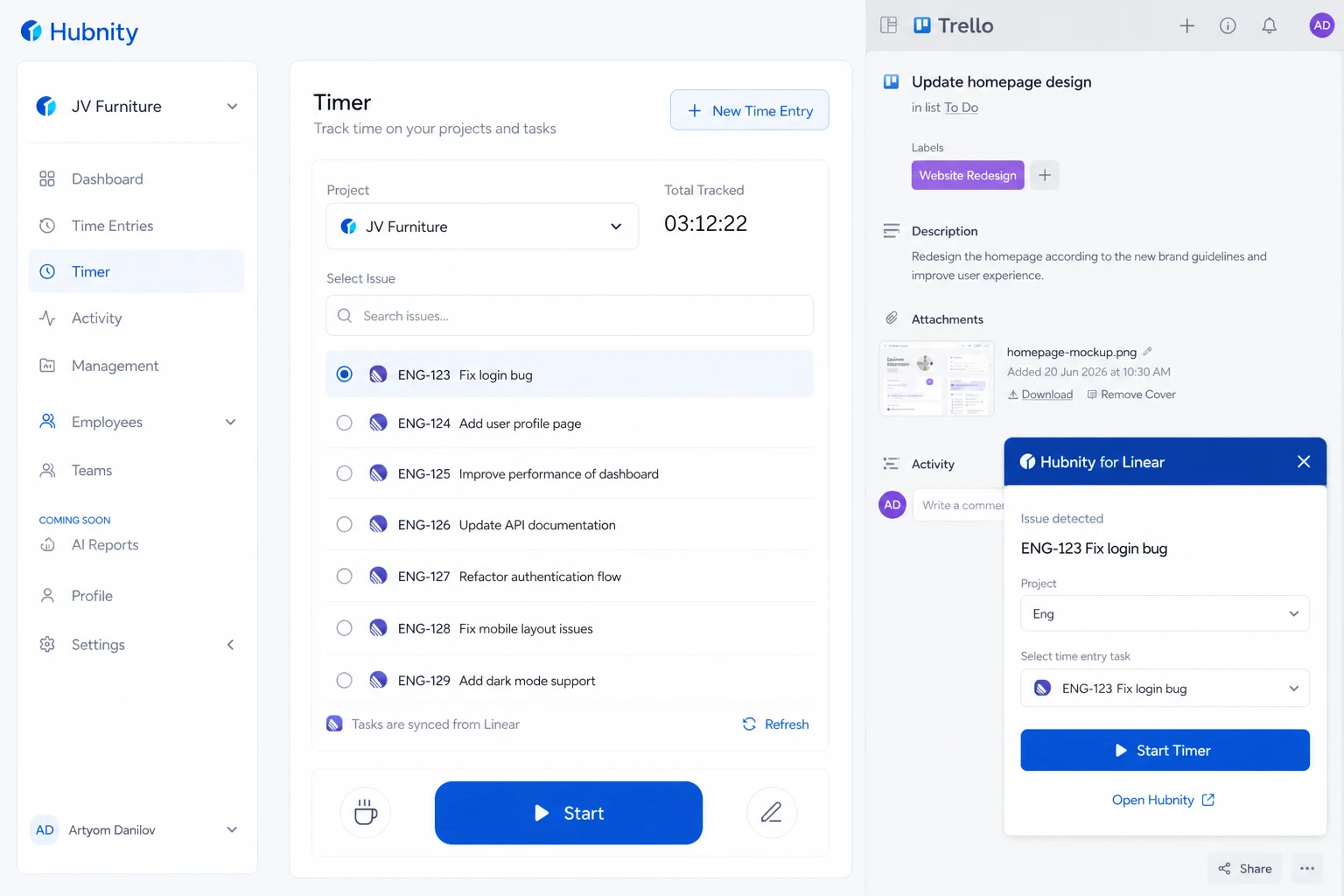
Linear Issue → Hubnity Task: auto-created with issue identifier (e.g., ENG-123) and title.
Linear Assignee → Hubnity Member: matched by email.
Linear State → Hubnity Task status: mapped by workflow state (Backlog, In Progress, Done, etc.).
Linear Cycle → Hubnity Tag: optional, for cycle-based reporting.
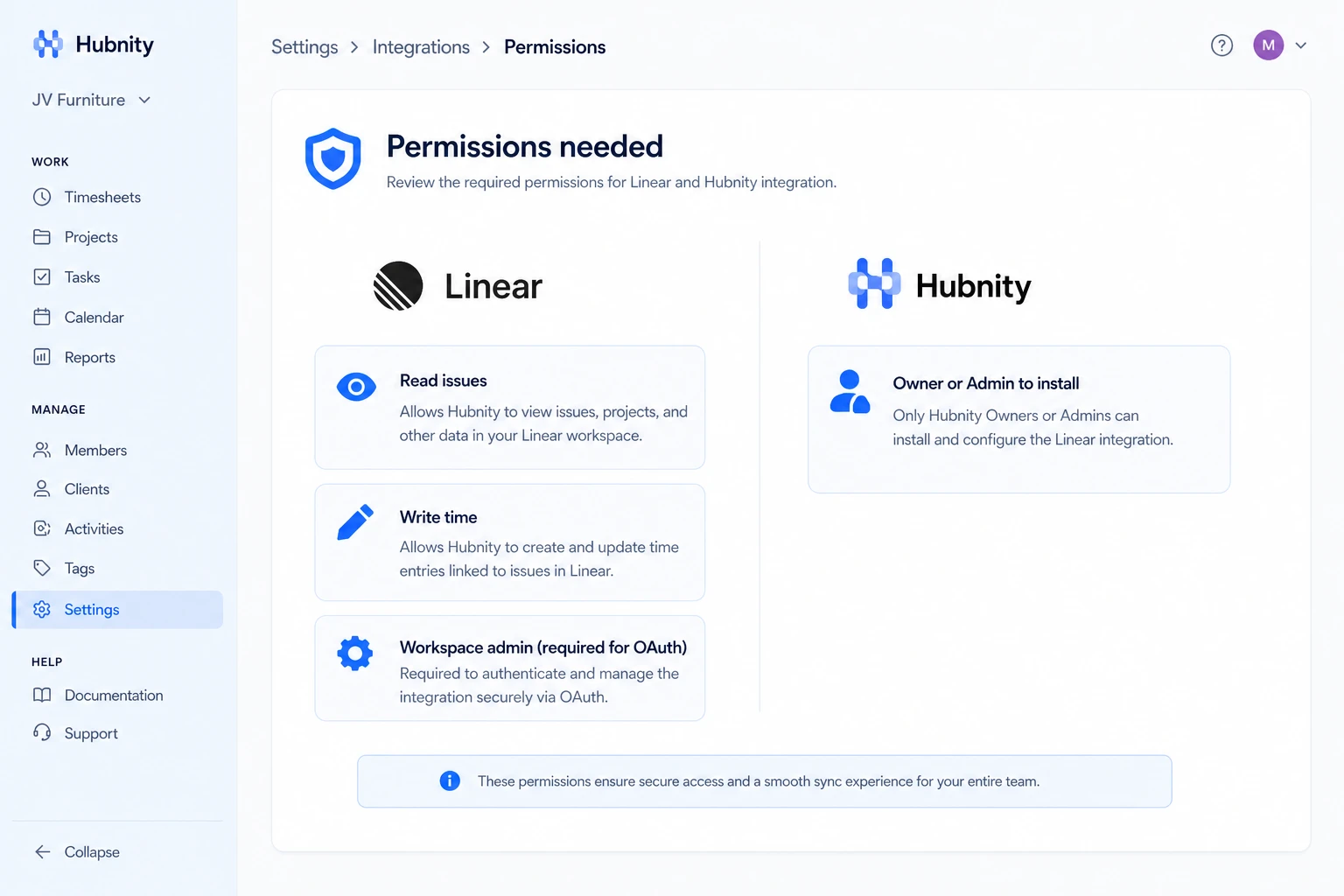
Permissions needed
Linear: read issues and write time (if write-back enabled). Workspace admin for OAuth authorization.
Hubnity: Owner or Admin to install.
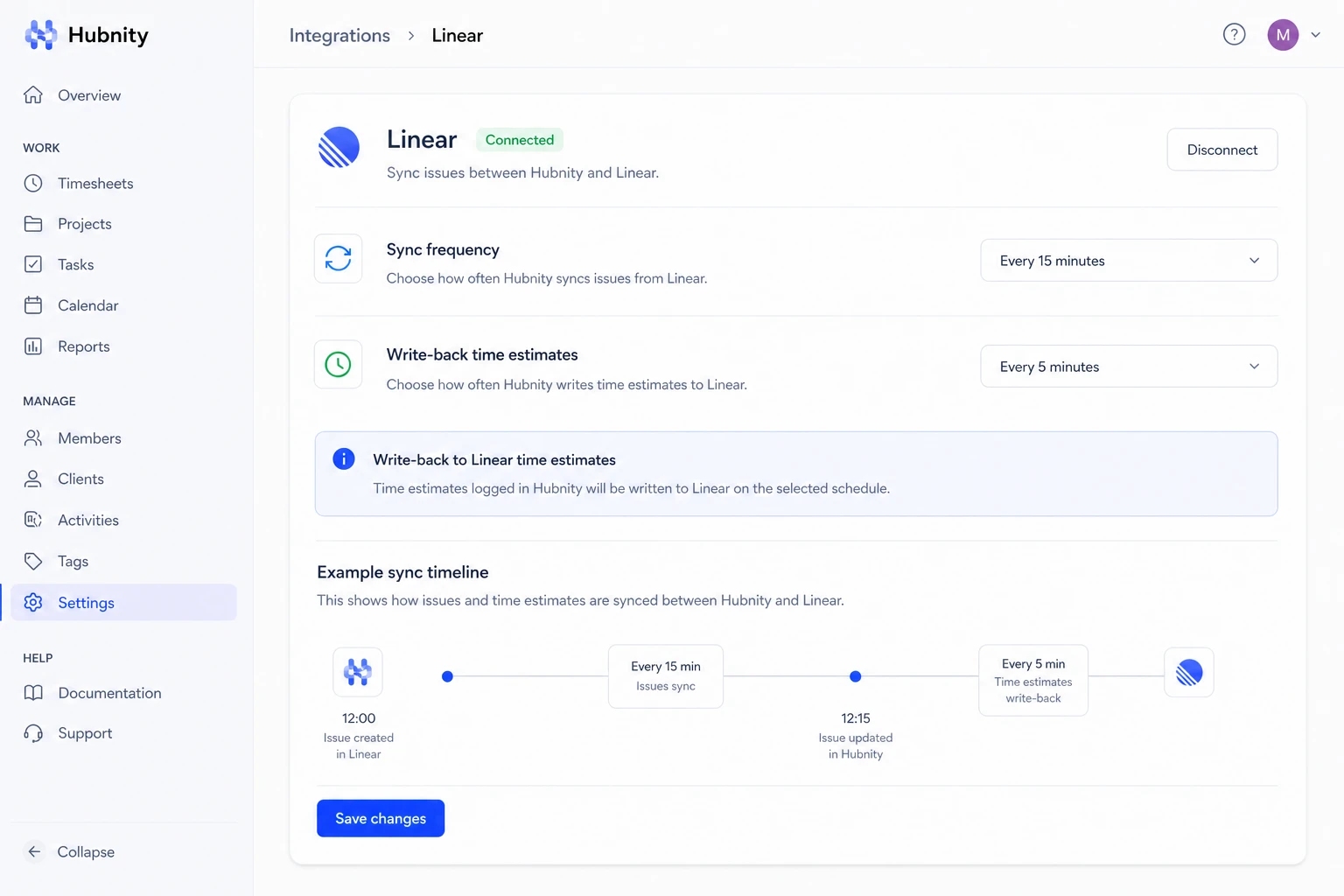
Sync frequency
Issues sync every 15 minutes. Write-back of time estimates or logged hours runs within 5 minutes of entry sync (if enabled).
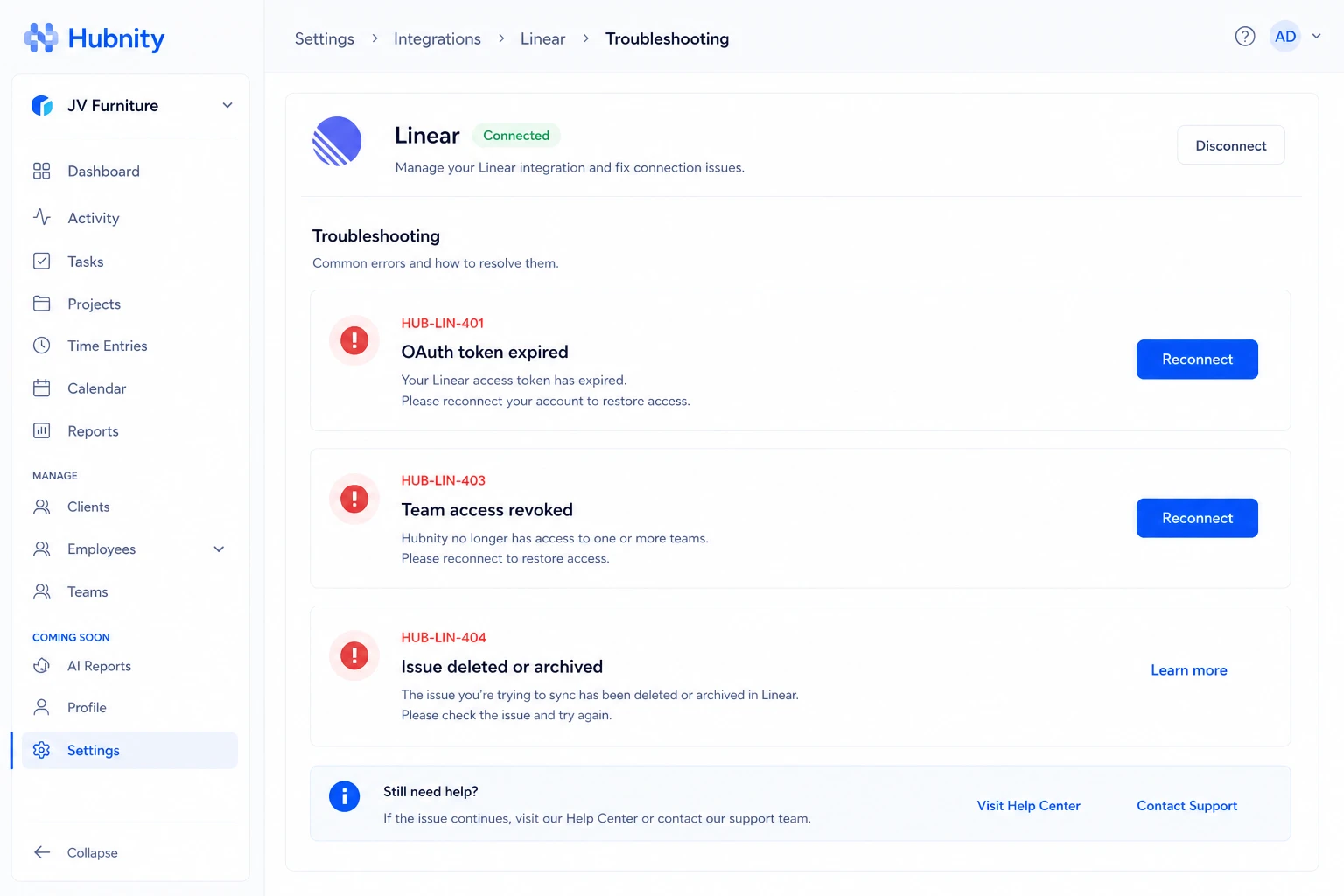
Common errors
HUB-LIN-401: Linear OAuth token expired. Reconnect from Settings → Integrations → Linear.
HUB-LIN-403: Team access revoked. Verify team membership in Linear.
HUB-LIN-404: Issue deleted or archived. Time entries remain in Hubnity.
Tracking time on Linear issues
Synced issues appear in the desktop app and browser extension with the issue identifier prefix.
Browser extension auto-detects Linear issue pages.