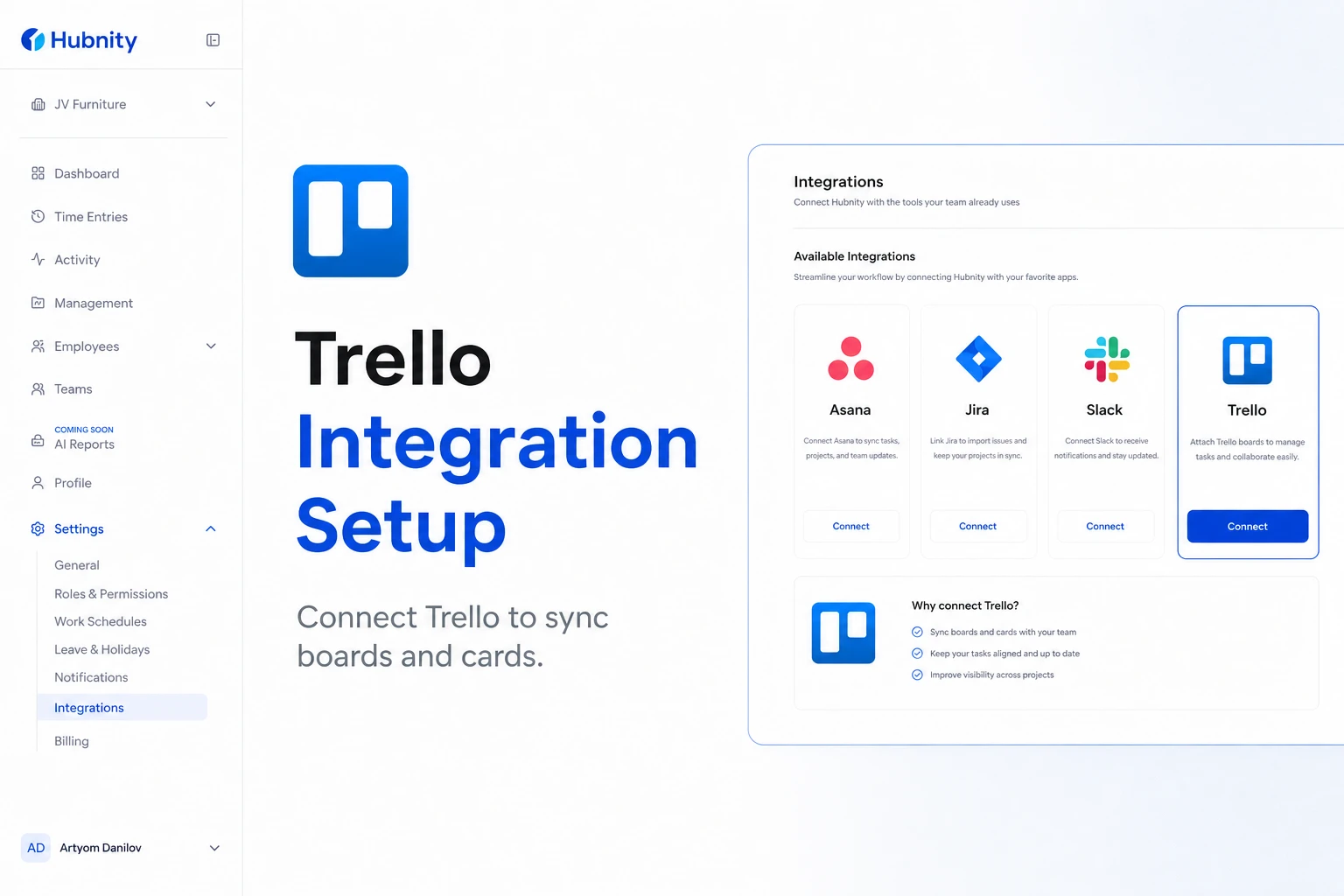
Connect Trello to Hubnity to sync boards and cards, and track time against Trello tasks.
Why connect this tool
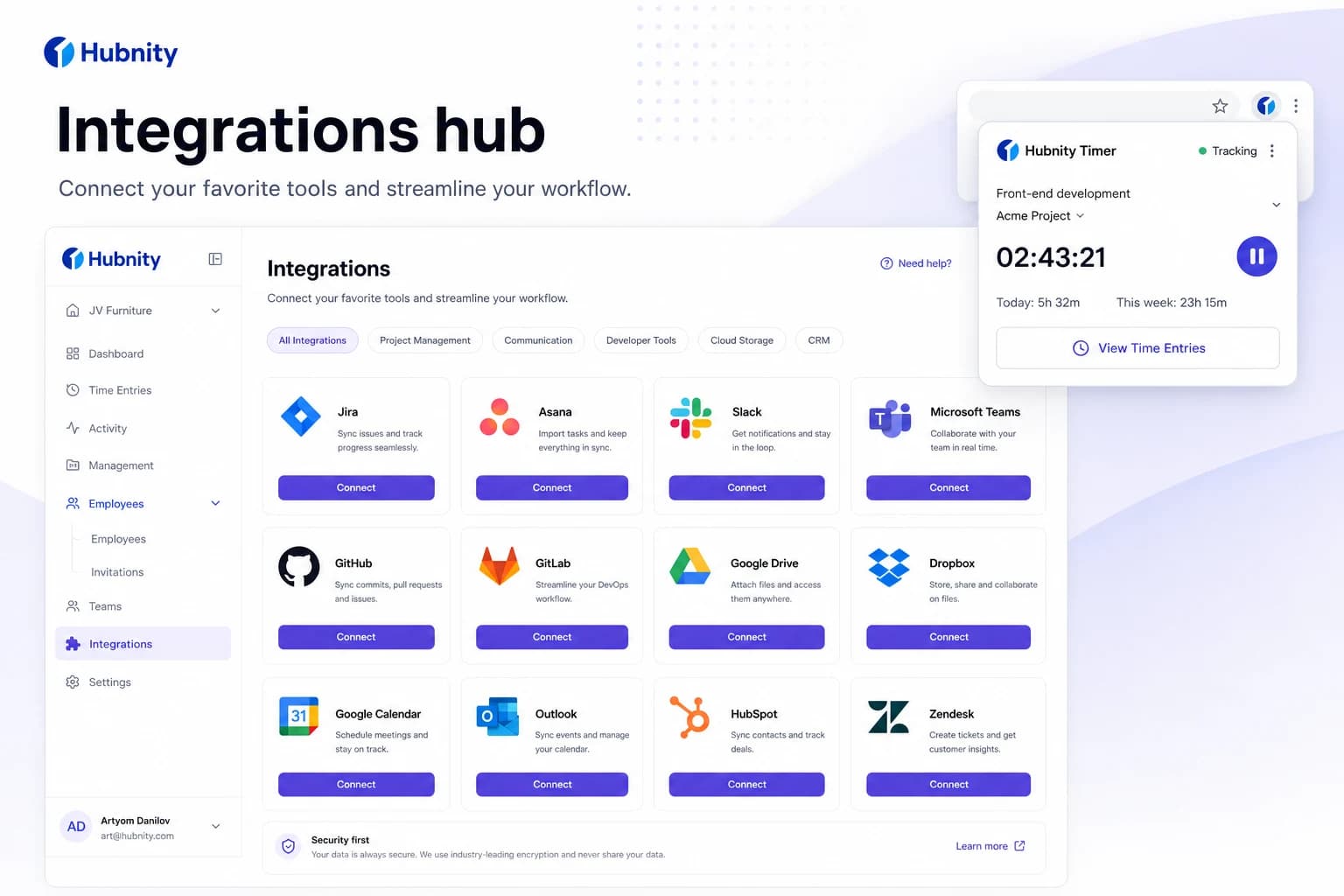
Yes, Hubnity seamlessly integrates with over 50 popular project management and communication tools, including Jira, Trello, Asana, Slack, and Notion.
Connecting trello reduces duplicate entry—time syncs back to Hubnity timesheets.
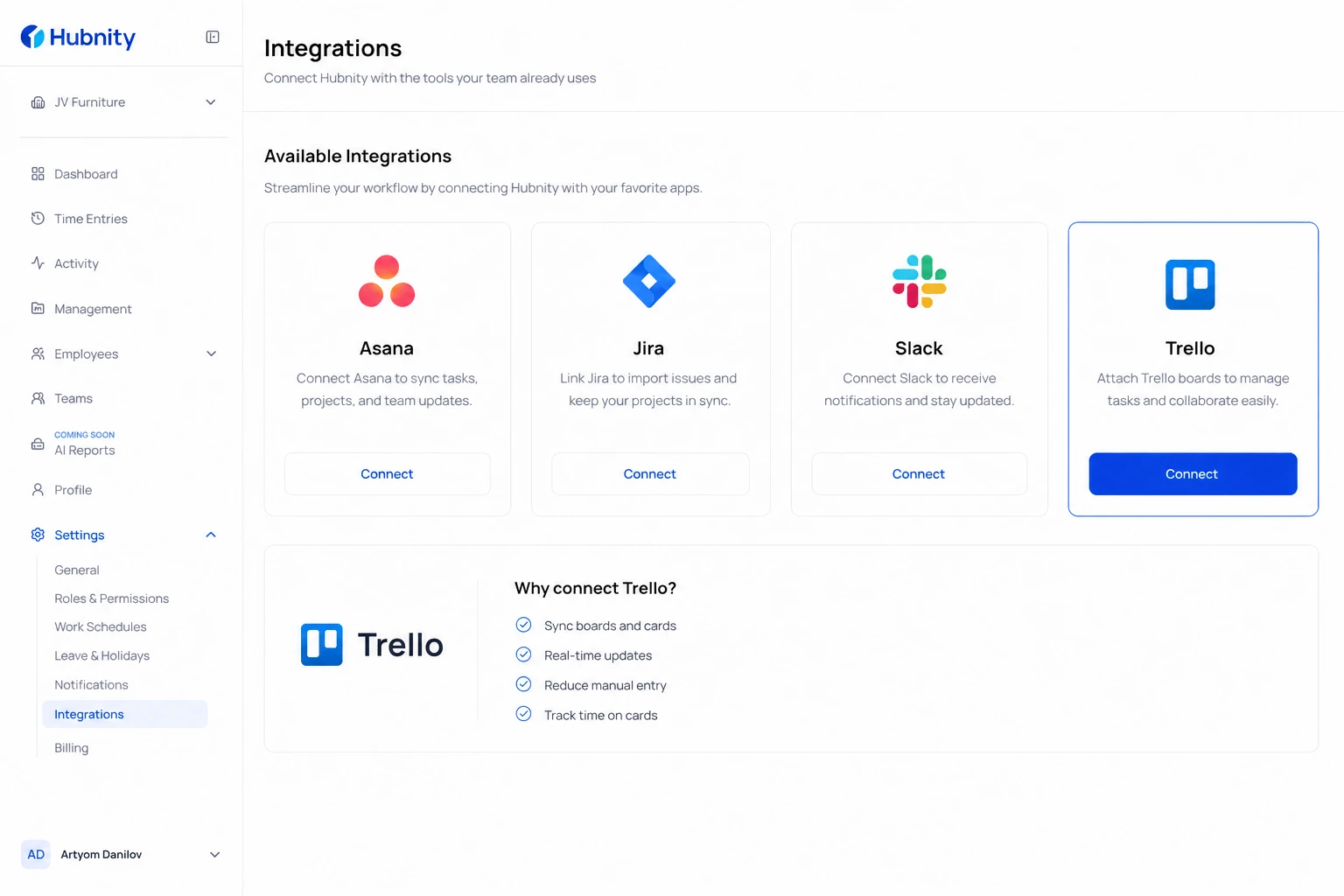
Connect Trello
Authorize with your Trello account. You need access to the boards you want to sync.
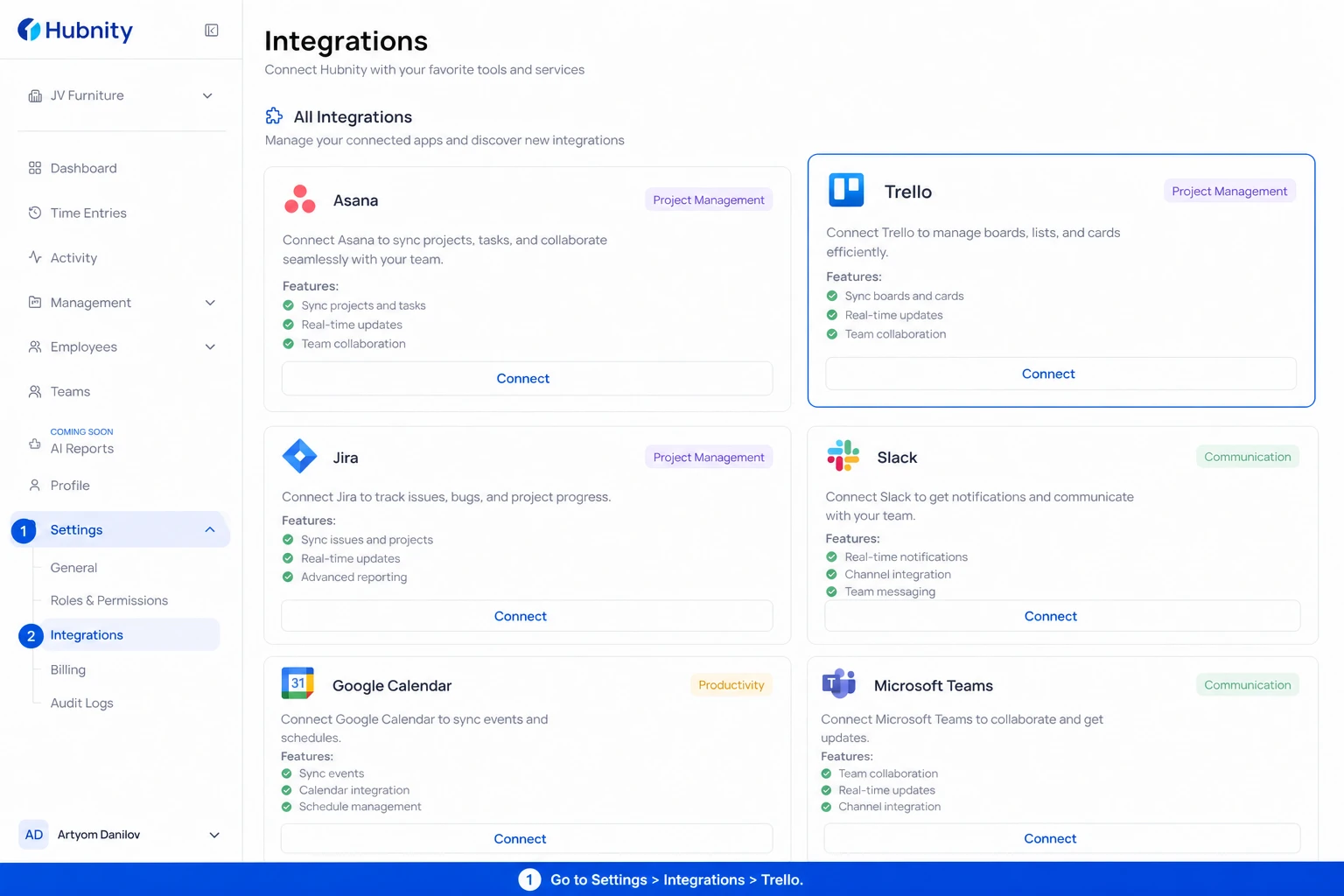
- 1
Go to Settings → Integrations → Trello
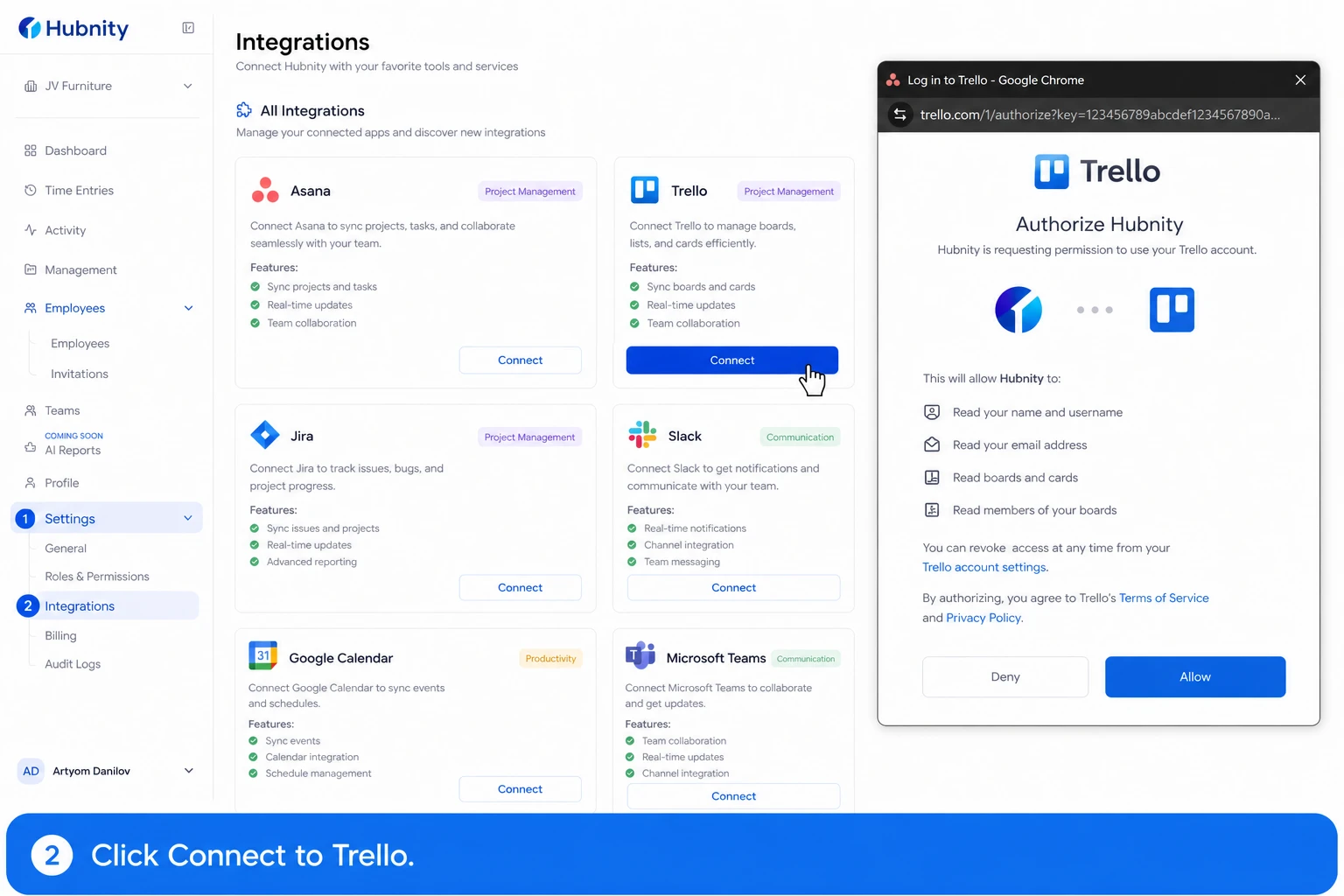
- 2
Click Connect to Trello
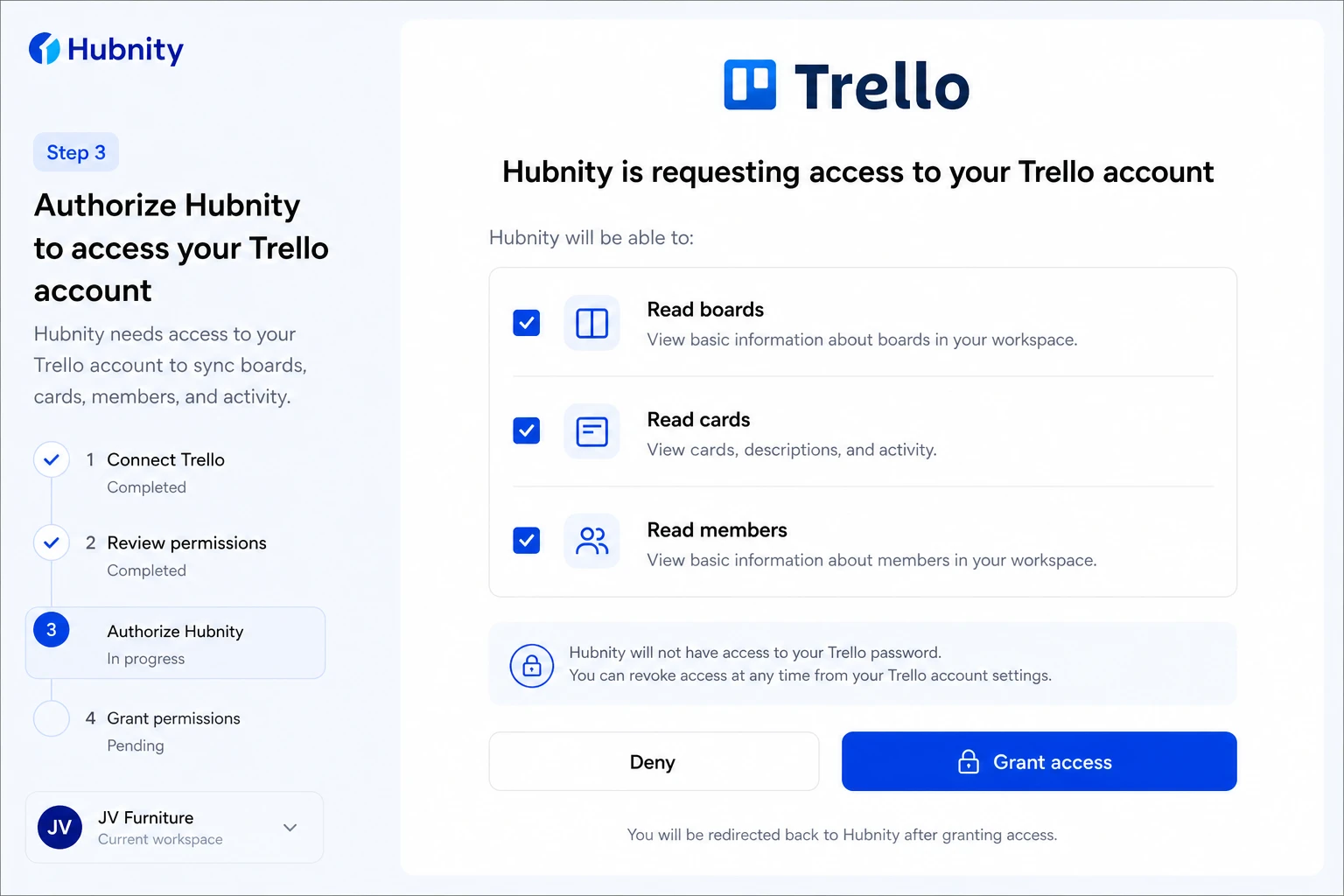
- 3
Authorize Hubnity to access your Trello account
- 4
Select boards to sync
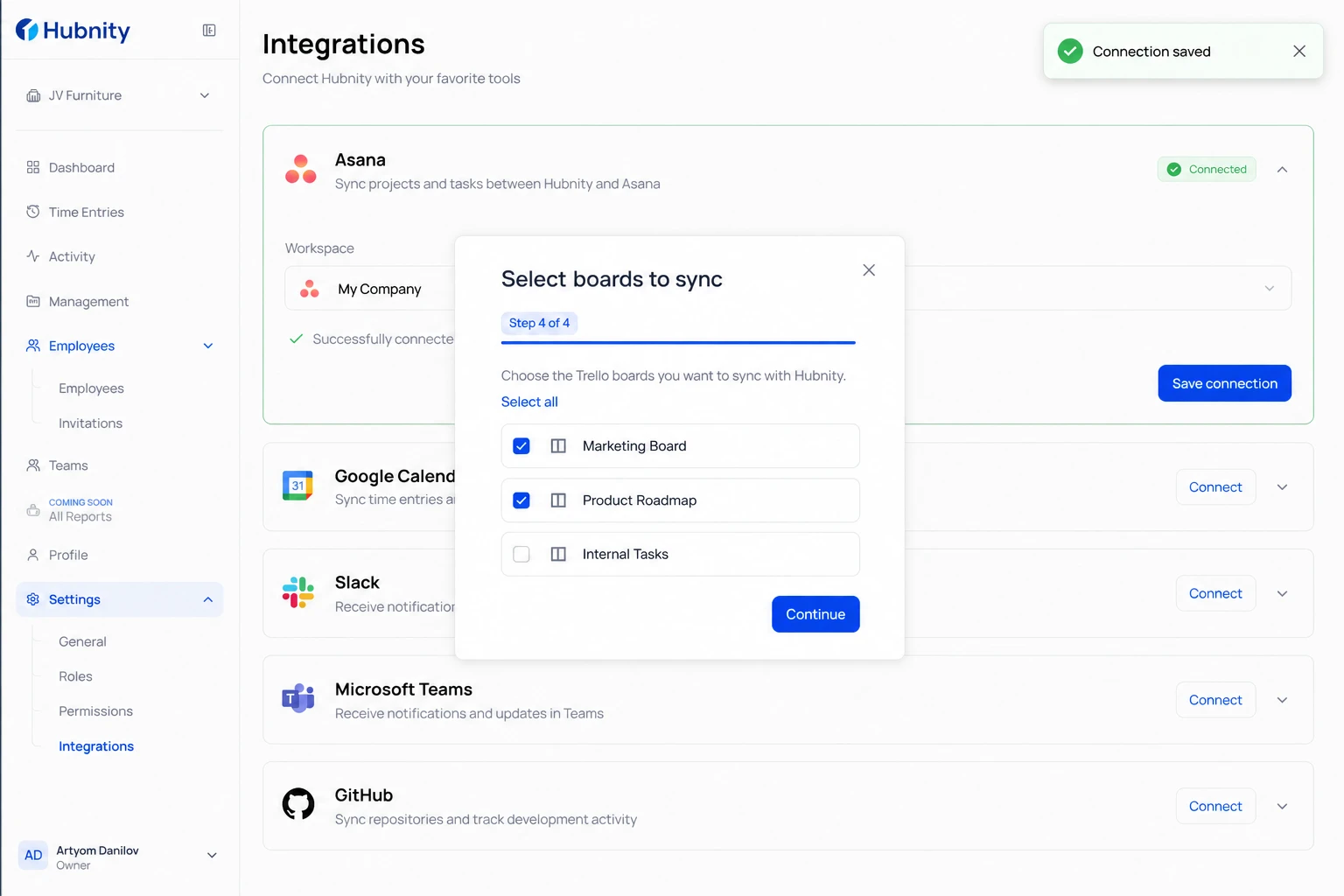
- 5
Map each Trello board to a Hubnity project
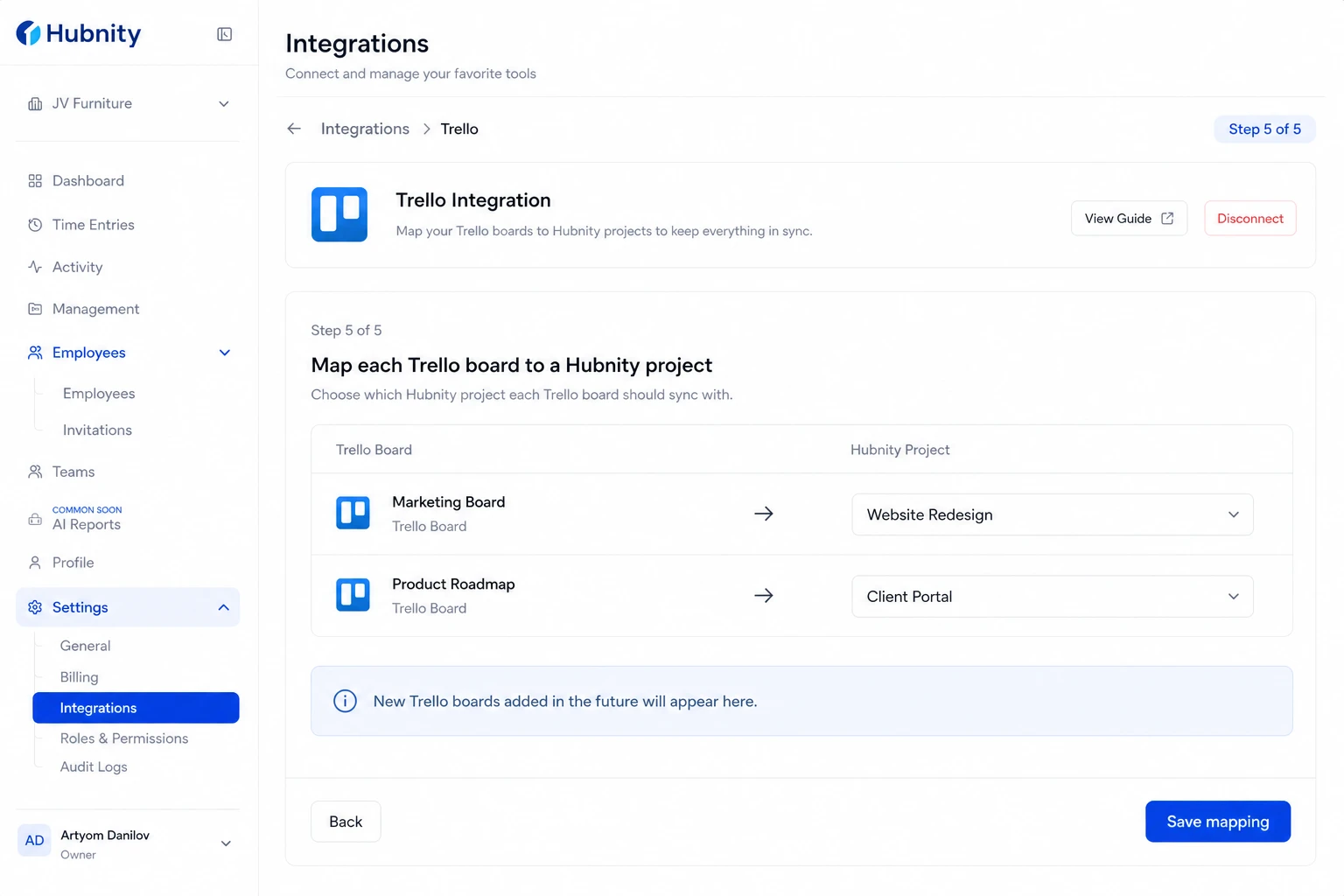
- 6
Save connection
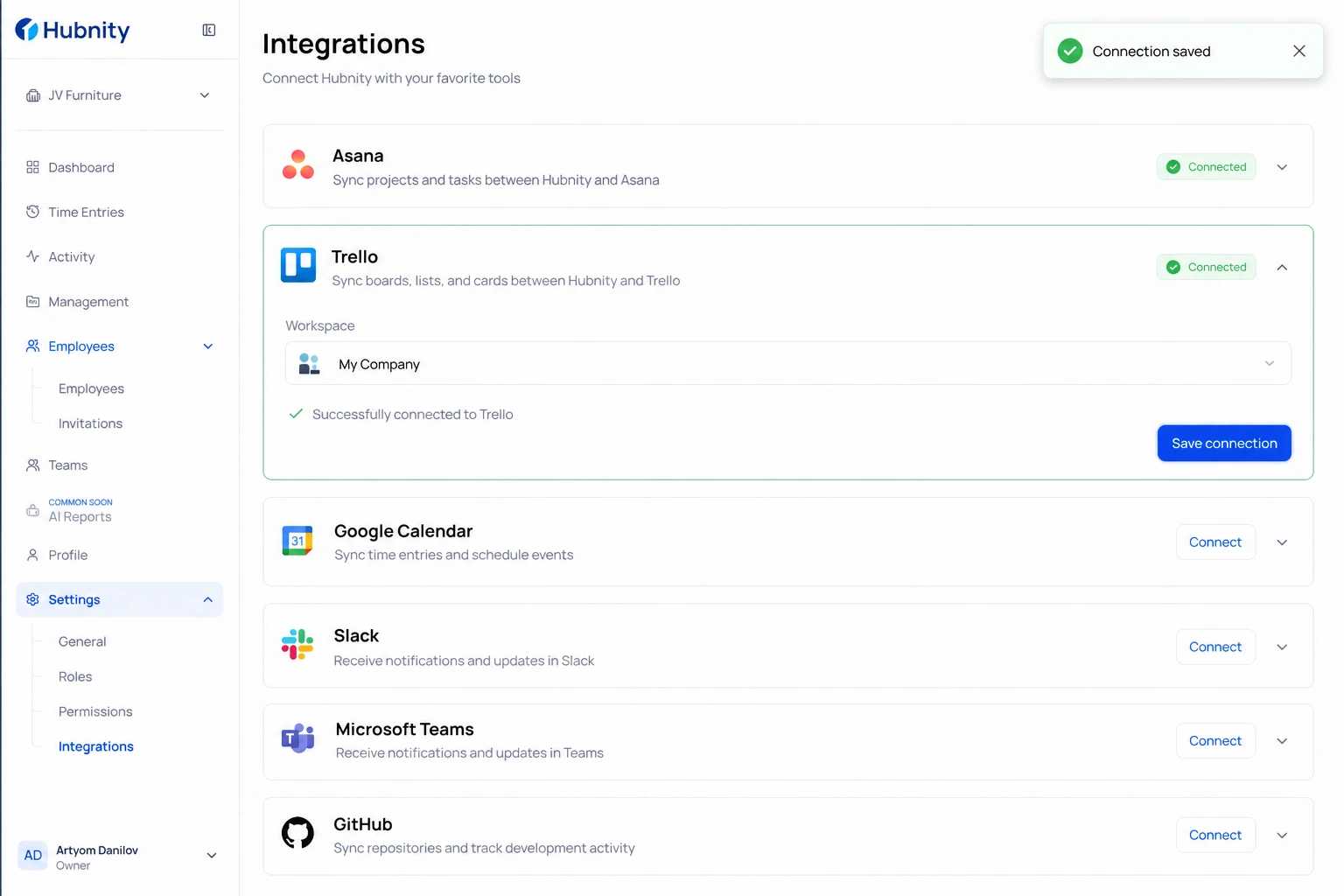
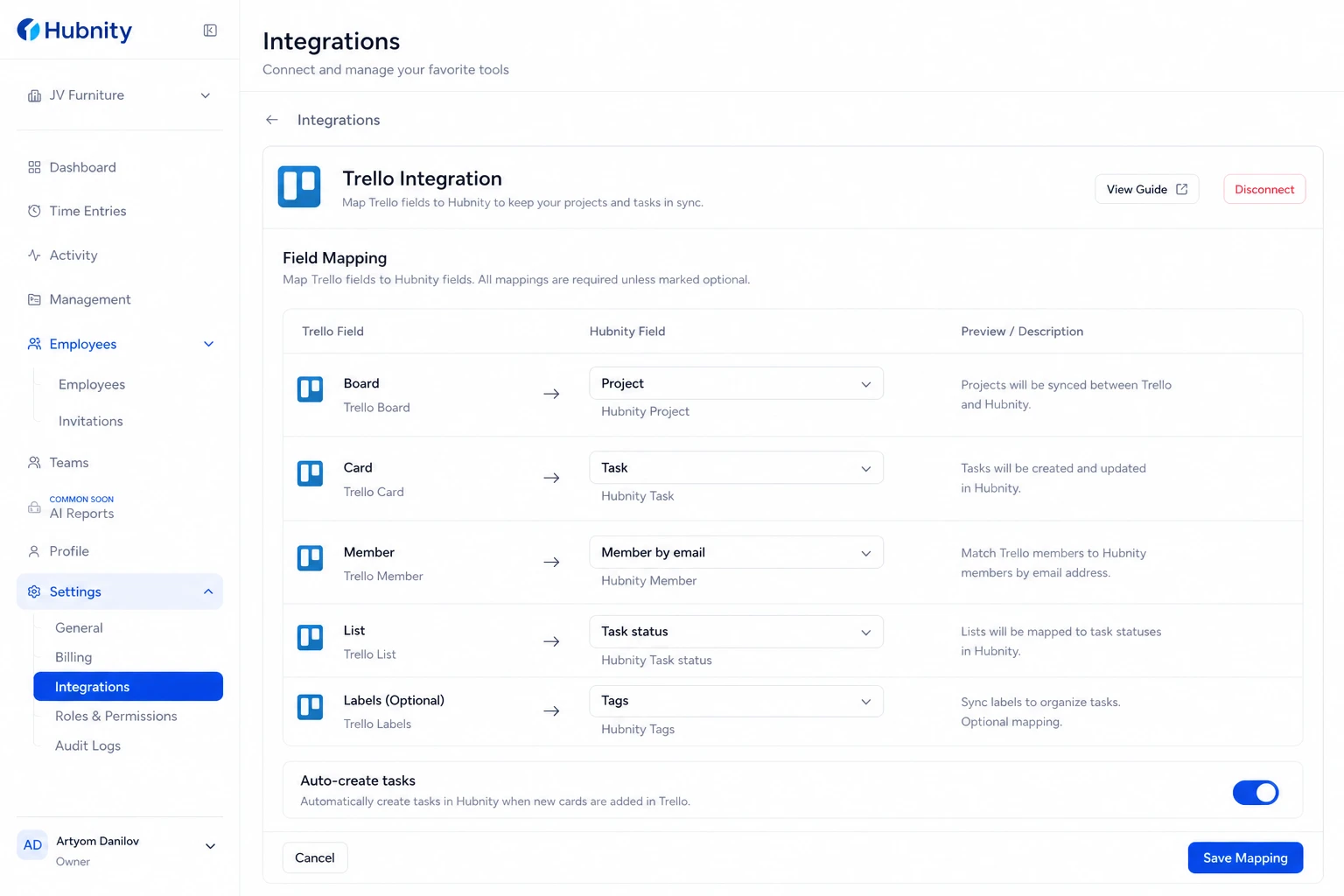
Field mapping
Trello Board → Hubnity Project: required.
Trello Card → Hubnity Task: auto-created with card name. Closed cards stop syncing.
Trello Member → Hubnity Member: matched by email.
Trello List → Hubnity Task status: mapped to Open/In Progress/Done based on list position or name.
Trello Labels → Hubnity Tags: optional.
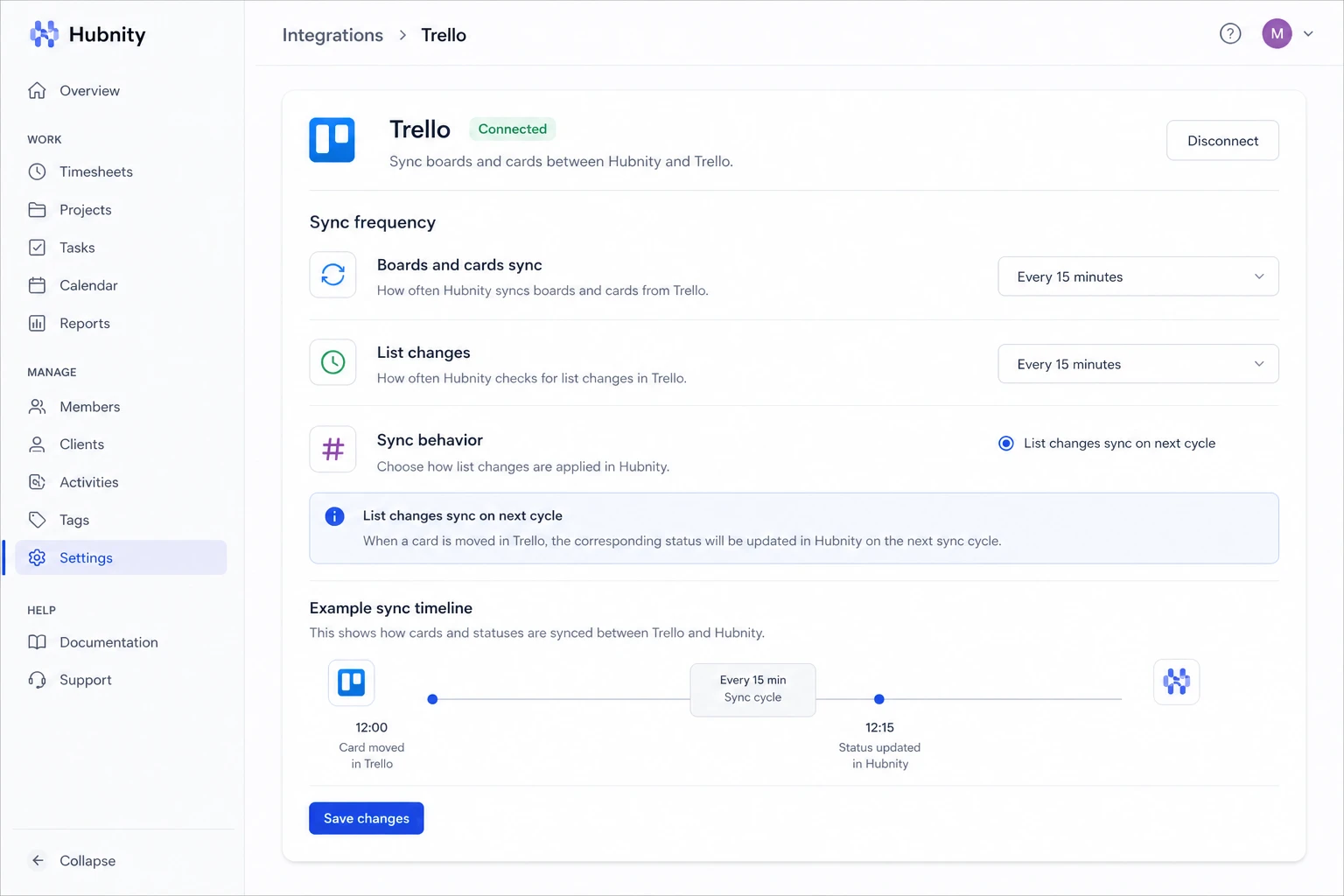
Sync frequency
Boards and open cards sync every 15 minutes. List changes (card moves) sync on the next cycle.
Common errors
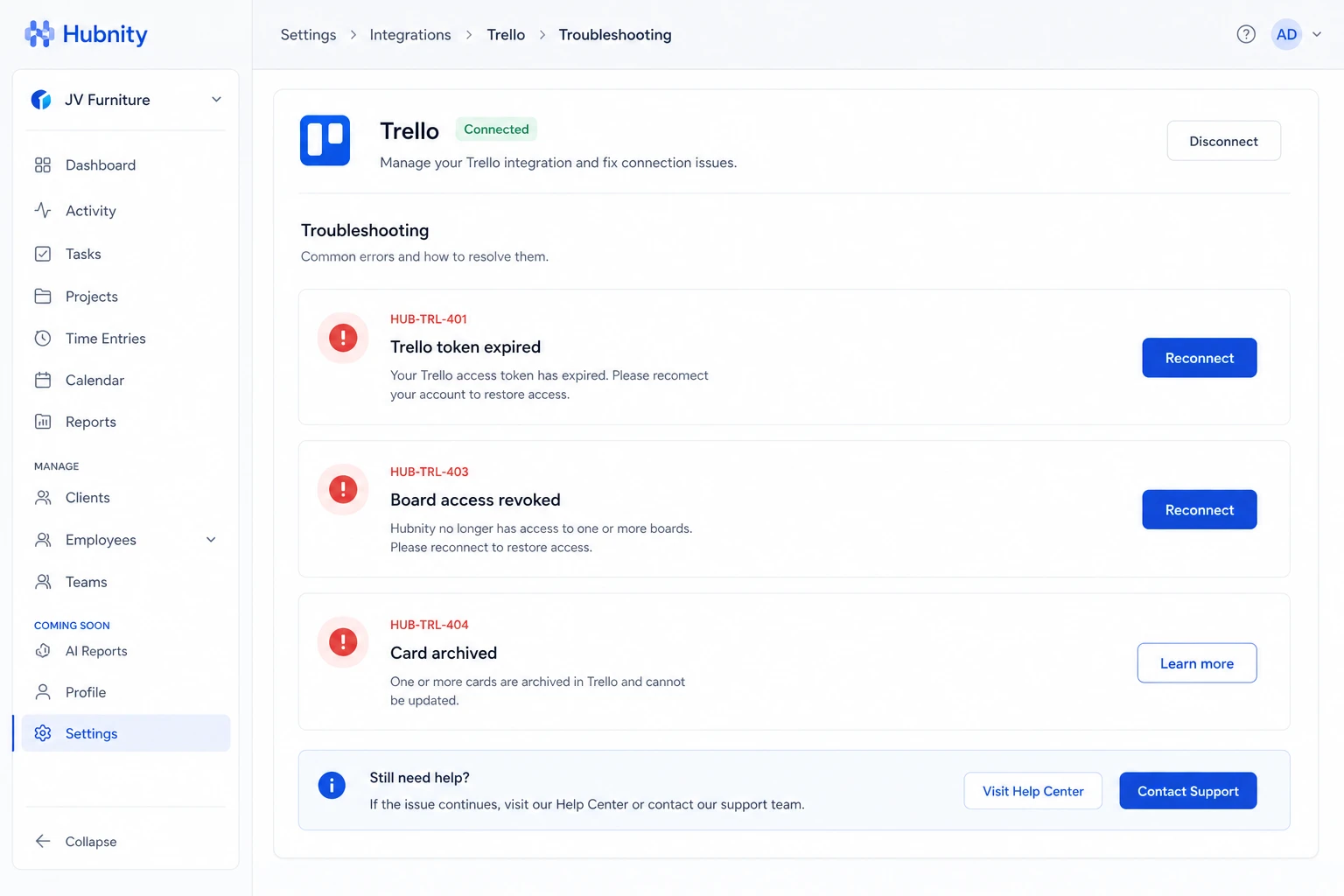
HUB-TRL-401: Trello token expired. Reconnect from Settings → Integrations → Trello.
HUB-TRL-403: Board access revoked. Re-authorize or remove the board mapping.
HUB-TRL-404: Card archived in Trello. Time entries remain in Hubnity but the task is marked archived.
Tracking time on Trello cards
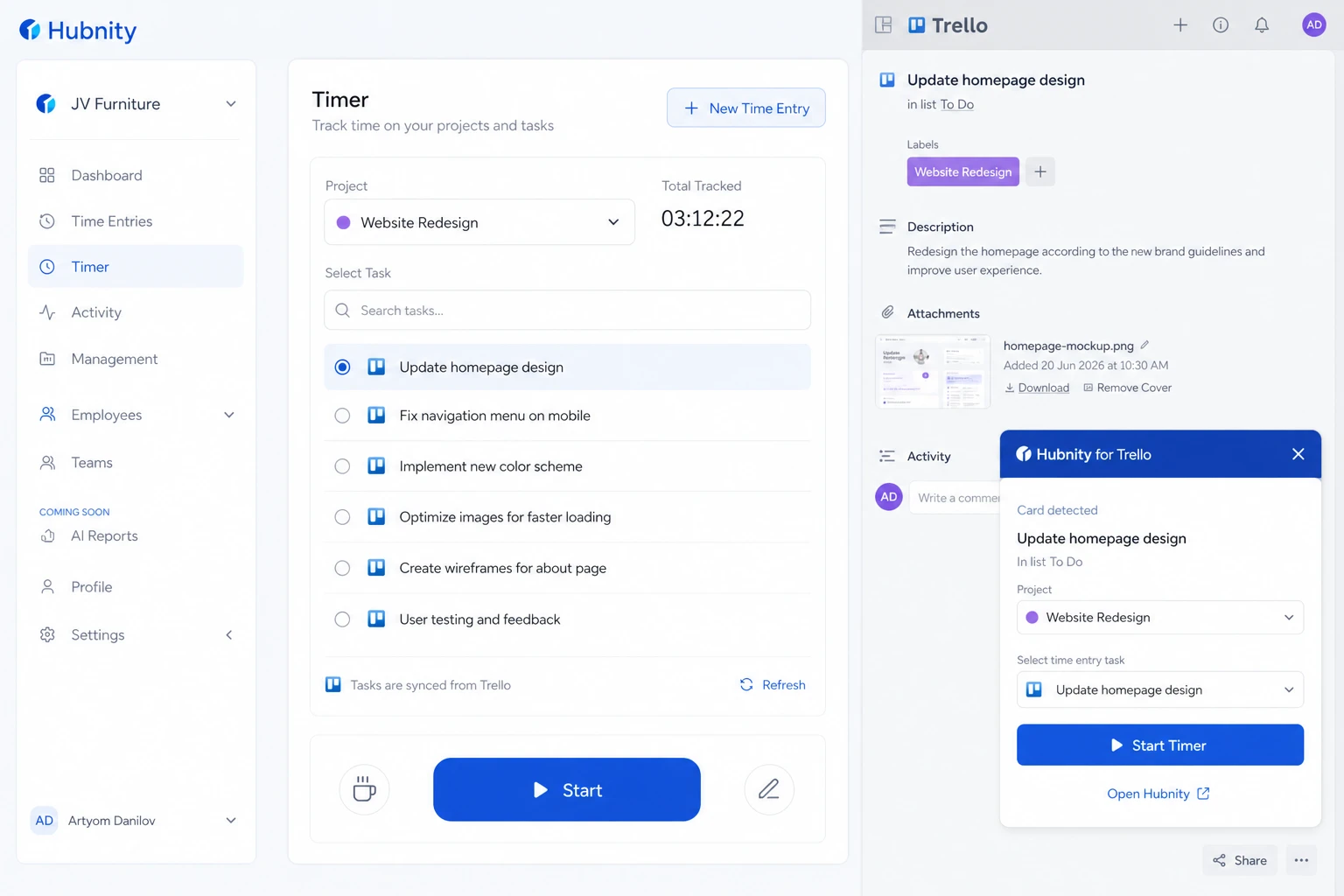
Synced cards appear in the timer task picker under the mapped project.
Browser extension detects Trello card pages and pre-selects the matching task.