Updated Jun 20266 min read
ReportsExport
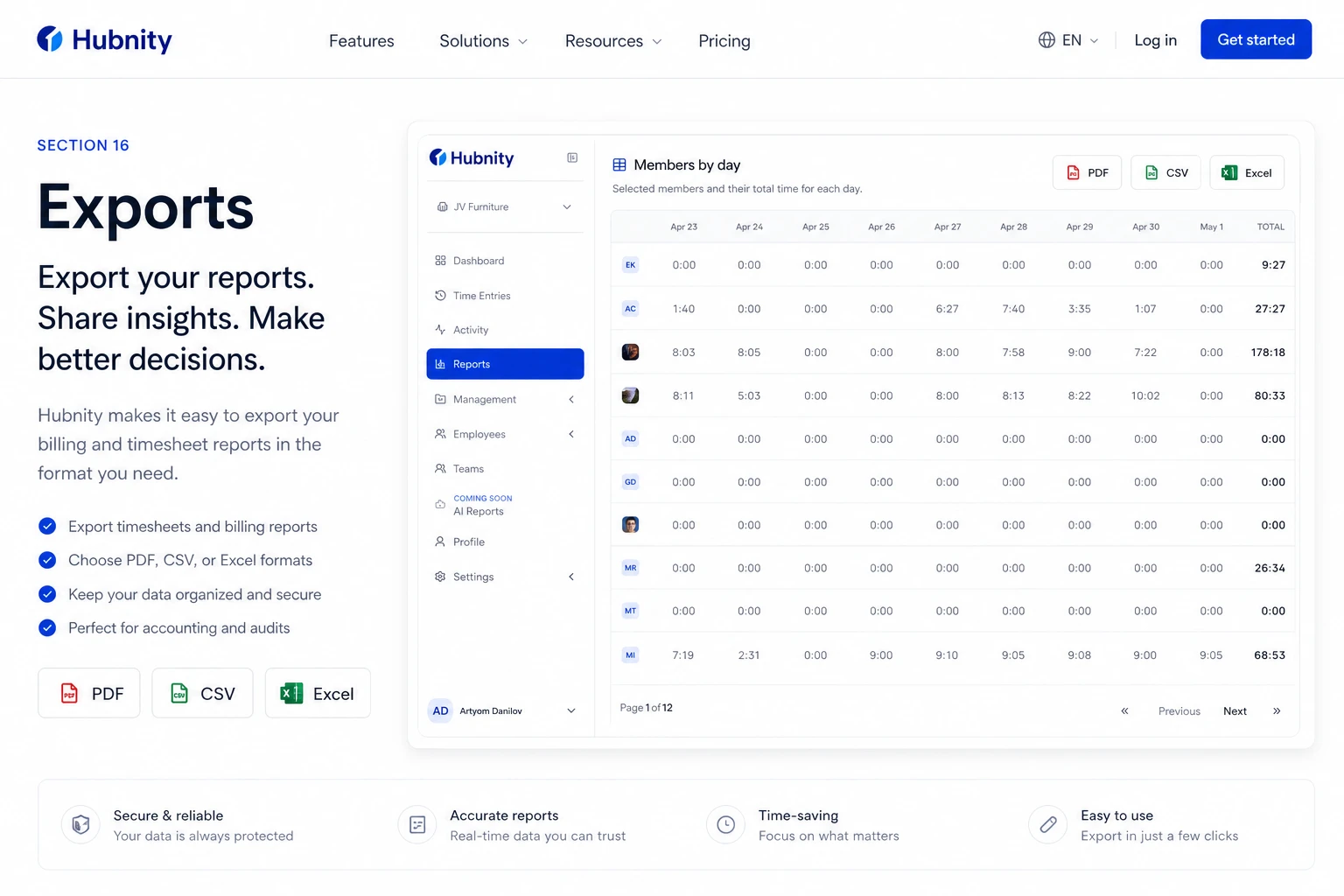
Export Hubnity timesheets to PDF, Excel, CSV as described on hubnity.eu.
Exports on hubnity.eu
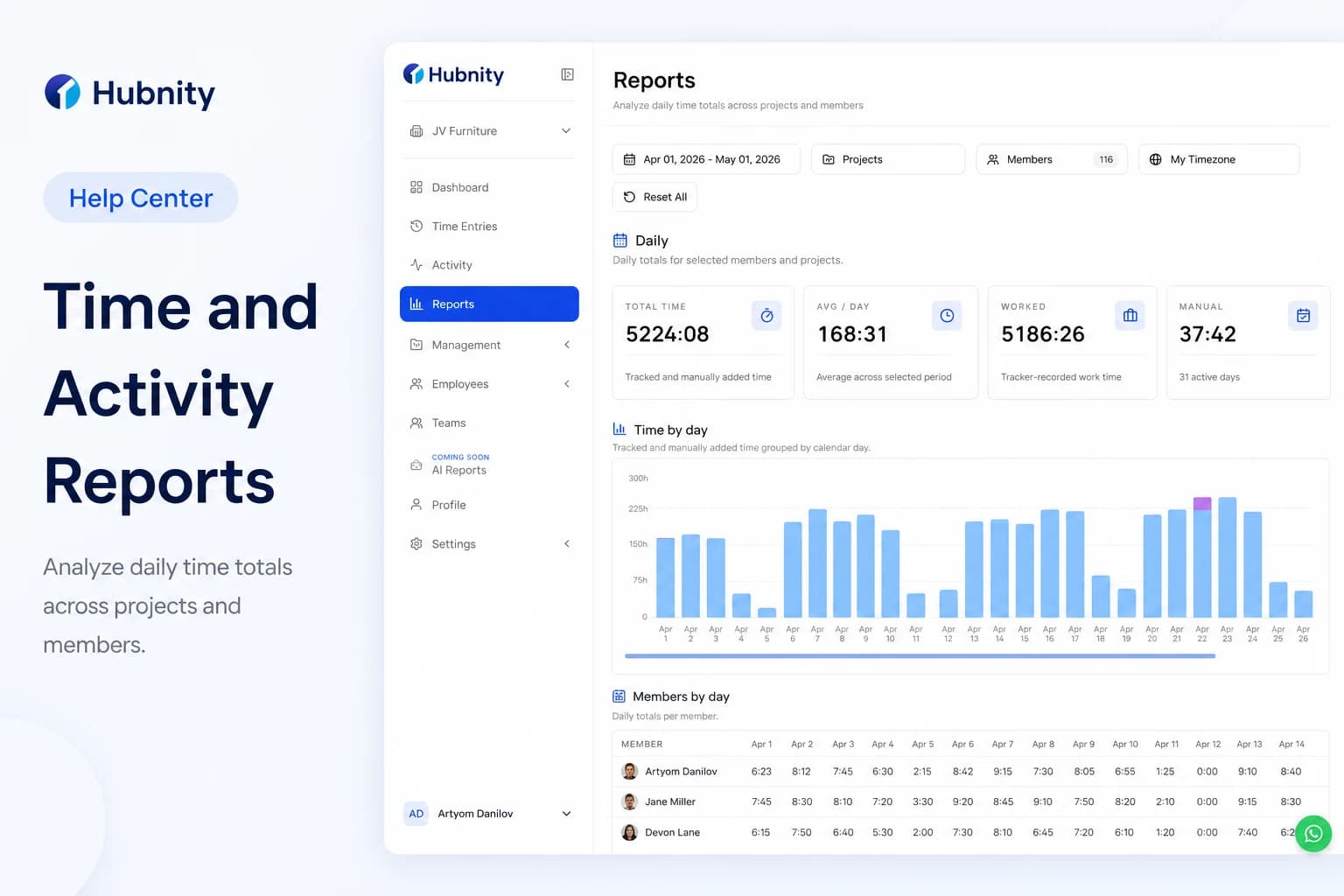
Hubnity automatically aggregates your tracked time into visual dashboards and timesheets. You can filter data by user, project, or date range, and export reports to CSV or PDF for payroll processing.
Automated timesheets marketing also highlights PDF and Excel export.
Export a report
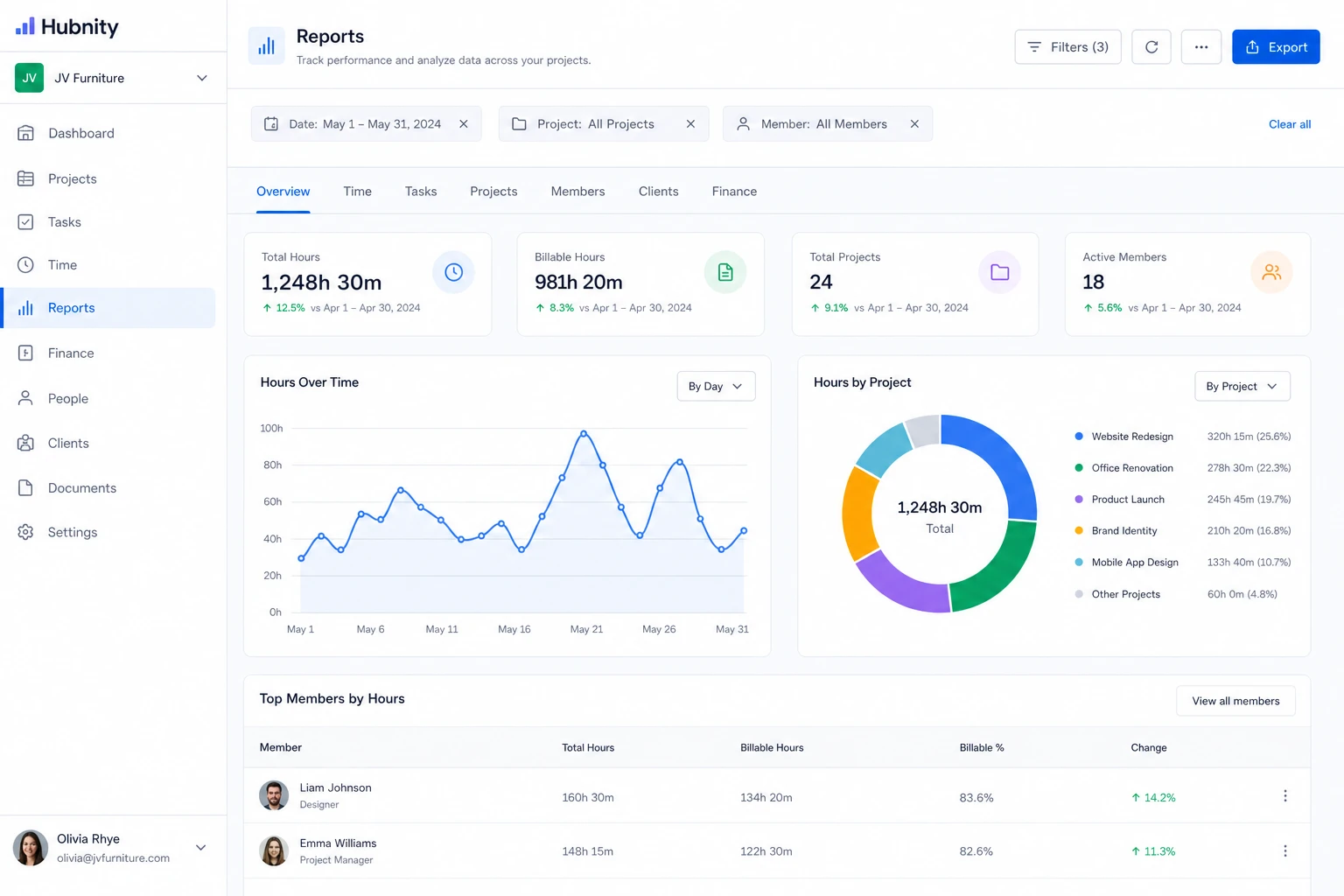
- 1
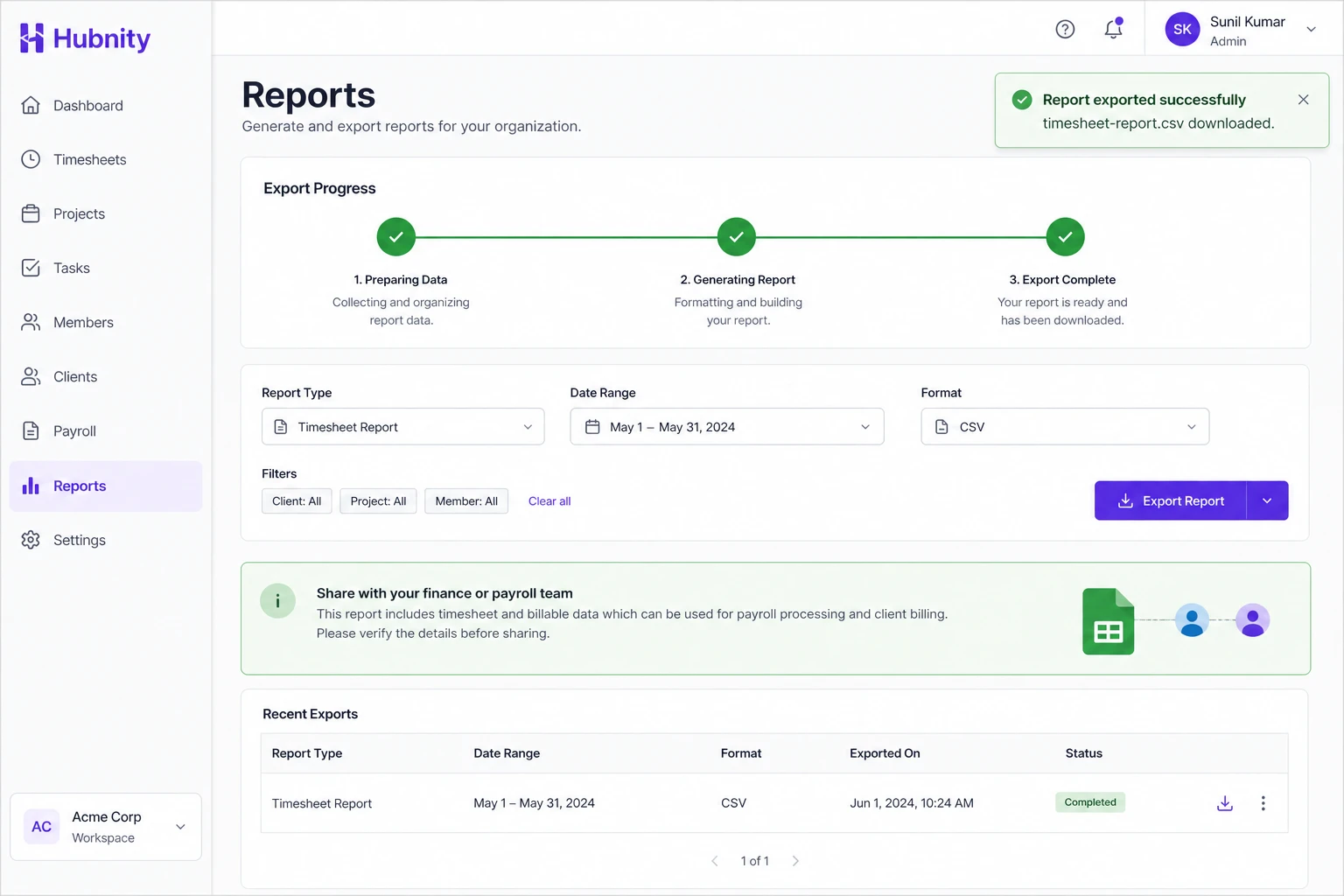
Open Reports and apply filters
- 2
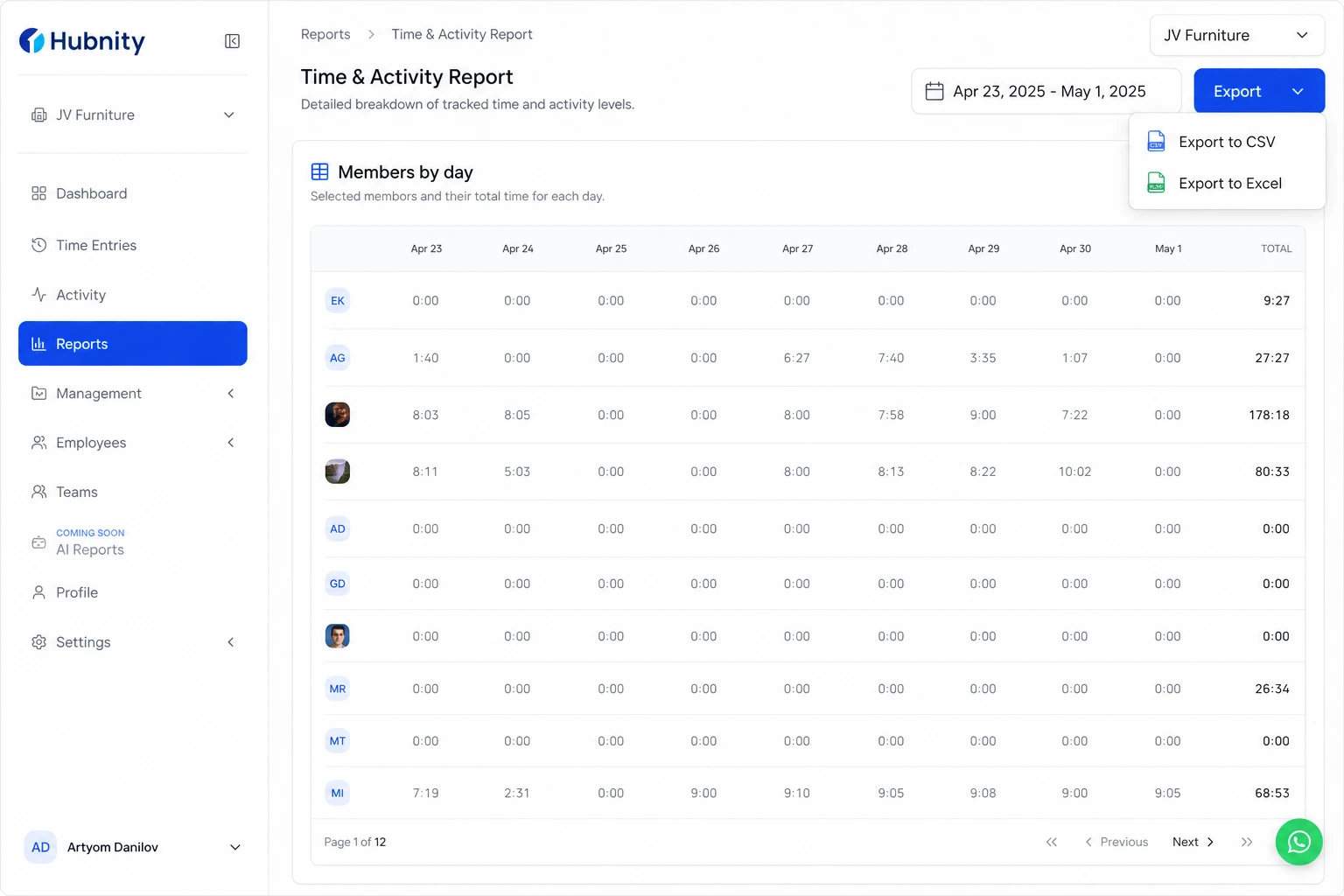
Choose CSV or PDF export (Excel may be available from the timesheets view)
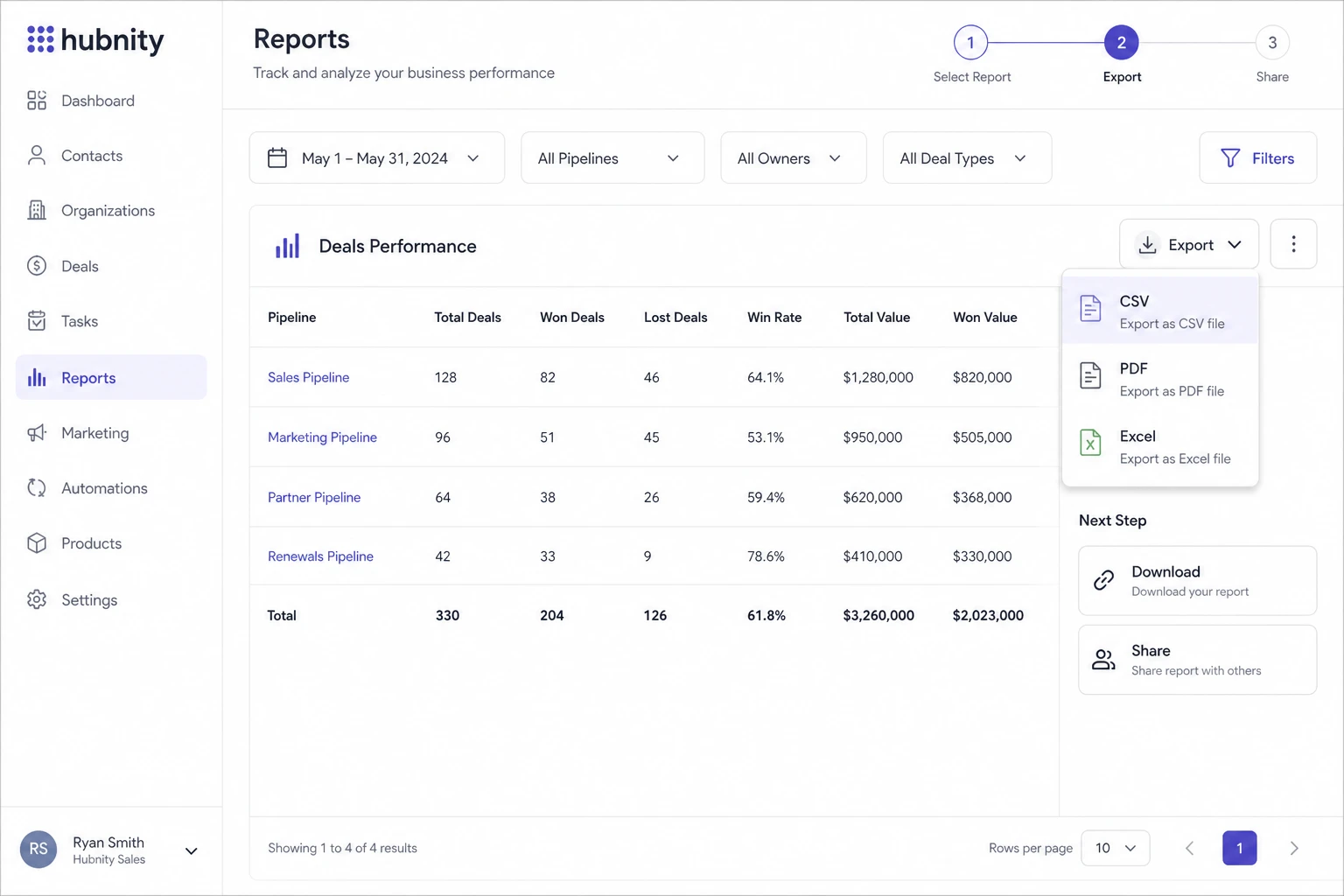
- 3
Share the file with finance, payroll, or clients