Updated Jun 20265 min read
Billing
Download Hubnity subscription invoices and client invoices for accounting.
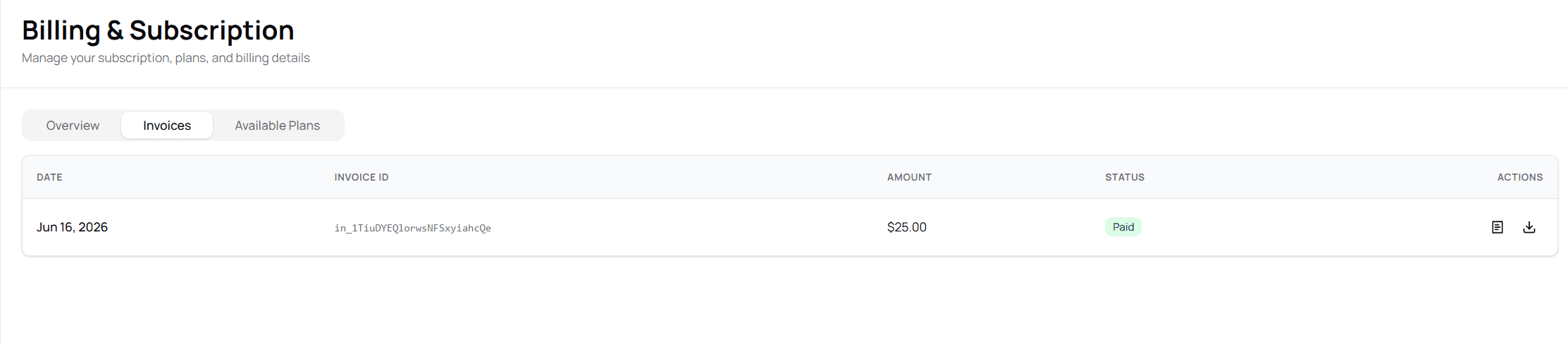
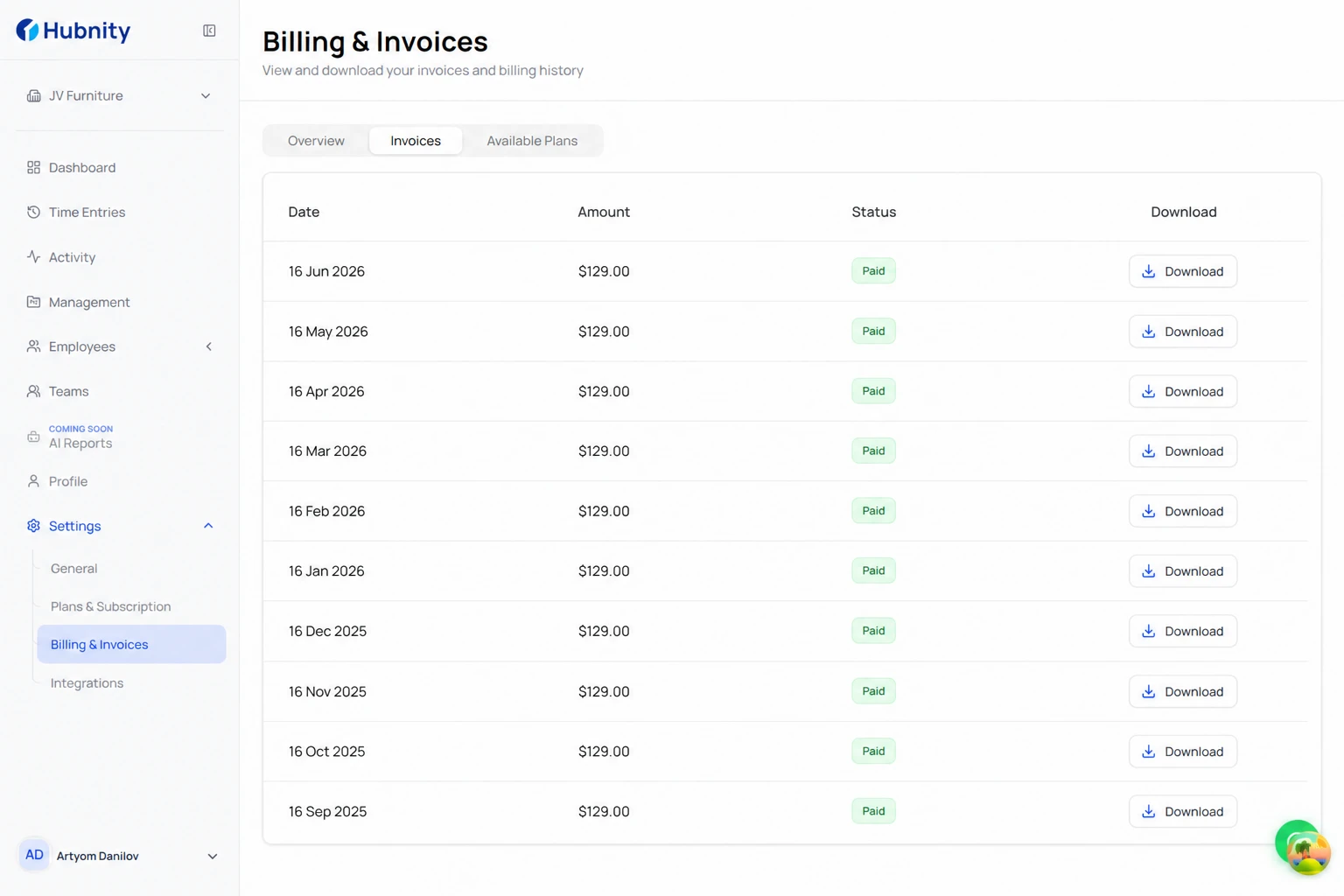
Download subscription invoices
Subscription invoices are generated for each billing cycle.
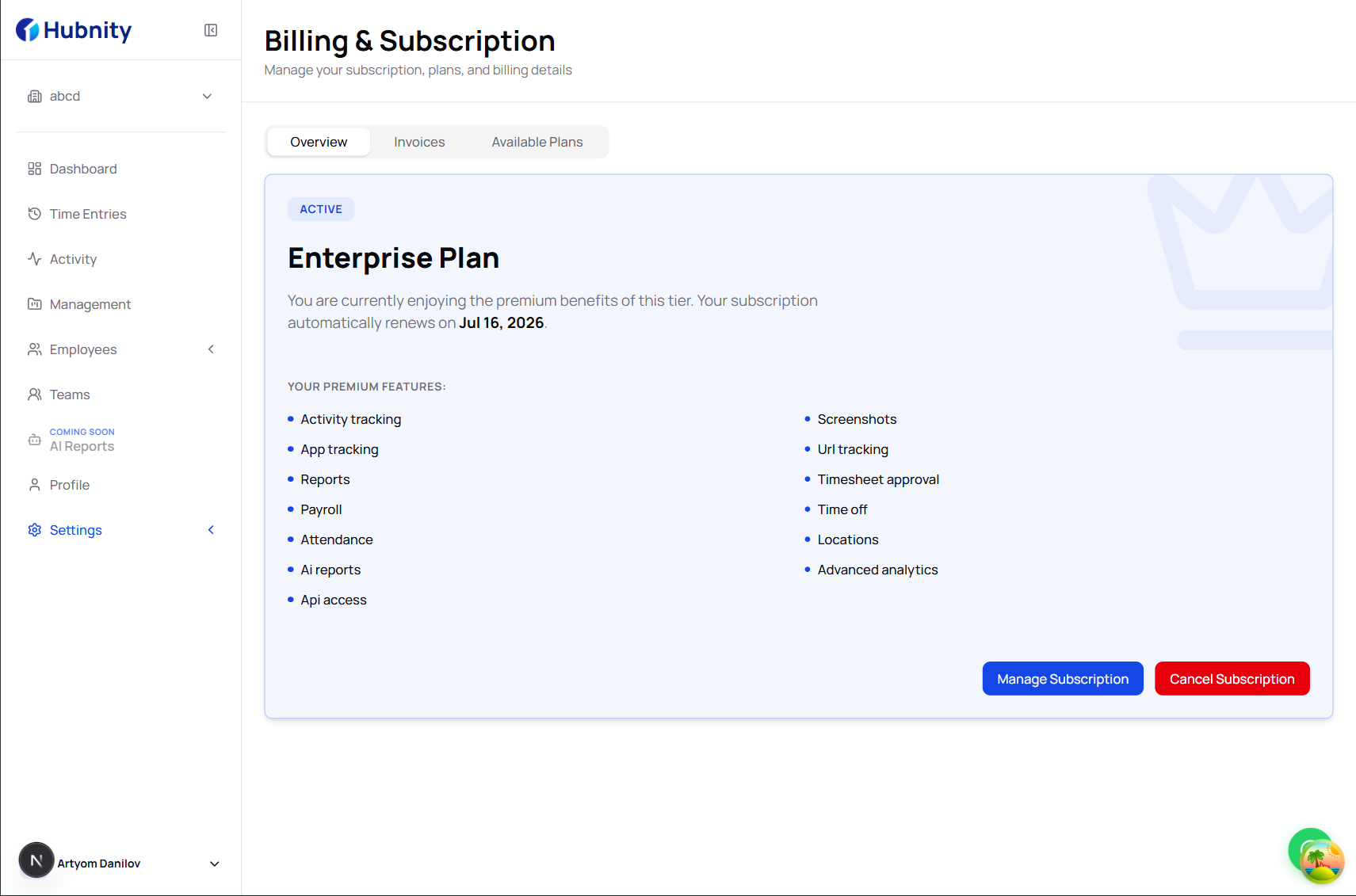
- 1
Go to Billing → Invoices
- 2
Filter by date range if needed
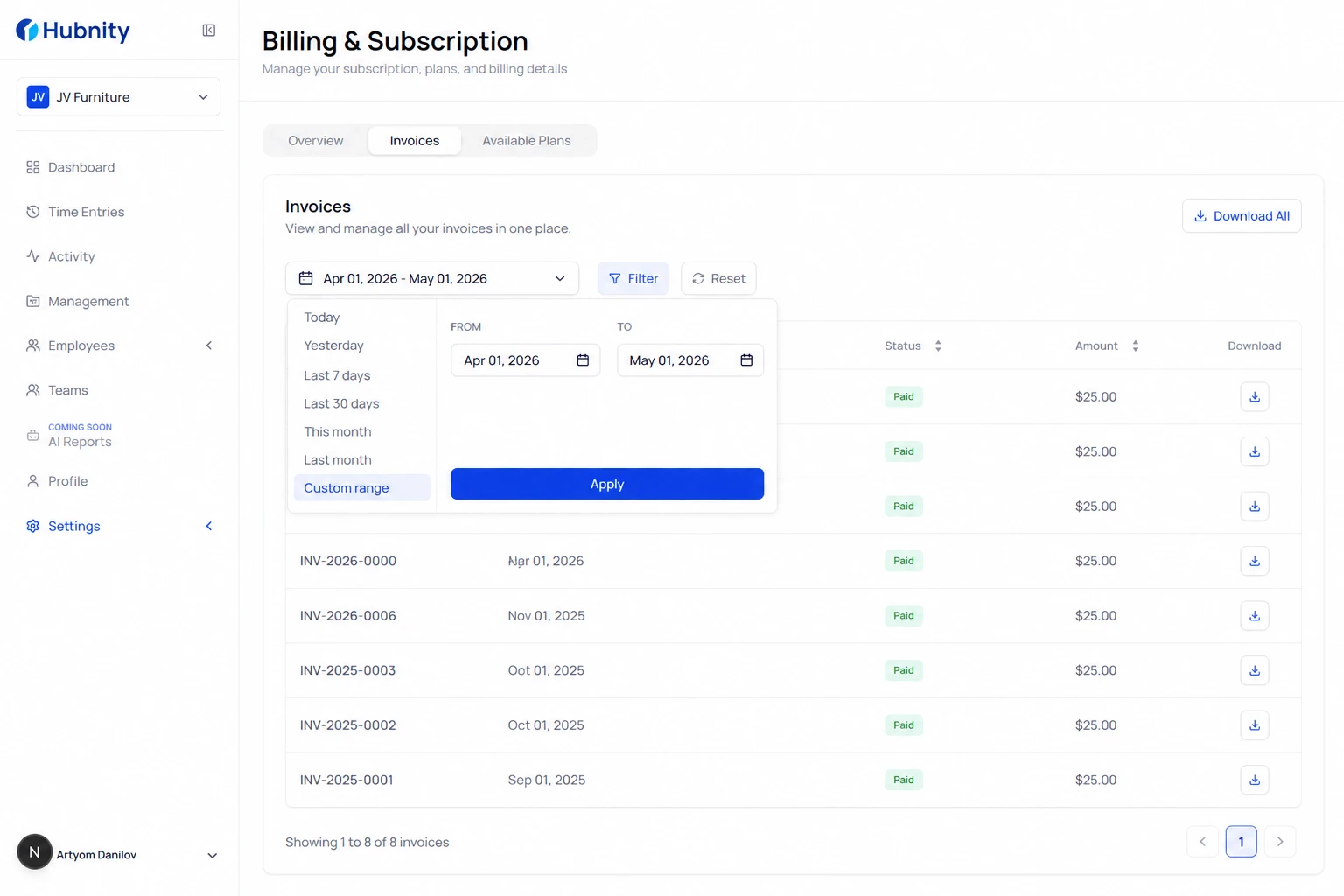
- 3
Click the invoice row to open details
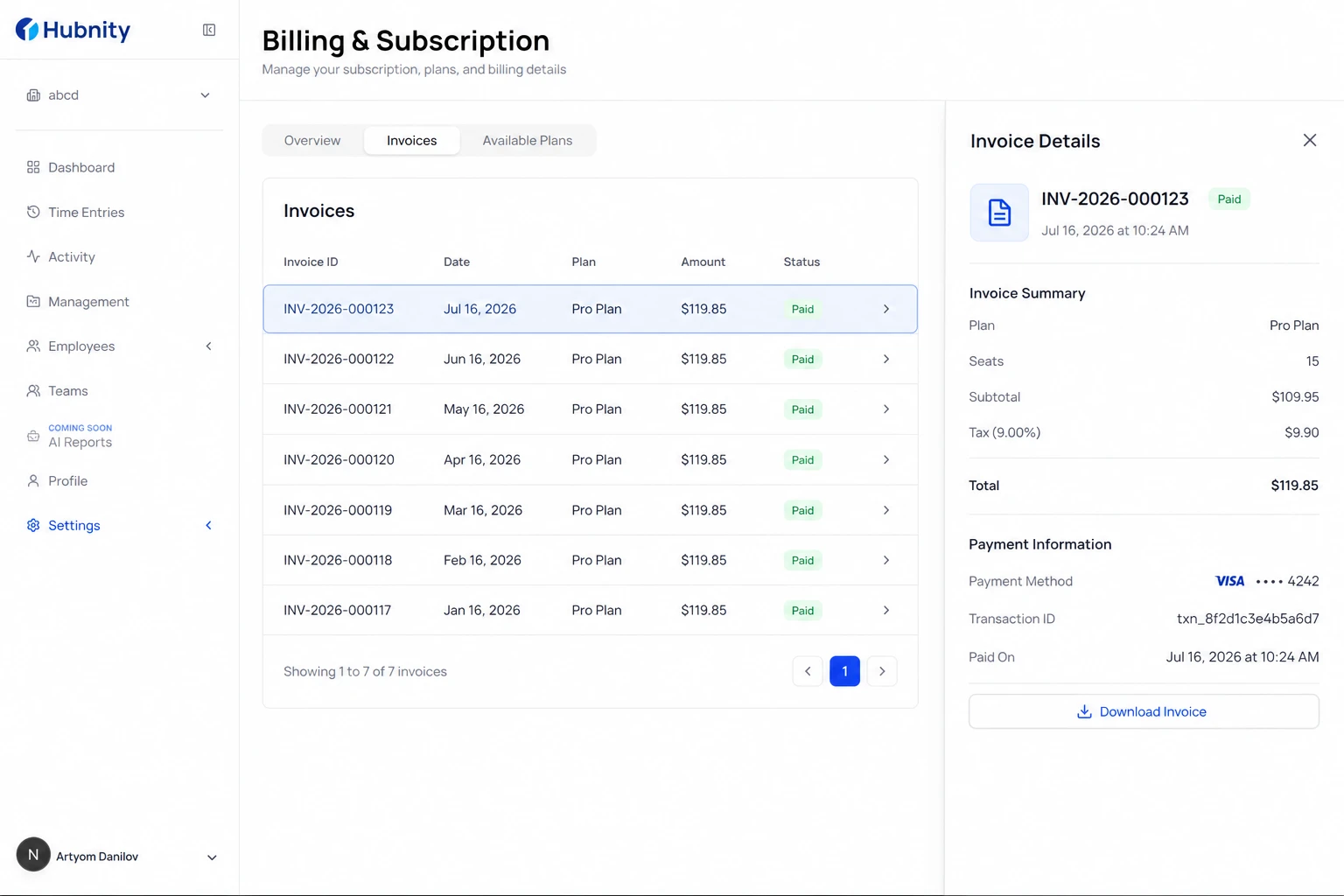
- 4
Click Download PDF or Download CSV
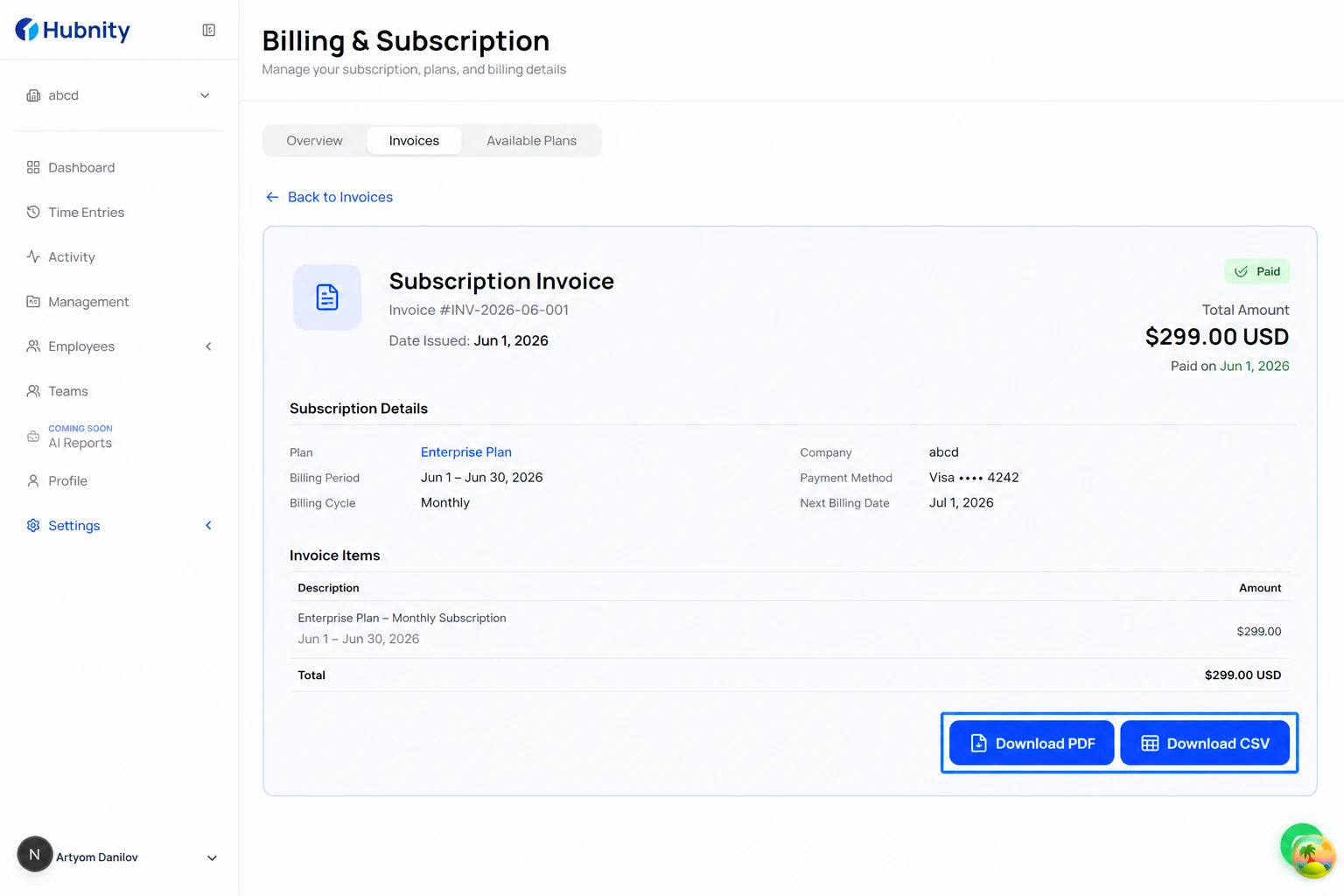
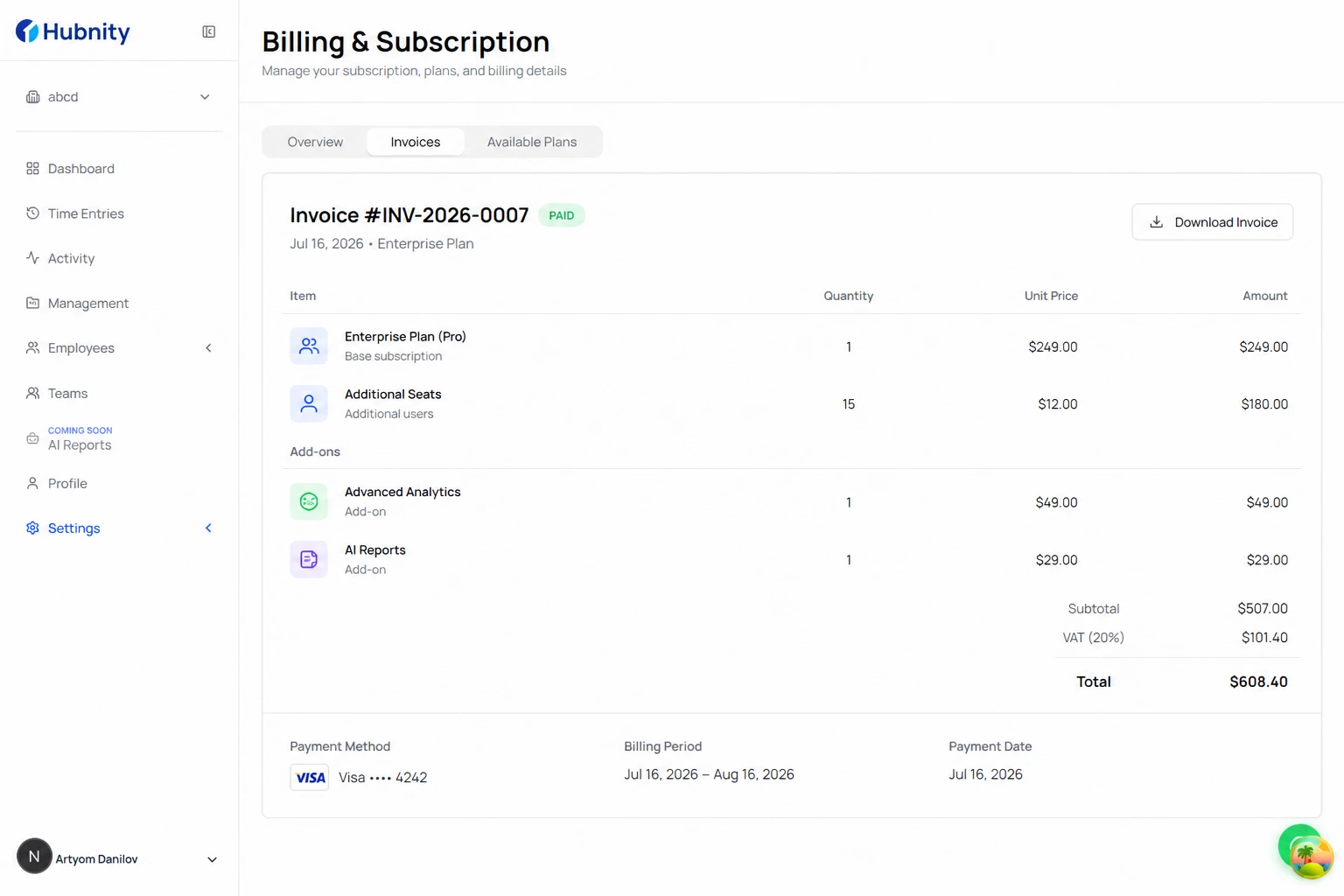
Invoice contents
Subscription invoices include: plan name, seat count, per-seat price, add-on charges, tax/VAT, and payment method last four digits.
Client invoices
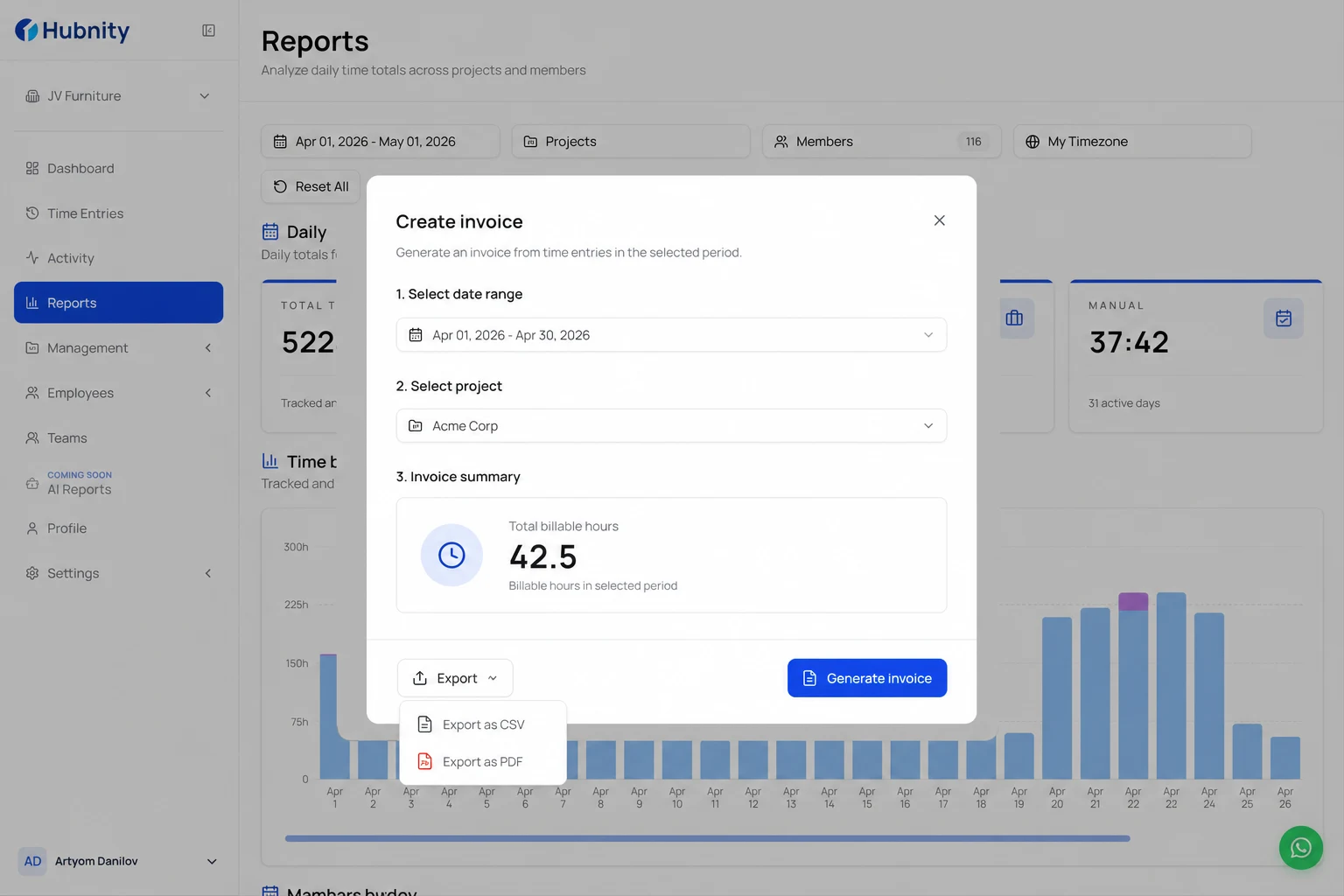
Client invoices (from billable time) are in Billing → Invoices → Client tab.
Download individual PDFs or bulk-export from the toolbar.
Accounting integration
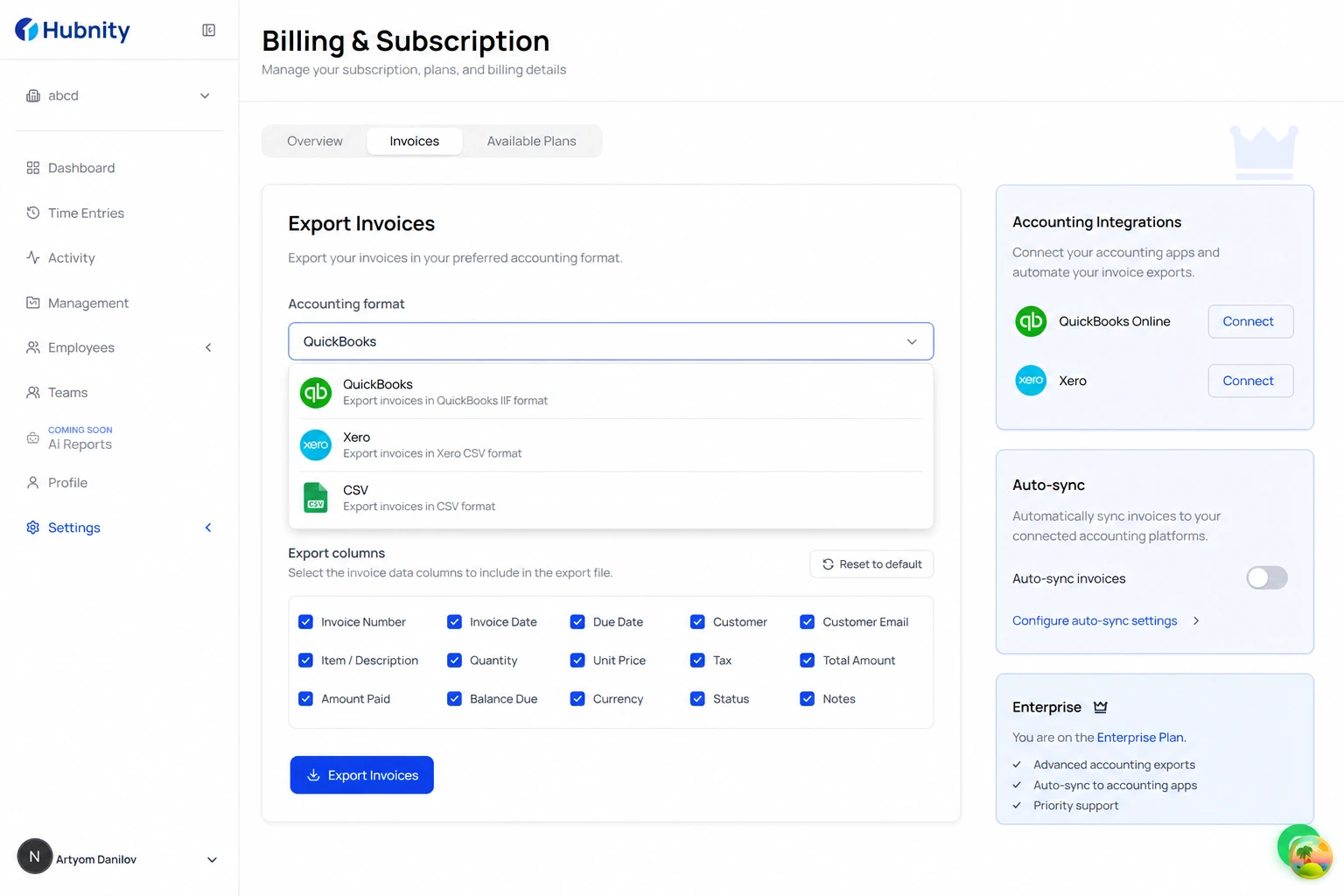
Export CSV with columns formatted for QuickBooks and Xero from Billing → Invoices → Export → Accounting format.
Enterprise: auto-sync to accounting software via Settings → Integrations → Accounting.